Claude Code, Codex, Cursor 등 Skill을 지원하는 에이전트에 붙여 넣으세요.
필요 환경: Node.js 22+, FFmpeg, Chrome. API 키 불필요.
다른 테마와 화면 비율
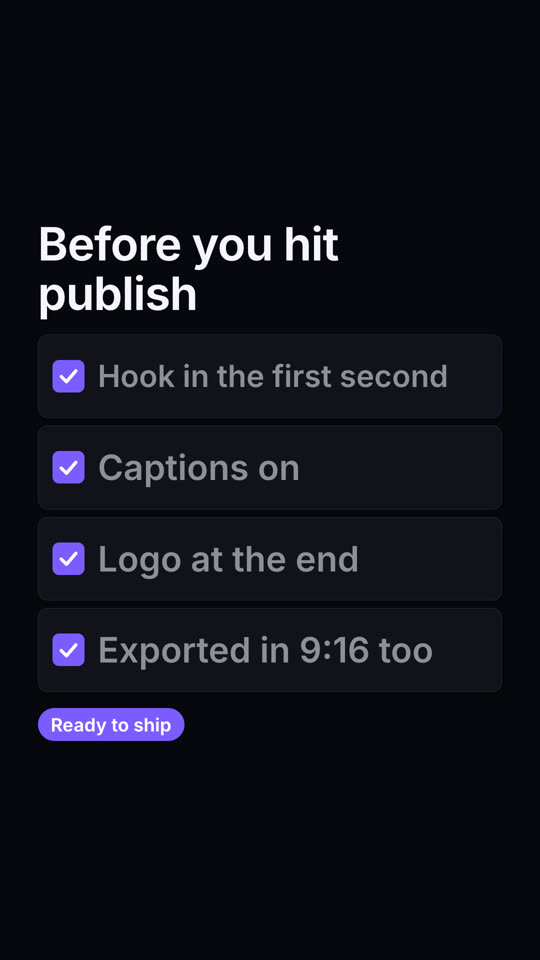
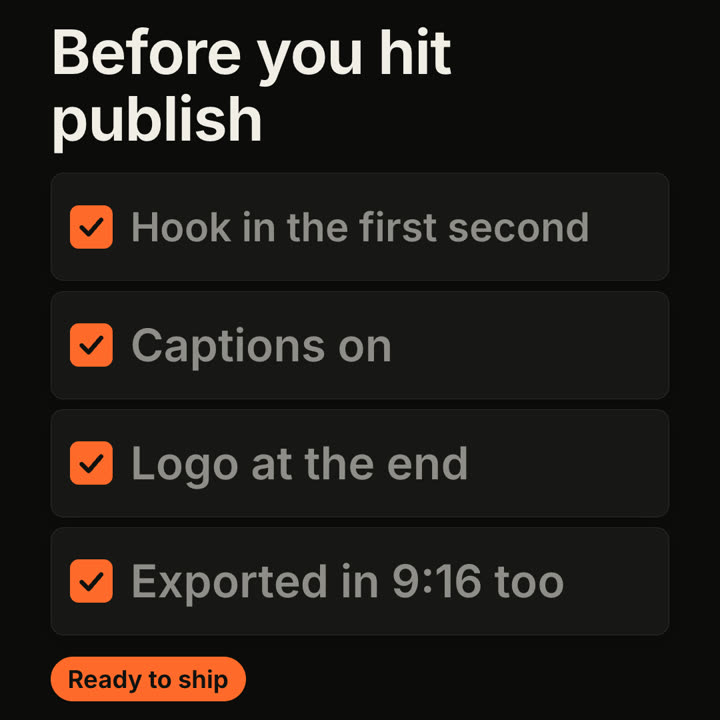
테마: 일렉트릭 · 9:16테마: 잉크 · 1:1
같은 템플릿을 테마와 화면 비율만 바꿔 렌더링한 마지막 프레임입니다.
테마 5가지
Aa
잉크
ink
Aa
페이퍼 · 기본
paper
Aa
일렉트릭
electric
Aa
누아르
noir
Aa
샌드
sand
프롬프트에 테마 이름을 적으면 바로 바뀝니다. 강조색, 배경색, 글자색을 직접 지정할 수도 있습니다.
설치 프롬프트
https://claude-motion.com/skills/checklist-ticks/install.md 를 읽고 안내대로 "checklist-ticks" 스킬을 설치한 다음, 그 스킬로 첫 영상을 만들어 주세요.
Claude Code, Codex, Cursor 등 Skill을 지원하는 에이전트에 붙여 넣으세요.
프롬프트 예시
Use the checklist-ticks skill: title "Launch day", items "Docs live | Pricing page | Changelog | Tweet thread | Demo video", done badge "All set". Electric theme, 9:16.
스타일 프롬프트 (Claude Motion 또는 Opus 5.5)
Make a 7-second 16:9 checklist for [who will watch, e.g. our content team], playing [where, e.g. the training page]. Use only the title and four items below; don't reword them. Warm off-white background.

The title fades up, then four white rounded cards slide in from the left, each with an empty checkbox and a label. One by one each checkbox fills rust orange with a little bounce, a white tick draws in, and its label dims. End frame: a small orange pill pops in below, held for 1.5 seconds.

Title: [e.g. "Before you hit publish"]
Four items: [e.g. "Hook in the first second", "Captions on", "Logo at the end", "Exported in 9:16 too"]
Pill: [e.g. "Ready to ship"]
설치 불필요: Claude Motion(Team 또는 Enterprise)에 붙여 넣거나 Opus 5.5에 주면 비슷한 스타일이 나옵니다. 결과는 실행마다 달라지며, Skill은 매번 같은 결과를 냅니다.