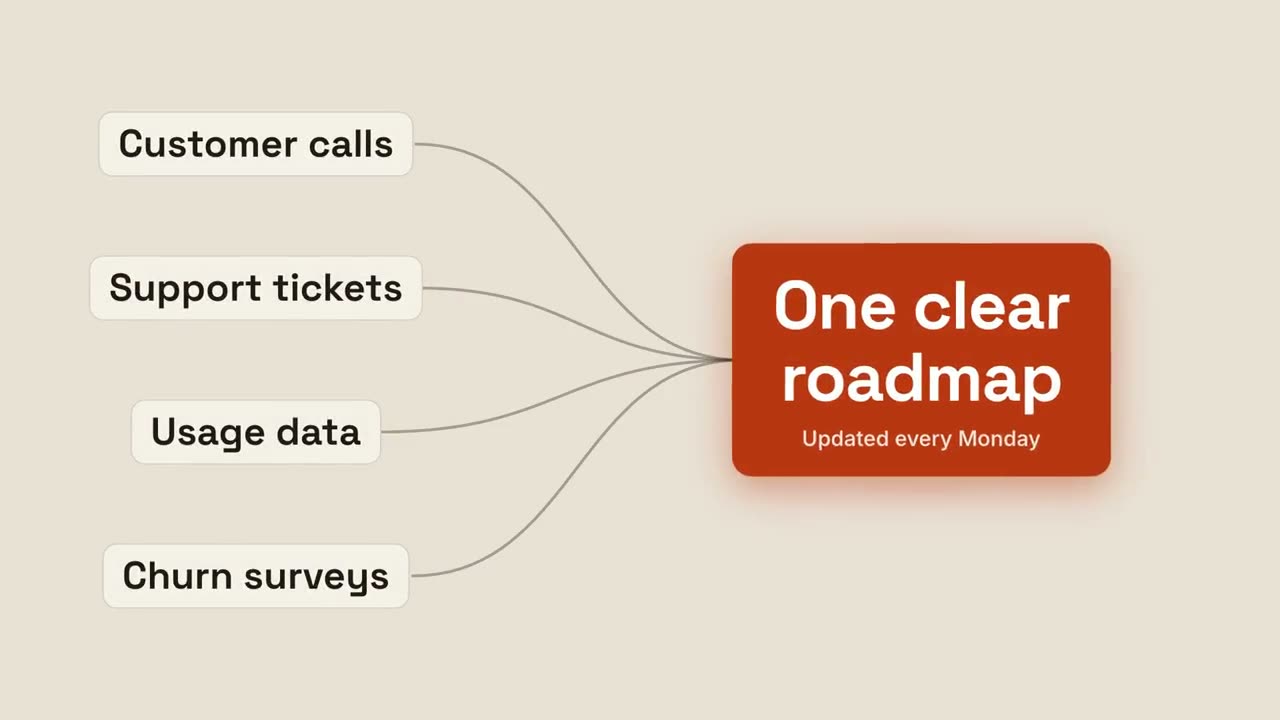
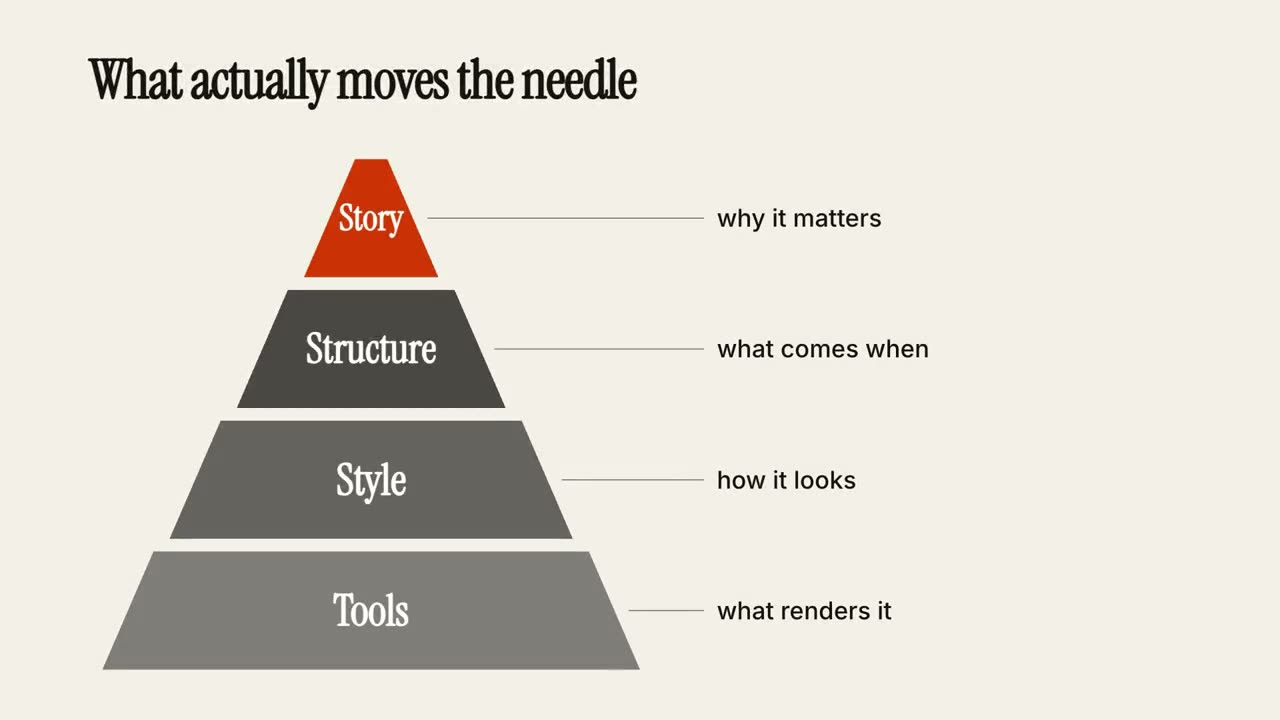
Claude Code, Codex, Cursor 등 Skill을 지원하는 에이전트에 붙여 넣으세요.
필요 환경: Node.js 22+, FFmpeg, Chrome. API 키 불필요.
다른 테마와 화면 비율
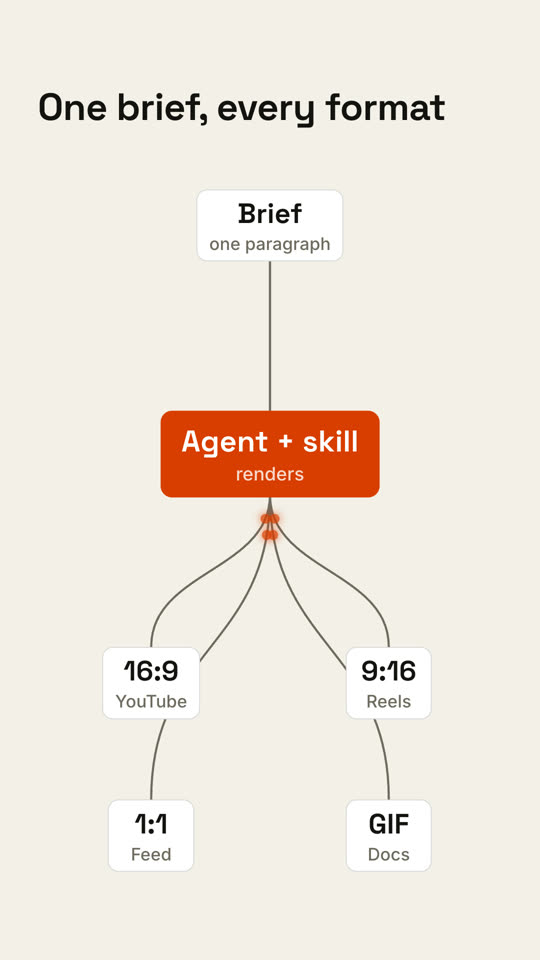
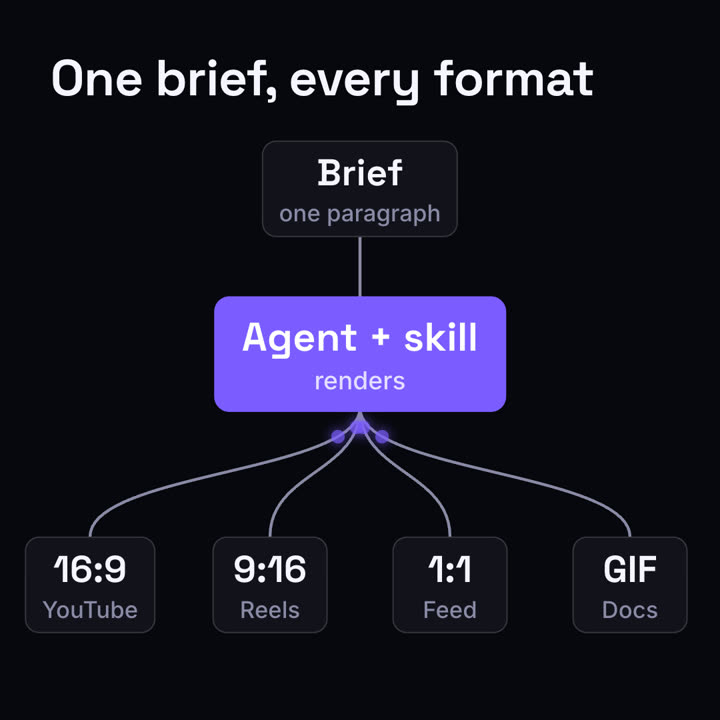
테마: 페이퍼 · 9:16테마: 일렉트릭 · 1:1
같은 템플릿을 테마와 화면 비율만 바꿔 렌더링한 마지막 프레임입니다.
테마 5가지
Aa
잉크 · 기본
ink
Aa
페이퍼
paper
Aa
일렉트릭
electric
Aa
누아르
noir
Aa
샌드
sand
프롬프트에 테마 이름을 적으면 바로 바뀝니다. 강조색, 배경색, 글자색을 직접 지정할 수도 있습니다.
설치 프롬프트
https://claude-motion.com/skills/pipeline-fanout/install.md 를 읽고 안내대로 "pipeline-fanout" 스킬을 설치한 다음, 그 스킬로 첫 영상을 만들어 주세요.
Claude Code, Codex, Cursor 등 Skill을 지원하는 에이전트에 붙여 넣으세요.
프롬프트 예시
Use the pipeline-fanout skill: input "Webhook: order.created", process "Router: rules", outputs "Slack: #sales | Email: customer | CRM: deal". Paper theme.
스타일 프롬프트 (Claude Motion 또는 Opus 5.5)
Make an 8-second 16:9 pipeline diagram for [who will watch, e.g. engineers evaluating us], playing [where, e.g. the docs overview]. Use only the labels below. Near-black background.

The title appears. A dark input card appears on the left, a gray line draws to the middle card which turns bright orange, then four curved lines fan out to four output cards on the right. Glowing orange dots travel from the input into the orange node and out along every branch, briefly outlining each output card in orange. End frame: the pulses repeat once and settle.

Title: [e.g. "One brief, every format"]
Input, middle step and four outputs: [e.g. "Brief — one paragraph" → "Agent + skill — renders" → "16:9 YouTube", "9:16 Reels", "1:1 Feed", "GIF Docs"]
설치 불필요: Claude Motion(Team 또는 Enterprise)에 붙여 넣거나 Opus 5.5에 주면 비슷한 스타일이 나옵니다. 결과는 실행마다 달라지며, Skill은 매번 같은 결과를 냅니다.