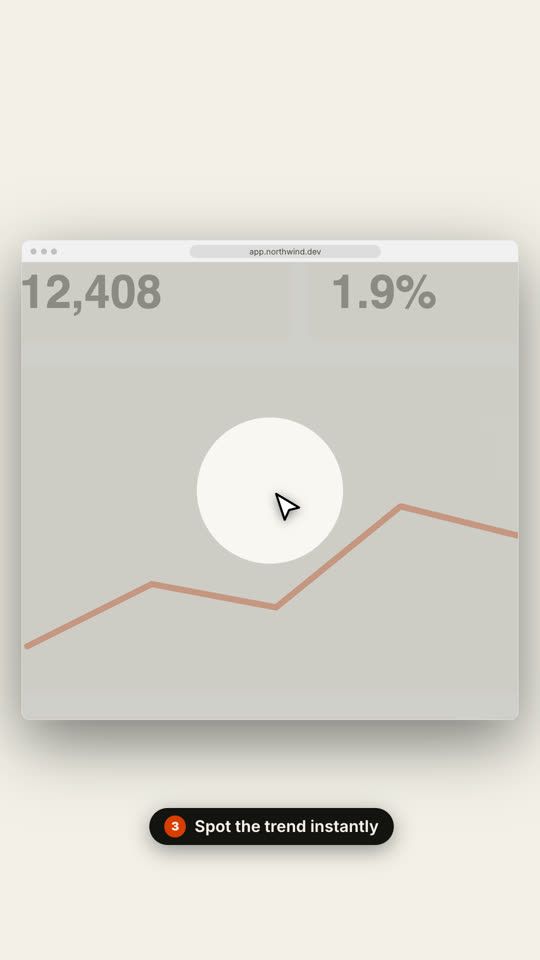
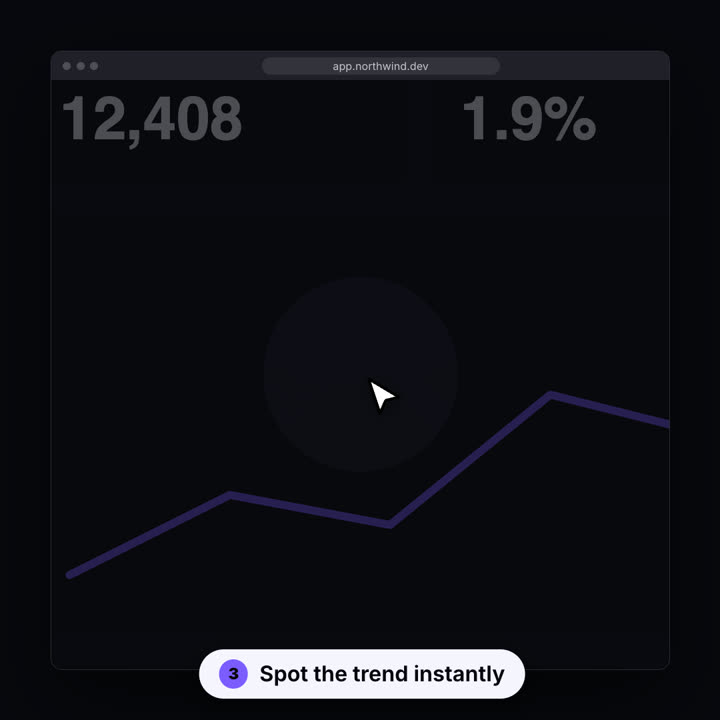
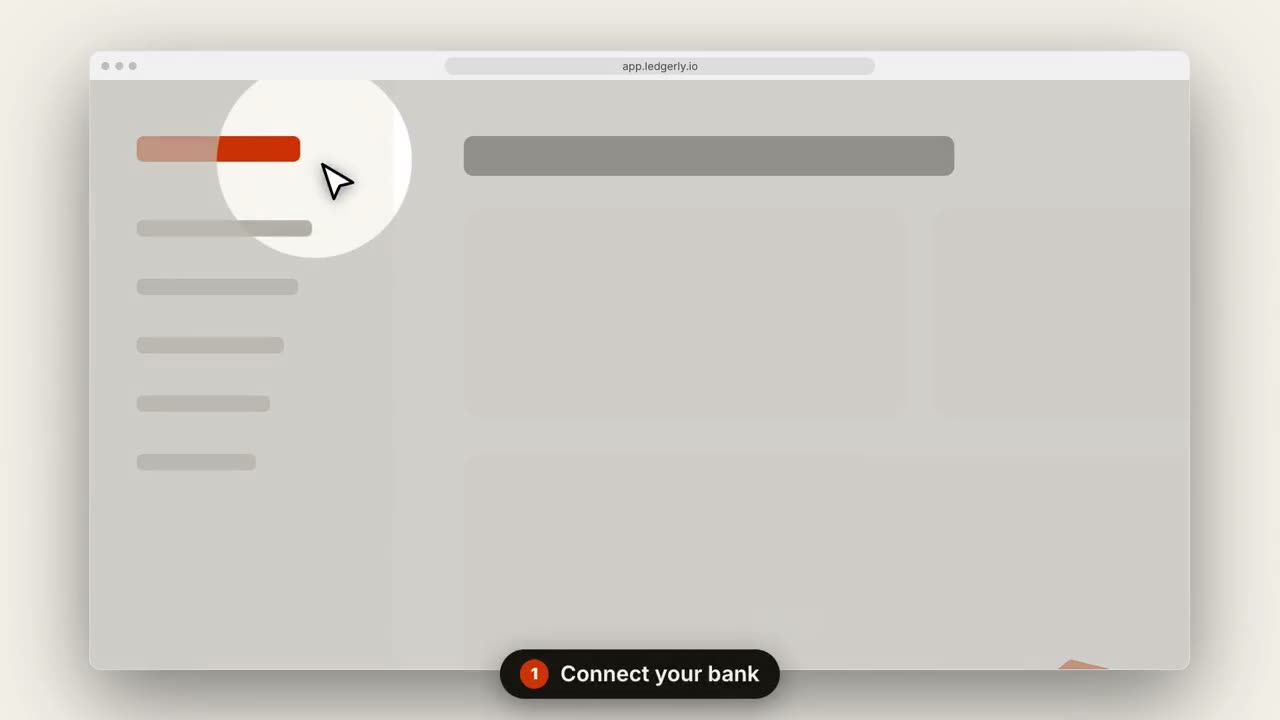
La cámara se acerca a cada paso mientras un cursor hace clic.
Pégalo en Claude Code, Codex, Cursor o cualquier agente compatible con skills.
Necesita: Node.js 22+, FFmpeg, Chrome. Sin claves de API.
Otros temas y formatos
Tema: Papel · 9:16Tema: Eléctrico · 1:1
Fotogramas finales de la misma plantilla, renderizados con otro tema y formato.
5 temas
Aa
Tinta · predeterminado
ink
Aa
Papel
paper
Aa
Eléctrico
electric
Aa
Noir
Aa
Arena
sand
Indica un tema en tu prompt o define tus propios colores de acento, fondo y texto.
Prompt de instalación
Lee https://claude-motion.com/skills/saas-walkthrough/install.md, sigue sus pasos para instalar la skill "saas-walkthrough" y luego haz un primer video con ella.
Pégalo en Claude Code, Codex, Cursor o cualquier agente compatible con skills.
Prompt de ejemplo
Use the saas-walkthrough skill with assets/dashboard.png, title "Invoices on autopilot", steps "0.15,0.2: Connect your bank | 0.7,0.35: Review drafts | 0.85,0.12: Send in one click", url "app.ledgerly.io".
Prompt de estilo (Claude Motion u Opus 5.5)
Make a 14-second 16:9 product walkthrough for [who will watch, e.g. new customers], playing [where, e.g. the onboarding email]. Use only the title, step captions and screenshot I give below; don't change a word. Near-black background.

Scene 1: the title appears word by word, then fades as a browser window with the screenshot rises into place. Scenes 2–4, one per step: a white cursor glides to the right spot, the view zooms in smoothly, a soft spotlight dims everything else, the cursor clicks with an orange ripple, and a white numbered pill caption slides up at the bottom. End frame: zoom back out to the whole screen.

Title: [e.g. "Ship a release in 3 clicks"]
Steps: [three captions and where each one points] (e.g. "Open your workspace" on the sidebar)
Attach: [a screenshot of your product]
Sin instalar nada: pégalo en Claude Motion (Team o Enterprise) o dáselo a Opus 5.5 para un estilo parecido. El resultado cambia en cada ejecución; la skill da siempre el mismo.