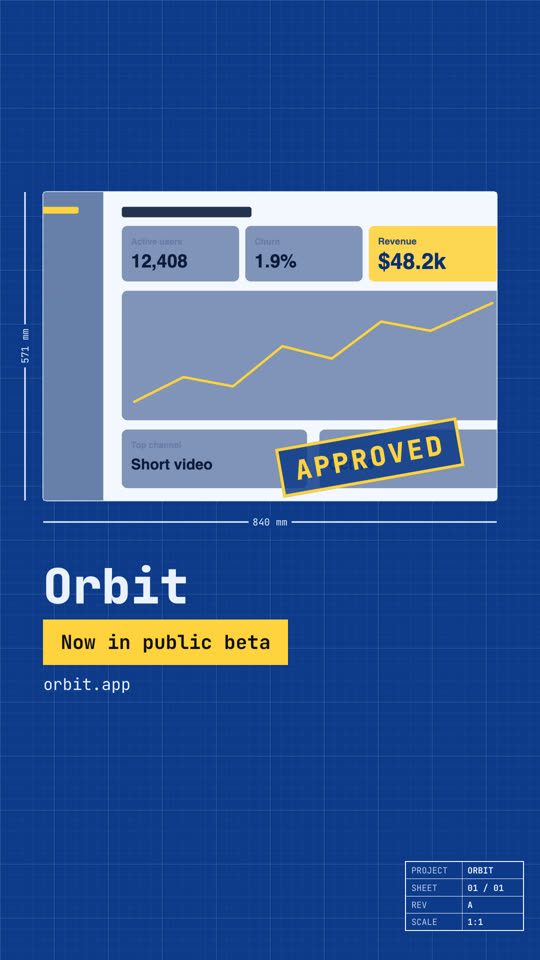
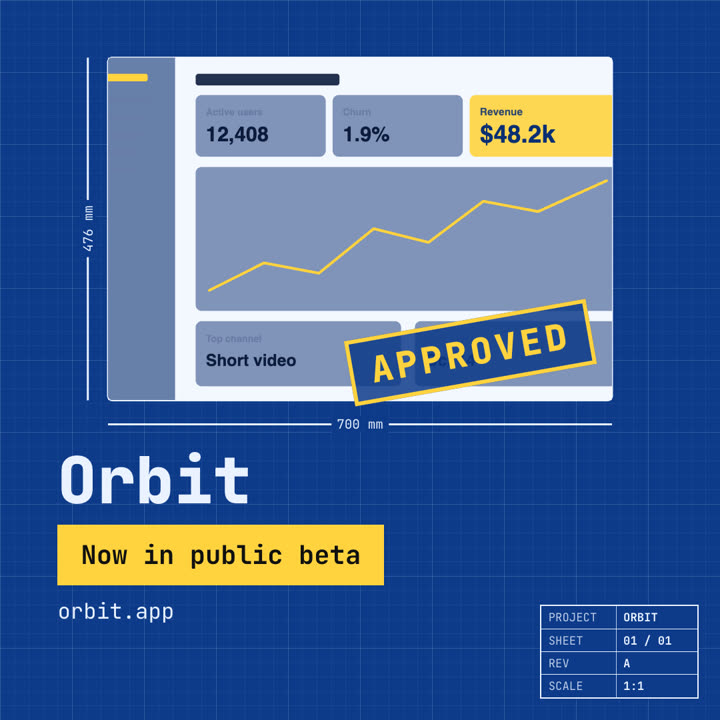
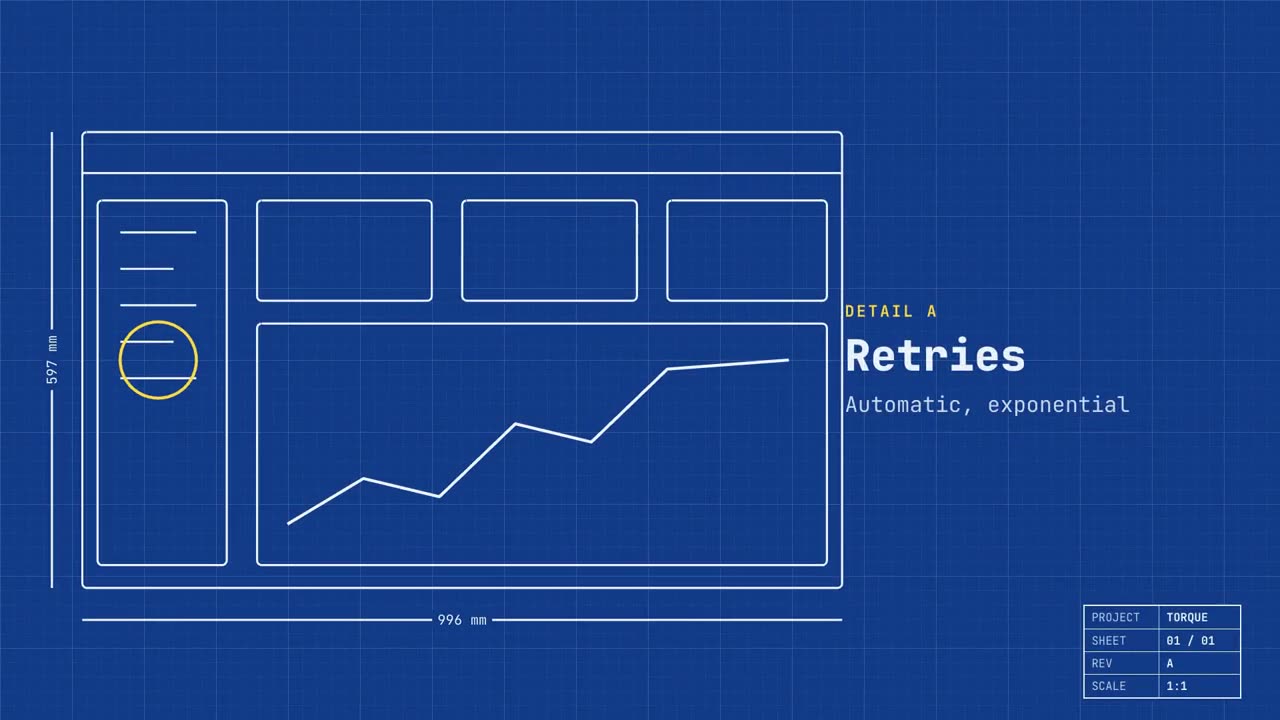
Tu producto como un plano técnico que se dibuja solo y luego se rellena.
Pégalo en Claude Code, Codex, Cursor o cualquier agente compatible con skills.
Necesita: Node.js 22+, FFmpeg, Chrome. Sin claves de API.
Otros temas y formatos
Tema: Papel · 9:16Tema: Noir · 1:1
Fotogramas finales de la misma plantilla, renderizados con otro tema y formato.
5 temas
Aa
Tinta
ink
Aa
Papel
paper
Aa
Eléctrico · predeterminado
electric
Aa
Noir
Aa
Arena
sand
Indica un tema en tu prompt o define tus propios colores de acento, fondo y texto.
Prompt de instalación
Lee https://claude-motion.com/skills/blueprint-launch/install.md, sigue sus pasos para instalar la skill "blueprint-launch" y luego haz un primer video con ella.
Pégalo en Claude Code, Codex, Cursor o cualquier agente compatible con skills.
Prompt de ejemplo
Use the blueprint-launch skill for Torque, a dev tool: hook "Built like infrastructure.", features "Retries: Automatic, exponential | Tracing: Every hop, recorded | Scale: Millions of jobs a day", image assets/dashboard.png.
Prompt de estilo (Claude Motion u Opus 5.5)
Make a 20-second 16:9 launch video for [who will watch, e.g. engineers and product teams], playing [where, e.g. Product Hunt and X]. Use only the name, lines and screenshot I give; don't change a word. Deep blueprint-blue background with a fine white grid.

Scene 1: a wireframe of an app window draws itself in thin white lines (header, sidebar, three cards, a chart) with dashed dimension lines labeled in millimeters and a drawing title block in the corner with the project name. Scene 2: the product name scrambles in, monospace, with the tagline in yellow. Scene 3: three yellow rings circle details labeled DETAIL A, B, C with feature names. Scene 4: the wireframe fills in with the screenshot from left to right and a yellow "APPROVED" stamp slams on. End frame: the name, a yellow status tag and the URL.

Product and tagline: [e.g. Orbit, "Engineered for focus."]
Three features: [names]
Status tag and URL: [e.g. "Now in public beta", orbit.app]
Attach: [a screenshot of your product]
Sin instalar nada: pégalo en Claude Motion (Team o Enterprise) o dáselo a Opus 5.5 para un estilo parecido. El resultado cambia en cada ejecución; la skill da siempre el mismo.