Línea de tiempo de hitos
Una línea de tiempo se dibuja y los hitos aparecen a lo largo de ella.
Pégalo en Claude Code, Codex, Cursor o cualquier agente compatible con skills.
Necesita: Node.js 22+, FFmpeg, Chrome. Sin claves de API.
Otros temas y formatos
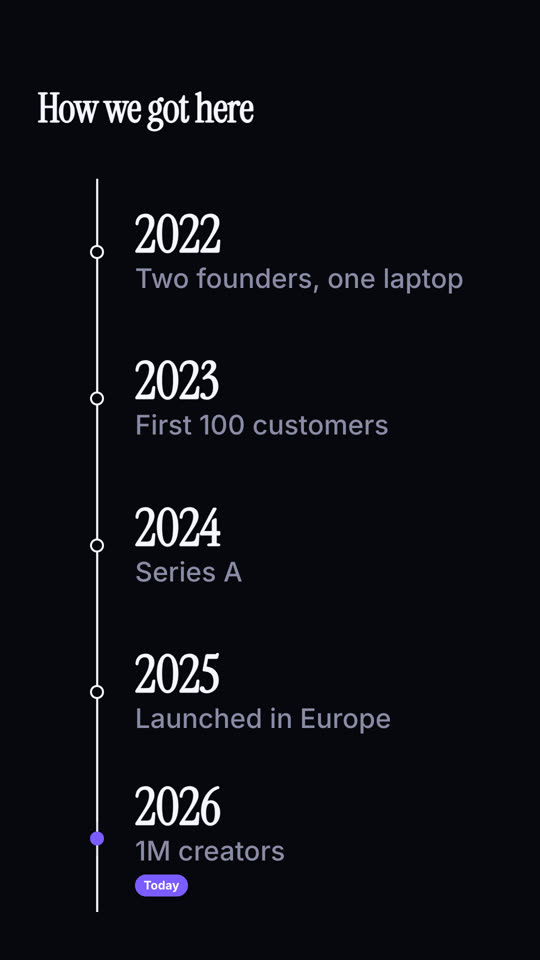
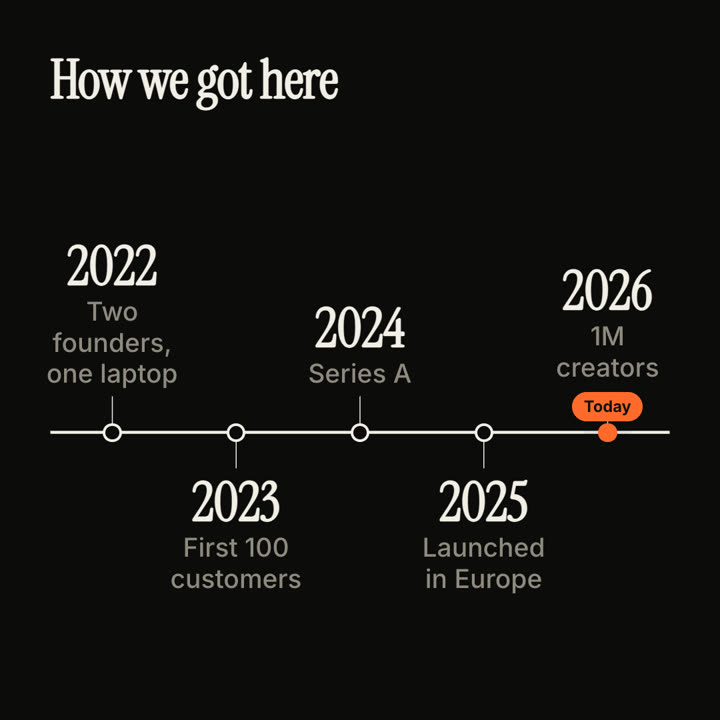
Fotogramas finales de la misma plantilla, renderizados con otro tema y formato.
5 temas
- Tinta
ink - Papel
paper - Eléctrico
electric - Noir
- Arena · predeterminado
sand
Indica un tema en tu prompt o define tus propios colores de acento, fondo y texto.
Lee https://claude-motion.com/skills/milestone-timeline/install.md, sigue sus pasos para instalar la skill "milestone-timeline" y luego haz un primer video con ella.
Pégalo en Claude Code, Codex, Cursor o cualquier agente compatible con skills.
Use the milestone-timeline skill: title "Product history", milestones "v1: Text only | v2: Images | v3: Video | v4: Motion skills", now "Now". Ink theme, 9:16.
Make an 8-second 16:9 timeline for [who will watch, e.g. new hires and investors], playing [where, e.g. the about page and the onboarding deck]. Use only the years and milestones below; don't change a date. Sand background.

A serif title appears. A thin dark line draws from left to right. As it reaches each point, a hollow dot pops and a milestone appears, alternating above and below the line. End frame: the final milestone with an orange dot and a small orange "Today" pill that pulses.

Title: [e.g. "How we got here"]
Milestones: [year — one line each, 4 to 5] (e.g. "2022 — Two founders, one laptop" … "2026 — 1M creators")
Sin instalar nada: pégalo en Claude Motion (Team o Enterprise) o dáselo a Opus 5.5 para un estilo parecido. El resultado cambia en cada ejecución; la skill da siempre el mismo.
Más de esta serie
Capítulos →
Sello de capítulo
Un número de capítulo gigante cae como un sello, seguido del título.

Muro de resumen
Las tarjetas con conclusiones llegan volando y se ordenan en un muro numerado.
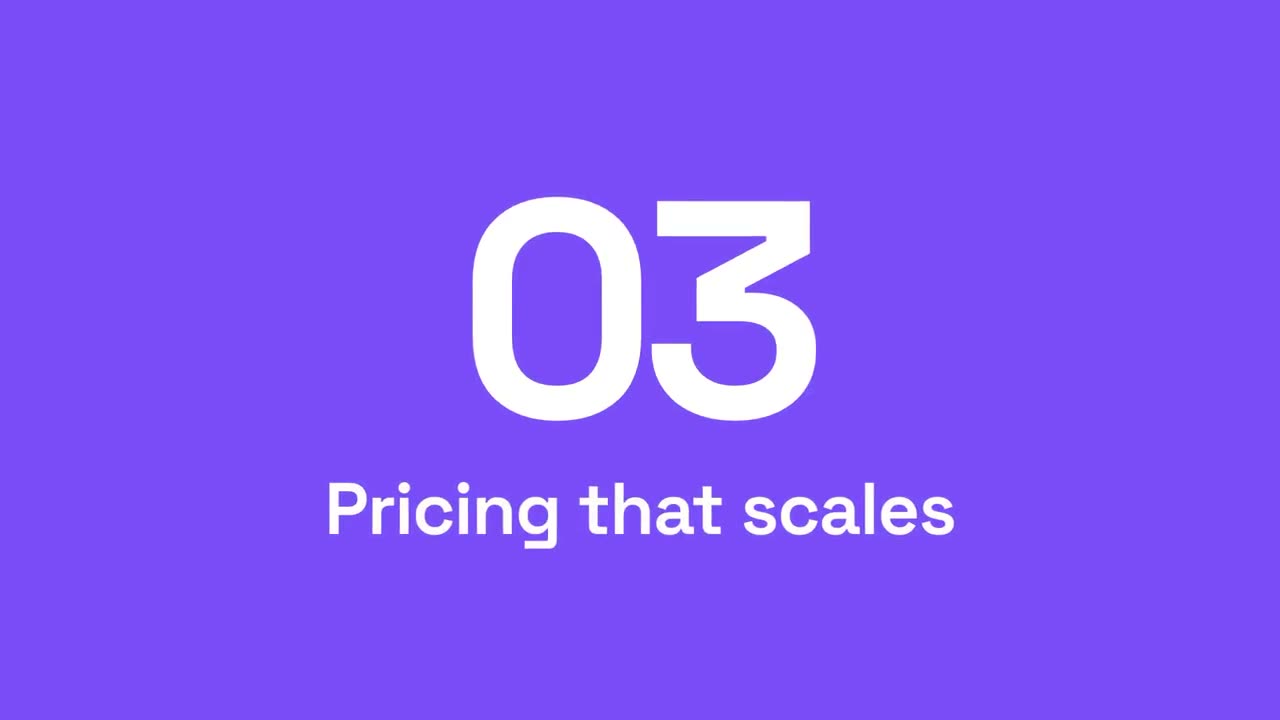
Barrido de sección
Paneles de acento barren la imagen mientras el número de sección pasa al siguiente.
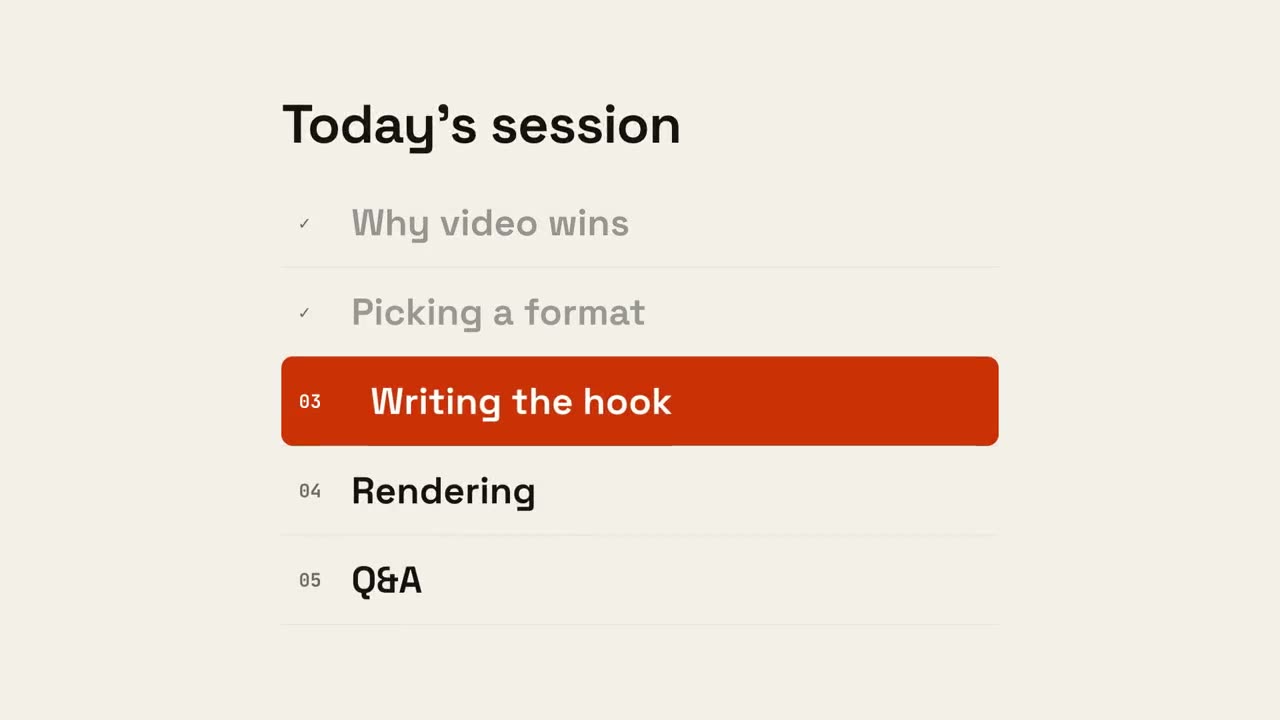
Progreso de agenda
Aparece la agenda, los puntos terminados se marcan y un indicador baja hasta el siguiente.