Progreso de agenda
Aparece la agenda, los puntos terminados se marcan y un indicador baja hasta el siguiente.
Pégalo en Claude Code, Codex, Cursor o cualquier agente compatible con skills.
Necesita: Node.js 22+, FFmpeg, Chrome. Sin claves de API.
Otros temas y formatos
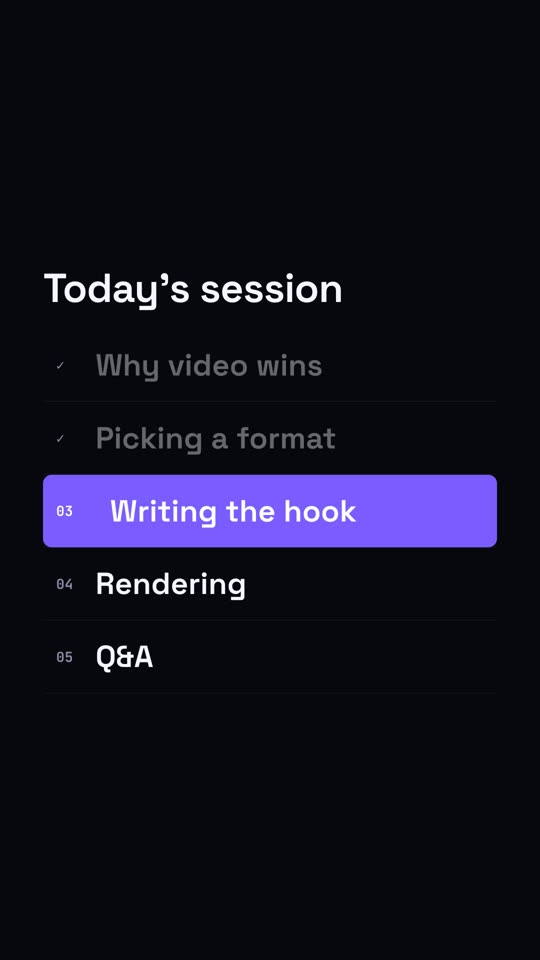
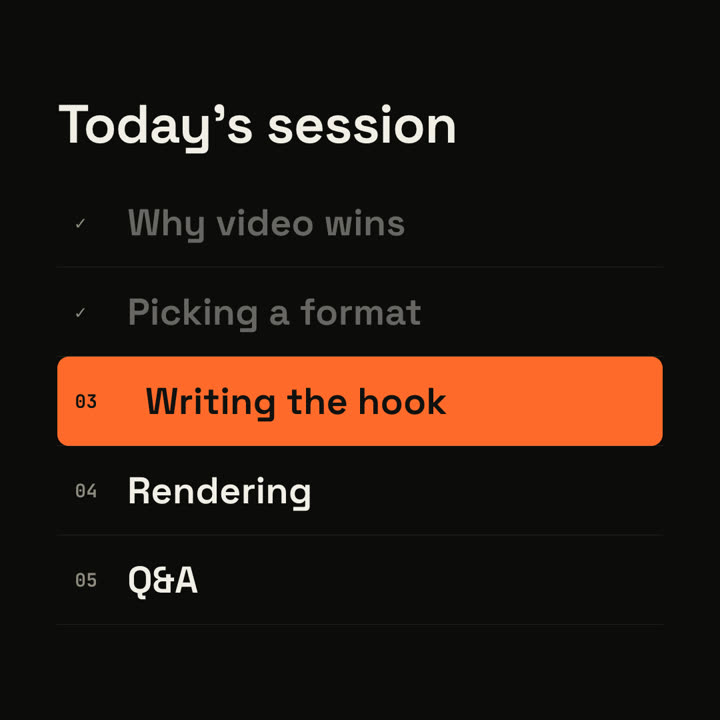
Fotogramas finales de la misma plantilla, renderizados con otro tema y formato.
5 temas
- Tinta
ink - Papel · predeterminado
paper - Eléctrico
electric - Noir
- Arena
sand
Indica un tema en tu prompt o define tus propios colores de acento, fondo y texto.
Lee https://claude-motion.com/skills/agenda-progress/install.md, sigue sus pasos para instalar la skill "agenda-progress" y luego haz un primer video con ella.
Pégalo en Claude Code, Codex, Cursor o cualquier agente compatible con skills.
Use the agenda-progress skill: title "Workshop", items "Setup | Your first skill | Brand kit | Publishing", current 2. Ink theme, 1:1.
Make a 6-second 16:9 agenda scene for [who will watch, e.g. webinar attendees], playing [where, e.g. between sections of the session]. Use only the title and five items below. Off-white background.

The title appears. Five numbered rows slide in. An orange highlight bar sits on the current row, the finished rows dim and their numbers turn into ticks. End frame: the bar slides down to the next item, whose text turns white and nudges right.

Title: [e.g. "Today's session"]
Five items: [e.g. "Why video wins", "Picking a format", "Writing the hook", "Rendering", "Q&A"]
Current item: [e.g. "Writing the hook"]
Sin instalar nada: pégalo en Claude Motion (Team o Enterprise) o dáselo a Opus 5.5 para un estilo parecido. El resultado cambia en cada ejecución; la skill da siempre el mismo.
Más de esta serie
Capítulos →
Sello de capítulo
Un número de capítulo gigante cae como un sello, seguido del título.

Línea de tiempo de hitos
Una línea de tiempo se dibuja y los hitos aparecen a lo largo de ella.

Muro de resumen
Las tarjetas con conclusiones llegan volando y se ordenan en un muro numerado.
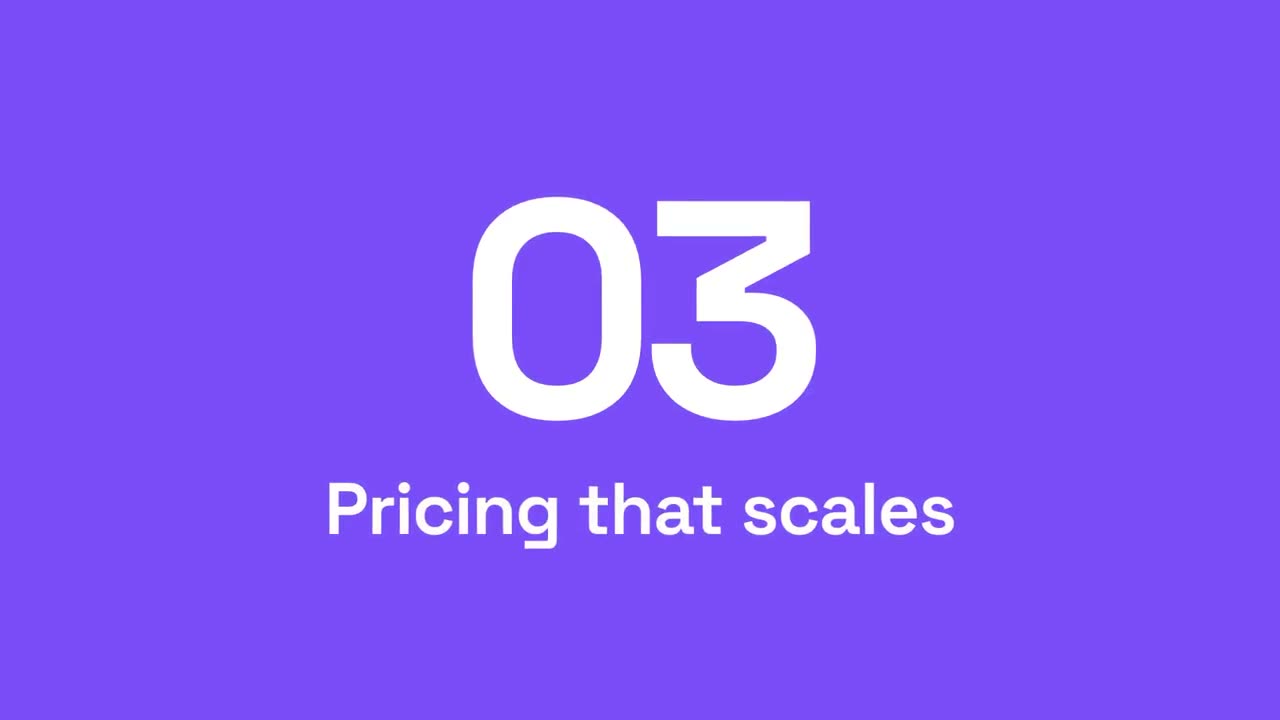
Barrido de sección
Paneles de acento barren la imagen mientras el número de sección pasa al siguiente.