Product demo · Kimi
Kimi WebBridge: browser on the left, agent log on the right
A wide browser on the left and a terminal on the right run side by side through three tasks: research into a table, a survey form, and rebuilding a web page. Input, action and result can always be matched across the two panes.
- Kind
- Product demo
- Length
- 63 s
- Shape
- 16:9
- Posted
- 2026-05-14
- By
- Kimi.ai (@Kimi_Moonshot)
- Look
- Product UIScreen recordingBold colour
- Colours
What happens
Times are estimates from watching the film.
| Time | On screen |
|---|---|
| 0:00–0:06 | Feature and extension intro |
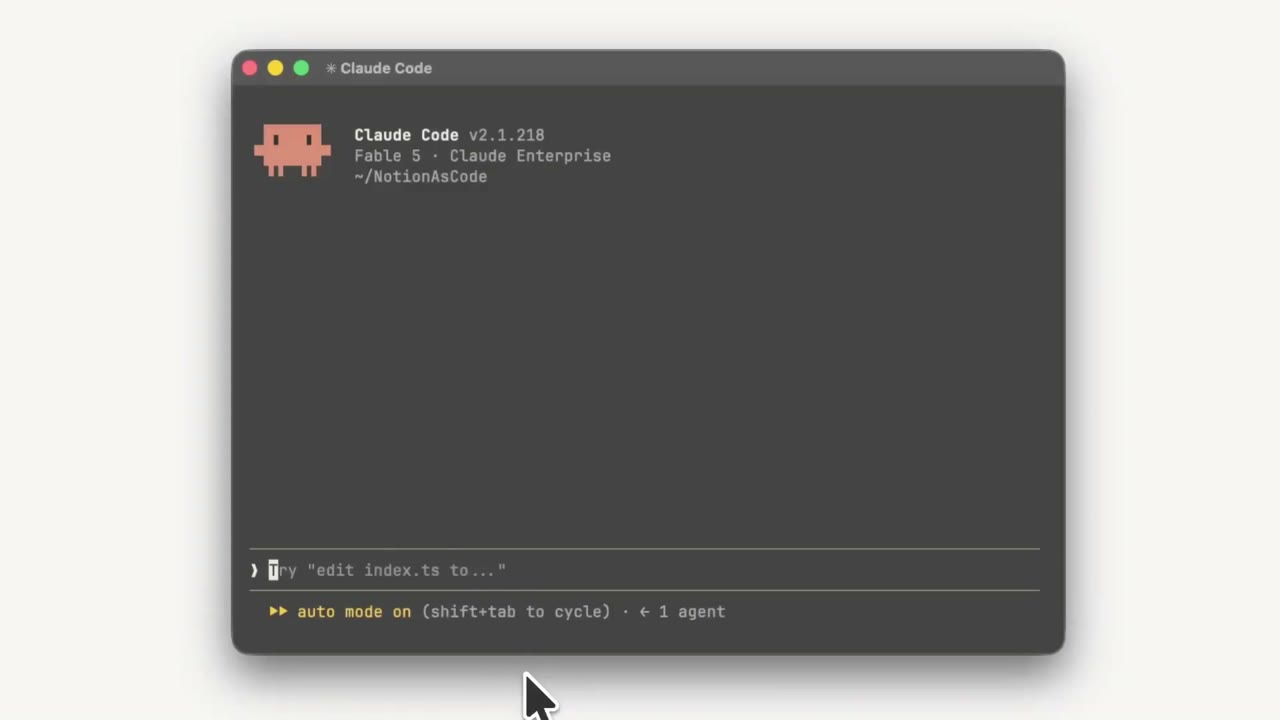
| 0:06–0:13 | Command typed |
| 0:13–0:23 | Visits several sites |
| 0:23–0:30 | Writes to a table |
| 0:30–0:40 | Builds a survey |
| 0:40–0:45 | Web page rebuild task |
| 0:45–0:51 | Read and rebuild |
| 0:51–0:58 | Check report |
| 0:58–1:03 | Brand |
The rules it keeps
- 1Fix the two panes: wider browser on the left, continuous terminal on the right.
- 2Enter the command in the terminal before the pages open, and mark what was collected with a local highlight.
- 3Give each of the three tasks its own request, action and result, separated by a short chapter title.
- 4Keep the same task name in both panes.
- 5End each task on its product, such as a table, form or page with a report, not on scrolling commands.
The look
Dark-to-light blue gradient outside, sans-serif pages, monospace terminal, large chapter words between tasks.
To make it yours
Replace the browser tool, target sites and tasks; keep the two-pane split and let the result type change with the task. The example does not prove live execution or rebuild accuracy.
Make a film like this
Make It Like This Film is a skill for Claude Code, Codex or Cursor. Give it this brief and your own material: it studies the reference, plans your film against its frames and checks the result side by side. It follows the structure, pacing and motion; the product, words, logo and pictures are yours.
Make a film for my product (product demo) like this reference: https://claude-motion.com/motion-references/kimi-webbridge-browser-on-the-left-agent-log-on-the-right
The reference film itself, to study: https://media.claude-motion.com/gallery/ref-2054918374837322140.mp4 (12 MB, about 45 seconds). Download that file and work from it.
What happens in it: Feature and extension intro → Command typed → Visits several sites → Writes to a table → Builds a survey → Web page rebuild task → Read and rebuild → Check report → Brand.
Rules it keeps:
- Fix the two panes: wider browser on the left, continuous terminal on the right.
- Enter the command in the terminal before the pages open, and mark what was collected with a local highlight.
- Give each of the three tasks its own request, action and result, separated by a short chapter title.
- Keep the same task name in both panes.
- End each task on its product, such as a table, form or page with a report, not on scrolling commands.
Look: Dark-to-light blue gradient outside, sans-serif pages, monospace terminal, large chapter words between tasks.
Use my own product, words, logo and pictures. Here is my material: [your product, screens, logo, the lines that must appear].