Turn any website into a smooth scrolling video
Paste a link. We capture the whole page, and the scroll is drawn frame by frame in your browser, so it is perfectly smooth at any speed. Save it as an MP4, WebM or GIF for a launch post, a portfolio or a newsletter.
- ✓Free, no watermark
- ✓Desktop or phone layout
- ✓16:9, 9:16, 1:1 and 4:5
- ✓MP4, WebM and GIF
A sample page (a fictional product). Paste an address above to use your own.
1920×1080 MP4, drawn frame by frame on your computer. The page's pictures are not stored.
How it works
A link in, a video out, in three steps
The capture takes about 20 seconds. Everything after that happens on your computer, so changing a setting never means waiting again.
- 01
Paste the address
Any public page: a landing page, a portfolio, a docs page, a store listing. Choose the desktop or the phone layout.
- 02
Set the scroll
Pick the shape, the length and how it moves: one smooth glide, a steady pace, or one screen at a time. Add a browser window and a backdrop if you like.
- 03
Render and download
The video is encoded in your browser as an MP4, a WebM or a GIF, up to 1080p at 60 fps, with no watermark.
What you can set
More than a screen recording
3D scenes
Put the scrolling page on an angled browser window, a laptop or a phone, with the camera moving round it. Free to preview; exporting one is part of a plan.
Three ways to scroll
Smooth eases in and out. Steady keeps one pace. Screen by screen stops on each section long enough to read it.
Every shape
16:9 for a post or a deck, 9:16 for a story or a short, 1:1 and 4:5 for feeds. The phone layout fills a vertical video edge to edge.
A window and a backdrop
Show the page in a browser window with its address, or a phone, on one of six backdrops, instead of edge to edge.
A clean loop
Scroll back to the top at the end, so the video or the GIF repeats without a jump.
A tidy page
Cookie notices, chat bubbles and pop-ups are taken out before the capture, and a sticky header shows once at the top instead of covering every screen.
Frame-exact
Every frame is drawn, not recorded, so there is no stutter, no cursor and no dropped frames, however slow the computer.
Where it goes
What people make with it
Launch
Launch posts
A ten-second glide down the new landing page says more than a screenshot on X, LinkedIn or Product Hunt.
Portfolio
Case studies
Show a site you designed or built as it scrolls, in a browser window on a backdrop, in your portfolio or a Dribbble shot.
Email
Newsletters and docs
A short looping GIF of the page works where video does not: email, a README, a changelog.
Social
Stories and shorts
The phone layout in 9:16 fills a story, a Reel or a Short edge to edge.
Good to know
What it captures, and what it does not
Public pages only
The page is opened by a browser on our side that is not signed in to anything. Pages behind a login, on your own computer or on a private network cannot be captured.
The page as a picture
The page is captured once, then scrolled. Videos, carousels and animations on it stand still, and entrance effects are shown finished.
Very long pages
The capture stops after about 22 screens on desktop and 14 on a phone. The video ends there.
Sites that refuse
Some sites block automated browsers. When one does, the tool says so instead of capturing an error page.
Beyond this tool
A scroll shows the page. A skill tells its story.
This tool glides down the page you already have. A Motion Skill starts from the same link: in Claude Code, Codex or Cursor, your agent reads the site, picks what matters, writes the scenes and the lines, scores the music and renders a launch film as an MP4.
- ✓From your site and your words, not a template
- ✓Scenes, captions and music, cut together
- ✓Rendered on your computer, yours to use
Skills that pick up from here
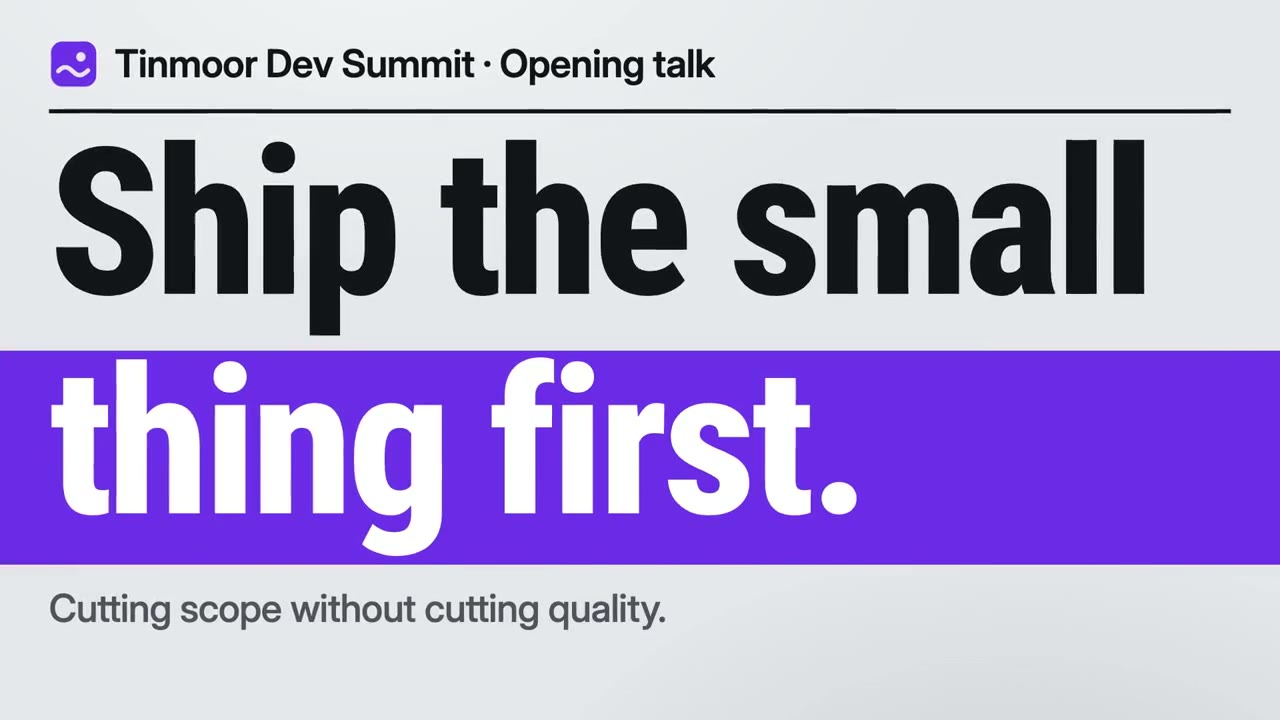
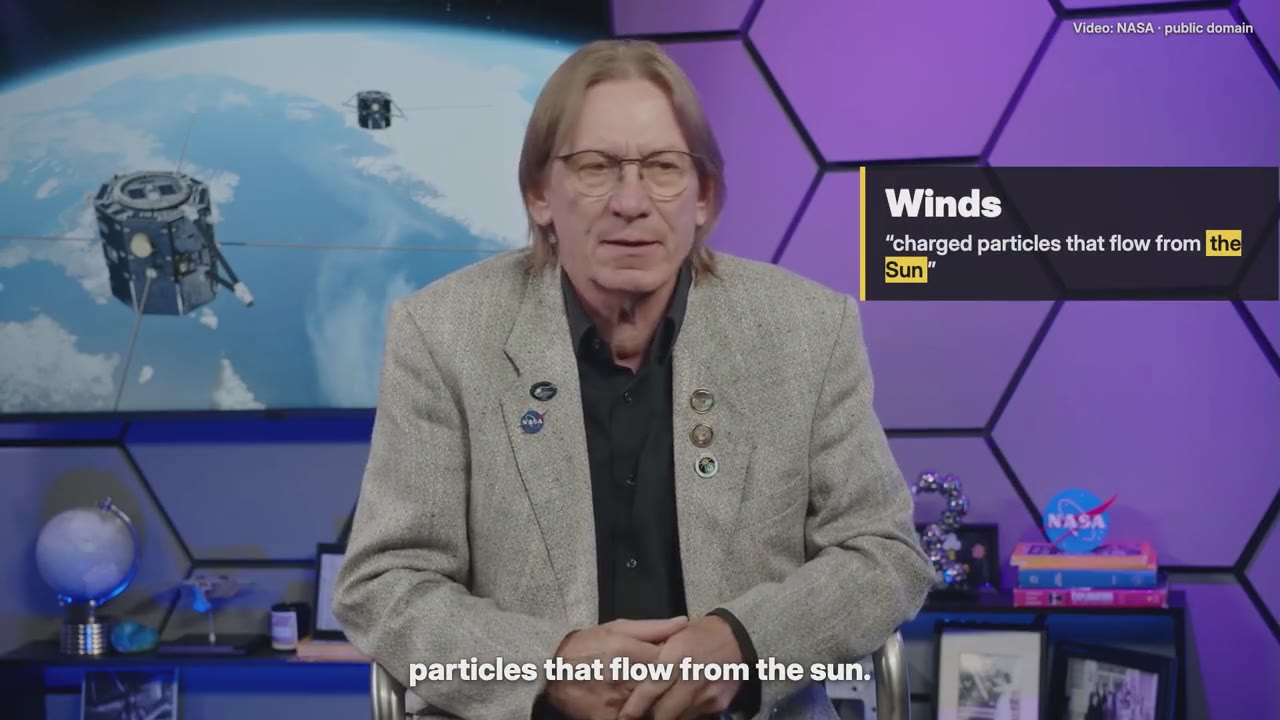
Each one makes a different kind of film. The first is the closest to this page.

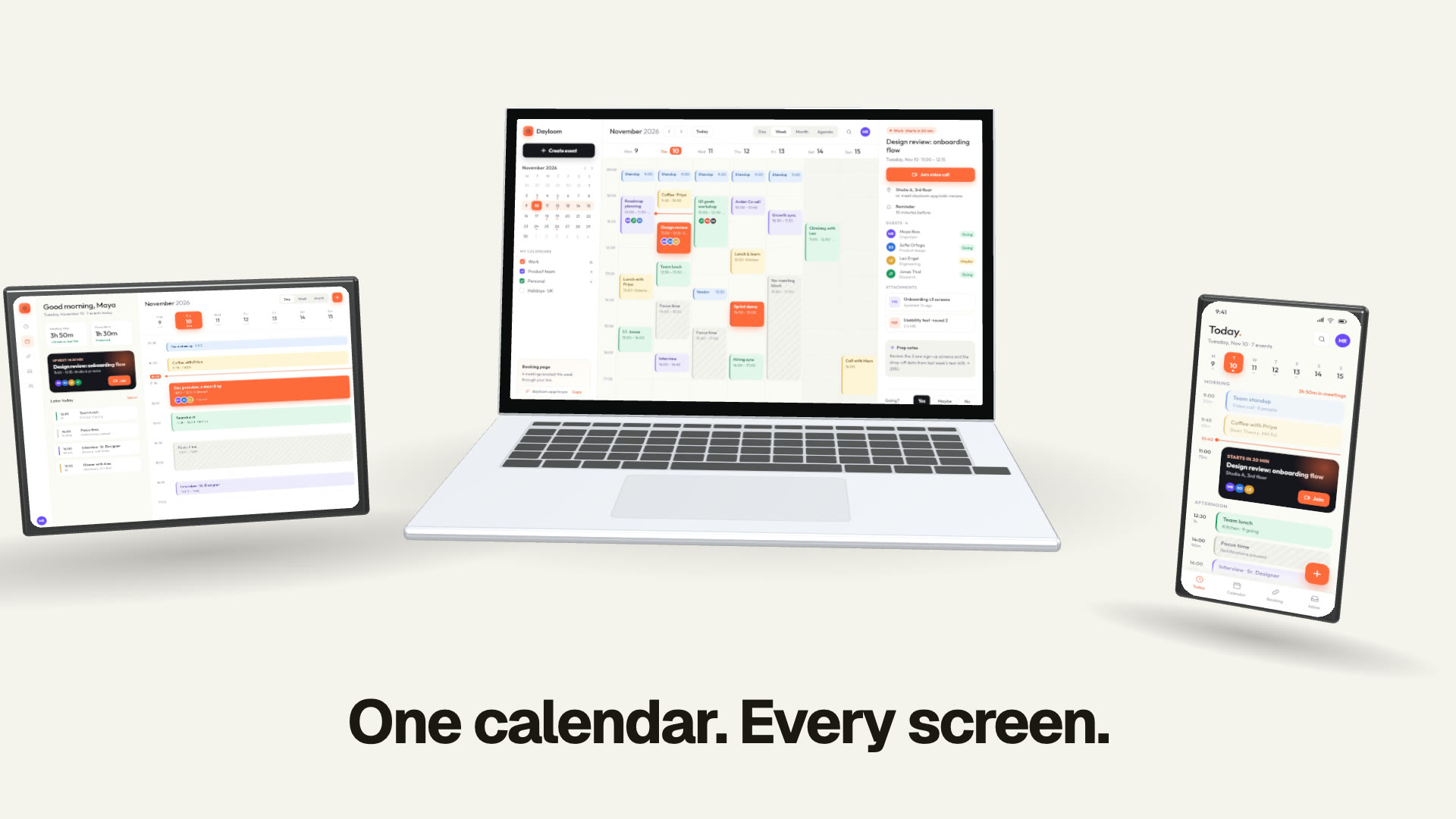
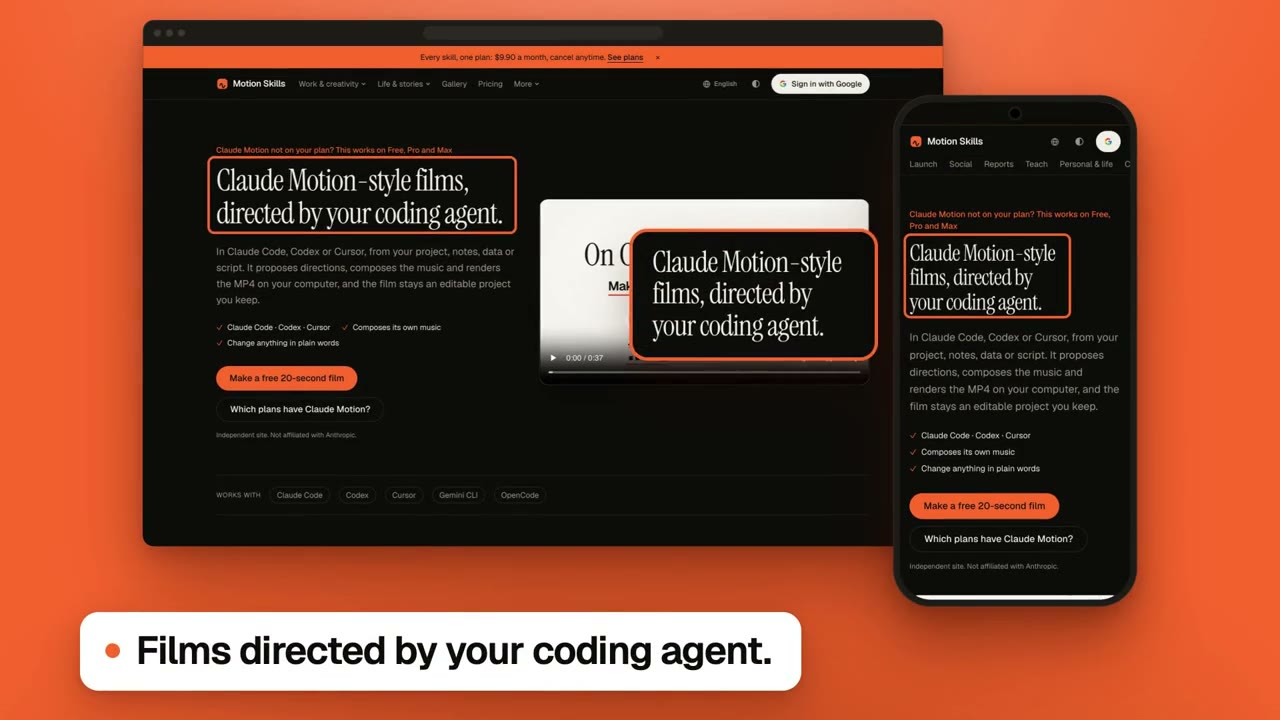
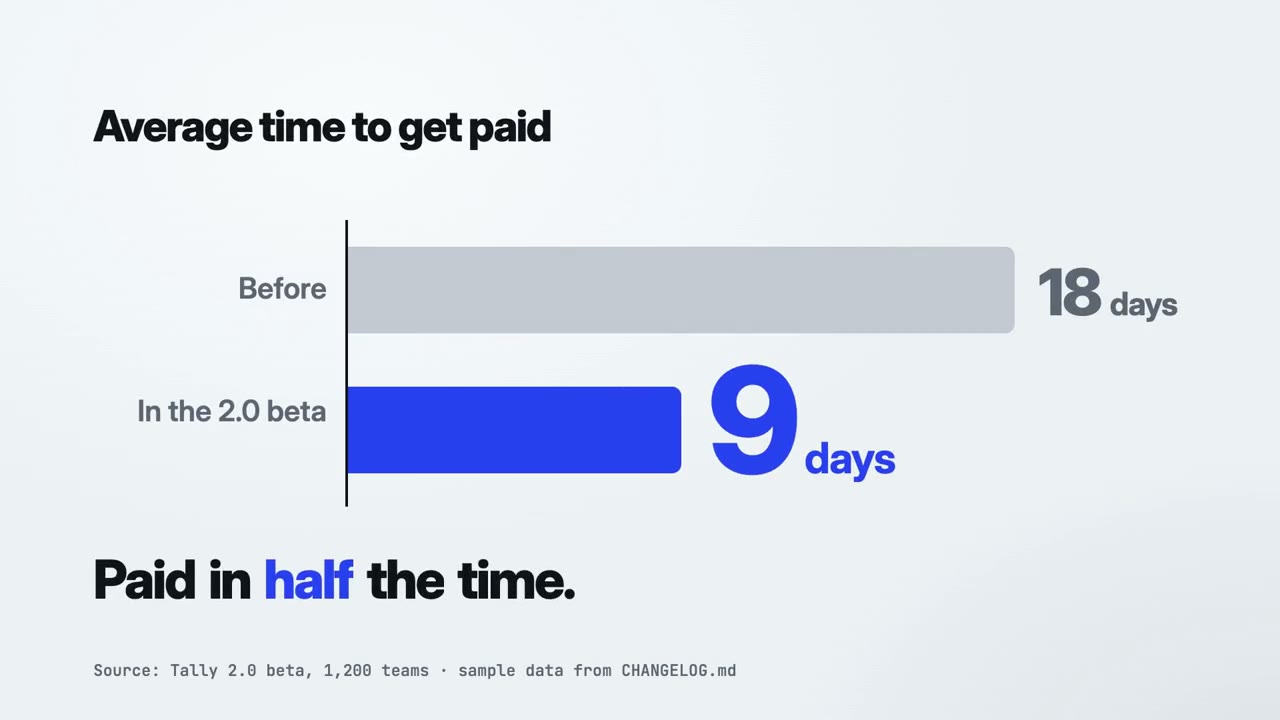
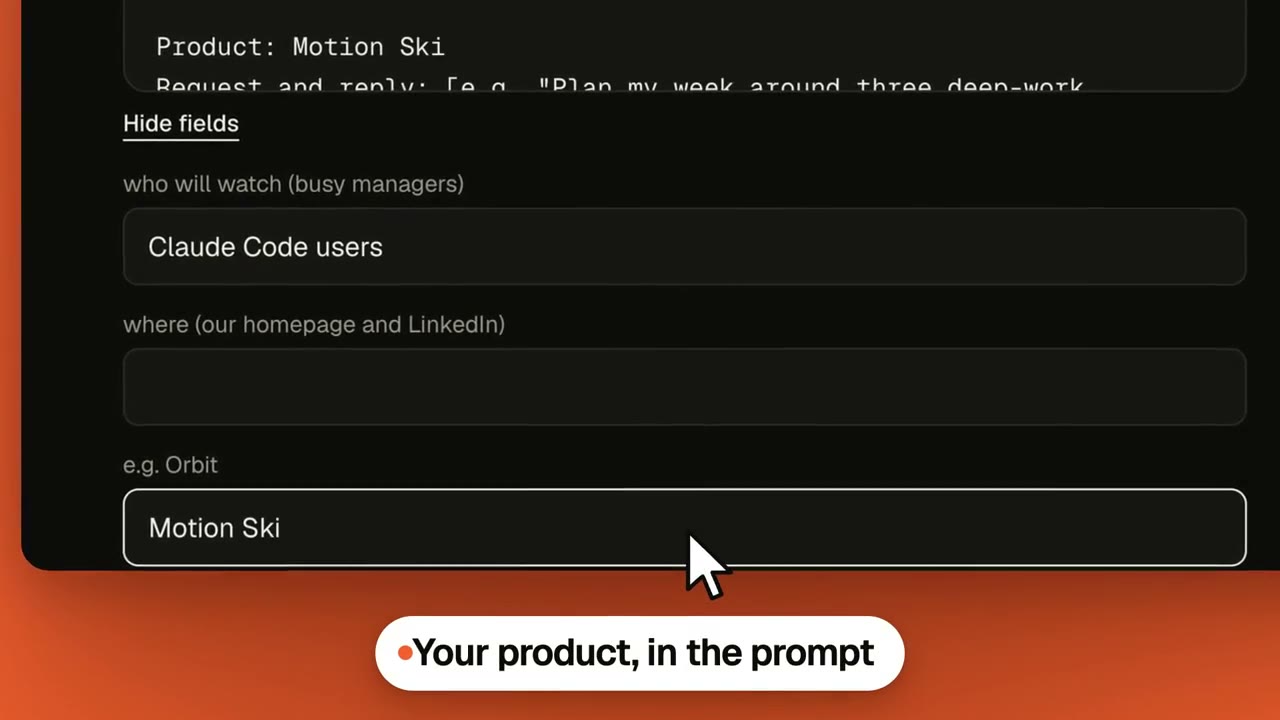
Making more than one kind of film?
Start free with Motion Director. One skill is $4.90; a plan unlocks every skill, and the new ones as they arrive.
Monthly
$9.90/ month
- ✓Every full-film skill, styles built in
- ✓New skills as they ship
- ✓Updates to existing skills
- ✓Commercial use of what you render
Yearly
Save 34%$79/ year
- ✓Every full-film skill, styles built in
- ✓New skills as they ship
- ✓Updates to existing skills
- ✓Commercial use of what you render
Founding lifetime
Founding offer$169one-time
- ✓Every full-film skill, styles built in
- ✓New skills as they ship
- ✓Updates to existing skills
- ✓Commercial use of what you render
- ✓One payment, no renewals
Get Motion Director (free) →One skill $4.90 · Pick a skill →
Questions
Is the website scroll video generator free?
Yes. There is no watermark, and exports are not limited. Capturing your own page needs a free Google sign-in and is limited to 10 pages a day per person, which keeps the tool free for everyone.
How does it make the scrolling video?
A browser on our side opens the page, loads its lazy images, removes cookie notices and takes pictures of the whole page. Those pictures come to your browser, which draws the scroll frame by frame and encodes the video. That is why the motion is perfectly even.
Can I make a website mockup video?
Yes. After the capture, pick a 3D scene: the page scrolls on an angled browser window, a laptop or a phone while the camera moves, on a backdrop you choose. Every scene is free to preview; exporting one is part of a plan, and the flat scroll is free.
Do you keep the page or the video?
No. The address and the pictures are not stored, and the video is made on your computer and never uploaded.
Can I capture a page that needs a login?
No. The browser that opens the page is not signed in. For a page behind a login, record your own screen, or export the page as HTML and use the HTML to video tool.
Why do the animations on my page not move?
The page is captured as pictures and then scrolled, so anything that moves on its own is shown still. If the motion is the point, the HTML to video tool renders HTML animation frame by frame.
Which size and format should I pick?
MP4 at 1080p works everywhere. Use 9:16 with the phone layout for stories and shorts, and a GIF at 540p for email or a README.
Can I make a mobile scrolling video of my site?
Yes. Choose Phone before capturing: the page is opened at a phone's width with a phone's browser identity, and the shape switches to 9:16.
Paste a link and watch it scroll
The capture takes about 20 seconds. The rest happens in your browser.