HTML to GIF, frame by frame in your browser
Paste an HTML, CSS or SVG animation and save it as a looping GIF for a README, a Slack message, an email or docs. Every frame is drawn on your computer; nothing is uploaded.
- ✓Loops forever
- ✓360p to 720p, up to 25 fps
- ✓Free, no watermark
- ✓Nothing uploaded
854×480 GIF, drawn frame by frame on your computer: smooth whatever its speed, and nothing is uploaded.
Or start from a sample
Each one is a single HTML file. Load it, change it, export it.
How it works
Three steps, all in your browser
The tool takes over the page's clock, moves it one frame at a time and draws each frame, so a slow laptop makes the same video as a fast one.
- 01
Paste, or drop a file
A whole page with its CSS and JavaScript, an .html file, or a .zip export with its images and fonts. Libraries from a CDN load as usual.
- 02
Pick the format and size
MP4, GIF, WebM or a PNG frame; 16:9, 9:16 or 1:1; 720p to 4K at 24, 30 or 60 fps. When the animations have an end, the length is set for you.
- 03
Render and download
Each frame is drawn and encoded on your computer, then the file is ready to download. No screen-share prompt, no upload.
Small, sharp GIFs
Keep it short
2 to 6 seconds is plenty; a GIF's size grows with every frame.
Loop one cycle
Set the length to one full cycle of the animation so the loop joins without a jump.
15 fps, 480p
The default suits most docs and chats; 25 fps for fast motion, 720p for detail.
Flat colours travel best
A GIF has 256 colours a frame; long gradients and photos band. For those, an MP4 is smaller and sharper.
Beyond this tool
One animation is a start. A skill makes the whole film.
This tool turns the HTML you already have into a video. A Motion Skill works a step earlier: in Claude Code, Codex or Cursor, your agent reads your product or your notes, plans the shots, writes every scene, scores the music and renders the finished MP4.
- ✓From your own material, not a blank prompt
- ✓Several scenes, cut together with music
- ✓Rendered on your computer, yours to use
Skills that pick up from here
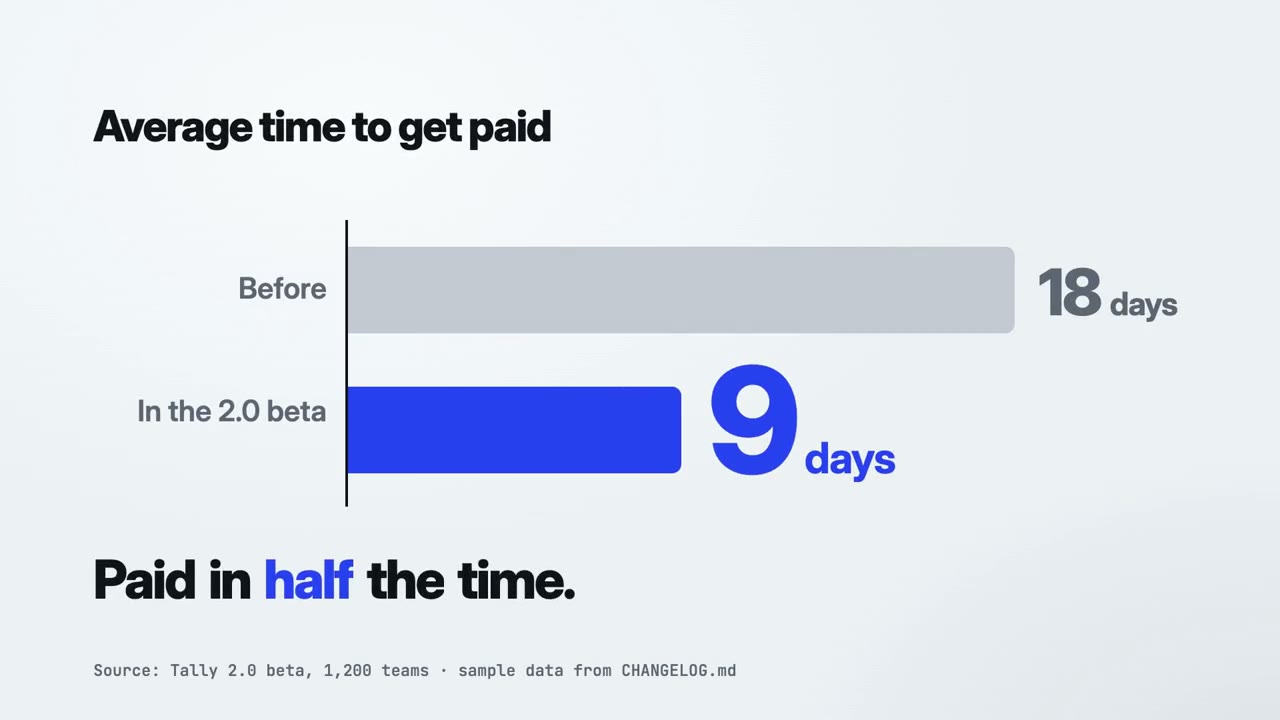
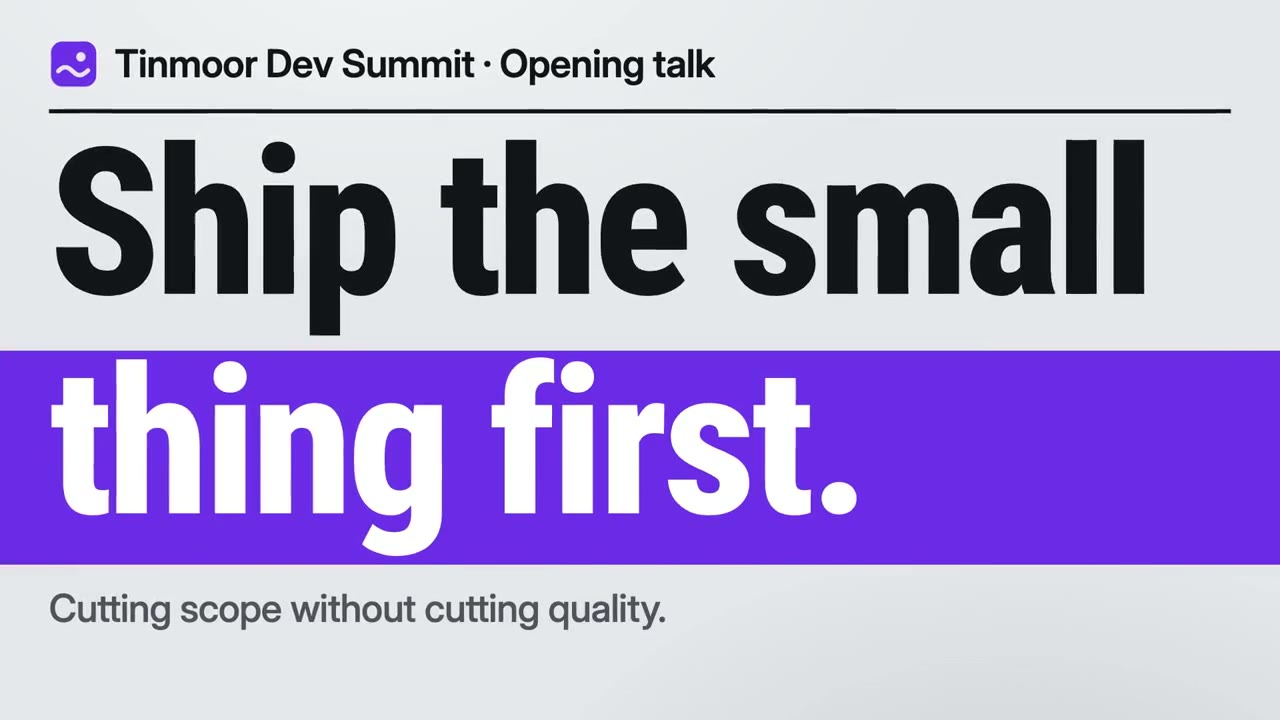
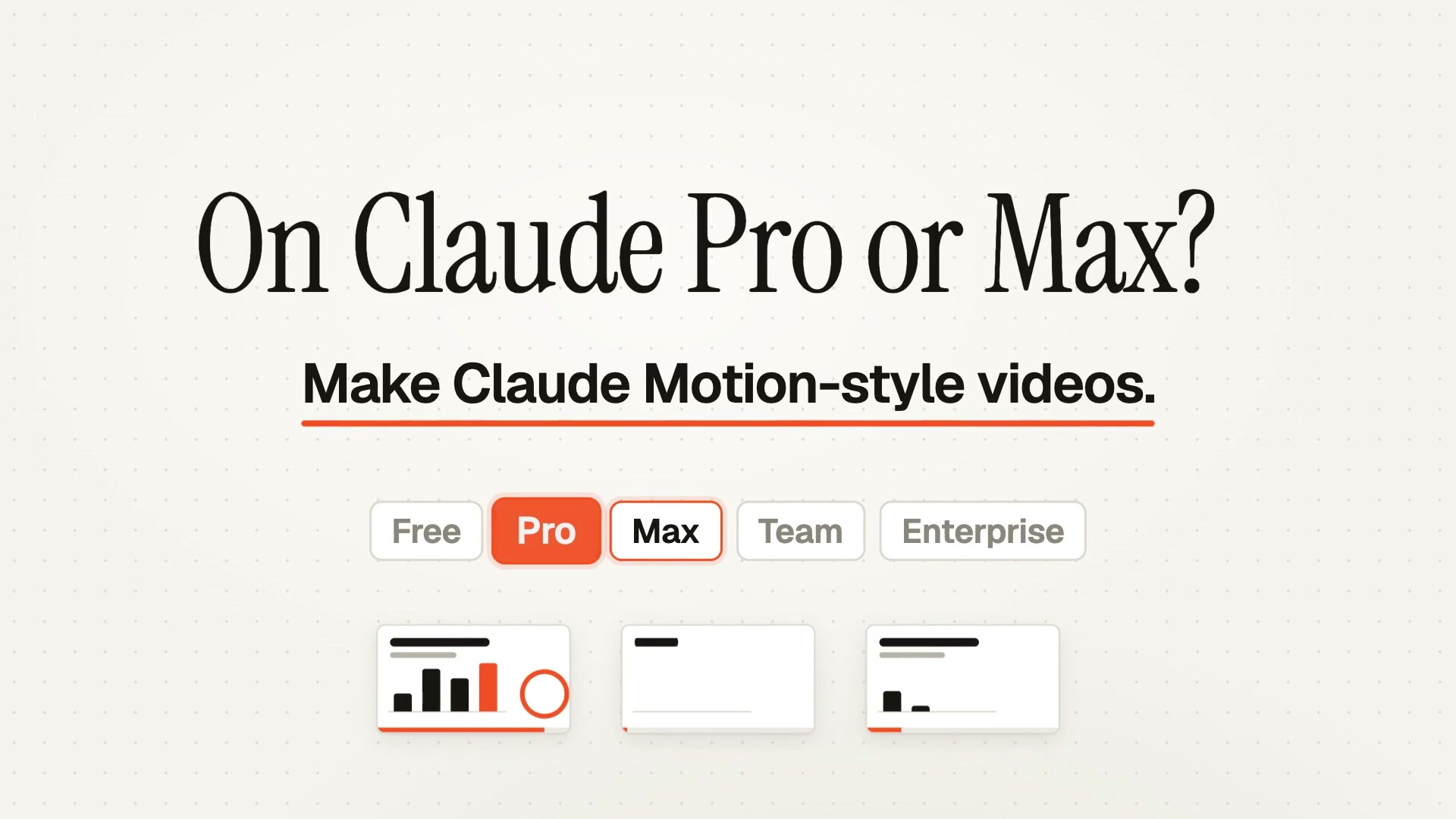
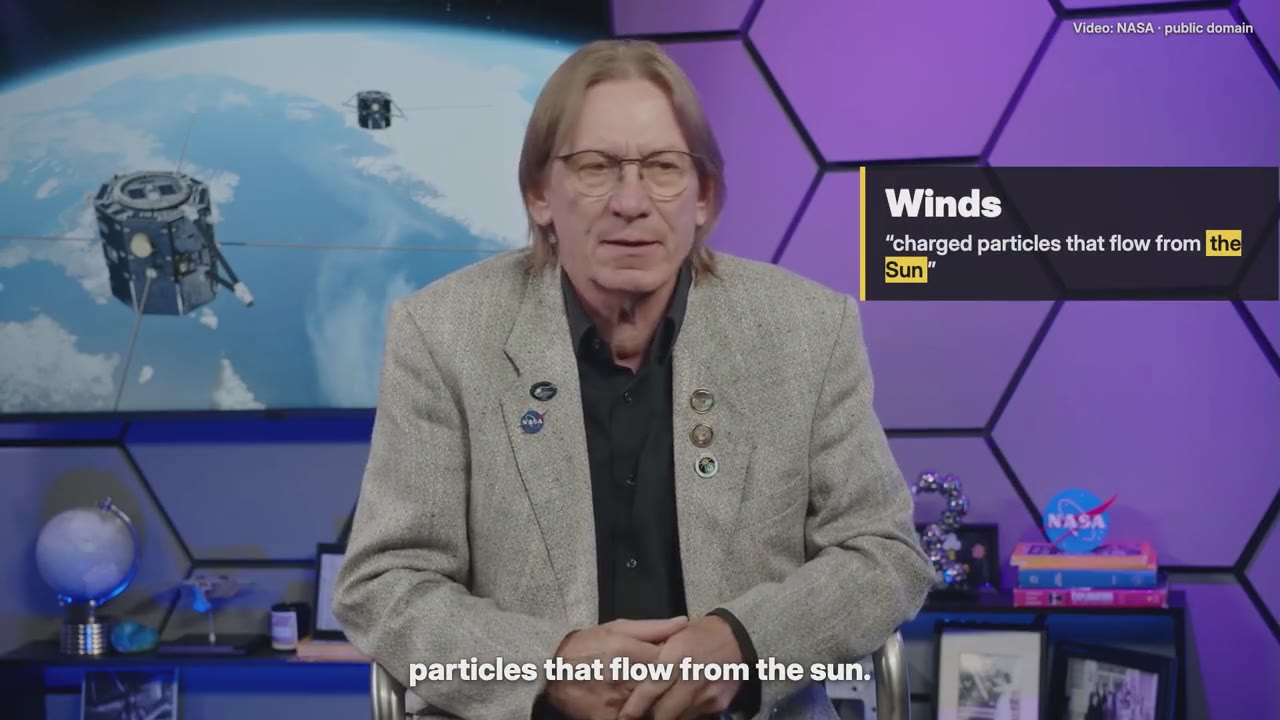
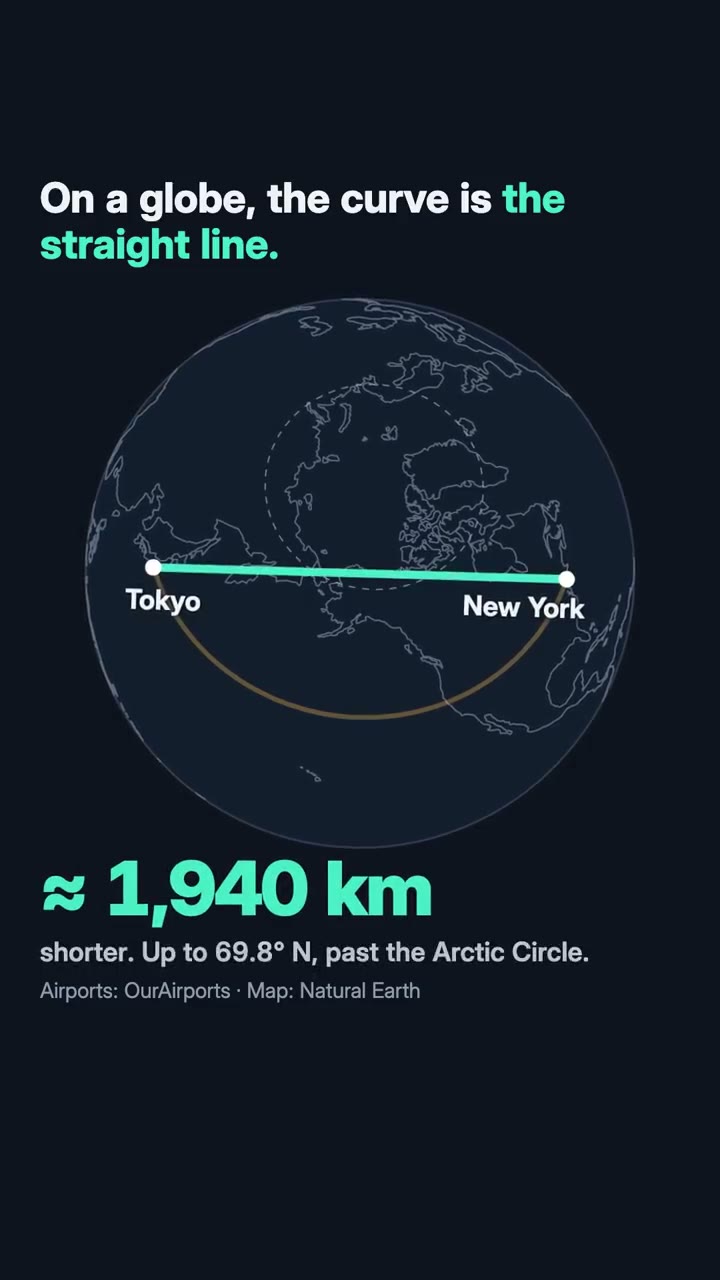
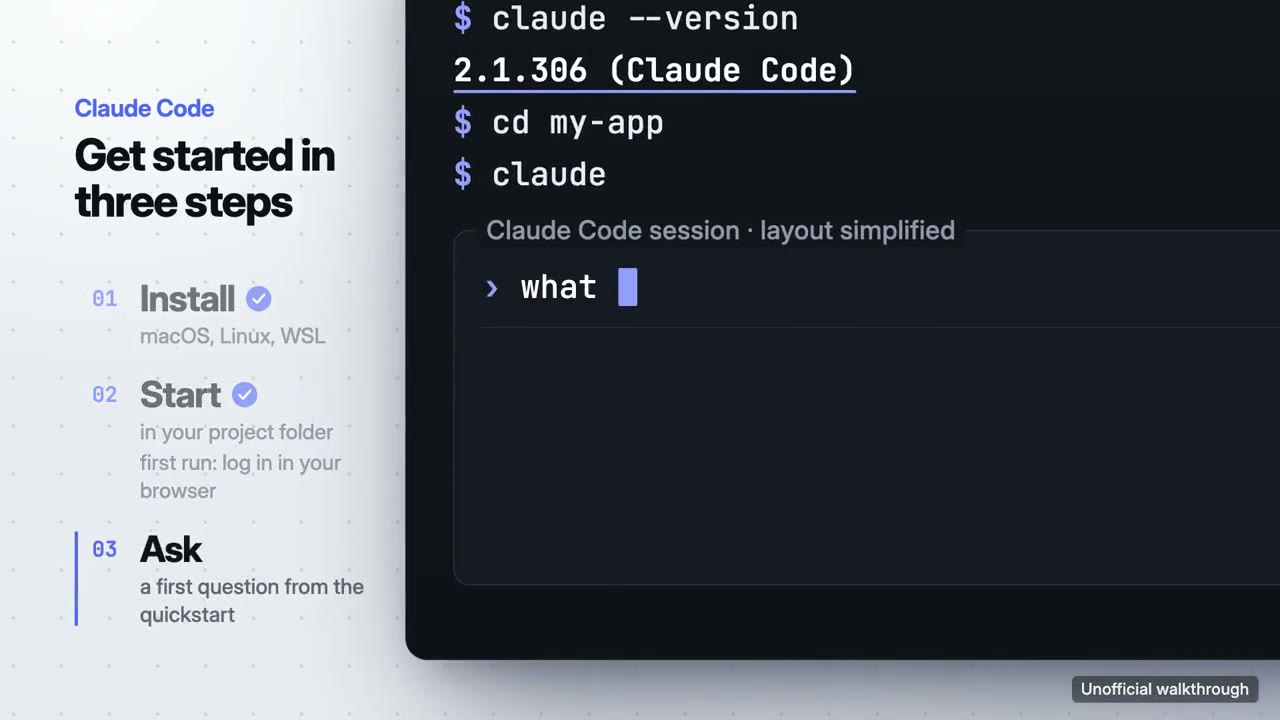
Each one makes a different kind of film. The first is the closest to this page.
Making more than one kind of film?
Start free with Motion Director. One skill is $4.90; a plan unlocks every skill, and the new ones as they arrive.
Monthly
$9.90/ month
- ✓Every full-film skill, styles built in
- ✓New skills as they ship
- ✓Updates to existing skills
- ✓Commercial use of what you render
Yearly
Save 34%$79/ year
- ✓Every full-film skill, styles built in
- ✓New skills as they ship
- ✓Updates to existing skills
- ✓Commercial use of what you render
Founding lifetime
Founding offer$169one-time
- ✓Every full-film skill, styles built in
- ✓New skills as they ship
- ✓Updates to existing skills
- ✓Commercial use of what you render
- ✓One payment, no renewals
Get Motion Director (free) →One skill $4.90 · Pick a skill →
Questions
How do I convert a CSS animation to a GIF?
Paste the page (HTML with its CSS), choose GIF, set the length to one cycle and render. The GIF is drawn frame by frame, so it is smooth and exactly as long as you set.
Why is my GIF large?
Each frame is stored with its own 256-colour palette. Shorten it, lower the frame rate or the size, or use MP4, which is often a tenth of the size.
Does the GIF have a transparent background?
No: GIF transparency is one colour on or off, which looks jagged on soft edges. For transparency use WebM or PNG from the same tool.
Is anything uploaded?
No. The page runs and the GIF is encoded in your browser.