Product demo · xAI / Grok
xAI Grok: one prompt becomes a published app
A request turns into a racing game on a phone that the user plays and changes, then into desktop apps that are edited side by side with the prompt. A click on Publish ends the task.
- Kind
- Product demo
- Length
- 55 s
- Shape
- 16:9
- Posted
- 2026-07-28
- By
- Grok (@grok)
- Look
- Product UIScreen recordingLightMinimal
- Colours
What happens
Times are estimates from watching the film.
| Time | On screen |
|---|---|
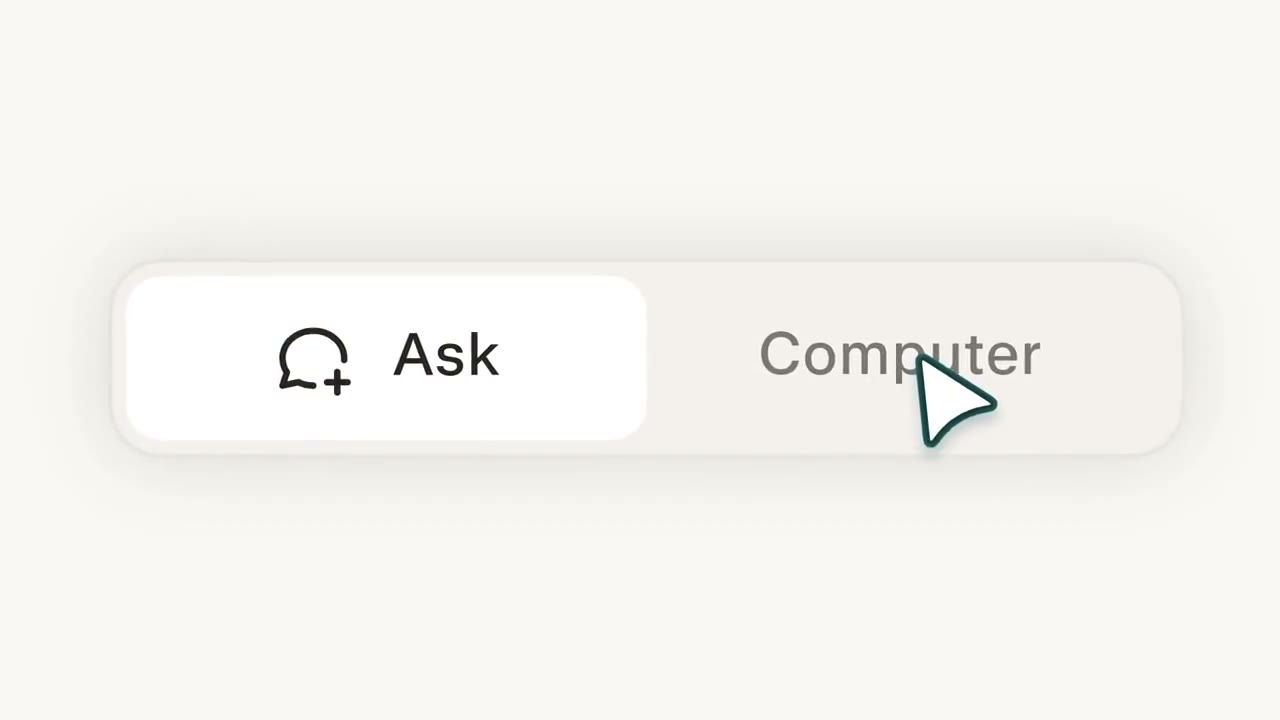
| 0:00–0:08 | Choose build mode |
| 0:08–0:12 | Phone builds a racer |
| 0:12–0:19 | Play, change the car |
| 0:19–0:23 | Build-and-publish claim |
| 0:23–0:32 | Web résumé tool |
| 0:32–0:42 | Project management app |
| 0:42–0:46 | Click Publish |
| 0:46–0:50 | Cross-device claim |
| 0:50–0:55 | Brand |
The rules it keeps
- 1In the first example, open the preview and show one unbroken stretch of real use.
- 2When the user picks a new car, bring that car back into the same game screen.
- 3On desktop, put input and result side by side and keep positions matched before and after an edit.
- 4Make each example show one more ability than the last, and end them all on Publish.
- 5Show Publish only when the app is complete, and give the click a clear result.
The look
White background with very wide margins, phone and desktop screen recordings, short black lines of text.
To make it yours
Replace the apps with your own: one example that shows interaction and one that shows editing, ending in the same delivery step; the results must be recognisable, not generic cards.
Make a film like this
Make It Like This Film is a skill for Claude Code, Codex or Cursor. Give it this brief and your own material: it studies the reference, plans your film against its frames and checks the result side by side. It follows the structure, pacing and motion; the product, words, logo and pictures are yours.
Make a film for my product (product demo) like this reference: https://claude-motion.com/motion-references/xai-grok-one-prompt-becomes-a-published-app
The reference film itself, to study: https://media.claude-motion.com/gallery/ref-2082134072793637196.mp4 (7.2 MB, about 45 seconds). Download that file and work from it.
What happens in it: Choose build mode → Phone builds a racer → Play, change the car → Build-and-publish claim → Web résumé tool → Project management app → Click Publish → Cross-device claim → Brand.
Rules it keeps:
- In the first example, open the preview and show one unbroken stretch of real use.
- When the user picks a new car, bring that car back into the same game screen.
- On desktop, put input and result side by side and keep positions matched before and after an edit.
- Make each example show one more ability than the last, and end them all on Publish.
- Show Publish only when the app is complete, and give the click a clear result.
Look: White background with very wide margins, phone and desktop screen recordings, short black lines of text.
Use my own product, words, logo and pictures. Here is my material: [your product, screens, logo, the lines that must appear].