Product demo · Notion
Notion as code: a terminal request ends as a real workspace
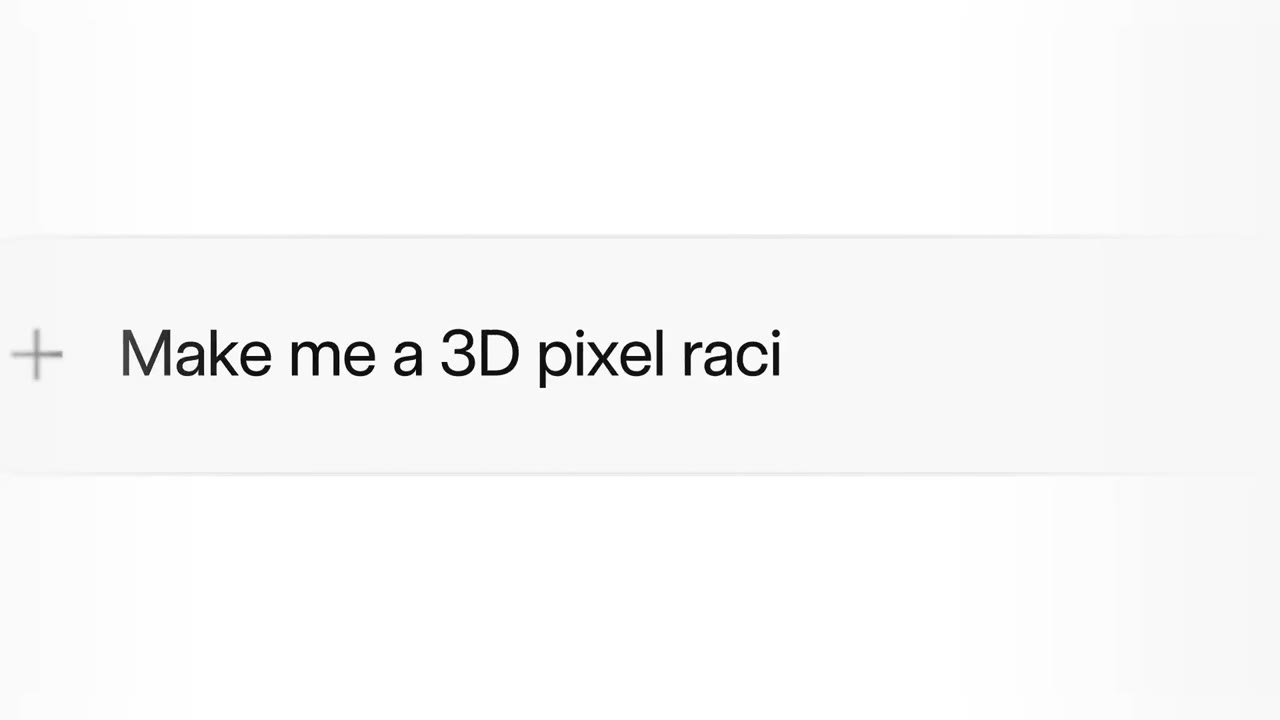
A short request is typed in a dark terminal, a plan and code follow, and a deploy is confirmed. The film then cuts to the light workspace that the code produced, because code is only the middle step.
- Kind
- Product demo
- Length
- 51 s
- Shape
- 16:9
- Posted
- 2026-07-23
- By
- Notion (@NotionHQ)
- Look
- Product UIScreen recordingMinimal
- Colours
What happens
Times are estimates from watching the film.
| Time | On screen |
|---|---|
| 0:00–0:04 | Launch title |
| 0:04–0:17 | Terminal input |
| 0:17–0:23 | Agent works |
| 0:23–0:30 | Plan and constraints |
| 0:30–0:36 | Code output |
| 0:36–0:40 | Deploy confirmed |
| 0:40–0:48 | Workspace result |
| 0:48–0:51 | Brand |
The rules it keeps
- 1Type the goal first; the plan and logs come after it, never before.
- 2After the code, show one clear deploy confirmation, then cut to the result.
- 3Make the workspace title and structure match the opening request.
- 4Use dark for the working stage and white for the result stage.
- 5Keep code shots short, with just enough to explain the structure, and spend the time on the result.
The look
Dark terminal with monospace type for the work, white UI with sans-serif for the result, medium-bold sans-serif titles, one accent colour.
To make it yours
Replace the thing being generated, and with it the prompt, plan, key code and final page; keep command, generate, deploy, visible result.
Make a film like this
Make It Like This Film is a skill for Claude Code, Codex or Cursor. Give it this brief and your own material: it studies the reference, plans your film against its frames and checks the result side by side. It follows the structure, pacing and motion; the product, words, logo and pictures are yours.
Make a film for my product (product demo) like this reference: https://claude-motion.com/motion-references/notion-as-code-a-terminal-request-ends-as-a-real-workspace
The reference film itself, to study: https://media.claude-motion.com/gallery/ref-2080331924732850687.mp4 (2.2 MB, about 45 seconds). Download that file and work from it.
What happens in it: Launch title → Terminal input → Agent works → Plan and constraints → Code output → Deploy confirmed → Workspace result → Brand.
Rules it keeps:
- Type the goal first; the plan and logs come after it, never before.
- After the code, show one clear deploy confirmation, then cut to the result.
- Make the workspace title and structure match the opening request.
- Use dark for the working stage and white for the result stage.
- Keep code shots short, with just enough to explain the structure, and spend the time on the result.
Look: Dark terminal with monospace type for the work, white UI with sans-serif for the result, medium-bold sans-serif titles, one accent colour.
Use my own product, words, logo and pictures. Here is my material: [your product, screens, logo, the lines that must appear].