Fable 5.2 doesn't generate video. It writes code that draws every frame, and the code becomes a video file. Here are the three ways to do that, the same four prompts run on Fable 5.2 and Opus 5.5, and prompts to copy.
One attempt each, no feedback, no second try: each model wrote one HTML file per prompt in the same setup on November 10, 2026. We rendered every file with our HTML to video tool at 1080p, unedited. Four prompts are a small sample; take it as a first look, not a benchmark.
Launch teaser, 15 s
Prompt
Make a 15-second launch teaser for Tidewell, a fictional app that turns voice memos into tidy meeting notes. Show the name, what it does in one line, three features (records in the background; summary in seconds; action items sent to your team), and end on 'Tidewell 1.0 · out now'. Modern motion design, confident pacing.
Fable 5.2wrote the file in 120 sOpus 5.5wrote the file in 87 s
Both are usable as they are. Fable's is bolder: big type, a colour flip on the end card. Opus's is tidier and closer to a standard product teaser.
Explainer, 20 s
Prompt
Make a 20-second animated explainer of how a TLS handshake sets up an encrypted connection between a browser and a server, for a non-technical audience. Diagram style with labels; each step appears in order; end with a one-line takeaway.
Fable 5.2wrote the file in 149 sOpus 5.5wrote the file in 93 s
Fable kept one diagram on screen, with four numbered steps and one large sentence per step. Opus split it into five steps with a title card and smaller labels, which are harder to read at video size.
Kinetic type, 9:16, 10 s
Prompt
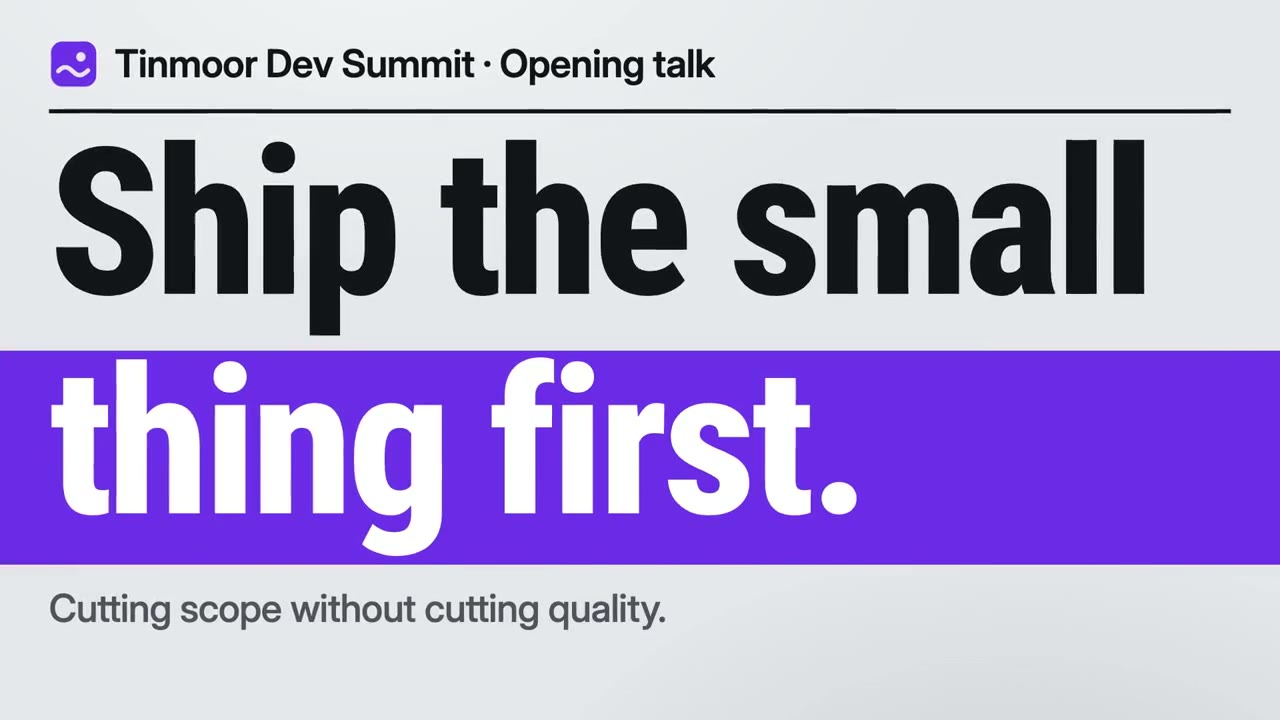
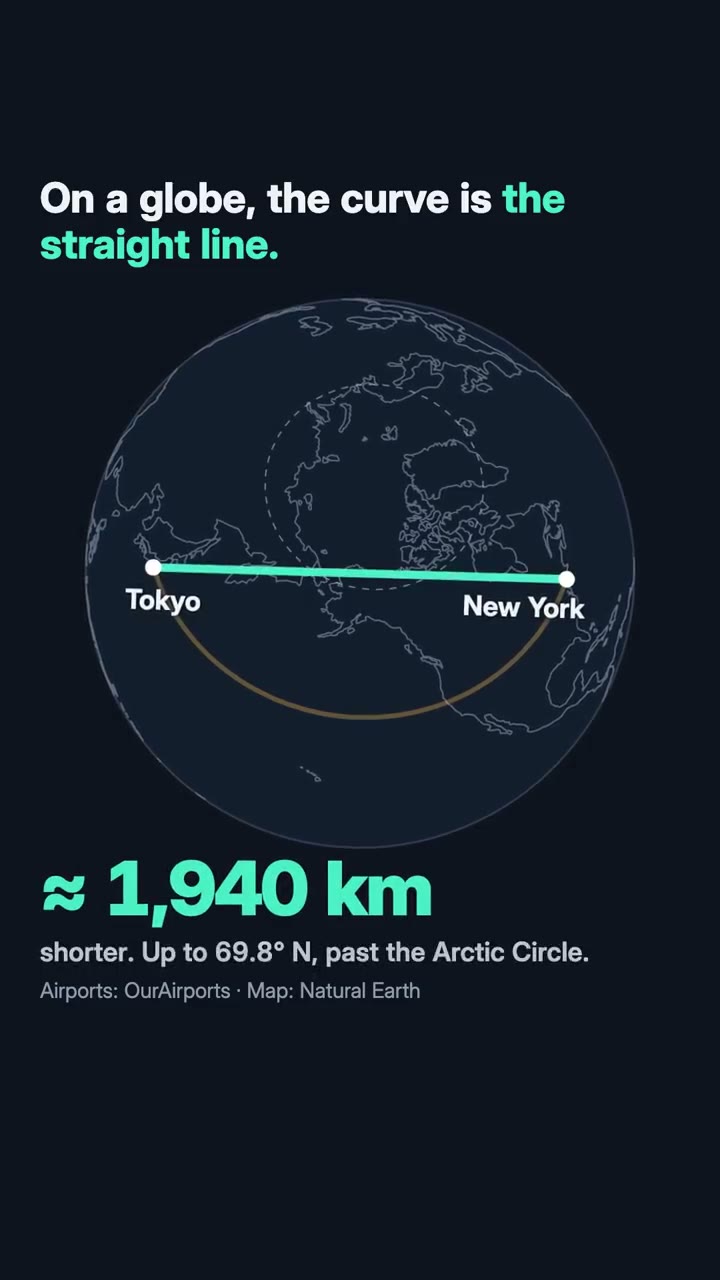
Make a 10-second vertical (9:16) kinetic typography clip for social media with the line: 'Ship the small thing first. Then ship the next one.' Bold type, strong rhythm, ends on the full sentence.
Fable 5.2wrote the file in 89 sOpus 5.5wrote the file in 43 s
Fable's plays cleanly from the first word to the full sentence. In Opus's, words overlap each other in the middle section (a layout bug in its file); the ending is fine.
3D scene with three.js, 12 s
Prompt
Make a 12-second 3D scene with three.js: a paper plane flying over low-poly hills at sunrise, the camera following it, ending as the plane passes the sun and the title 'Morning Flight' fades in.
Fable 5.2wrote the file in 141 sOpus 5.5wrote the file in 75 s
Both built the scene, the flight and the title. Fable's camera stays close behind the plane and ends against the sun; Opus's hills have trees and a wider view, with the plane smaller in frame.
Each prompt ended with: “Make it one self-contained HTML file (CSS and JavaScript inside; a library from a CDN is fine), filling the browser window at any size, with no user input. It must start by itself, run for the stated length and hold its last frame.”
What we saw
Fable took longer, every time
Fable 5.2 needed 89 to 149 seconds per file, Opus 5.5 43 to 93: about 1.4 to 2.1 times as long. Posts on X report the same direction for cost.
Fable's first attempts needed less fixing
All four of Fable's files played correctly. Three of Opus's four did; the kinetic type one had overlapping words.
For a quick clip, either works
On the launch teaser and the 3D scene the difference is taste, not quality. Use the model you already have open.
Prompts
How to ask for an animation you can export
Ask for one HTML file
“One self-contained HTML file, CSS and JavaScript inside.” A single file pastes straight into the export tool.
Say the length and the shape
“12 seconds, 16:9” or “10 seconds, vertical 9:16”. An animation with an end exports at exactly that length.
Make it fill the window
“Filling the browser window at any size” keeps it sharp at 1080p and 4K.
Ask it to hold the last frame
“Start by itself and hold its last frame” gives a clean ending instead of a loop that restarts.
Give it your real words
Paste the name, the line and the three points. The model animates what you give it; it should not invent your product.
See what others made
100 videos people made with Fable 5.2 and shared on X, each linked to its post.
A prompt gets you a clip. A skill gets you a film.
A single prompt to Fable 5.2 gives one animation, different every time. A Motion Skill gives the model a method: how to read your material, structure the shots, keep type readable, score the music and check every frame before it renders.
✓Works with Fable 5.2, Opus 5.5 or the model you use
Not as a video model does. It writes code (HTML, JavaScript, three.js, or Python for Blender) that draws each frame, and a renderer turns that into an MP4. The result is sharp text and exact timing, in the styles code can draw.
How do I get an MP4 out of a Fable 5.2 animation?+
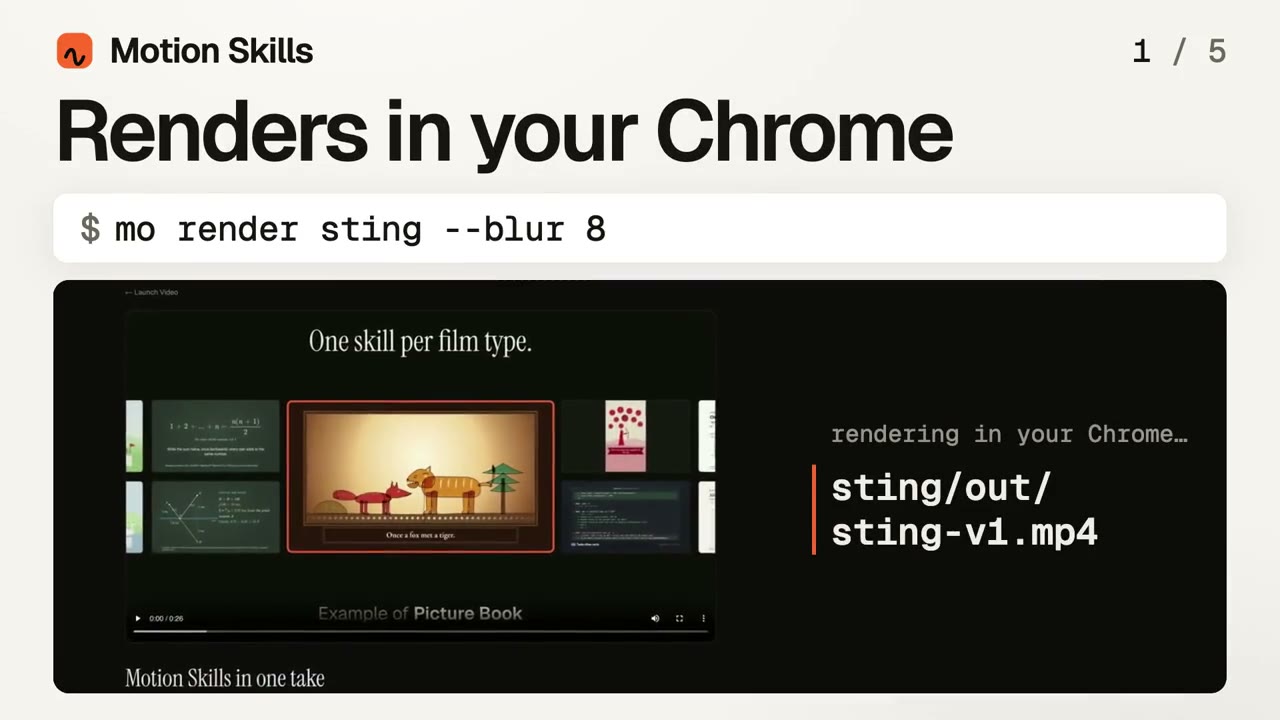
Ask for one self-contained HTML file, paste it into our HTML to video tool and press Render. It is drawn frame by frame in your browser, up to 4K at 60 fps, free.
Fable 5.2 or Opus 5.5 for motion work?+
In our four-prompt test Fable's first attempts were more often right, and took 1.4 to 2.1 times as long. For one-off clips either is fine; for longer pieces where a retry is costly, Fable's first-attempt quality matters more.
Do the Motion Skills work with Fable 5.2?+
Yes. Skills run in Claude Code, Codex or Cursor with whichever model you choose there, Fable 5.2 included.
Is this page affiliated with Anthropic?+
No. Motion Skills is an independent project. Claude and Fable are Anthropic's products.