App preview video maker
Turn your app's screenshots into an app preview at the exact sizes App Store Connect accepts, or a portrait or landscape clip for Google Play. It renders in your browser at 30 fps; nothing is uploaded.
- ✓886×1920 iPhone, 1200×1600 iPad
- ✓15 to 30 seconds at 30 fps
- ✓No upload, no watermark
What the stores ask for
App Store
- ·886 × 1920 portrait or 1920 × 886 landscape, for every iPhone with Face ID or Dynamic Island.
- ·1200 × 1600 portrait or 1600 × 1200 landscape, for iPad 11-inch and 13-inch.
- ·15 to 30 seconds, at most 30 frames per second, up to 500 MB.
- ·H.264 up to High Profile Level 4.0 at 10 to 12 Mbps, as .mov, .m4v or .mp4; stereo AAC if there's audio.
- ·Up to three previews for each device size and language.
Google Play
- ·One preview video, added as a YouTube link: public or unlisted, not age-restricted, with ads turned off.
- ·Portrait or landscape both work, without black bars; only the first 30 seconds autoplay, muted.
Checked on developer.apple.com and support.google.com on 9 November 2026.
How to make one
- 01
Add your app's screenshots
From the phone or the simulator, in the order you want them shown.
- 02
Pick a device effect and a size
iPhone or iPad, portrait or landscape, or 9:16 and 16:9 for Google Play. Set the length between 15 and 30 seconds.
- 03
Export and upload
The MP4 is H.264 at 30 fps and 11 Mbps with a silent stereo track. Upload it in App Store Connect, or to YouTube for Google Play.
Beyond this tool
One 3D shot is a start. A skill cuts the whole promo.
This tool makes one looping shot from your screenshots. The 3D Mockup Promo skill uses the same 3D scenes to make a 20-second film: your agent picks a scene for each feature, writes the lines, adds the end card and the music, and renders the MP4.
- ✓One feature per shot, cut on the beat
- ✓Your name, call to action and colours at the end
- ✓16:9, 9:16, 1:1 and App Store sizes
Skills that pick up from here
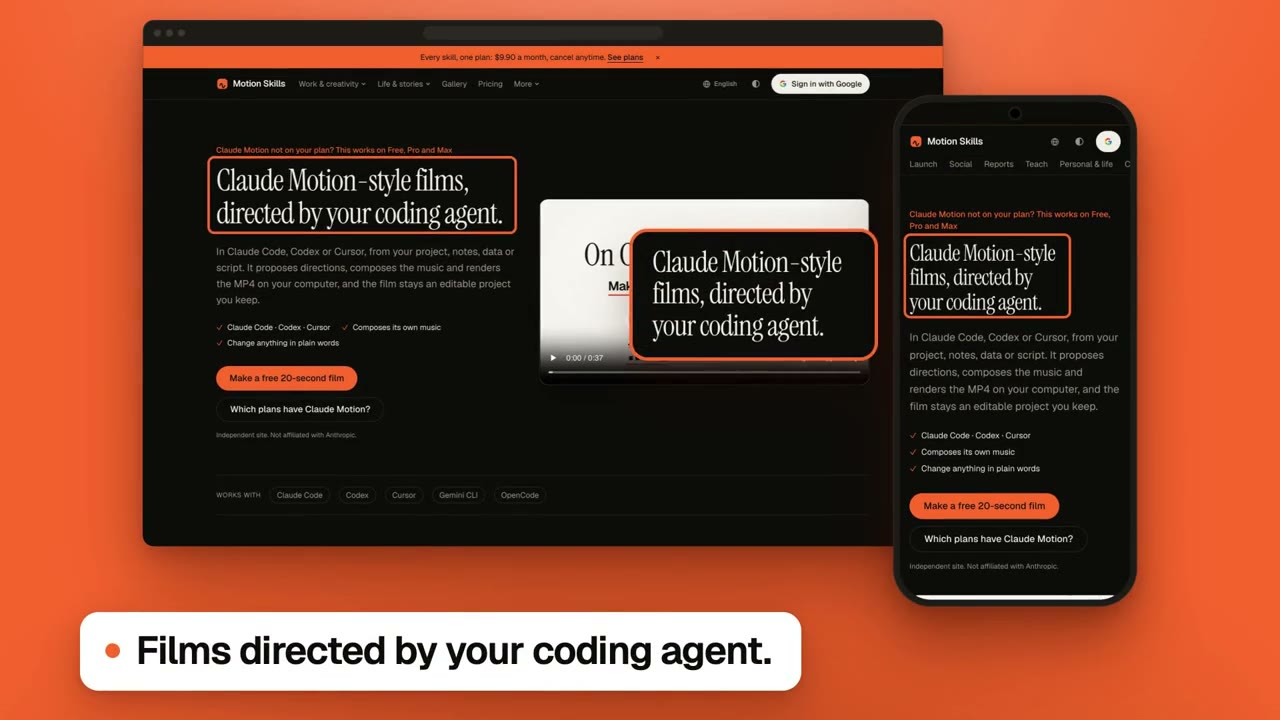
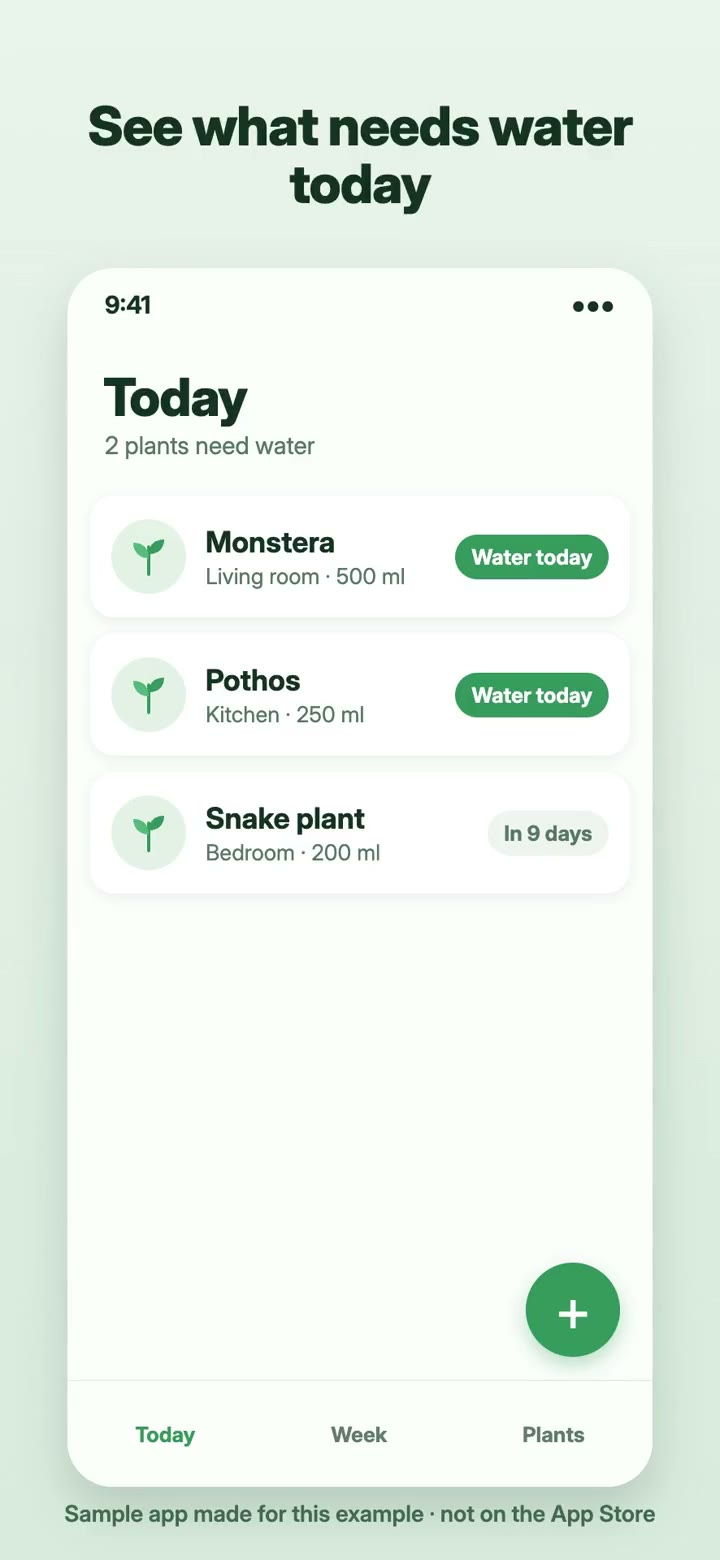
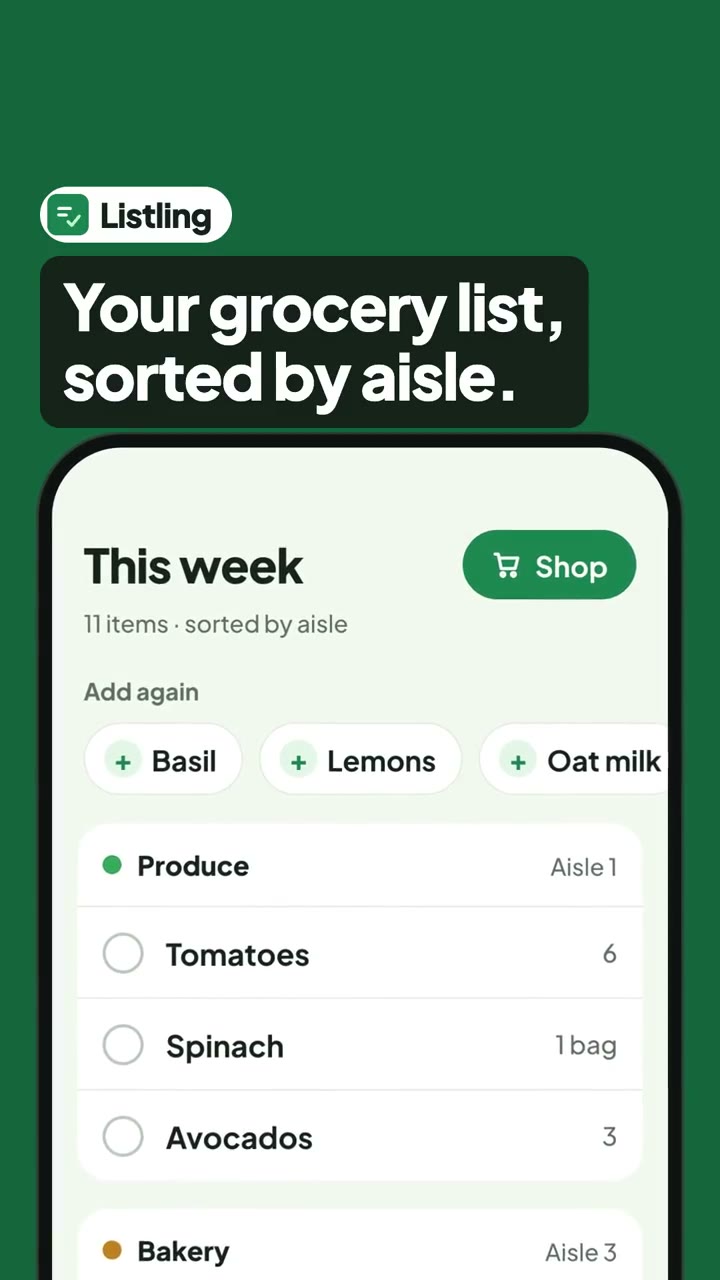
Each one makes a different kind of film. The first is the closest to this page.
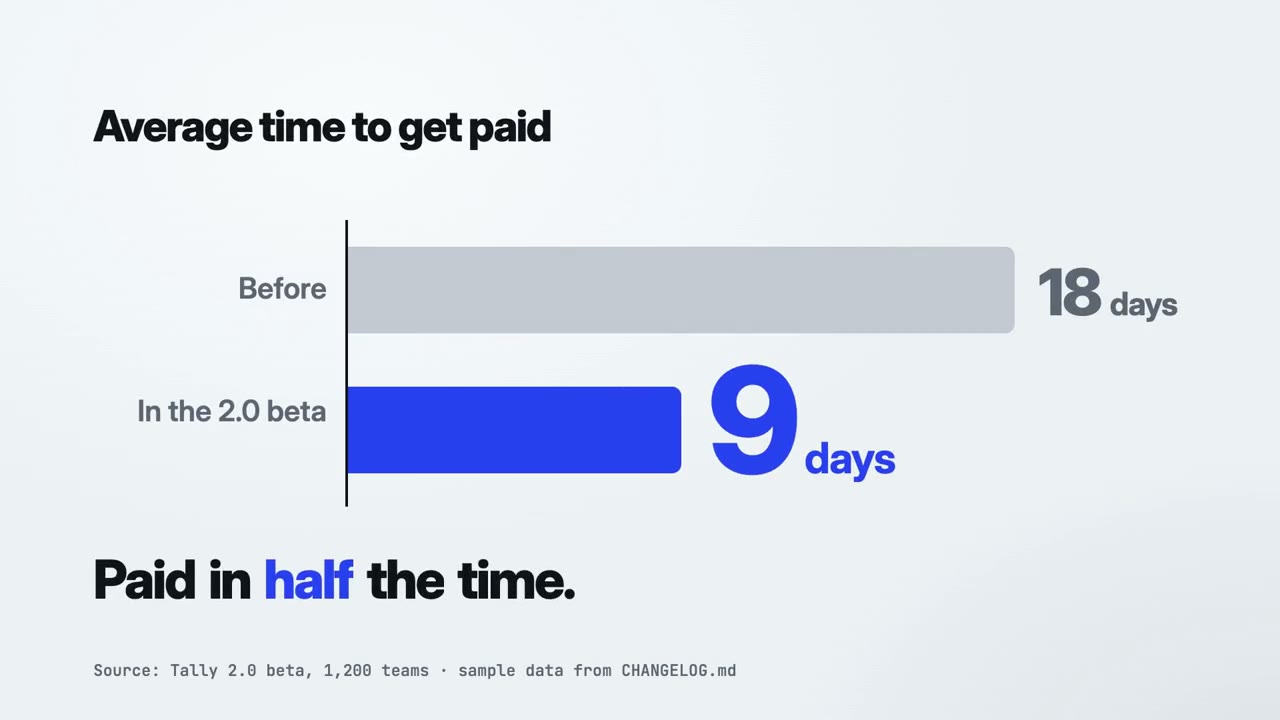
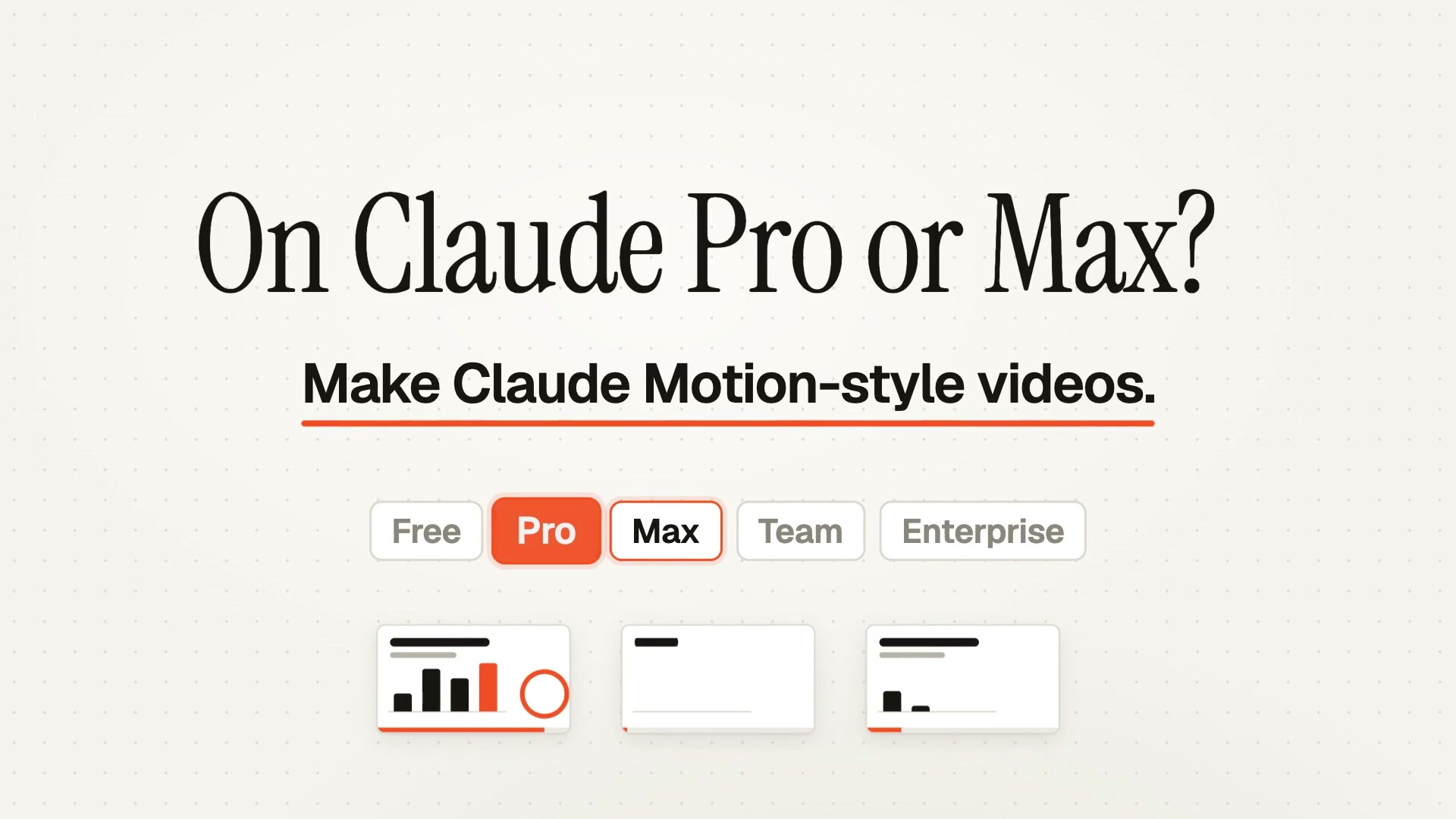
Making more than one kind of film?
Start free with Motion Director. One skill is $4.90; a plan unlocks every skill, and the new ones as they arrive.
Monthly
$9.90/ month
- ✓Every full-film skill, styles built in
- ✓New skills as they ship
- ✓Updates to existing skills
- ✓Commercial use of what you render
Yearly
Save 34%$79/ year
- ✓Every full-film skill, styles built in
- ✓New skills as they ship
- ✓Updates to existing skills
- ✓Commercial use of what you render
Founding lifetime
Founding offer$169one-time
- ✓Every full-film skill, styles built in
- ✓New skills as they ship
- ✓Updates to existing skills
- ✓Commercial use of what you render
- ✓One payment, no renewals
Get Motion Director (free) →One skill $4.90 · Pick a skill →
Questions
Will App Store Connect accept the file?
It's made to the published spec: an accepted size, 30 fps, H.264 at 11 Mbps within High Profile Level 4.0, 15 to 30 seconds, in an MP4 with a silent stereo AAC track where the browser can encode one. Apple also reviews what a preview shows, so use your app's real screens.
Can I make a Google Play preview too?
Yes. Export 9:16 or 16:9, upload it to YouTube as public or unlisted with ads off, and paste the link into Play Console.
Do I need a Mac or Xcode?
No. It runs in a browser; screenshots from a phone or from the simulator both work.
Is it free?
The free effects export with no sign-up and no watermark. Members' effects can be previewed by anyone and exported with a Motion Skills plan.
Are my screenshots uploaded?
No. Everything is rendered and encoded on your device.
Next
3D mockup video generator
All 125 effects in every frame: laptops, browser windows, card scenes, up to 4K at 60 fps.
Open the full tool →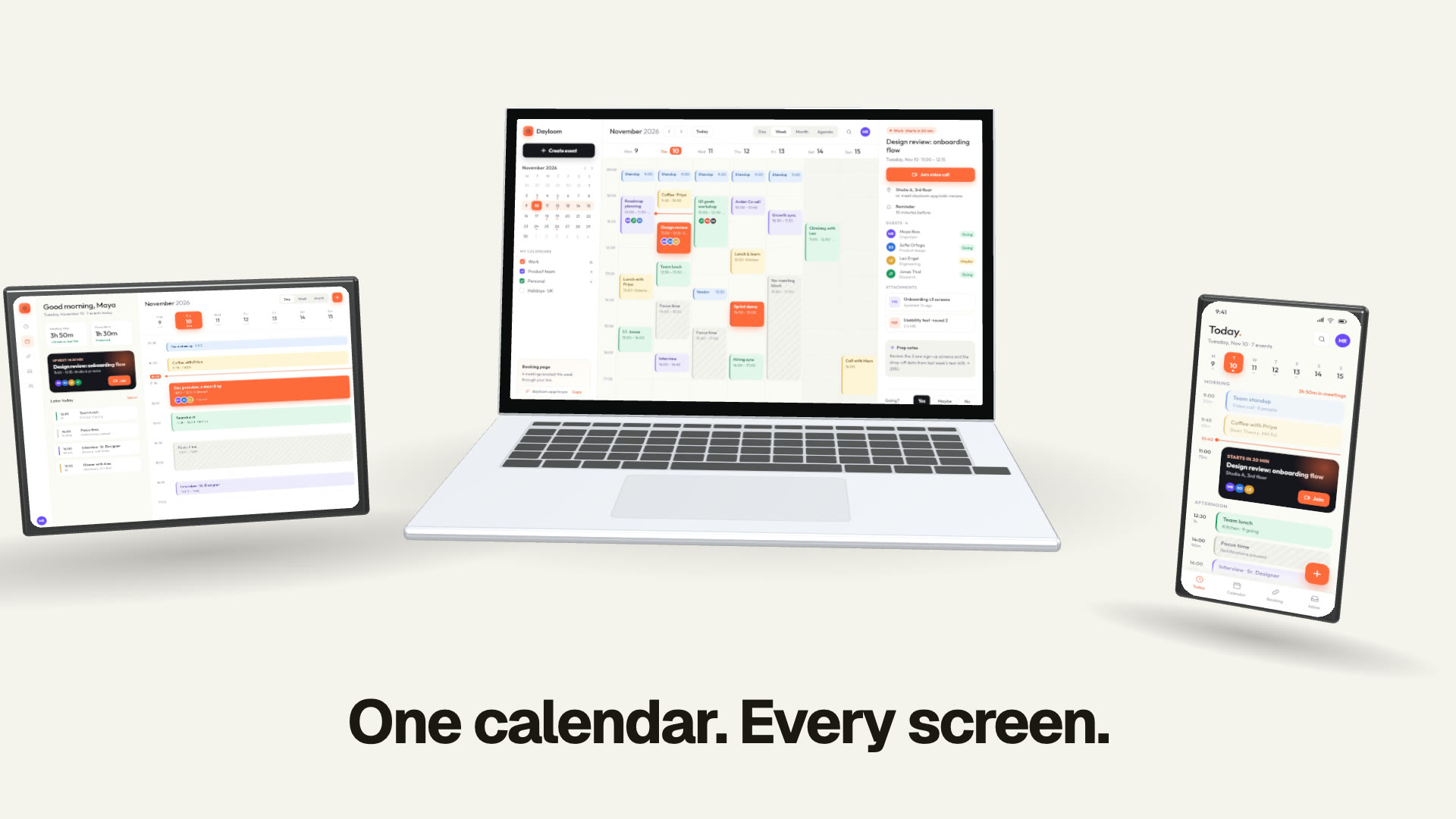
3D Mockup Promo
Your screenshots in moving 3D devices, one feature a shot, cut on the beat.
See the skill →A narrated store preview
Want a preview cut from your app itself, with captions and the store's rules built in? The App Store Preview skill makes one with your coding agent.
See the skill →