HTML to video, rendered frame by frame in your browser
Paste the HTML that Claude, ChatGPT, Gemini or you wrote, or drop an .html or .zip file, and save it as an MP4, GIF or transparent WebM. Every frame is drawn on your computer, so the video is smooth and nothing is uploaded.
- ✓Free, no watermark, no sign-up
- ✓Nothing leaves your browser
- ✓Frame-exact, up to 4K at 60 fps
- ✓MP4, GIF, WebM and PNG
1920×1080 MP4, drawn frame by frame on your computer: smooth whatever its speed, and nothing is uploaded.
Or start from a sample
Each one is a single HTML file. Load it, change it, export it.
How it works
Three steps, all in your browser
The tool takes over the page's clock, moves it one frame at a time and draws each frame, so a slow laptop makes the same video as a fast one.
- 01
Paste, or drop a file
A whole page with its CSS and JavaScript, an .html file, or a .zip export with its images and fonts. Libraries from a CDN load as usual.
- 02
Pick the format and size
MP4, GIF, WebM or a PNG frame; 16:9, 9:16 or 1:1; 720p to 4K at 24, 30 or 60 fps. When the animations have an end, the length is set for you.
- 03
Render and download
Each frame is drawn and encoded on your computer, then the file is ready to download. No screen-share prompt, no upload.
What works
Anything the browser animates
If it moves in a browser tab, it can become a video: the tool controls time for CSS, the Web Animations API, timers and requestAnimationFrame, which is what every animation library runs on.
CSS animations and transitions
Keyframes, transitions, @property and filters, timed exactly as written.
GSAP and anime.js
Timelines and tweens from a CDN; the length of a GSAP timeline is found for you.
SVG
Line drawing with stroke-dashoffset, morphs and animated gradients.
Canvas
2D canvas drawing and particle systems driven by requestAnimationFrame.
Three.js and WebGL
3D scenes and shaders, frame by frame, at any size.
p5.js
Generative sketches and creative coding, exported without dropped frames.
Tailwind and UI mock-ups
Product heroes and app screens animated with classes, timers and the Web Animations API.
AI-made pages
Animations, explainers and charts that Claude, ChatGPT or Gemini wrote as one HTML file.
Formats
Every format from one paste
Choose the file for where it's going. The same page renders to any of them, at any of the three shapes.
MP4
H.264 · 720p, 1080p, 4K · 24/30/60 fps
For social posts, slides and video editors. Plays everywhere.
GIF
360p to 720p · 10/15/25 fps · loops
For a README, a Slack message, an email or docs.
WebM, transparent
VP9 with alpha · 720p to 4K
The page's background left out: an overlay for Premiere, DaVinci Resolve, Final Cut or CapCut.
PNG
1080p or 4K · any moment · transparent
One frame as a still: a poster, a thumbnail or a slide image.
Uses
Where people take their animations
Social
Posts and stories
16:9 for X and LinkedIn, 9:16 for TikTok, Reels and Shorts, 1:1 for the feed. Platforms take video, not HTML.
Slides
PowerPoint, Keynote and Google Slides
Decks play an MP4 or a GIF; an HTML animation they cannot.
Editing
Titles and overlays in a video editor
A lower third or a logo sting as transparent WebM, dropped on top of footage.
Docs
README files and docs
A GIF of a component or a chart, right where people read.
Portfolio
Dribbble, Behance and case studies
Motion work from CodePen or your own project as a clean, sharp video.
Product
Launches and demos
A product hero or an app screen animated in HTML, as a clip for the launch post.
From an AI chat
Turn an animation from Claude, ChatGPT or Gemini into a video
- 01
Ask for one HTML file
Ask for “a single self-contained HTML file with the CSS and JavaScript inside”, sized to fill the window. Mention the length you want, so the animation has an end.
- 02
Copy the code, or download the file
Copy the whole page from the chat, or download the .html file. If your tool exports a folder or a .zip (Claude Design does), keep the .zip.
- 03
Paste or drop it here and render
The preview plays it; pick MP4, GIF or WebM and render. To change something, ask the AI, paste the new version, render again.
Why frame by frame
Smooth on any computer, and private
A screen recording keeps whatever your computer managed to show, dropped frames included. Here the page's time stands still until each frame is drawn.
Frame-exact
Every frame is drawn at its own moment, so 60 fps means 60 different frames a second, on a slow laptop too.
Nothing uploaded
The page runs in a sandboxed frame in your browser and the file is encoded there. Your code never reaches a server.
Free, and no watermark
No account, no credits, no logo on your video.
Ways to turn HTML into a video
| This tool | Online converters | Command-line renderers | Screen recording | |
|---|---|---|---|---|
| Your file is uploaded | No | Yes | No | No |
| Account or watermark | Neither | Often, on free plans | Neither | Neither |
| Frame-exact | Yes | Usually | Yes | No: it keeps dropped frames |
| Length | Up to 5 minutes | Often capped on free plans | Any | Any |
| Transparent background | WebM and PNG | Sometimes, paid | Yes | No |
| Setup | None: a browser | None | Node, Chrome and FFmpeg | A recorder app |
Have a page link instead?
Turn a public web page into a smooth scrolling video, for a launch post or a portfolio.
Beyond this tool
One animation is a start. A skill makes the whole film.
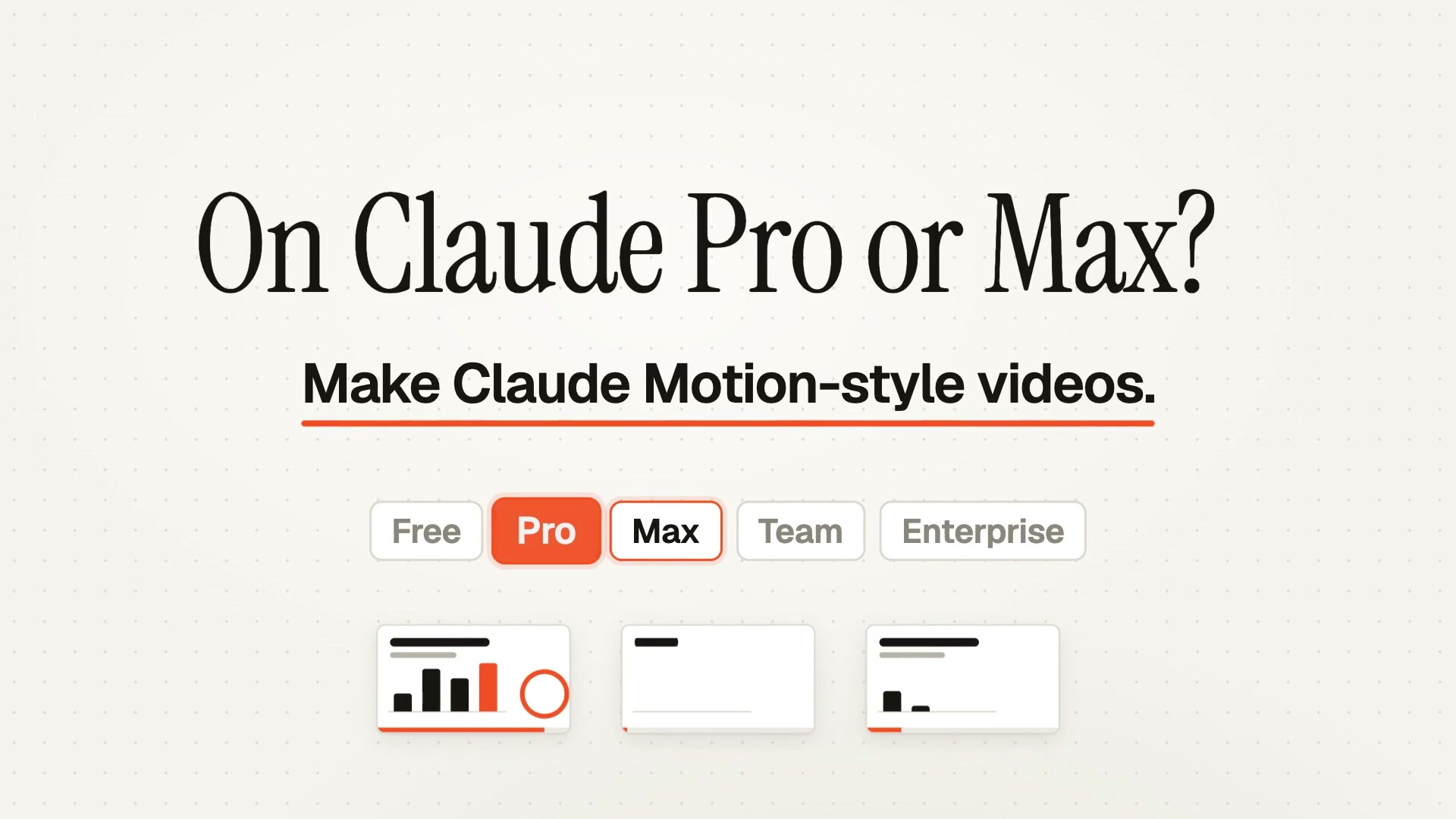
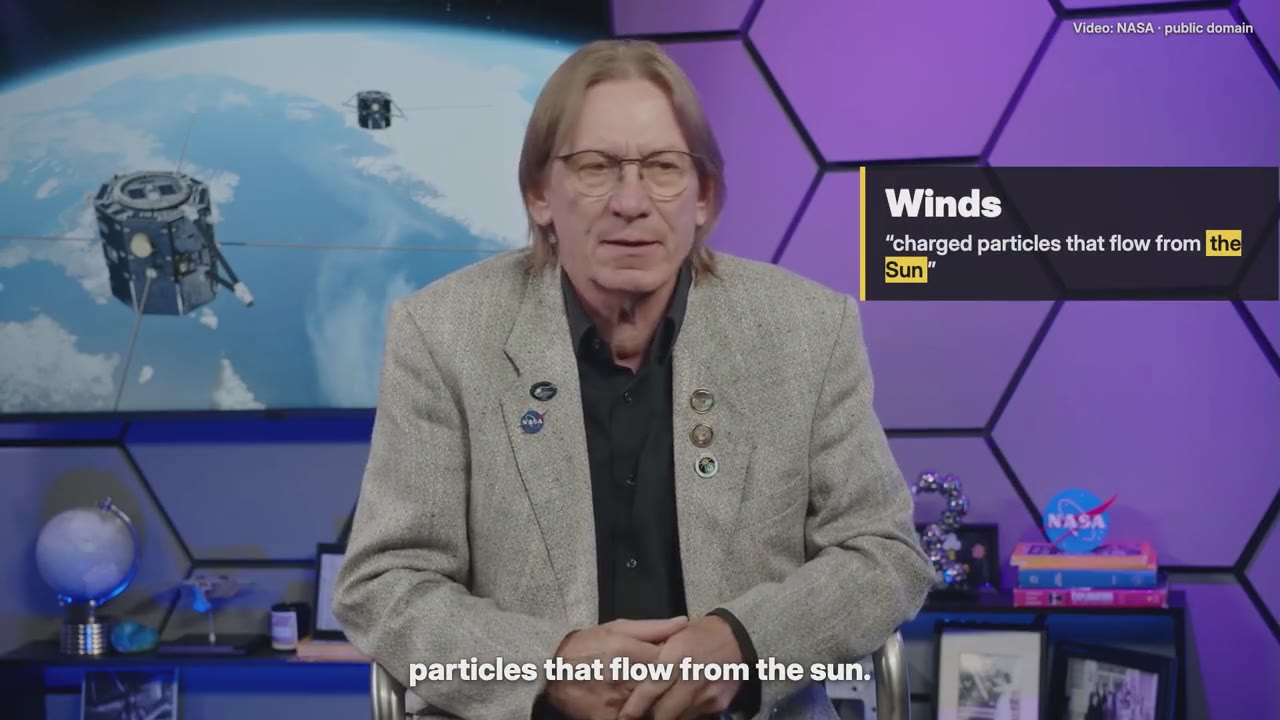
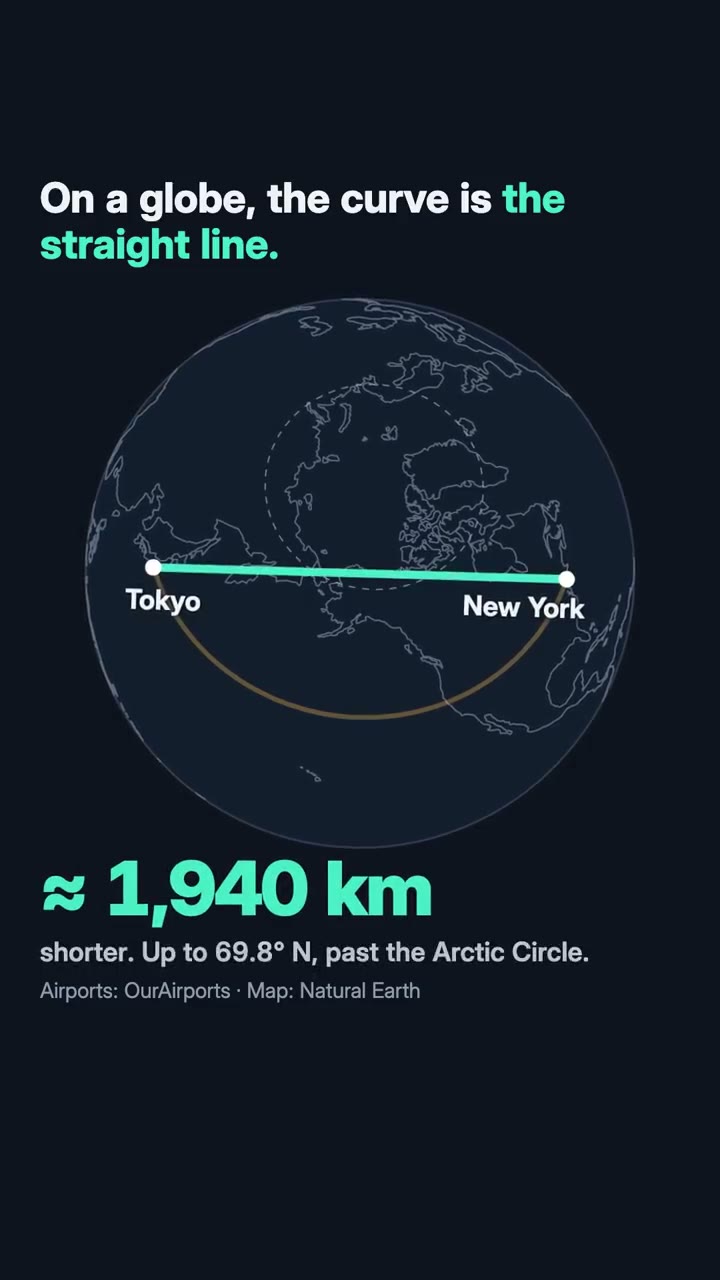
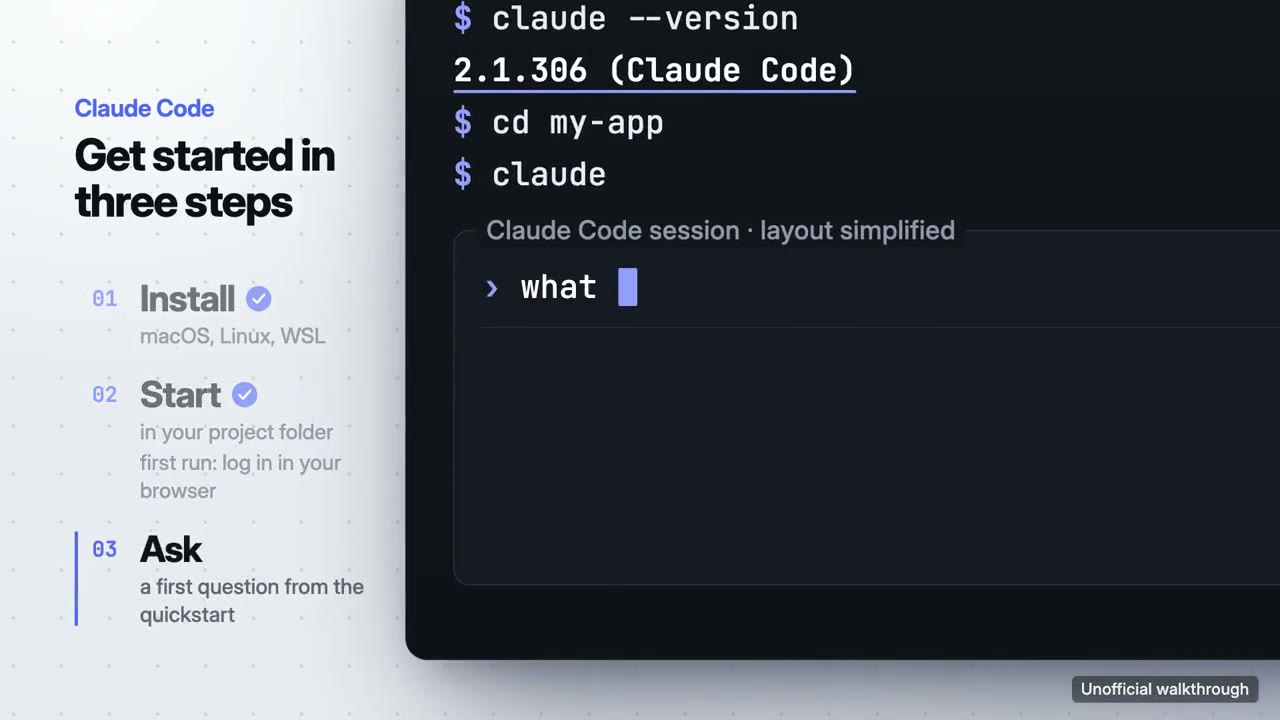
This tool turns the HTML you already have into a video. A Motion Skill works a step earlier: in Claude Code, Codex or Cursor, your agent reads your product or your notes, plans the shots, writes every scene, scores the music and renders the finished MP4.
- ✓From your own material, not a blank prompt
- ✓Several scenes, cut together with music
- ✓Rendered on your computer, yours to use
Skills that pick up from here
Each one makes a different kind of film. The first is the closest to this page.
Making more than one kind of film?
Start free with Motion Director. One skill is $4.90; a plan unlocks every skill, and the new ones as they arrive.
Monthly
$9.90/ month
- ✓Every full-film skill, styles built in
- ✓New skills as they ship
- ✓Updates to existing skills
- ✓Commercial use of what you render
Yearly
Save 34%$79/ year
- ✓Every full-film skill, styles built in
- ✓New skills as they ship
- ✓Updates to existing skills
- ✓Commercial use of what you render
Founding lifetime
Founding offer$169one-time
- ✓Every full-film skill, styles built in
- ✓New skills as they ship
- ✓Updates to existing skills
- ✓Commercial use of what you render
- ✓One payment, no renewals
Get Motion Director (free) →One skill $4.90 · Pick a skill →
Questions
Is my HTML uploaded?
No. The page runs in a sandboxed frame in your browser, cut off from this site, and the video is encoded on your computer. Nothing is sent to us.
Which animations work?
Anything driven by the page's clock: CSS animations and transitions, the Web Animations API, GSAP, anime.js, SVG, Canvas, Three.js and WebGL, p5.js, and code using timers or requestAnimationFrame. Videos embedded in the page, iframes and images from sites that block reading by other sites don't come through; for those, use “Record in real time instead”.
How is this different from recording my screen?
A recording plays the page in real time and keeps whatever the computer managed to show, so a busy page stutters. This tool stops the page's clock, moves it to each frame's moment and draws it, so the video is smooth whatever the computer's speed, and it's always exactly the right length.
How long and how large can the video be?
Up to 5 minutes. MP4 and WebM at 720p, 1080p or 4K and 24, 30 or 60 fps; GIF from 360p to 720p at 10, 15 or 25 fps. Longer and larger takes more time and memory.
How do I turn a Claude or ChatGPT animation into a video?
Ask for one self-contained HTML file, copy it (or download it), paste it here and render. If the tool you used exports a .zip, as Claude Design does, drop the .zip: its images, scripts and fonts are read from it.
Can I export with a transparent background?
Yes, as WebM (VP9 with alpha) or PNG: tick “Transparent background” and the page's own background is left out. MP4 can't carry transparency. Editors such as Premiere, DaVinci Resolve, Final Cut and CapCut accept transparent WebM.
Which browsers does it work in?
Chrome, Edge and Firefox on a computer, and Chrome on Android. Safari, and so every browser on iPhone and iPad, doesn't allow a page to be drawn this way; open the page on a computer instead.
Will a GIF loop?
Yes, GIFs loop forever. For a seamless loop, set the length to one full cycle of the animation; when the page loops, the length shown is that cycle.
Does the video have sound?
No, the files are silent. Add music in your editor, or make a whole film with music using Motion Director, a free skill for Claude Code, Codex or Cursor.
A frame looks different from the page. Why?
A few effects can't be drawn frame by frame yet, such as fixed-position layers blended over the page. Try “Record in real time instead”, which captures the tab as it plays, in Chrome or Edge on a computer.
Is it free?
Yes: no sign-up, no watermark, no limit on the number of videos.
Next
Going further
No animation yet? Start from a prompt
Copy a motion prompt, send it to Claude or ChatGPT, and paste the HTML it writes back here.
Browse motion prompts →Screenshots instead of code?
The 3D mockup video generator puts screenshots on phones, laptops and moving cards, and exports a looping video.
Open the mockup tool →Paste your HTML and render it
Free, in your browser, nothing uploaded.