Claude Motion Graphics: Examples, Skills and Prompts (2026)
Claude makes motion graphics by writing them as code: kinetic type, charts, logo stings and diagrams that animate and render to an MP4. You can make them in Claude Motion on Team and Enterprise plans, or on other plans with a motion graphics Skill in Claude Code, Codex or Cursor.
Claude Motion's plans and features as stated in Anthropic's help article and pricing page, last checked on October 29, 2026. This site is independent and not affiliated with Anthropic.
What "Claude motion graphics" means
Motion graphics are animated design: words, numbers, shapes, icons and logos that move, rather than filmed footage. Claude is good at them for one reason: it writes code, and motion graphics can be written as code. An animation is an HTML page whose type, charts and shapes change over time; a renderer plays it frame by frame in a browser and saves the frames as a video.
There are three ways people do it with Claude:
- Claude Motion, Anthropic's beta in claude.ai on Team and Enterprise plans. You describe a short animated explainer, attach your own report, data or images, edit it in the chat and export an MP4. It isn't a video-generation model: no generated footage and no AI-generated people. The details are in the Claude Motion guide.
- One prompt to Opus 5.5, in a chat or in Claude Code, asking for an animation as an HTML, Canvas or Three.js page. Most Claude motion clips shared on X are this kind. The result changes from run to run, and you record or render the page yourself.
- A Skill in your coding agent. A Claude Skill is a folder of instructions and files that Claude Code (and Codex, Cursor or Gemini CLI) loads when a request matches. A motion graphics Skill tells the agent how to plan the film, which look to use, how to check every frame and how to render the MP4, so you get the same quality every time.
Claude motion graphics examples
Made with our Skills
Every film below was directed and rendered by a coding agent with one of our Skills, from real material, with an original score. Press play for the sound.
Our own mark: the wave draws like a motion curve, the square fills in behind it, and the name sets, with a four-note sound logo.
Example of Brand Intro16:9 · 5 s
What, when and where, the path of totality, the longest darkness near Luxor, the days to go and how to watch safely.
Example of Event Promo16:9 · 35 s
Eclipse data from NASA's eclipse canon; eye safety from the American Astronomical Society.
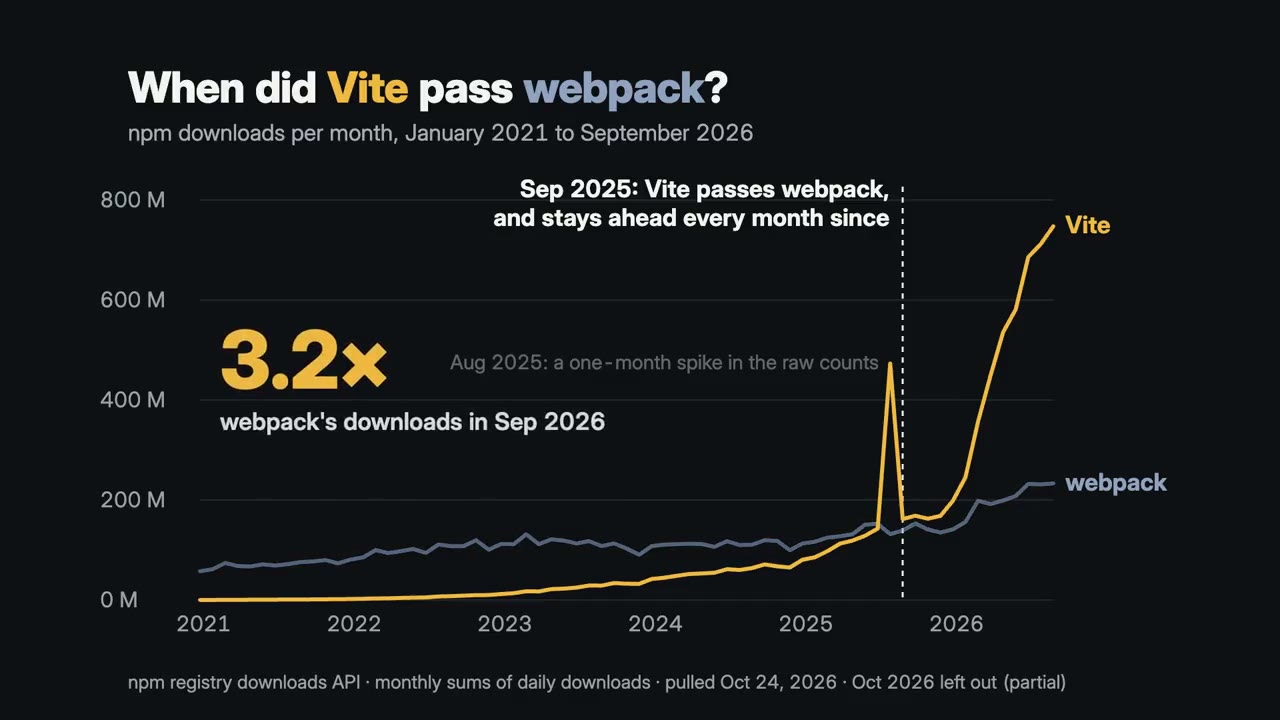
18 quarters of Data Center revenue as NVIDIA reported it: +141% in Q2 FY24, up every quarter since, a basis change named.
Example of Data Video16:9 · 22 s
Unofficial; from NVIDIA's quarterly press releases.
Not distance: the orbit drawn to its real shape, then the tilt and the same sunlight spread over 2.1× the ground in December.
Example of Explainer Video16:9 · 58 s
7,254,501 articles as a vertical card, with the words behind them and the date the figure was read.
Example of Social Card9:16 · 21 s
From Wikipedia's own site statistics, as of 24 October 2026.
A tutorial channel's opener, four chapter cards on a measuring ruler and a chapter bar over footage.
Example of Titles & Transitions16:9 · 18 s
Sample channel, made up for this example.
Single looks, each rendered for a sample product:
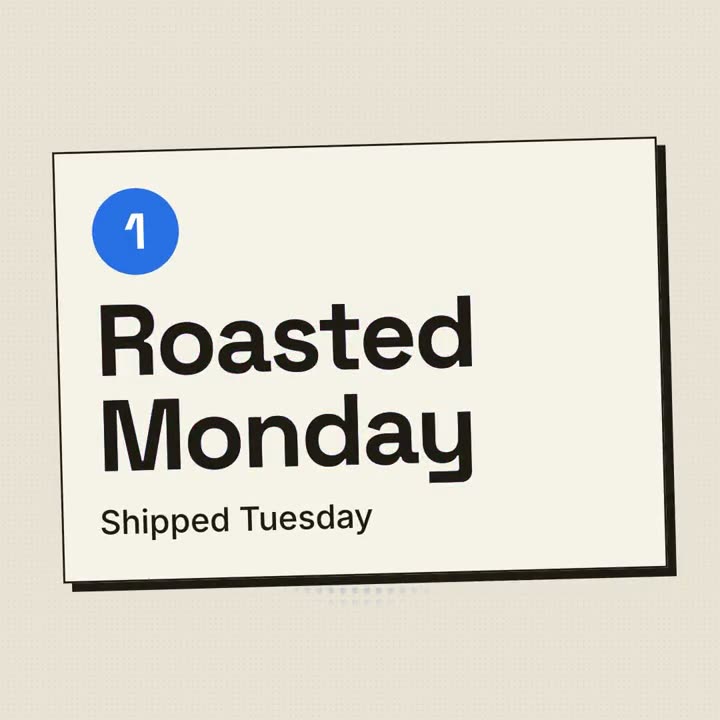
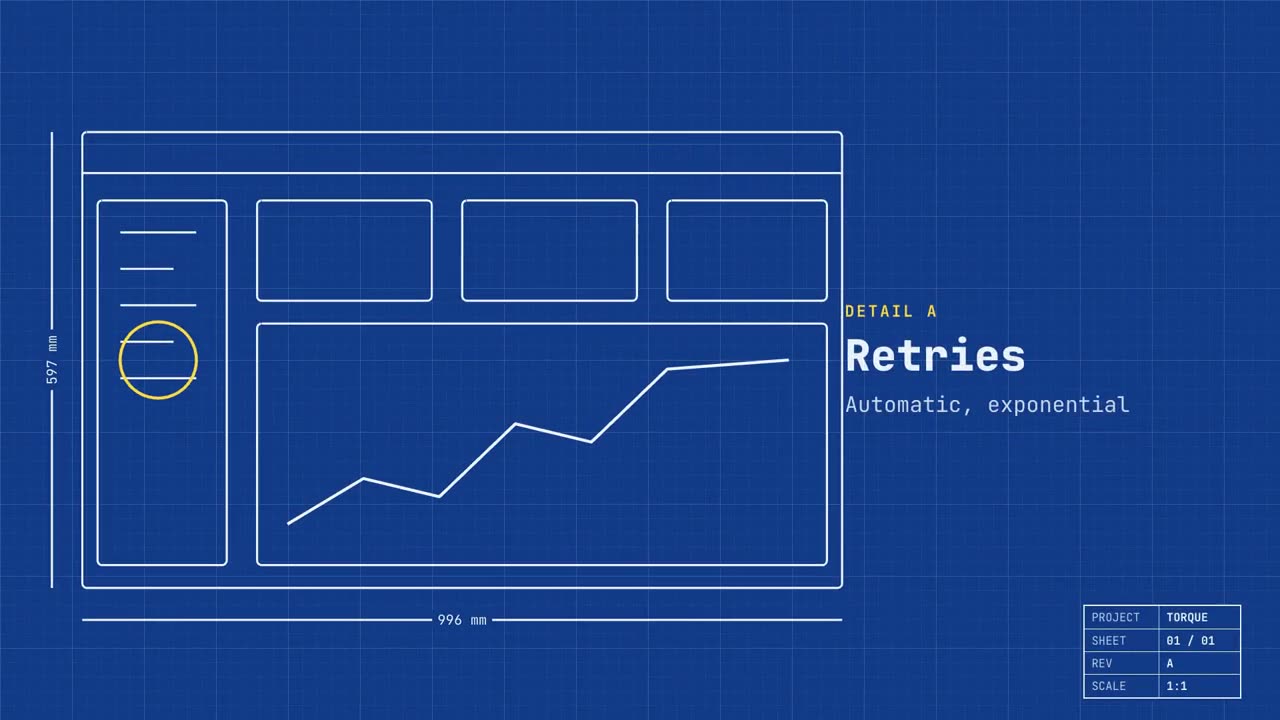

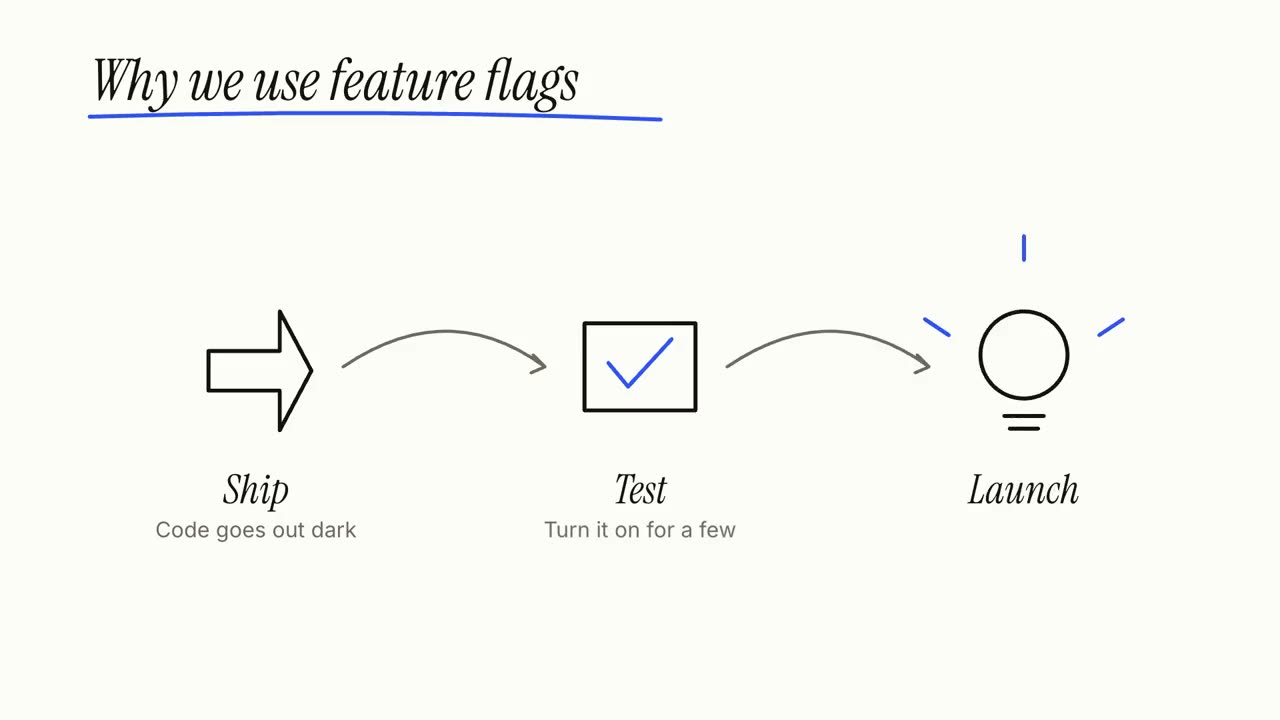
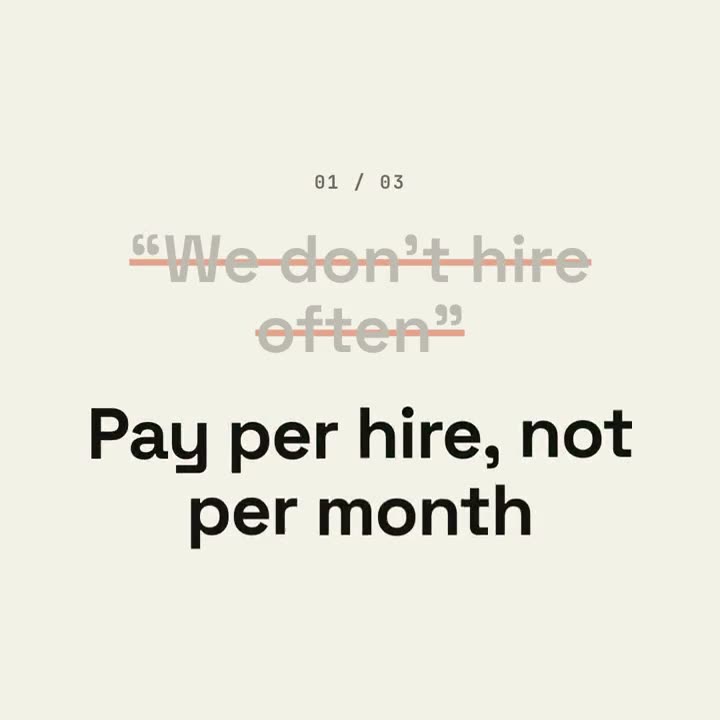
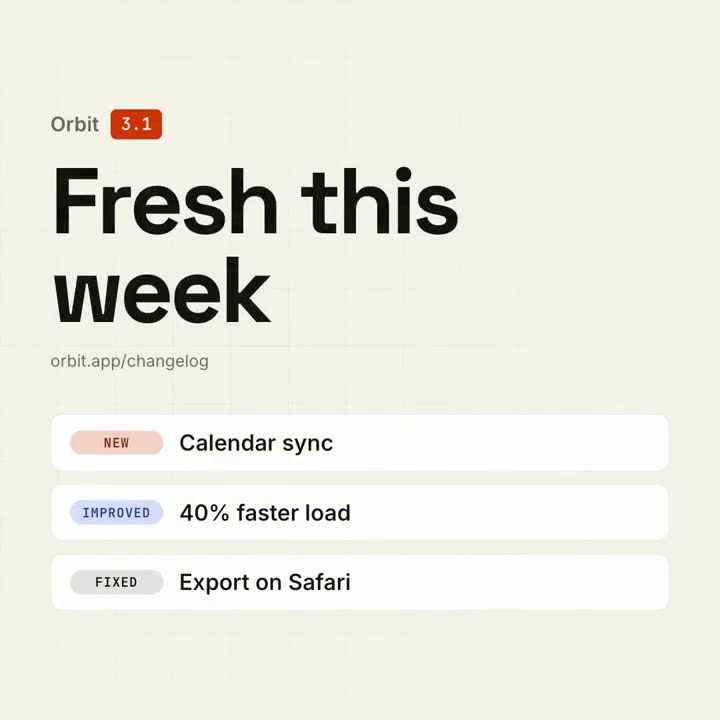
Made in Claude Motion, shared on X
Real Claude Motion results that their creators posted. Each card opens the video, who made it and the original post.
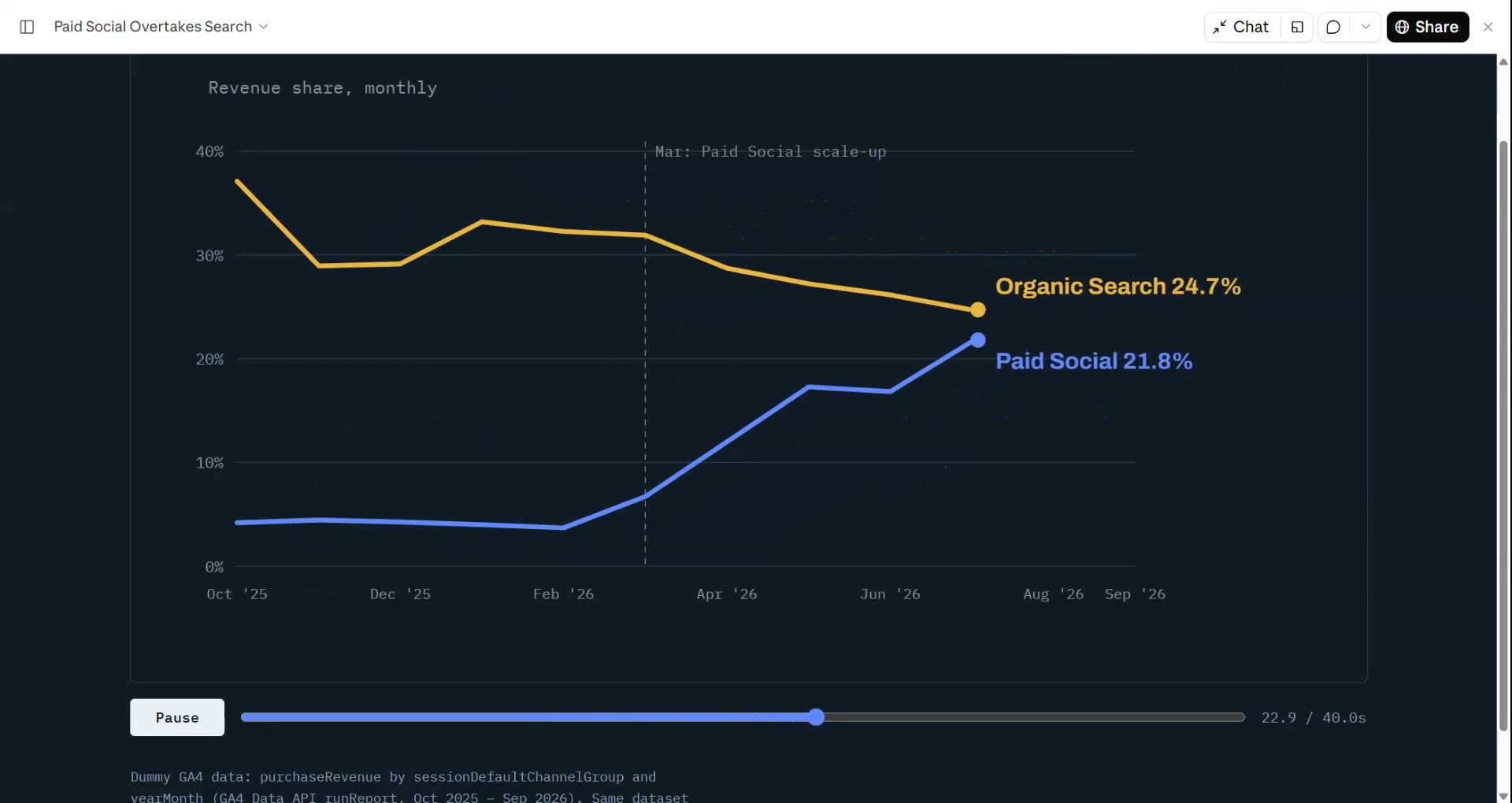
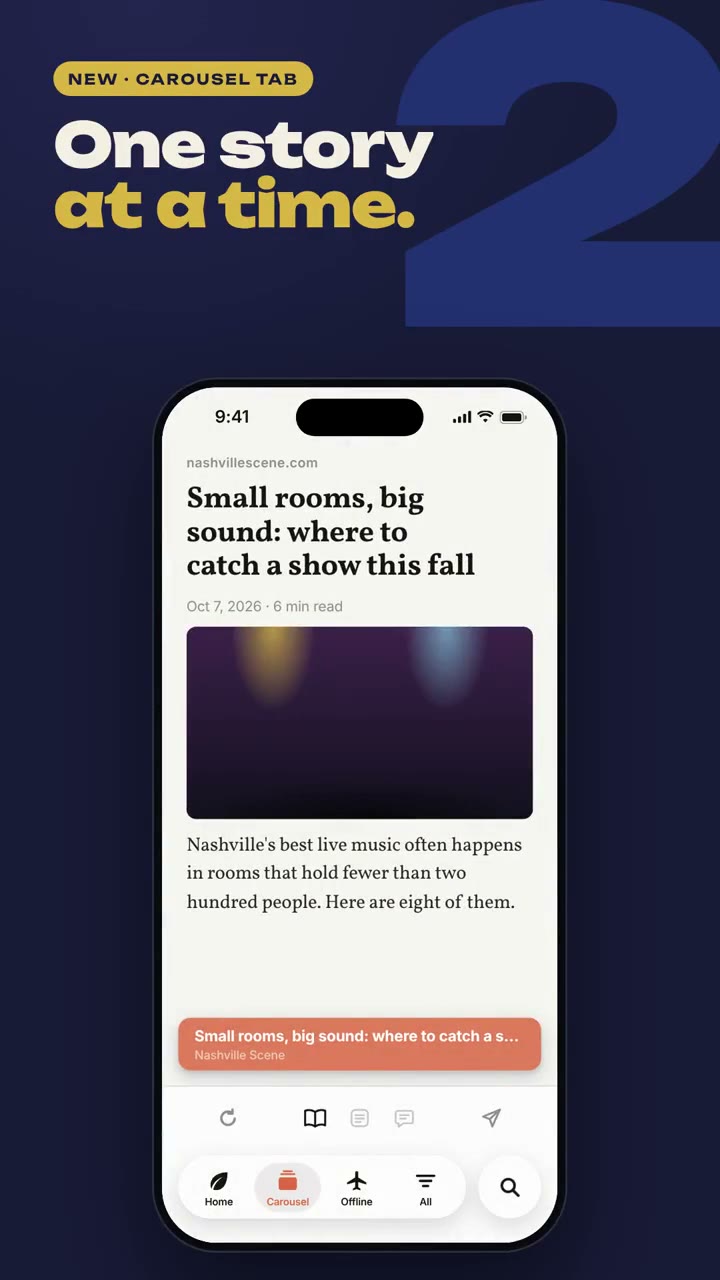
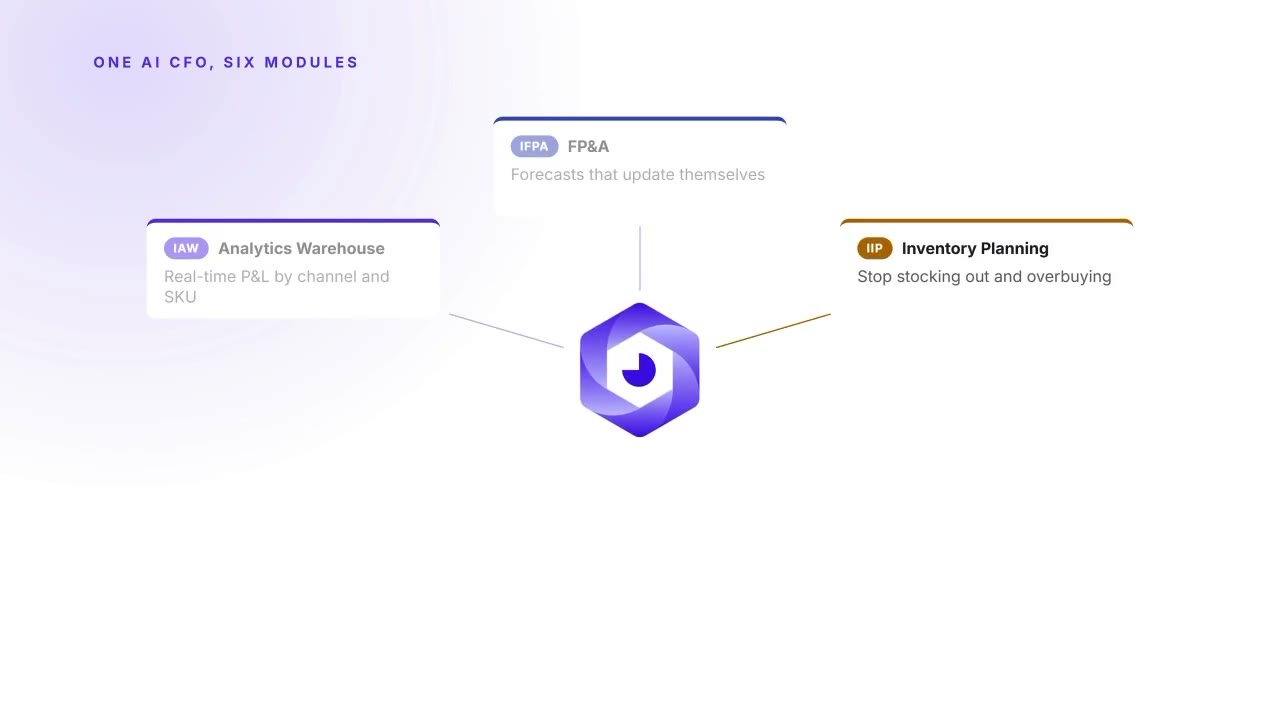

Made with one prompt to Opus 5.5
Animations Opus 5.5 wrote from scratch as one HTML page, from a single prompt and no skill.
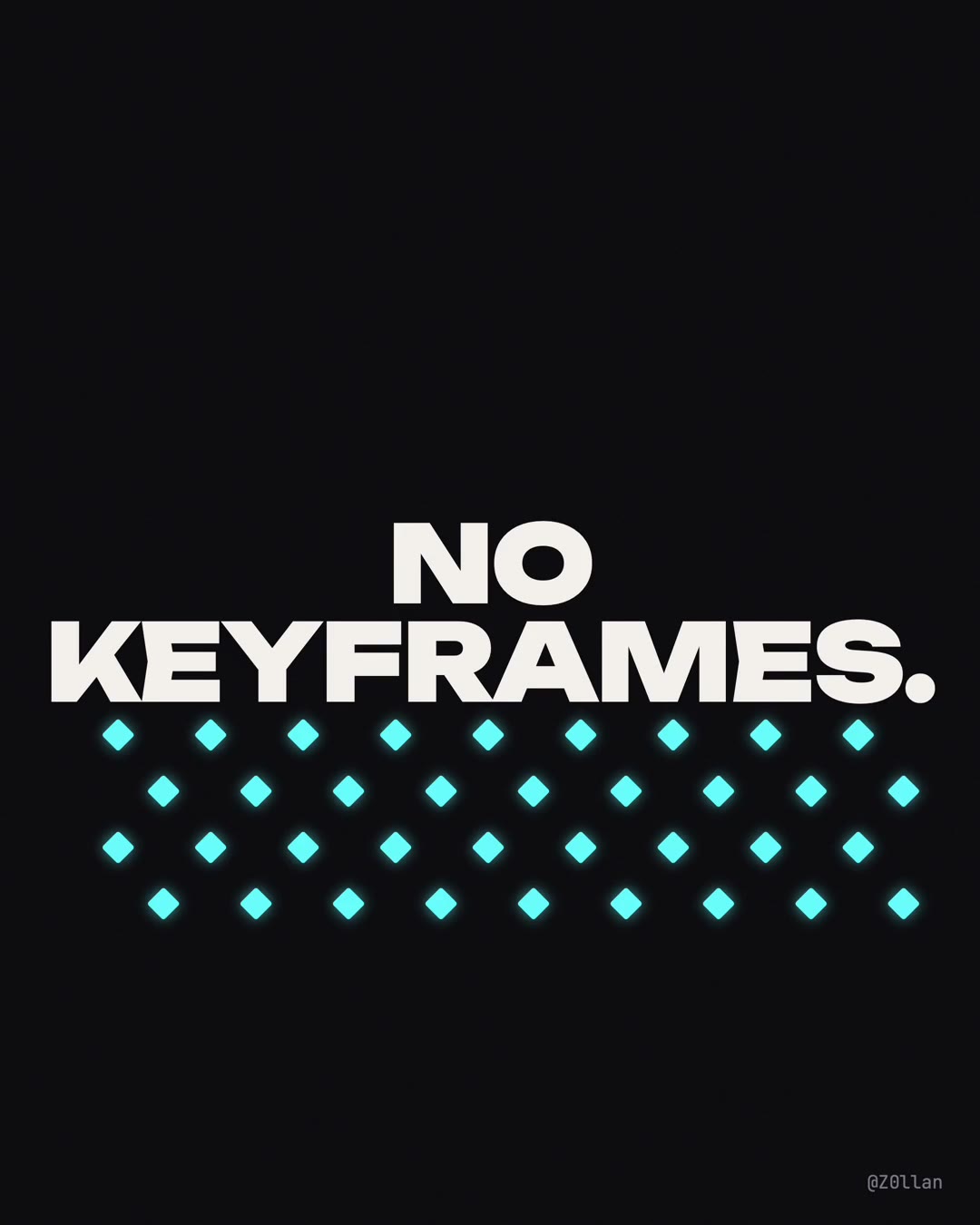
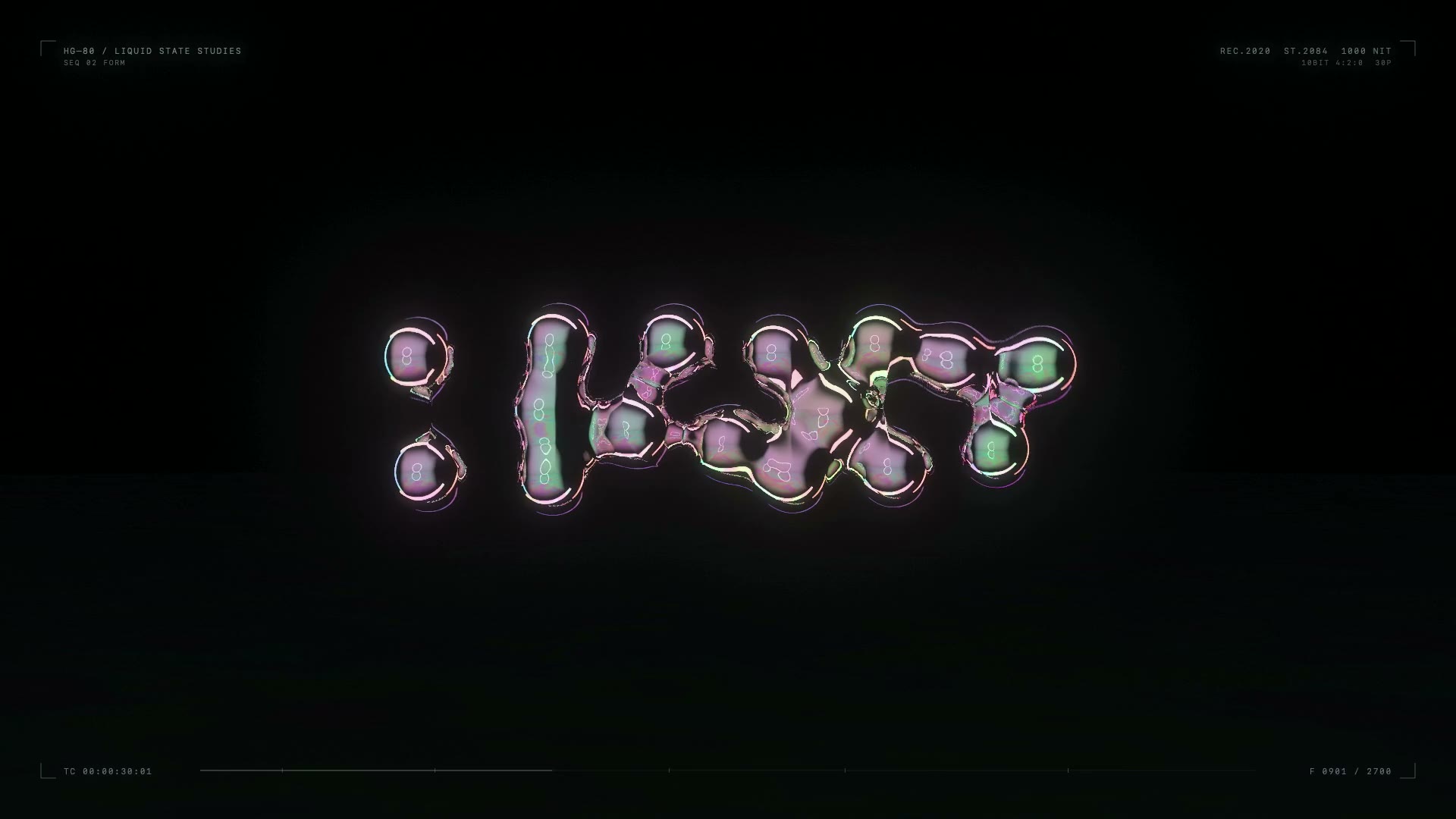
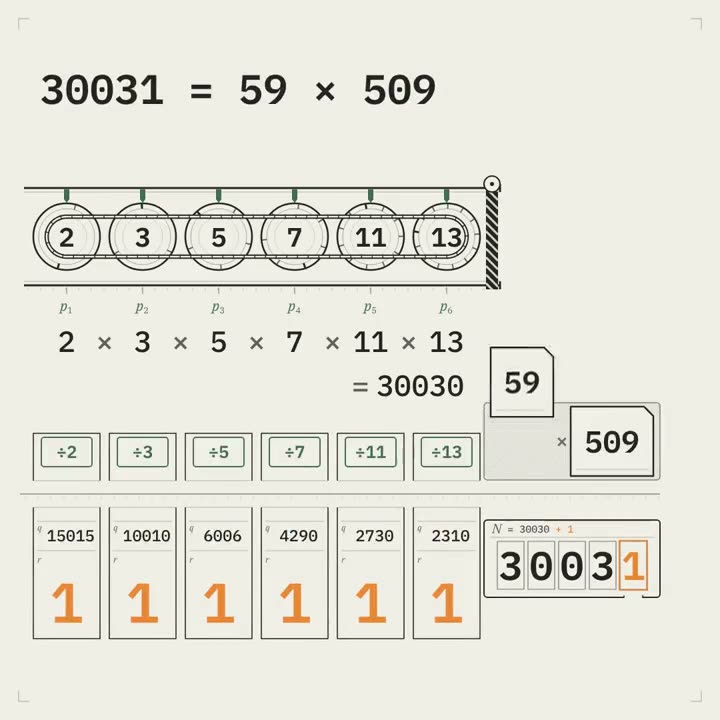
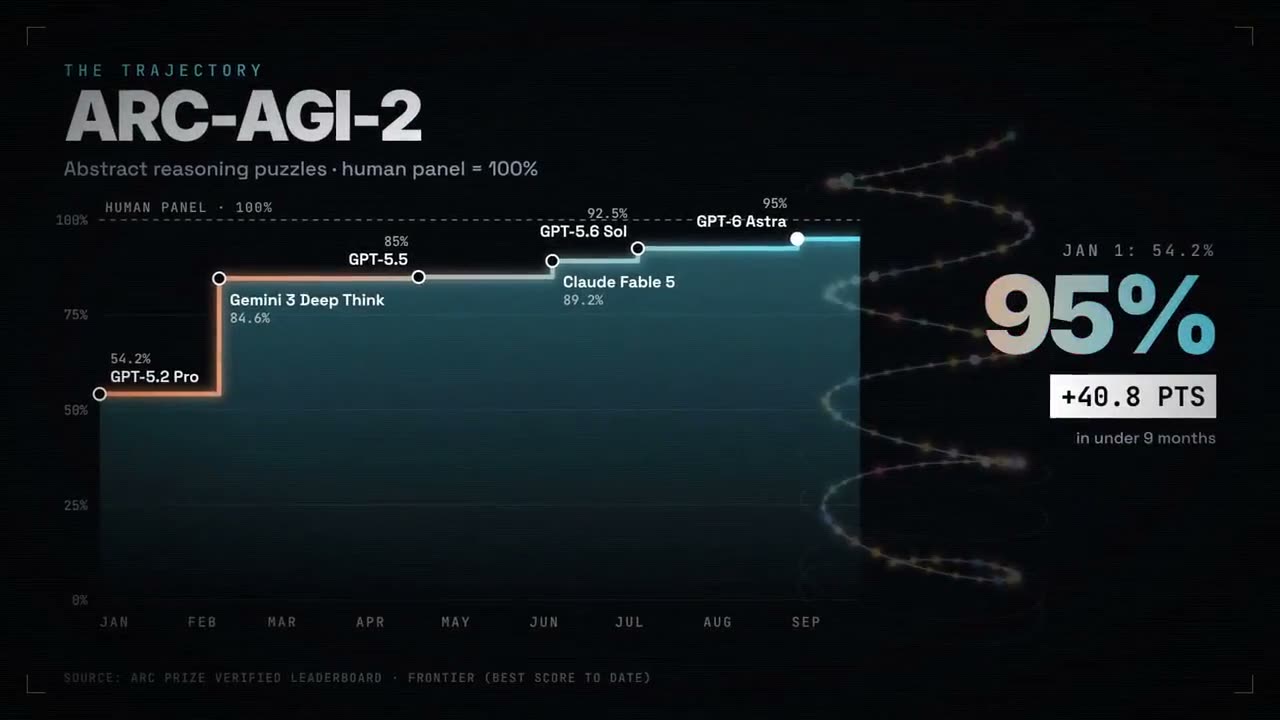
More, sorted by scene and by how they were made: the Claude Motion gallery.
Claude Skills for motion graphics
A motion graphics Skill is the difference between "Claude, animate this" and a film you can post. It carries the look, the pacing rules, the checks and the render, so your agent doesn't start from a blank page each time. Ours come in two sizes.
Single looks do one job in one style, from a few seconds to half a minute: a title, a logo sting, a launch in print or blueprint, an idea in cut paper or on a whiteboard. Each is $4.90, or all of them come with a plan.
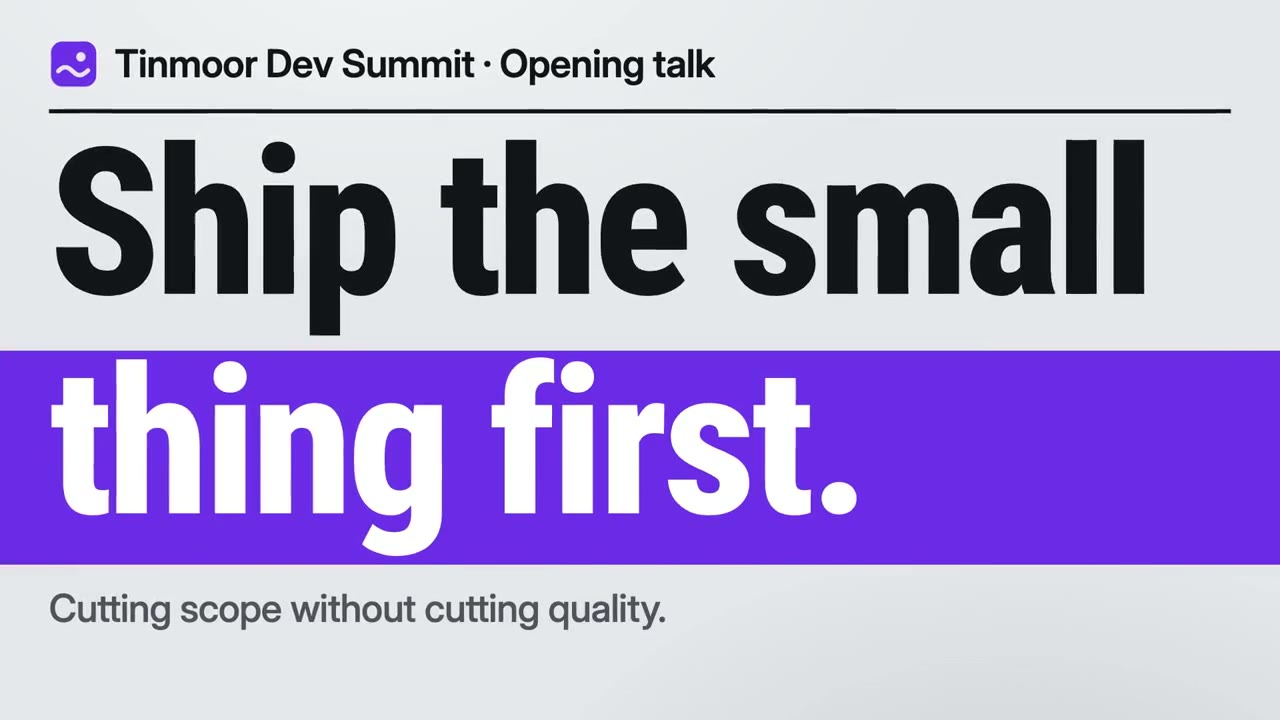
Kinetic Type Title
A title that takes over the whole frame, on the beat.
Logo Sting
Your logo, cut into bands that snap together on the beat.
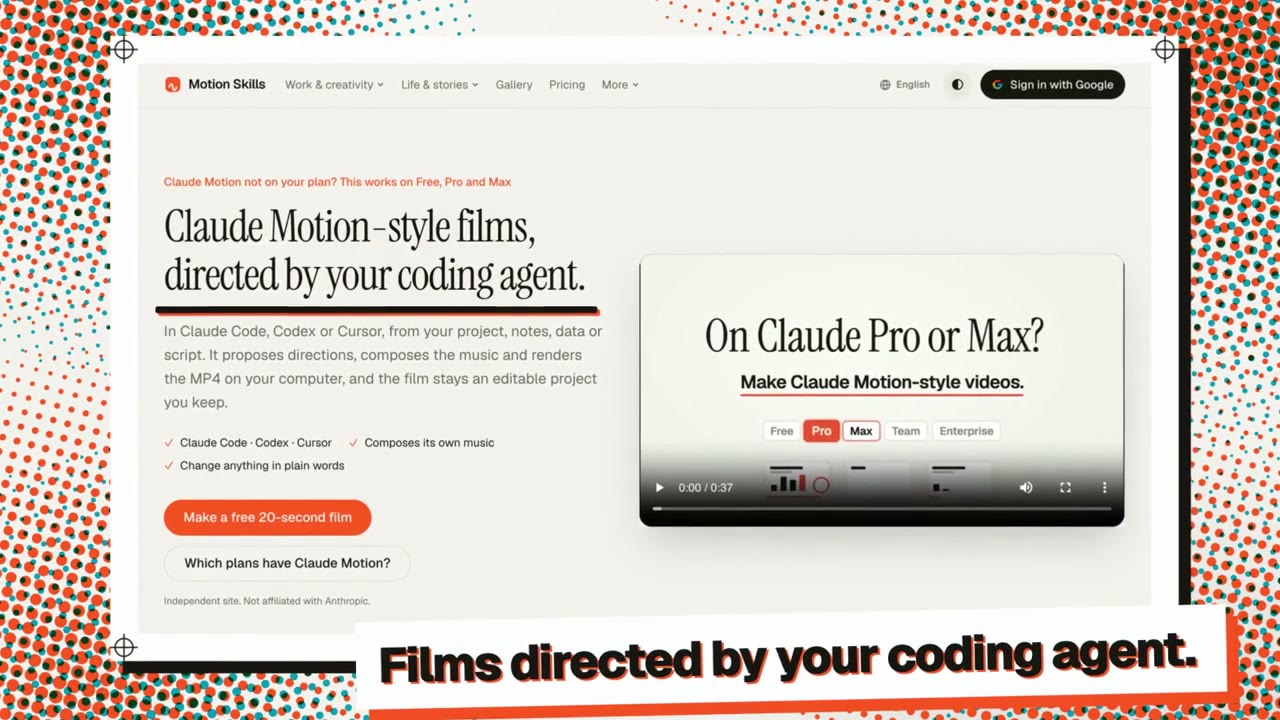
Halftone Print Launch
Your launch, printed: plates wobbling into register, a living dot screen, your real screenshot proofed on the drop.
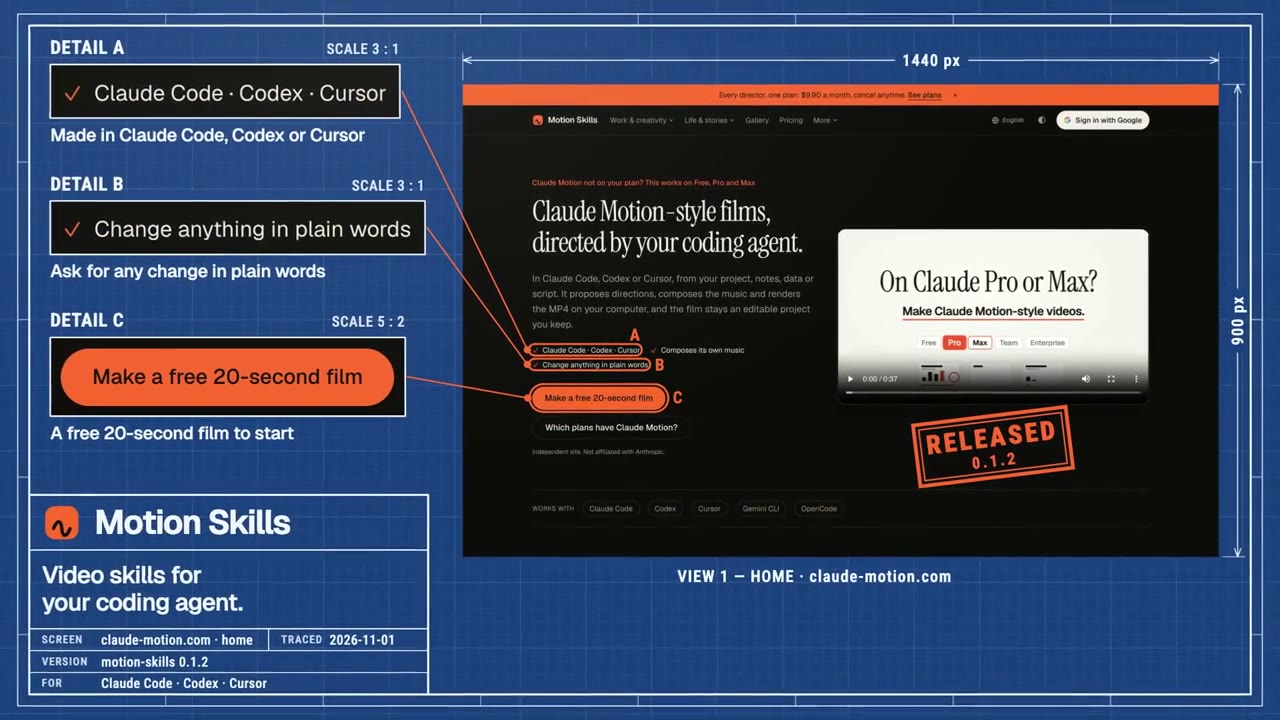
Blueprint Launch
Your real screen drawn as a technical drawing, its features called out, then made real.
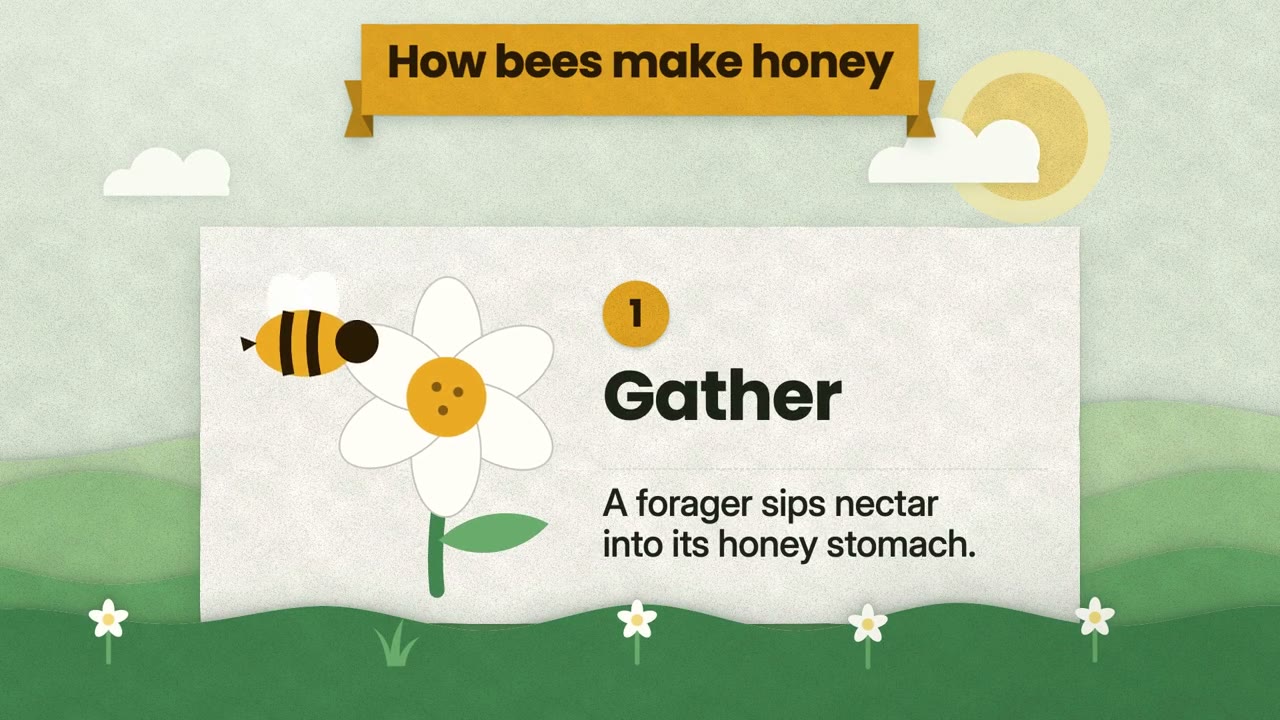
Papercut Explainer
One idea, unfolded in cut paper: step cards pop up like a pop-up book.
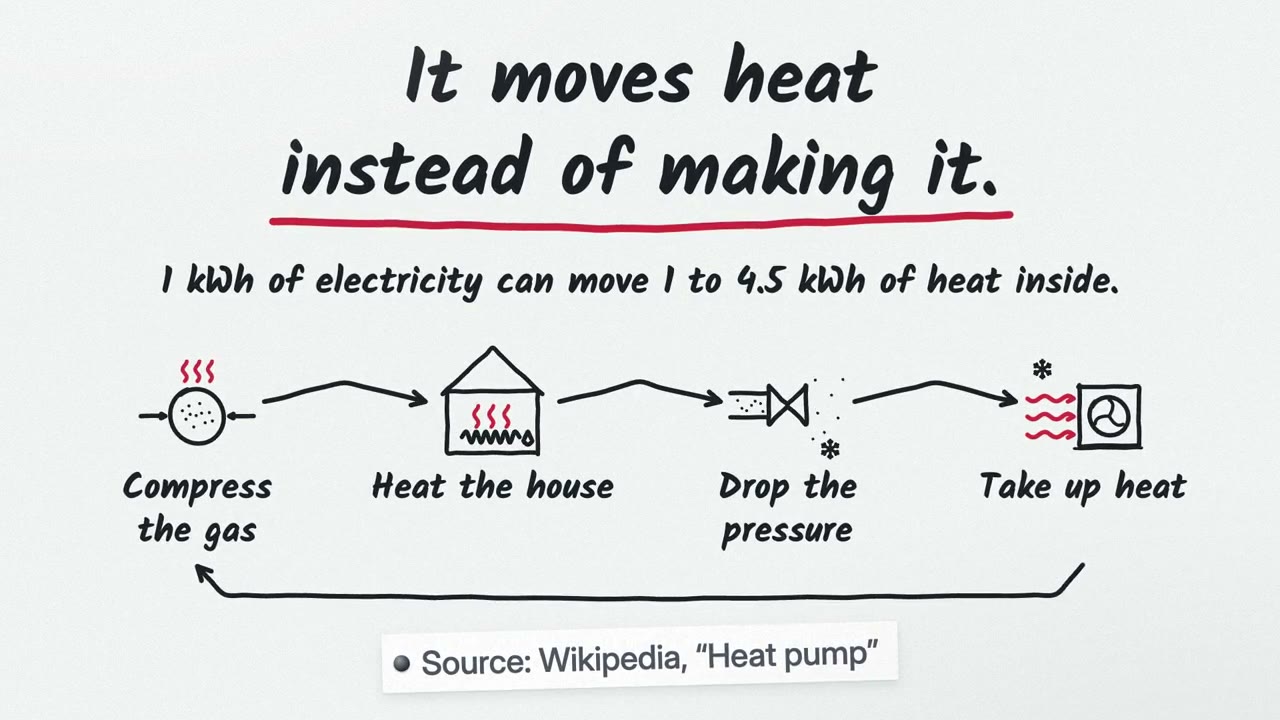
Whiteboard Explainer
One idea, drawn by hand as it is explained: steps sketched, connected, and summed up.
Full-film skills make a whole film of one type, with several styles built in: titles and transitions for your edit, a brand intro, a data video, an explainer, a vertical short or a social card.
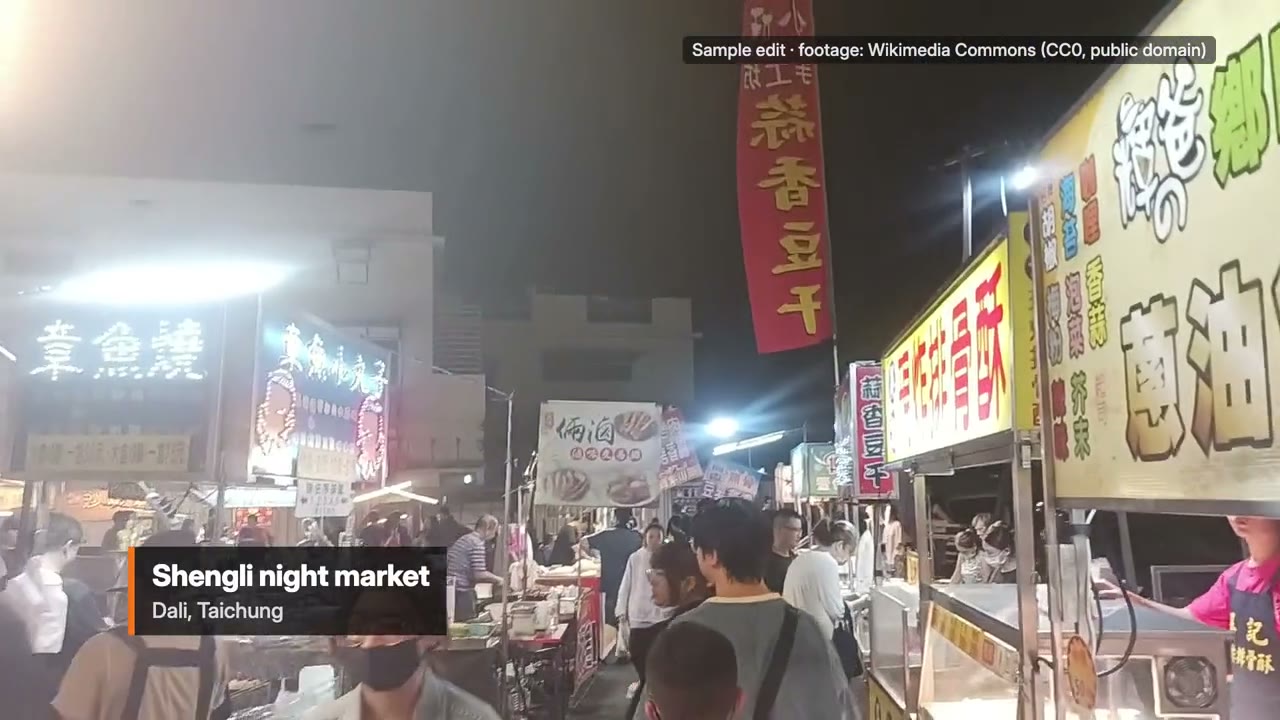
Full-film skill
Titles & Transitions
Openers, chapter cards and transitions that match your edit.
Built-in styles: Kinetic Type · Chapter Wipes · Retro Pixel
Full-film skill
Brand Intro
Learns your brand once, then makes stings and openers in it.
Built-in styles: Logo Motion · 3D Product · Kinetic Type
Full-film skill
Data Video
Finds the story in your numbers and draws it to scale.
Built-in styles: Data Story · Modular Grid · Collage
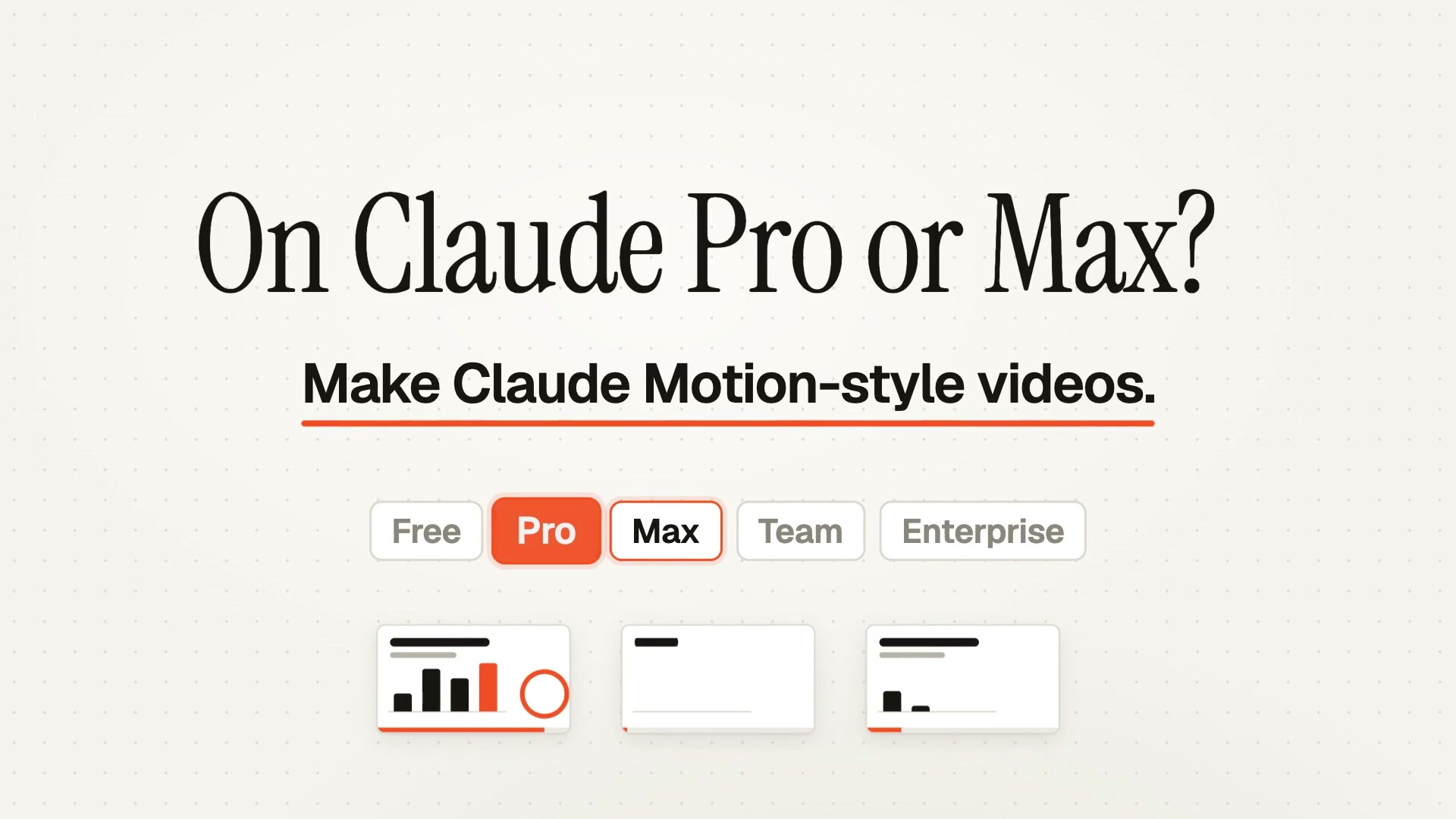
Full-film skill
Explainer Video
Finds the shape of an idea and makes the thing itself move.
Built-in styles: Mechanism · System Map · Flat World · Papercut · Collage · Whiteboard
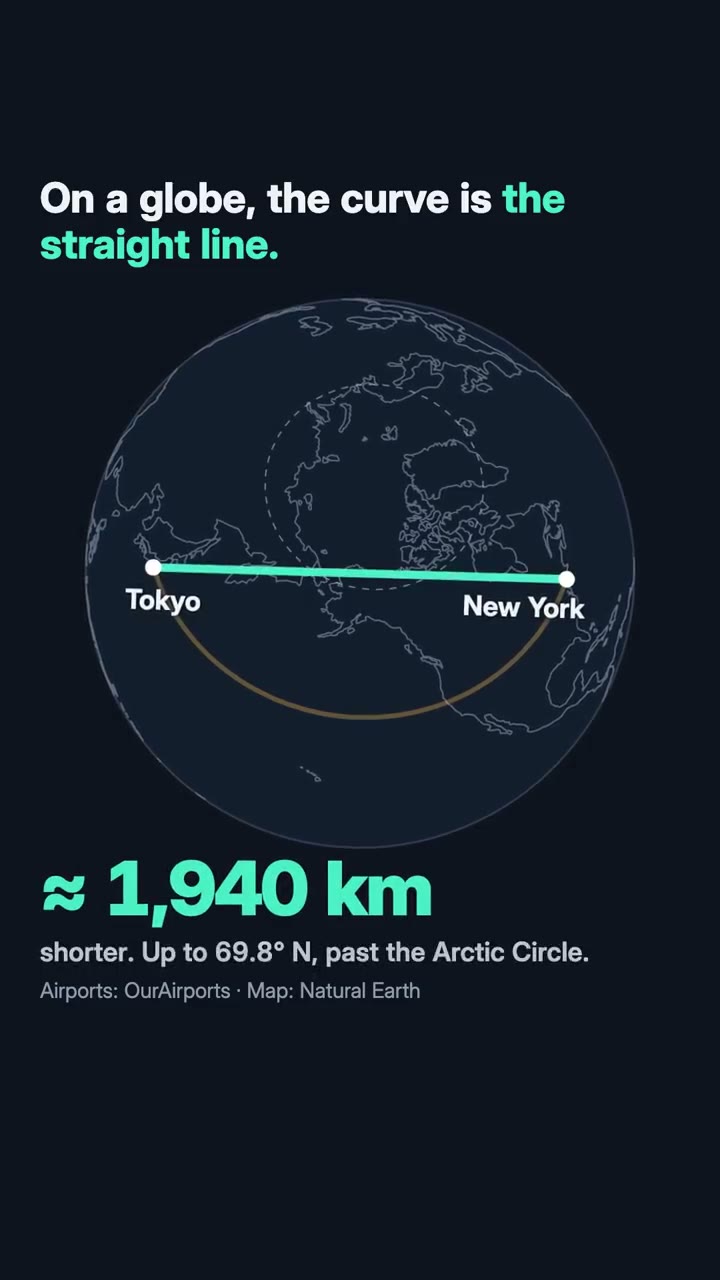
Full-film skill
Vertical Short
From a script or an idea to a 9:16 short with a hook in the first second.
Built-in styles: Kinetic Type · Collage · Retro Pixel · Data Story
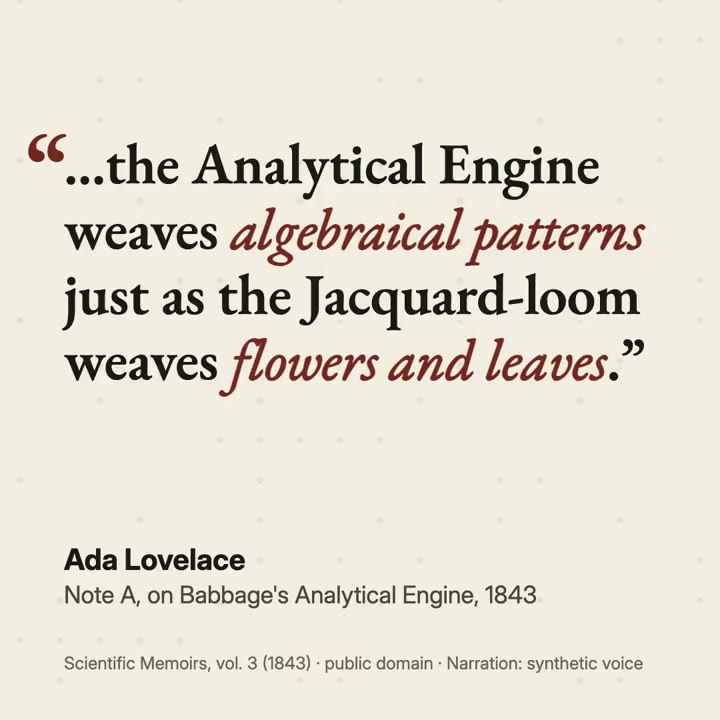
Full-film skill
Social Card
A quote, a review or a number that stops the scroll.
Built-in styles: Kinetic Type · Collage · Modular Grid
Every skill is in the Skill store. To try first, Motion Director is free with a Google sign-in and makes a 10–20 second film of any kind, in kinetic type, a data story or a whiteboard.
How to make motion graphics with Claude Code or Codex
You need a coding agent (Claude Code on Pro or Max, Codex, Cursor or Gemini CLI), Node.js 22 or newer, FFmpeg and Google Chrome. No API keys.
Install the Skill with one sentence. Open your agent in a folder and paste:
Read https://claude-motion.com/skills/motion-director/install.md and follow it to install the "motion-director" skill, then make a first video with it.The agent runs one command,
npx motion-skills install motion-director; the first time, you sign in with Google in your browser.Say what it's for and point at your material. For example: "A 15-second 16:9 title sequence for our product video, from the 2.0 notes in CHANGELOG.md. Our colours are in brand.css." The skill lists every word and number it will show, with where it came from.
Approve the key frame. Before it builds anything, it picks a style and a palette and shows you one frame. A frame is quicker to change than a film.
Let it build, check and score. It writes the animation as HTML and GSAP, looks at its own frames, checks every line against your sources and writes an original score.
Ask for changes in plain words. "Hold the logo longer", "use our green". It changes that moment and renders again.
Take the file. An MP4 for posting, or a MOV with transparency to lay over footage in your editor; GIF and WebM too.
In Codex the same skill lives in ~/.agents/skills/, in Cursor in .cursor/skills/; the install guide puts it where your agent looks. Every step, with a real film from brief to last revision: How to make a video with Claude Code. For the other agents: Make videos with Codex, Cursor or Gemini CLI.
Claude motion graphics prompts
If you'd rather prompt than install, the Claude Motion prompts page has style prompts with previews, each labelled with where it runs: prompts for Claude Motion and prompts for Opus 5.5. A good motion graphics prompt says who will watch and where, how long, which content to use and how it ends. For Claude Motion, for example:
Make a 15-second 16:9 kinetic-type title for [who will watch, e.g. viewers of our product video on YouTube]. Use only these words: [your title, e.g. "Ship faster"], [your subtitle, e.g. "Version 2.0"]. One word per beat, our colours [e.g. black and lime], no stock images. End on the title, held for two seconds.
Swap the [brackets] for your own words. A skill needs less: your material and one sentence, because the rest is in the skill.
Questions
Can Claude make motion graphics?
Yes. Claude writes motion graphics as code (animated type, charts, shapes and logos) and that code renders to a video. In Claude Motion on Team and Enterprise you export an MP4 from claude.ai; in Claude Code, Codex or Cursor a motion graphics Skill renders the MP4 on your computer.
Is there a Claude Skill for motion graphics?
Yes. Motion graphics Skills are folders of instructions and files your coding agent loads, such as our single looks (kinetic type titles, logo stings, launches) and full-film skills (titles and transitions, brand intros, data videos). Motion Director is free with a Google sign-in.
Do I need Claude Motion to make motion graphics with Claude?
No. Claude Motion is a beta on Team and Enterprise plans only. On Pro or Max, Claude Code with a motion graphics Skill makes the same kind of animation and renders it on your computer; on the free plan, use the Skill in Codex, Cursor or Gemini CLI.
Can I use the result in Premiere, Final Cut or CapCut?
Yes. The skills render an MP4, or a MOV with transparency for titles, lower thirds and stings you lay over your own footage. GIF and WebM are there too.
What does it cost?
Motion Director is free. Each single look or full-film skill is $4.90, or every skill comes with a plan: $9.90 a month, $79 a year or $169 once for the founding lifetime pass. There are no credits; the only usage is your agent's own.
Can Claude make motion graphics with realistic footage or people?
No. Claude Motion doesn't generate footage or people, and neither do our skills: they animate type, charts, shapes, your screenshots and your photos. For filmed shots, record them and add the motion graphics on top.
Keep reading
- Can Claude make videos?: what Claude can and can't make, and the three ways to do it.
- What is Claude Motion? and Claude Motion access and pricing.
- HyperFrames vs. Remotion, the two leading engines for video written as code.
- Claude Motion alternatives, from code frameworks to browser apps.
Claude is a trademark of Anthropic, PBC. Videos in the gallery belong to their creators.