Transcrição em destaque
Uma transcrição corre, o trecho-chave é marcado e vira uma grande citação.
Cole no Claude Code, no Codex, no Cursor ou em qualquer agente que suporte skills.
Requer: Node.js 22+, FFmpeg, Chrome. Sem chaves de API.
Outros temas e formatos
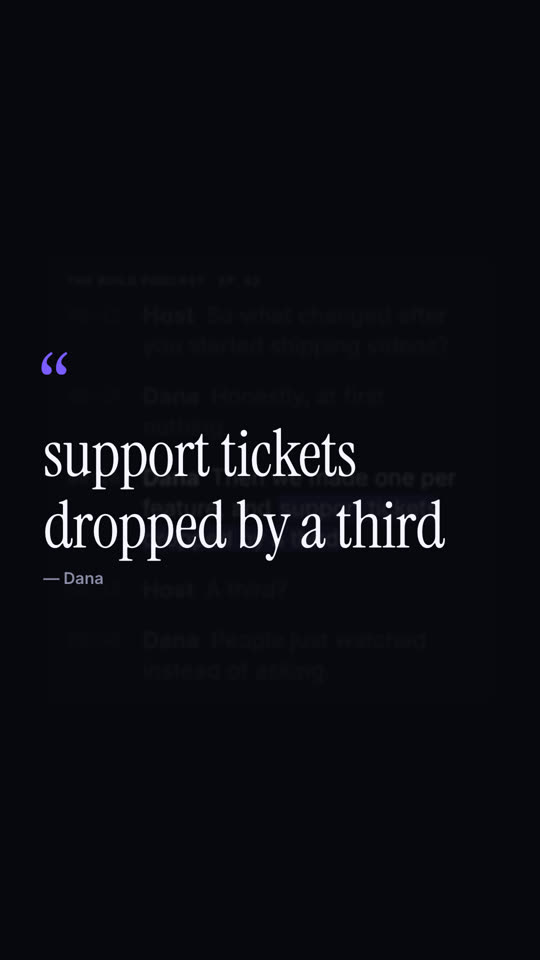
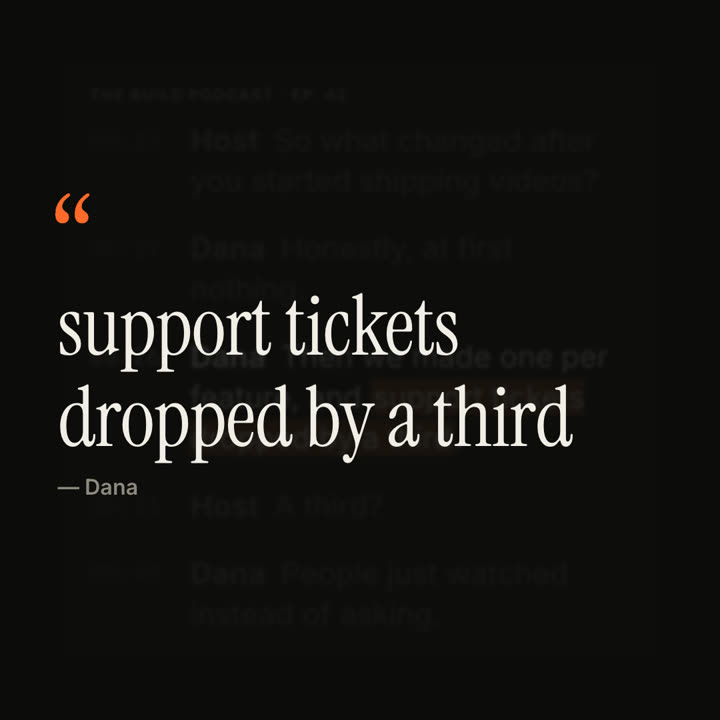
Quadros finais do mesmo template, renderizados com outro tema e formato.
5 temas
- Tinta
ink - Papel · padrão
paper - Elétrico
electric - Noir
- Areia
sand
Cite um tema no seu prompt ou defina suas próprias cores de destaque, fundo e texto.
Leia https://claude-motion.com/skills/transcript-highlight/install.md, siga os passos para instalar a skill "transcript-highlight" e depois faça um primeiro vídeo com ela.
Cole no Claude Code, no Codex, no Cursor ou em qualquer agente que suporte skills.
Use the transcript-highlight skill with lines from our customer call: "Lena: We tried three tools. | Lena: This is the first one *my whole team actually opens*.", source "Customer call · Sept". Ink theme, 9:16.
Make an 8-second 16:9 scene for [who will watch, e.g. podcast listeners on LinkedIn], playing muted in the feed. Use only the transcript excerpt I attach or paste below; quote it word for word. Off-white background.

A white card with the show and episode name shows the transcript with gray monospace timestamps; the lines appear one by one. Then everything dims except the guest's line, and a soft orange highlighter sweeps across the key phrase. End frame: the card blurs into the background and the phrase rises as a large serif pull quote with an orange quotation mark and the speaker's name beneath.

Show and episode: [e.g. "THE BUILD PODCAST · EP. 42"]
Transcript: [the host's question and the guest's answer, with timestamps]
Key phrase and speaker: [e.g. "support tickets dropped by a third", Dana]
Nada para instalar: cole no Claude Motion (Team ou Enterprise) ou dê ao Opus 5.5 para um visual parecido. O resultado muda a cada execução; a skill dá sempre o mesmo.
Mais desta série
Destaque →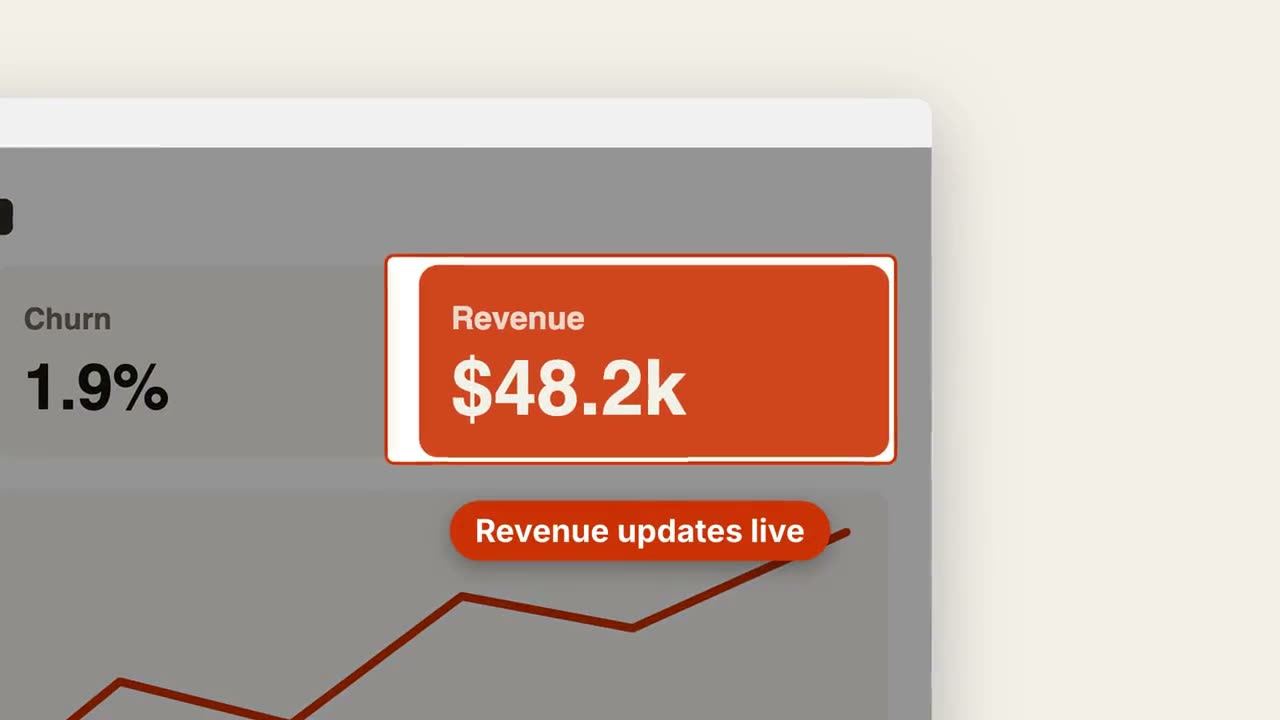
Zoom na captura
Aproxime uma área da captura, escureça o resto e destaque.
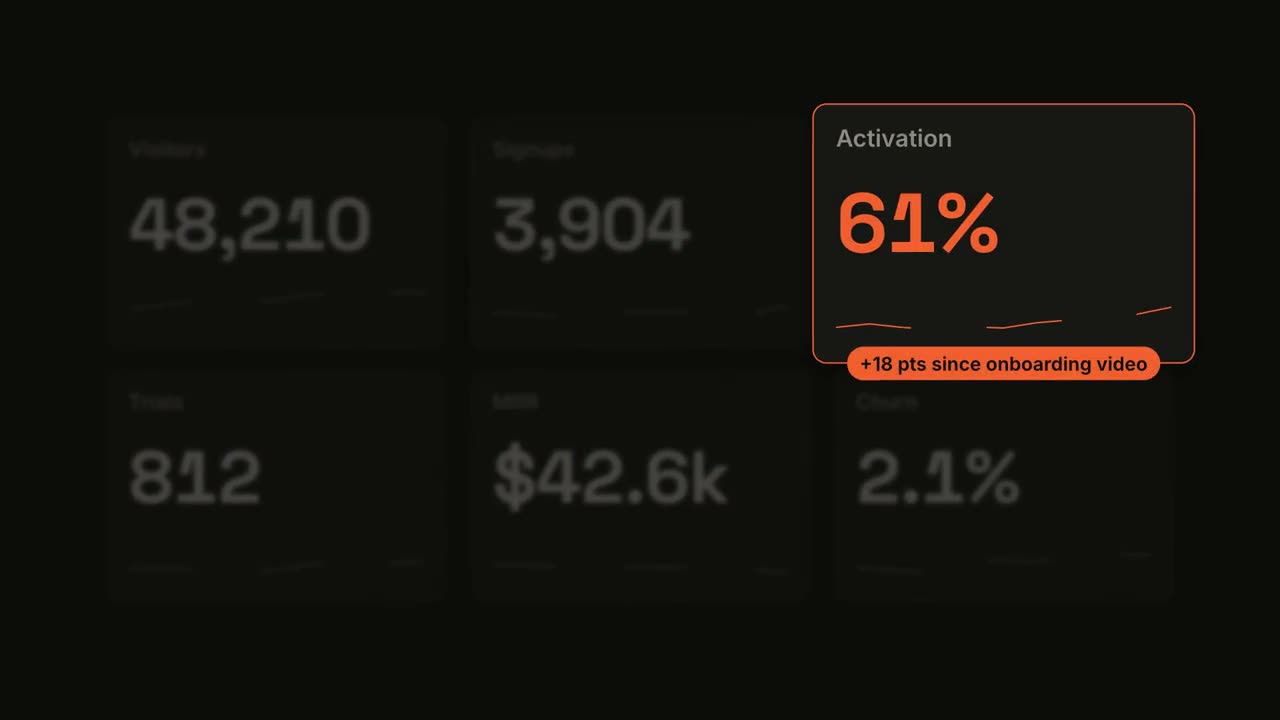
Métrica em destaque
Um painel vai contando e depois um bloco ganha o holofote.
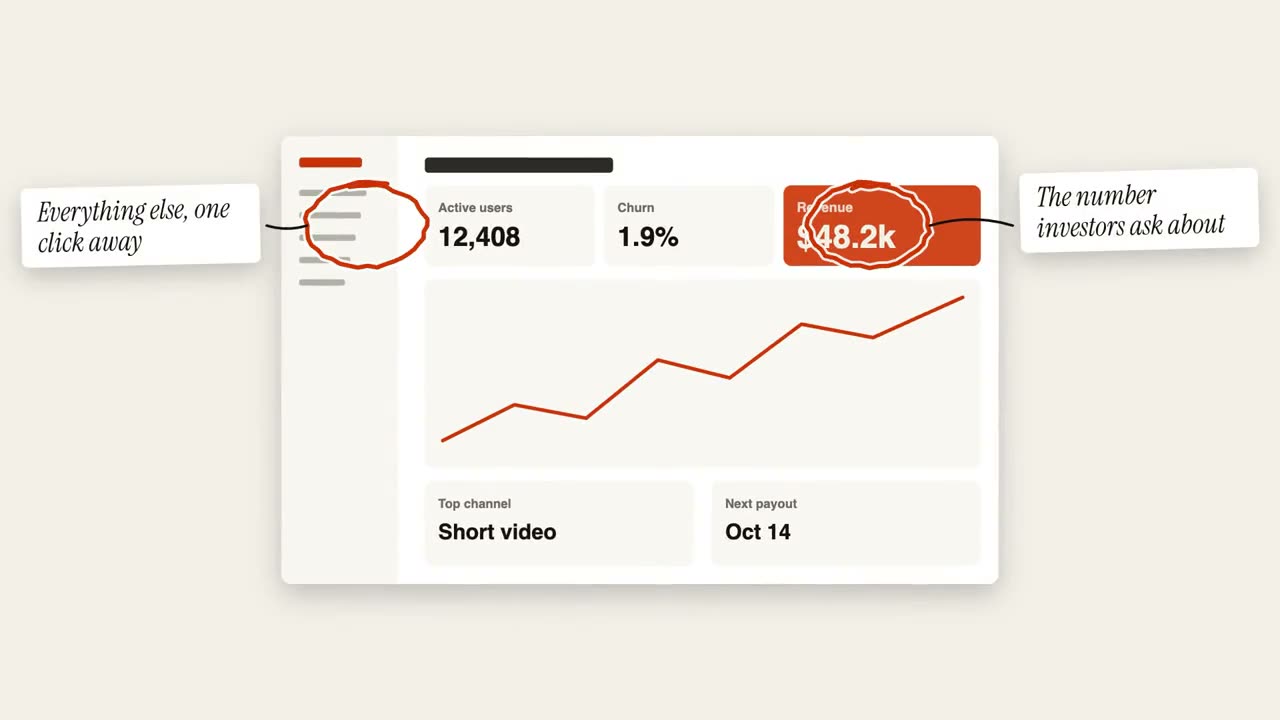
Anotações com círculos
Círculos feitos à mão e post-its marcam uma imagem.
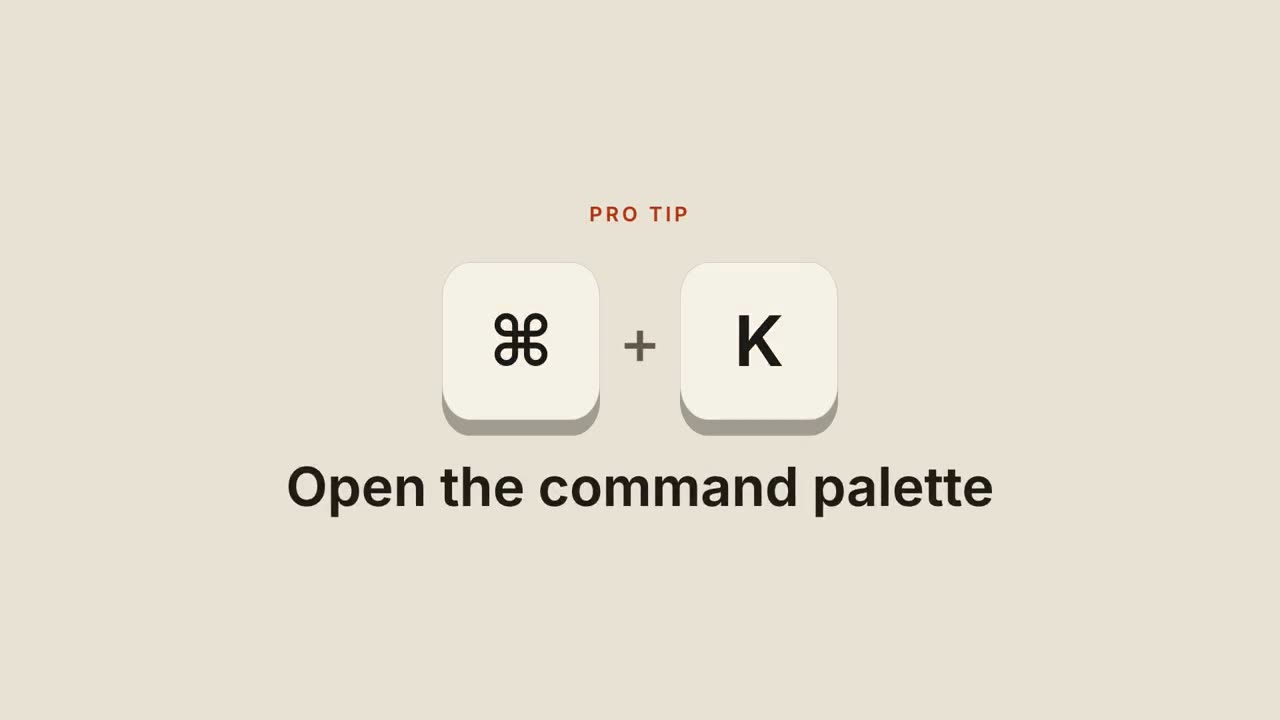
Atalhos de teclado
Teclas caem, são pressionadas e revelam o que o atalho faz.