Destaques no celular
Um celular sobe e rótulos saem da tela com linhas-guia.
Cole no Claude Code, no Codex, no Cursor ou em qualquer agente que suporte skills.
Requer: Node.js 22+, FFmpeg, Chrome. Sem chaves de API.
Outros temas e formatos
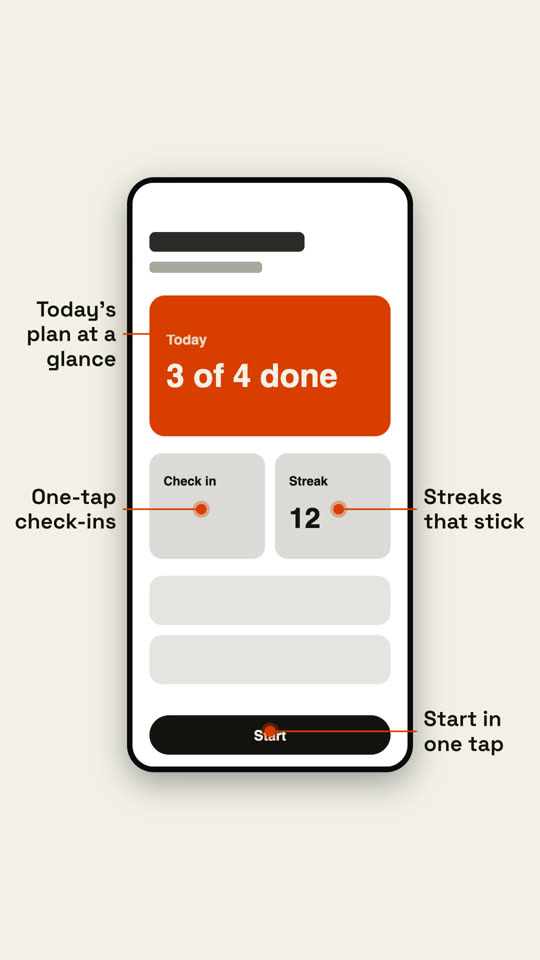
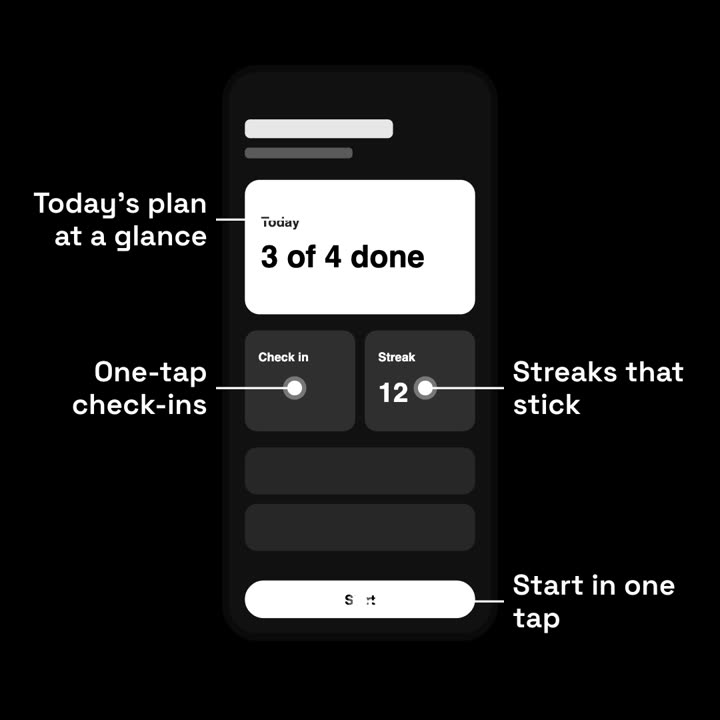
Quadros finais do mesmo template, renderizados com outro tema e formato.
5 temas
- Tinta
ink - Papel
paper - Elétrico · padrão
electric - Noir
- Areia
sand
Cite um tema no seu prompt ou defina suas próprias cores de destaque, fundo e texto.
Leia https://claude-motion.com/skills/phone-callouts/install.md, siga os passos para instalar a skill "phone-callouts" e depois faça um primeiro vídeo com ela.
Cole no Claude Code, no Codex, no Cursor ou em qualquer agente que suporte skills.
Use the phone-callouts skill with assets/app-home.png and callouts "0.5, 0.2: Your balance, live | 0.3, 0.7: Send in two taps | 0.7, 0.7: Split with friends". Paper theme, 1:1.
Make a 7-second 16:9 app scene for [who will watch, e.g. new users], playing [where, e.g. the app's landing page]. Use only the screenshot and four labels I give. Deep navy background.

A black phone showing the screenshot rises into the center with a slight rotation that settles. One at a time, small violet dots appear on parts of the screen and thin violet lines draw out to white labels on the left and right. End frame: the phone floats gently with all four labels showing.

Attach: [a phone screenshot of your app]
Four labels and what each points at: [e.g. "Today's plan at a glance", "One-tap check-ins", "Streaks that stick", "Start in one tap"]
Nada para instalar: cole no Claude Motion (Team ou Enterprise) ou dê ao Opus 5.5 para um visual parecido. O resultado muda a cada execução; a skill dá sempre o mesmo.
Mais desta série
Dispositivos →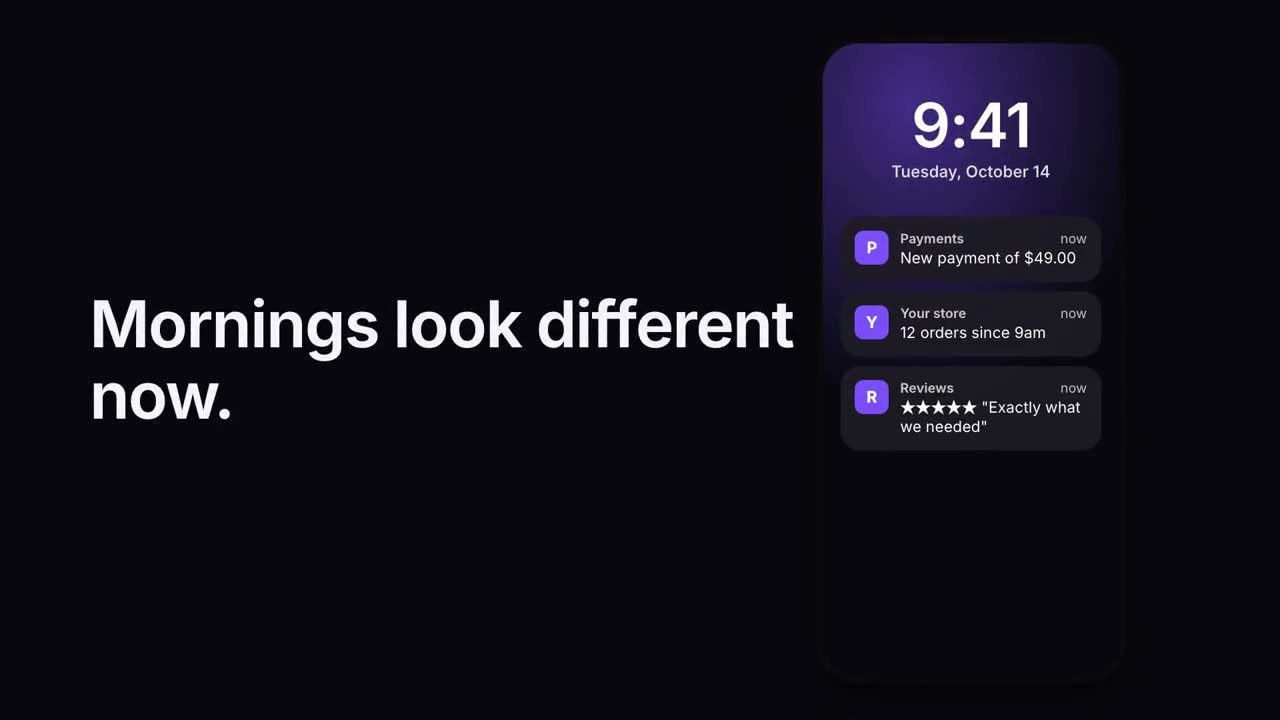
Pilha de notificações
As notificações chegam uma após a outra na tela de bloqueio.
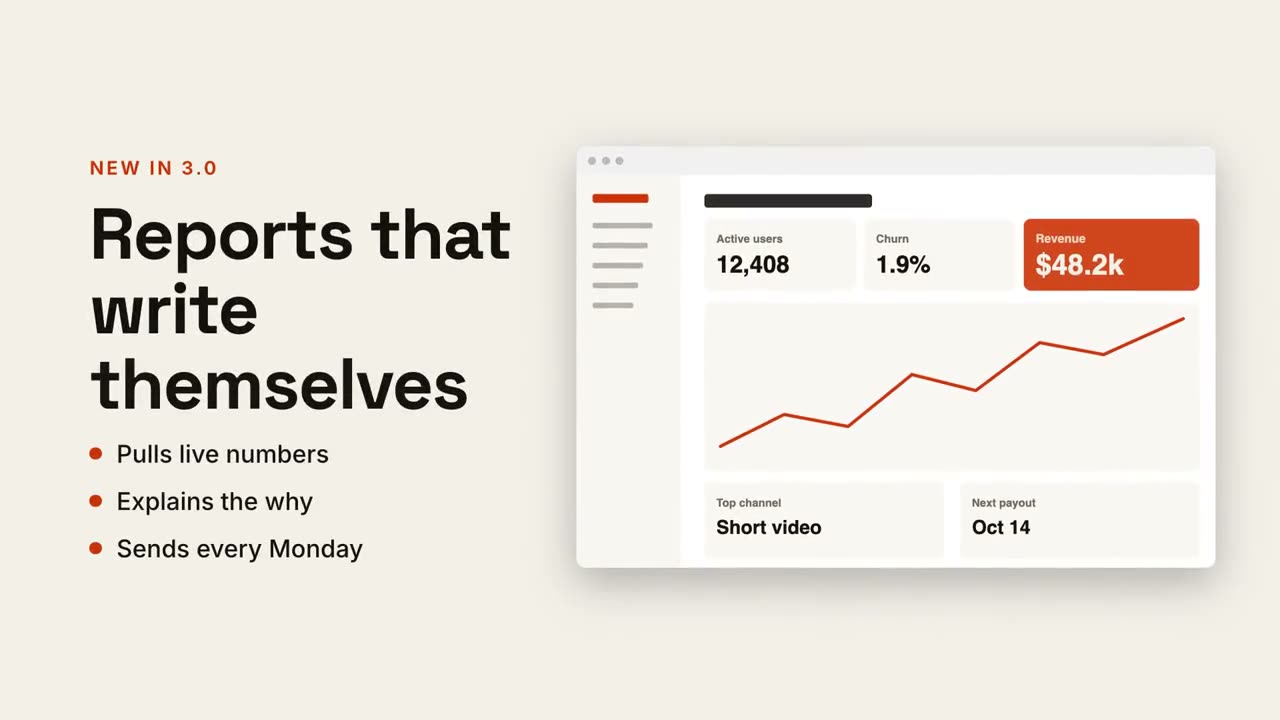
Texto + tela
Título e pontos de um lado, sua captura deslizando do outro.
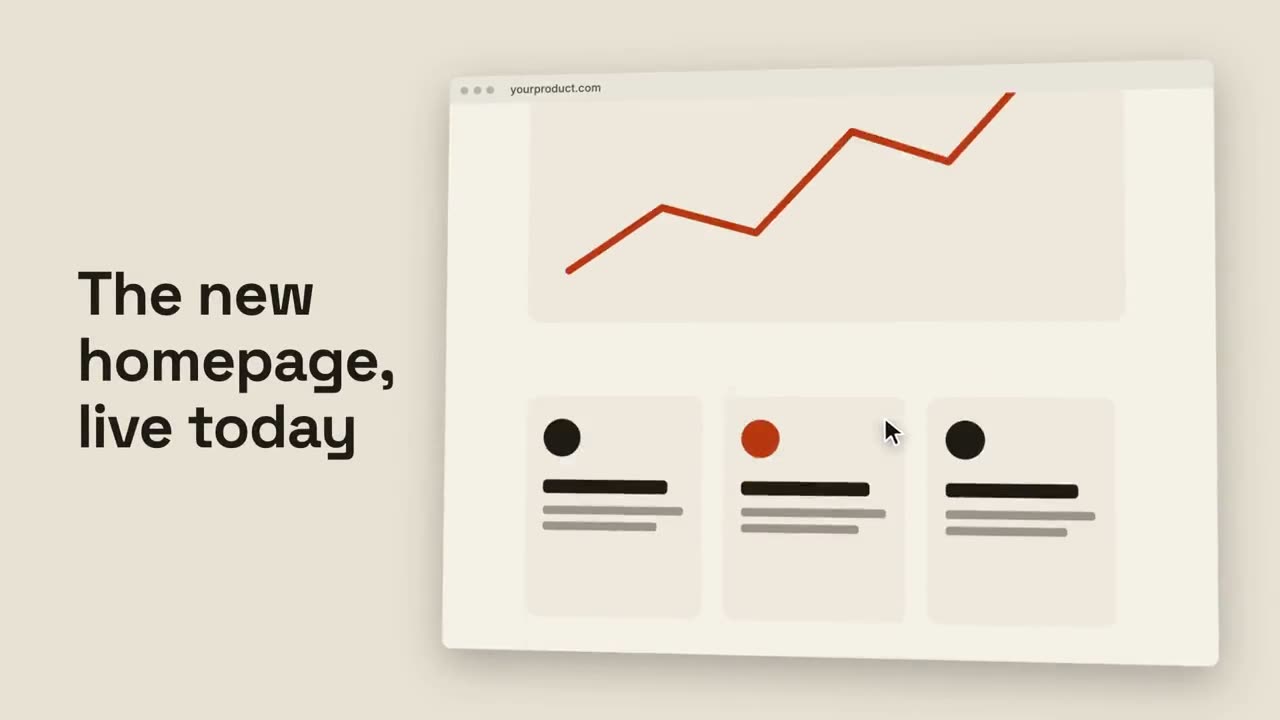
Rolagem no navegador
Um navegador inclinado rola suavemente por uma página inteira.
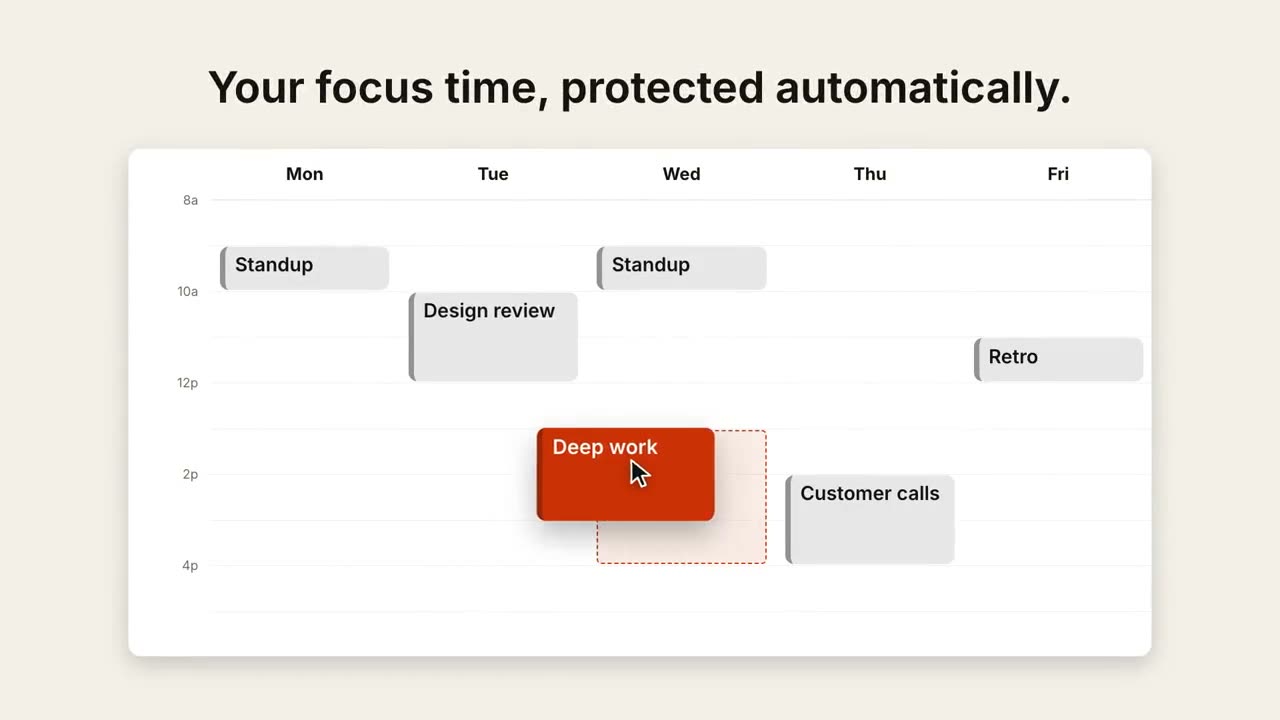
Remarcar na agenda
Uma visão semanal se enche e um cursor arrasta um evento para um horário melhor.