Checklist
Um checklist em que cada caixa se marca sozinha, uma a uma.
Cole no Claude Code, no Codex, no Cursor ou em qualquer agente que suporte skills.
Requer: Node.js 22+, FFmpeg, Chrome. Sem chaves de API.
Outros temas e formatos
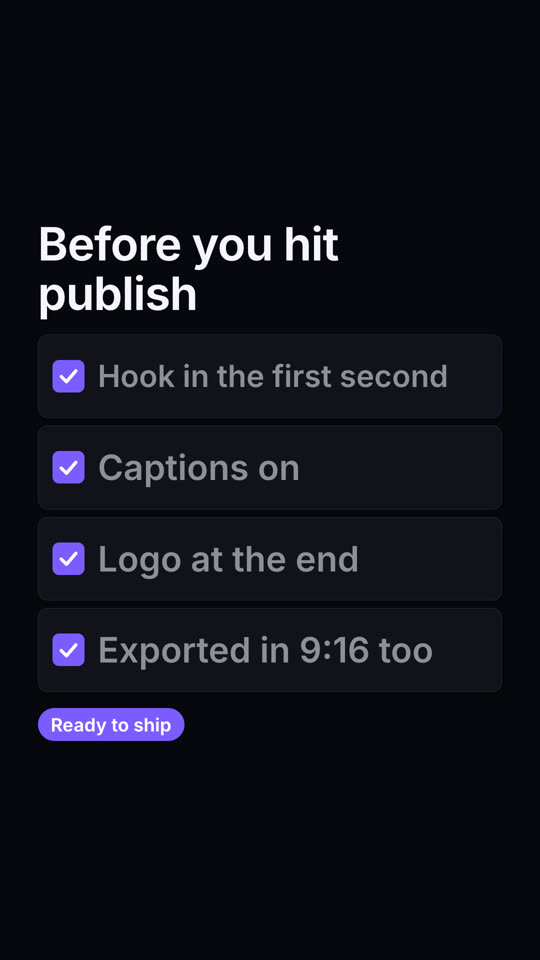
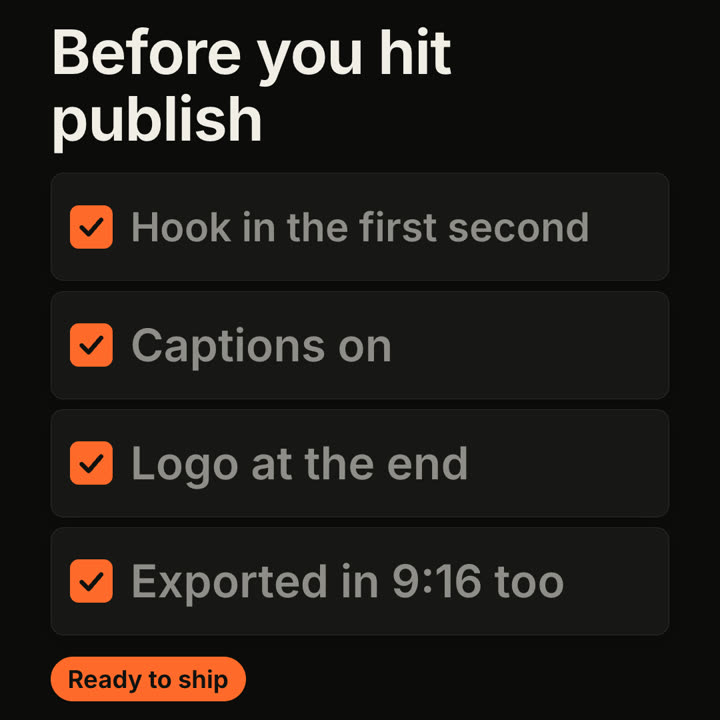
Quadros finais do mesmo template, renderizados com outro tema e formato.
5 temas
- Tinta
ink - Papel · padrão
paper - Elétrico
electric - Noir
- Areia
sand
Cite um tema no seu prompt ou defina suas próprias cores de destaque, fundo e texto.
Leia https://claude-motion.com/skills/checklist-ticks/install.md, siga os passos para instalar a skill "checklist-ticks" e depois faça um primeiro vídeo com ela.
Cole no Claude Code, no Codex, no Cursor ou em qualquer agente que suporte skills.
Use the checklist-ticks skill: title "Launch day", items "Docs live | Pricing page | Changelog | Tweet thread | Demo video", done badge "All set". Electric theme, 9:16.
Make a 7-second 16:9 checklist for [who will watch, e.g. our content team], playing [where, e.g. the training page]. Use only the title and four items below; don't reword them. Warm off-white background.

The title fades up, then four white rounded cards slide in from the left, each with an empty checkbox and a label. One by one each checkbox fills rust orange with a little bounce, a white tick draws in, and its label dims. End frame: a small orange pill pops in below, held for 1.5 seconds.

Title: [e.g. "Before you hit publish"]
Four items: [e.g. "Hook in the first second", "Captions on", "Logo at the end", "Exported in 9:16 too"]
Pill: [e.g. "Ready to ship"]
Nada para instalar: cole no Claude Motion (Team ou Enterprise) ou dê ao Opus 5.5 para um visual parecido. O resultado muda a cada execução; a skill dá sempre o mesmo.
Mais desta série
Listas e cartões →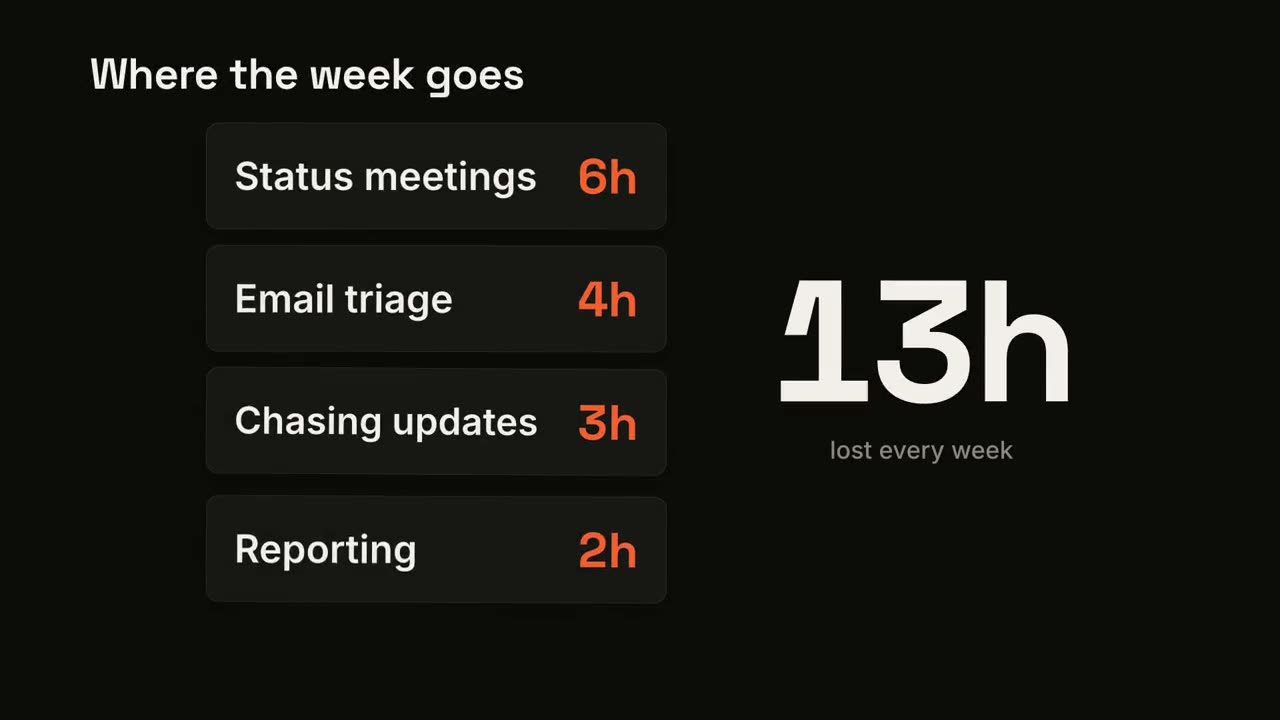
Contador de cartões
Cartões caem um a um enquanto um total grande vai somando.
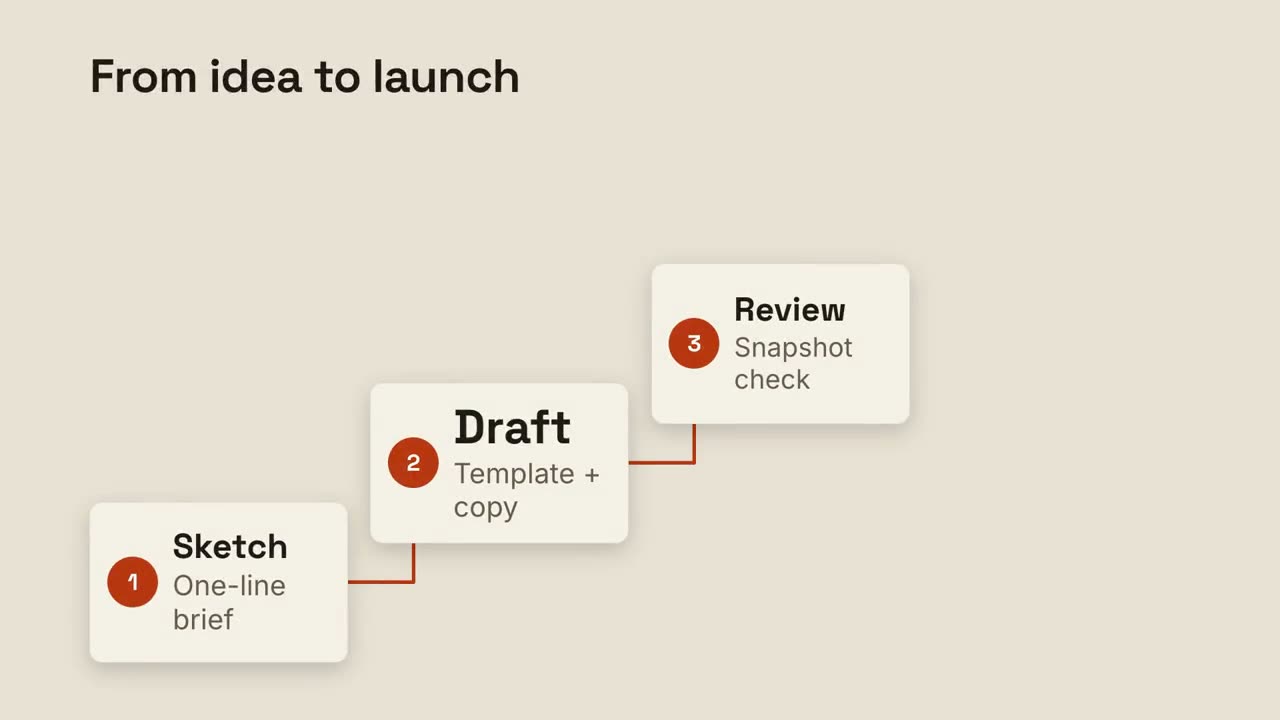
Escada de passos
Passos numerados sobem uma escada, ligados por uma linha.
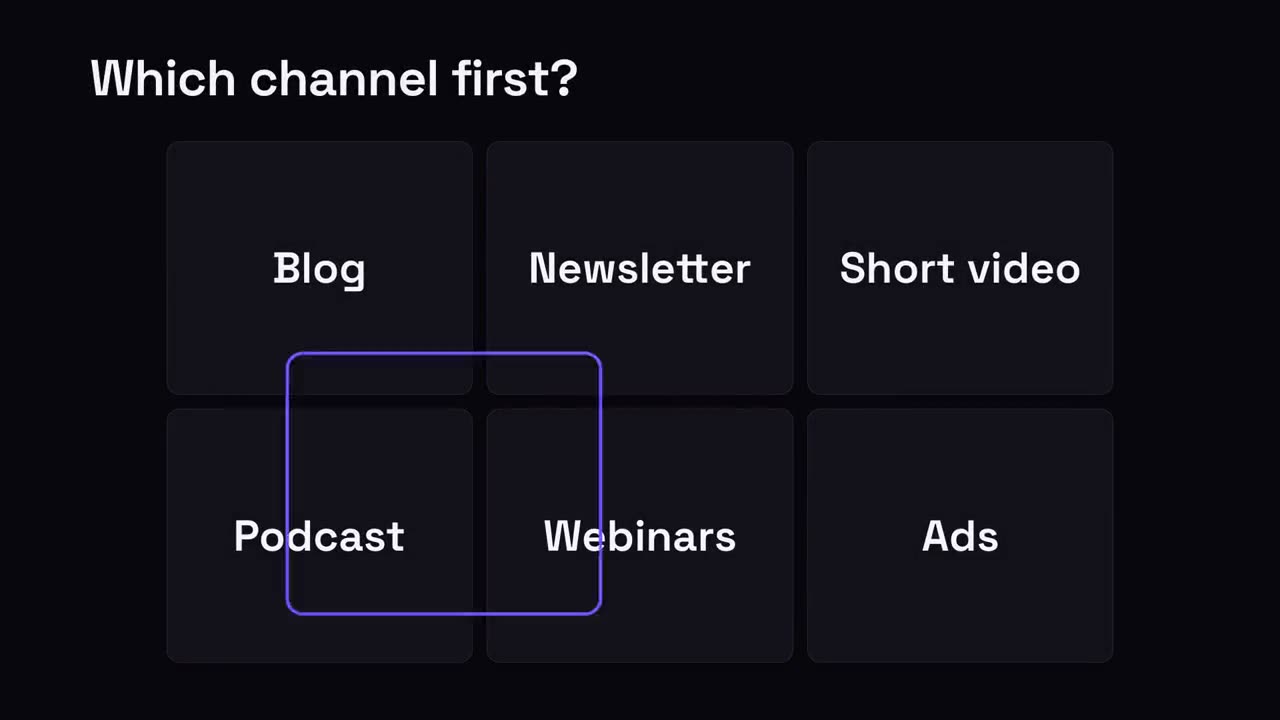
Escolha um
Uma grade de opções; um anel de seleção pula entre elas e para na vencedora.
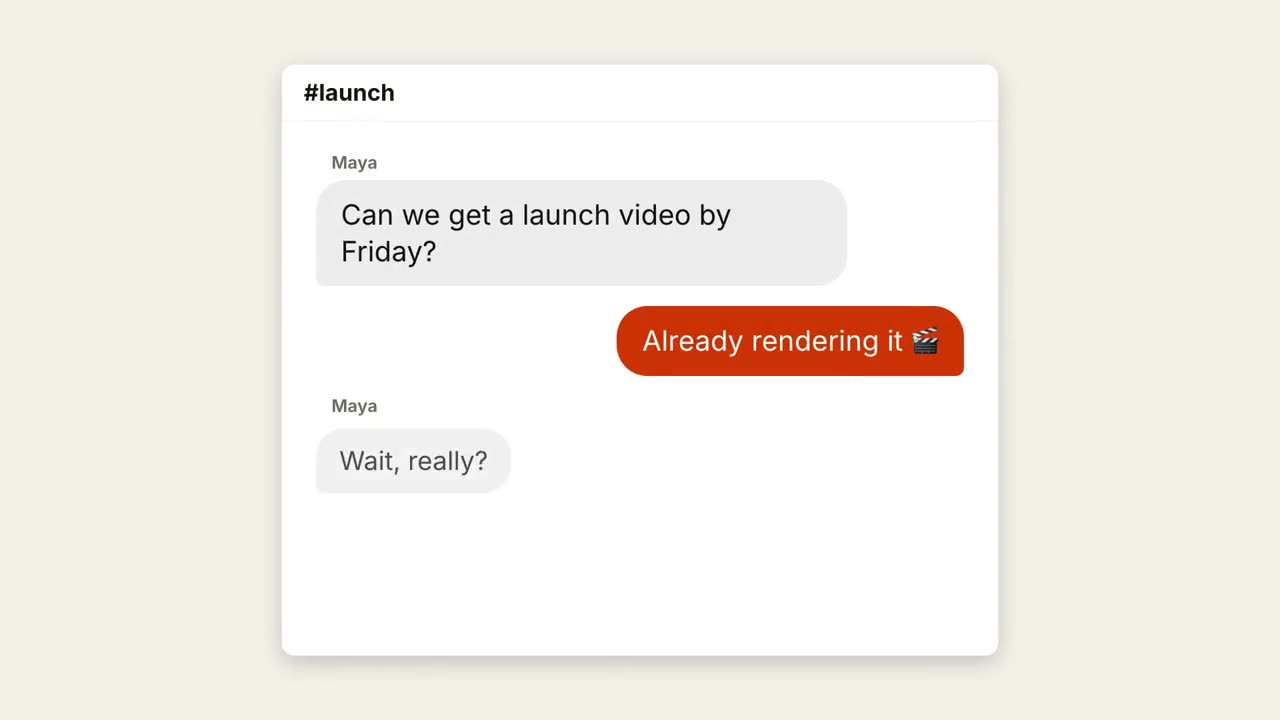
Conversa no chat
Uma conversa acontece com pontinhos de digitação e balões que surgem.