Launch film · The Browser Company
The Browser Company: Dia's symbol becomes a chat box
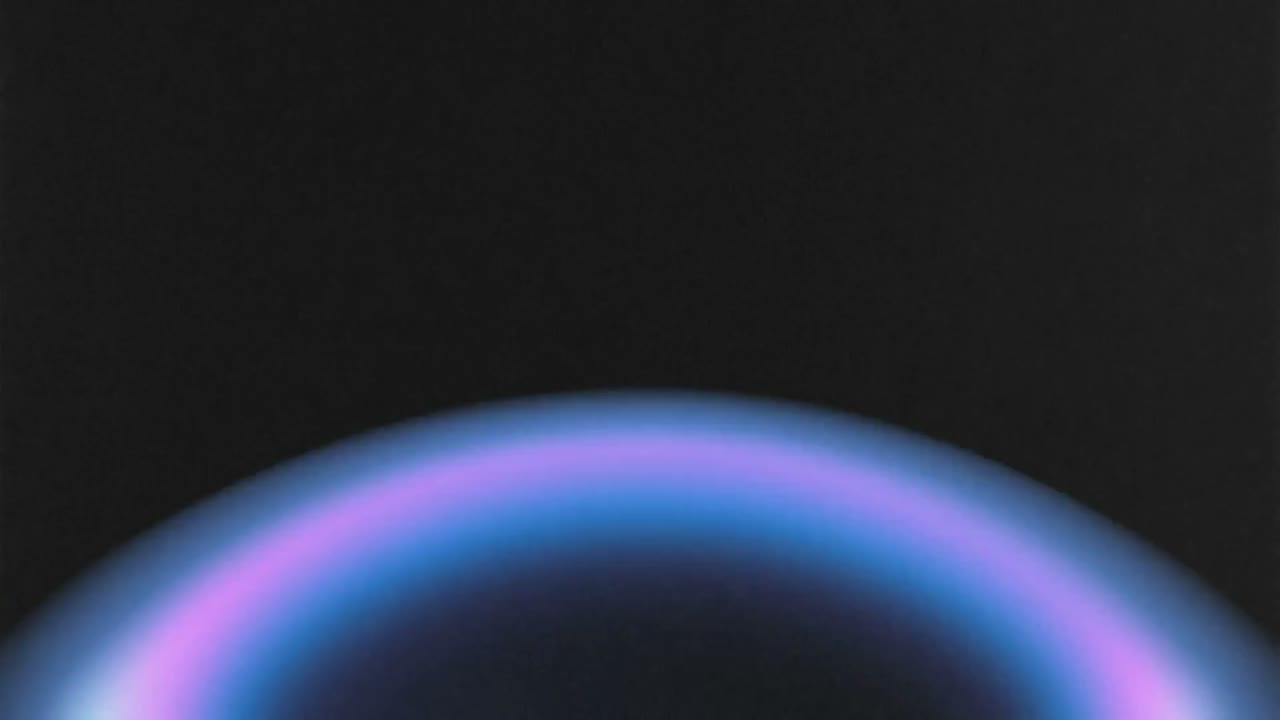
A glowing brand shape rises from the bottom, shrinks, and turns into a send arrow, and an input bar opens beside it. Three short examples then use the same bar, so the brand intro leads straight into use.
- Kind
- Launch film
- Length
- 24 s
- Shape
- 3024×1882
- Posted
- 2025-06-11
- By
- The Browser Company (@browsercompany)
- Look
- Product UILogoBold colour
- Colours
What happens
Times are estimates from watching the film.
| Time | On screen |
|---|---|
| 0:00–0:03 | Light rays and opening |
| 0:03–0:07 | Dia shape rises |
| 0:07–0:08 | Becomes send button |
| 0:08–0:10 | Input bar opens |
| 0:10–0:13 | Explain a video |
| 0:13–0:17 | Compare products |
| 0:17–0:21 | Rewrite text |
| 0:21–0:24 | Welcome window |
The rules it keeps
- 1Turn the brand shape itself into a control (here, the send arrow) so there is no cut between intro and demo.
- 2Give the background one direction: orange rays fall from a point at the top, blue fills the dark areas.
- 3Fix the input panel in the lower half for the whole film.
- 4Build every example the same way: a reference tag enters the input, then the answer opens above it.
The look
Blue and orange light rays in the background, frosted white input bar, black body text, thin serif brand name.
To make it yours
Replace the brand shape, the reference content and the three tasks; keep the shape-to-control change and the fixed input position.
Make a film like this
Make It Like This Film is a skill for Claude Code, Codex or Cursor. Give it this brief and your own material: it studies the reference, plans your film against its frames and checks the result side by side. It follows the structure, pacing and motion; the product, words, logo and pictures are yours.
Make a film for my product (launch film) like this reference: https://claude-motion.com/motion-references/the-browser-company-dia-s-symbol-becomes-a-chat-box
The reference film itself, to study: https://media.claude-motion.com/gallery/ref-1932800009860272494.mp4 (2.4 MB, about 24 seconds). Download that file and work from it.
What happens in it: Light rays and opening → Dia shape rises → Becomes send button → Input bar opens → Explain a video → Compare products → Rewrite text → Welcome window.
Rules it keeps:
- Turn the brand shape itself into a control (here, the send arrow) so there is no cut between intro and demo.
- Give the background one direction: orange rays fall from a point at the top, blue fills the dark areas.
- Fix the input panel in the lower half for the whole film.
- Build every example the same way: a reference tag enters the input, then the answer opens above it.
Look: Blue and orange light rays in the background, frosted white input bar, black body text, thin serif brand name.
Use my own product, words, logo and pictures. Here is my material: [your product, screens, logo, the lines that must appear].