Launch film · Granola
Granola: keycaps fall and turn into a voice typing pill
A logo keycap and letter keycaps drop into a row, then move apart to show a glowing black pill with a sound wave. The pill stays on screen as the anchor for every demo that follows.
- Kind
- Launch film
- Length
- 21 s
- Shape
- 16:9
- Posted
- 2026-10-29
- By
- Granola (@meetgranola)
- Look
- 3DProduct UIBold colour
- Colours
What happens
Times are estimates from watching the film.
| Time | On screen |
|---|---|
| 0:00–0:02 | Keycaps fall |
| 0:02–0:05 | Become a voice pill |
| 0:05–0:10 | Typing into an app |
| 0:10–0:14 | Works in any app |
| 0:14–0:18 | Free, and platforms |
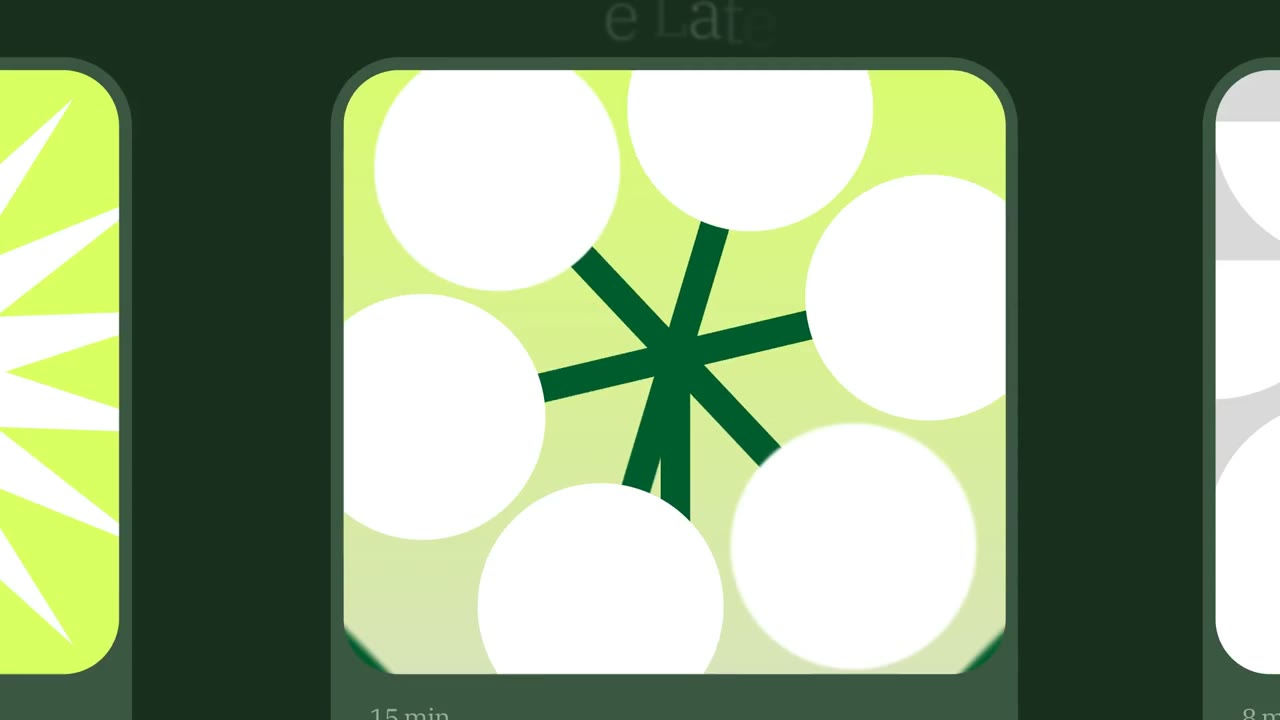
| 0:18–0:21 | Green brand page |
The rules it keeps
- 1Turn a keyboard object into the recording state: the keycaps part and the pill appears between them.
- 2Keep the input box and the recording pill visible together while the sentence appears step by step.
- 3Let the sound wave run along the bottom while the app interface comes in from behind.
- 4At the end stack the feature name above the price line, with the pill resting at the bottom.
The look
Off-white and acid green with a black pill, serif text for explanations and a handwritten feature name.
To make it yours
Replace the voice service and the example apps; keep the logic key → recording → text landing in the field.
Make a film like this
Make It Like This Film is a skill for Claude Code, Codex or Cursor. Give it this brief and your own material: it studies the reference, plans your film against its frames and checks the result side by side. It follows the structure, pacing and motion; the product, words, logo and pictures are yours.
Make a film for my product (launch film) like this reference: https://claude-motion.com/motion-references/granola-keycaps-fall-and-turn-into-a-voice-typing-pill
The reference film itself, to study: https://media.claude-motion.com/gallery/ref-2115837013975081208.mp4 (2.0 MB, about 21 seconds). Download that file and work from it.
What happens in it: Keycaps fall → Become a voice pill → Typing into an app → Works in any app → Free, and platforms → Green brand page.
Rules it keeps:
- Turn a keyboard object into the recording state: the keycaps part and the pill appears between them.
- Keep the input box and the recording pill visible together while the sentence appears step by step.
- Let the sound wave run along the bottom while the app interface comes in from behind.
- At the end stack the feature name above the price line, with the pill resting at the bottom.
Look: Off-white and acid green with a black pill, serif text for explanations and a handwritten feature name.
Use my own product, words, logo and pictures. Here is my material: [your product, screens, logo, the lines that must appear].