Launch film · Prime Intellect
Prime Agent: code and status first, scores at the end
The product's mechanism is shown through code and status panels: tool calls, self-improvement, agent messages. Then one grid task is solved, many results form a mosaic with a large score, and a curve sums up.
- Kind
- Launch film
- Length
- 44 s
- Shape
- 1440×1080
- Posted
- 2026-08-05
- By
- Prime Intellect (@PrimeIntellect)
- Look
- Product UIDarkCharts and numbers
- Colours
What happens
Times are estimates from watching the film.
| Time | On screen |
|---|---|
| 0:00–0:01 | Black screen |
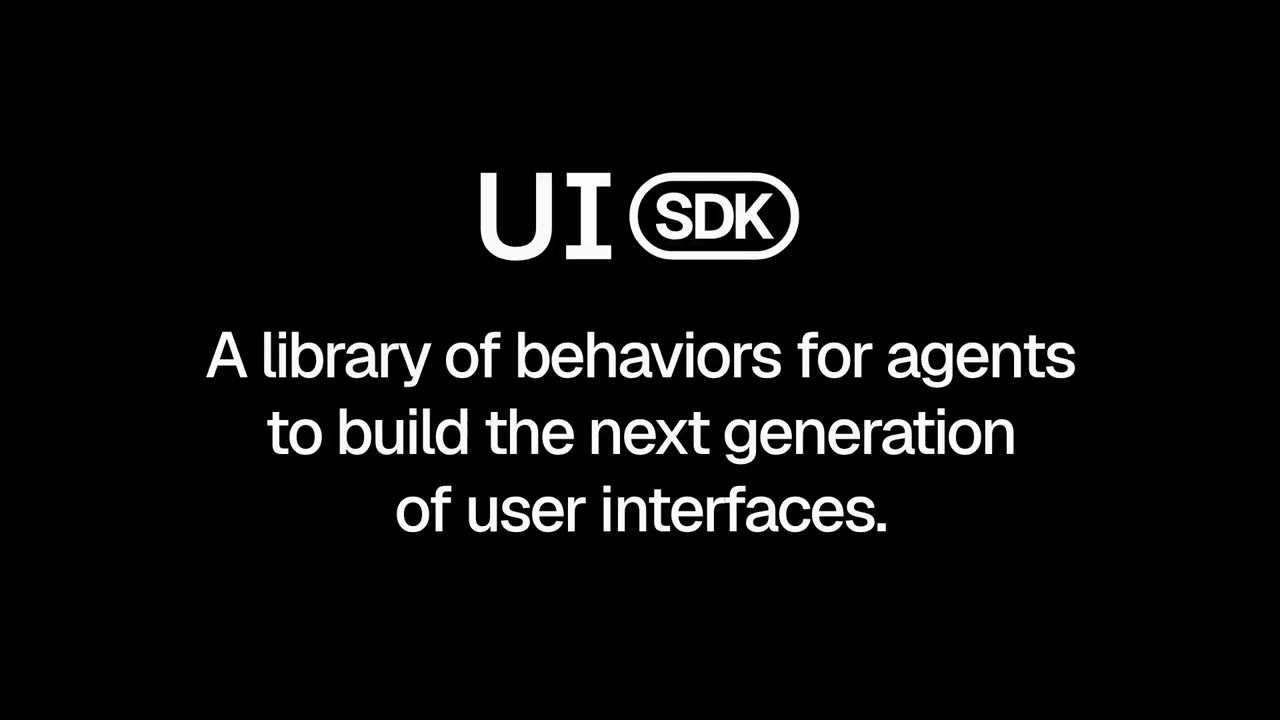
| 0:01–0:05 | Product title |
| 0:05–0:10 | Terminal mark |
| 0:10–0:16 | Parallel tool calls |
| 0:16–0:20 | Keeps improving |
| 0:20–0:23 | Agents talk |
| 0:23–0:25 | Solve request |
| 0:25–0:28 | Grid task |
| 0:28–0:35 | Result mosaic and score |
| 0:35–0:38 | Curve comparison |
| 0:38–0:43 | Install command |
| 0:43–0:44 | Brand |
The rules it keeps
- 1Keep the background darker than the text and the terminal opaque, so the code is always readable.
- 2Explain one relation per page in the mechanism part: tool calls, then memory, then messages.
- 3Match the code on top with the status below, and keep each subtask name the same in both places.
- 4Grow from one task to the whole: one grid task, then a mosaic of results with the score, then the summary curve.
- 5Hold numbers, task counts and axis labels long enough to read, and give the install command its own screen before the end.
The look
Dark particle landscape behind near-black opaque terminals, monospaced uppercase titles and code, blue and orange only in the syntax, large result numbers.
To make it yours
Use it for a coding, reasoning or automation demo; replace the request, the code, the task picture and the scores so they all explain one ability.
Make a film like this
Make It Like This Film is a skill for Claude Code, Codex or Cursor. Give it this brief and your own material: it studies the reference, plans your film against its frames and checks the result side by side. It follows the structure, pacing and motion; the product, words, logo and pictures are yours.
Make a film for my product (launch film) like this reference: https://claude-motion.com/motion-references/prime-agent-code-and-status-first-scores-at-the-end
The reference film itself, to study: https://media.claude-motion.com/gallery/ref-2085086999267144083.mp4 (9.7 MB, about 44 seconds). Download that file and work from it.
What happens in it: Black screen → Product title → Terminal mark → Parallel tool calls → Keeps improving → Agents talk → Solve request → Grid task → Result mosaic and score → Curve comparison → Install command → Brand.
Rules it keeps:
- Keep the background darker than the text and the terminal opaque, so the code is always readable.
- Explain one relation per page in the mechanism part: tool calls, then memory, then messages.
- Match the code on top with the status below, and keep each subtask name the same in both places.
- Grow from one task to the whole: one grid task, then a mosaic of results with the score, then the summary curve.
- Hold numbers, task counts and axis labels long enough to read, and give the install command its own screen before the end.
Look: Dark particle landscape behind near-black opaque terminals, monospaced uppercase titles and code, blue and orange only in the syntax, large result numbers.
Use my own product, words, logo and pictures. Here is my material: [your product, screens, logo, the lines that must appear].