Launch film · Perplexity
Perplexity Orchestrator API: a model list, three bars and the code change
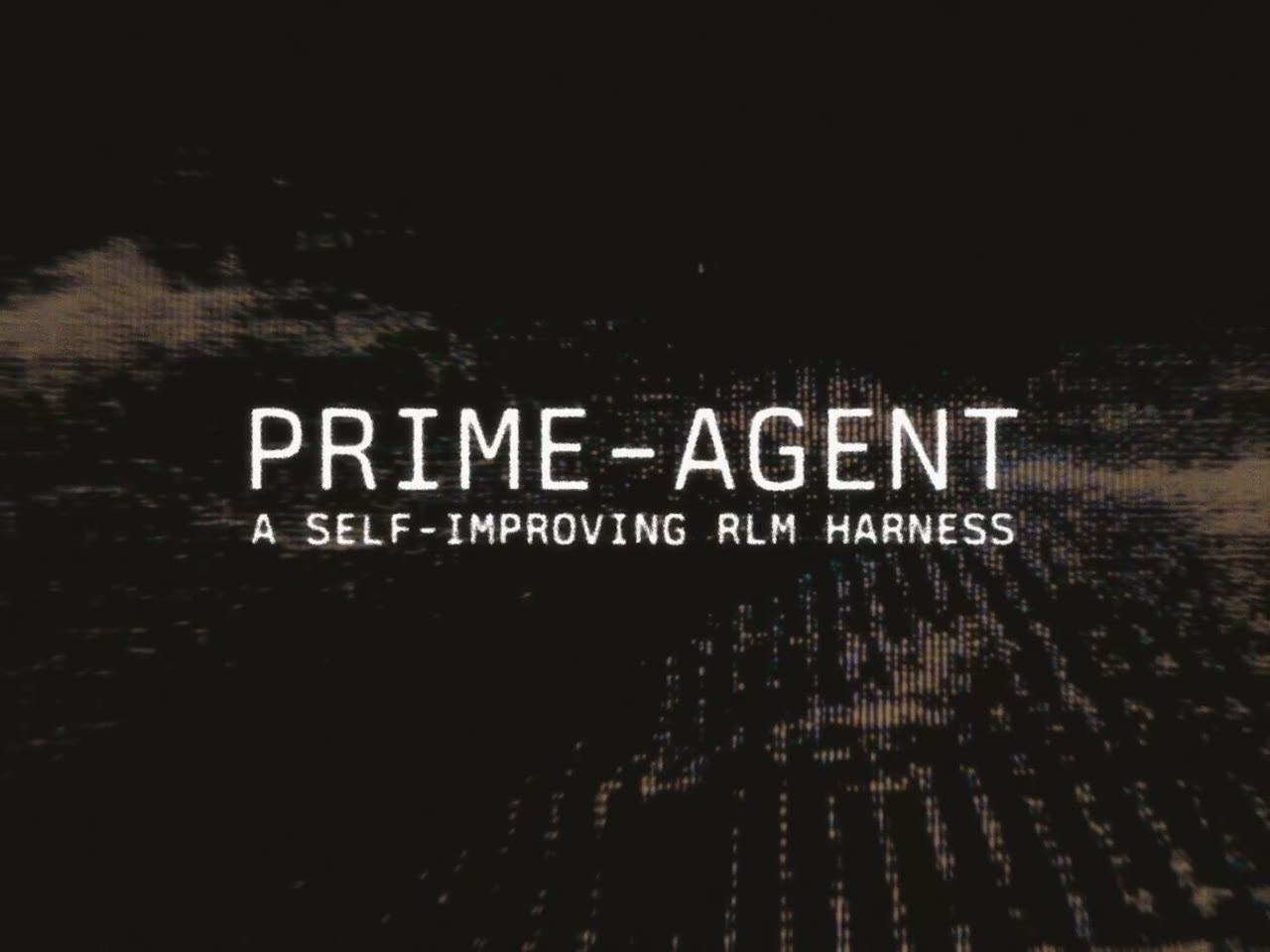
A blurred streak of light behind the serif title opens into a framed image with one glowing node. On near-black, a list of model names scrolls past a fixed marker, three striped bars count tasks solved and two gain a few more, a code block lights the one changed line, and a spend panel's numbers rise. The light streak returns before the logo.
- Kind
- Launch film
- Length
- 30 s
- Shape
- 16:9
- Posted
- 2026-11-17
- By
- Perplexity (@perplexity_ai)
- Look
- Charts and numbersDarkProduct UI
- Colours
What happens
Times are estimates from watching the film.
| Time | On screen |
|---|---|
| 0:00–0:03 | Title on light streak |
| 0:03–0:05 | Framed node |
| 0:05–0:10 | Model list scrolls |
| 0:10–0:15 | Bars count tasks |
| 0:15–0:19 | One line changes |
| 0:19–0:22 | Spend panel |
| 0:22–0:27 | Light streak returns |
| 0:27–0:30 | Logo |
The rules it keeps
- 1Keep a fixed marker and scroll the options past it, so one API with many models is a single motion.
- 2Count the bars up together from zero, then add the gain in a second colour.
- 3In code, dim everything except the changed line.
- 4Use the same photographic streak to open and close, so the data sits inside a frame.
The look
Near-black, white serif headings, monospace code and model names, striped grey bars with teal gains, amber-and-blue motion-blur photography at both ends.
To make it yours
Replace the model list, the benchmark and the code with your own; keep the fixed marker, the two-colour bars and the one bright line of code.
Make a film like this
Make It Like This Film is a skill for Claude Code, Codex or Cursor. Give it this brief and your own material: it studies the reference, plans your film against its frames and checks the result side by side. It follows the structure, pacing and motion; the product, words, logo and pictures are yours.
Make a film for my product (launch film) like this reference: https://claude-motion.com/motion-references/perplexity-orchestrator-api-a-model-list-three-bars-and-the-code-chang
The reference film itself, to study: https://media.claude-motion.com/gallery/ref-2122785177135096053.mp4 (4.3 MB, about 30 seconds). Download that file and work from it.
What happens in it: Title on light streak → Framed node → Model list scrolls → Bars count tasks → One line changes → Spend panel → Light streak returns → Logo.
Rules it keeps:
- Keep a fixed marker and scroll the options past it, so one API with many models is a single motion.
- Count the bars up together from zero, then add the gain in a second colour.
- In code, dim everything except the changed line.
- Use the same photographic streak to open and close, so the data sits inside a frame.
Look: Near-black, white serif headings, monospace code and model names, striped grey bars with teal gains, amber-and-blue motion-blur photography at both ends.
Use my own product, words, logo and pictures. Here is my material: [your product, screens, logo, the lines that must appear].