Product demo · Jitter
Jitter: each typed instruction changes the canvas
Each typed instruction sits next to its effect on the canvas: remix a template, arrange dots into a ring, offset tracks. Only after single edits are clear does the view pull back to a grid of sizes and languages.
- Kind
- Product demo
- Length
- 38 s
- Shape
- 1920×1200
- Posted
- 2026-07-09
- By
- Jitter (@jittervideo)
- Look
- Product UIBold colourKinetic type
- Colours
What happens
Times are estimates from watching the film.
| Time | On screen |
|---|---|
| 0:00–0:02 | Huge title |
| 0:02–0:04 | Strip of templates |
| 0:04–0:08 | Remix prompt |
| 0:08–0:12 | Dots arranged |
| 0:12–0:16 | Tracks offset |
| 0:16–0:19 | Choose an effect |
| 0:19–0:26 | More sizes |
| 0:26–0:29 | Language versions |
| 0:29–0:33 | Batch grid |
| 0:33–0:37 | Export entry |
The rules it keeps
- 1Put the instruction box close to the canvas, never as a separate chat screenshot.
- 2Keep the content structure the same before and after a remix.
- 3Let later actions act on the same group of objects, such as the dots that went from loose to a ring.
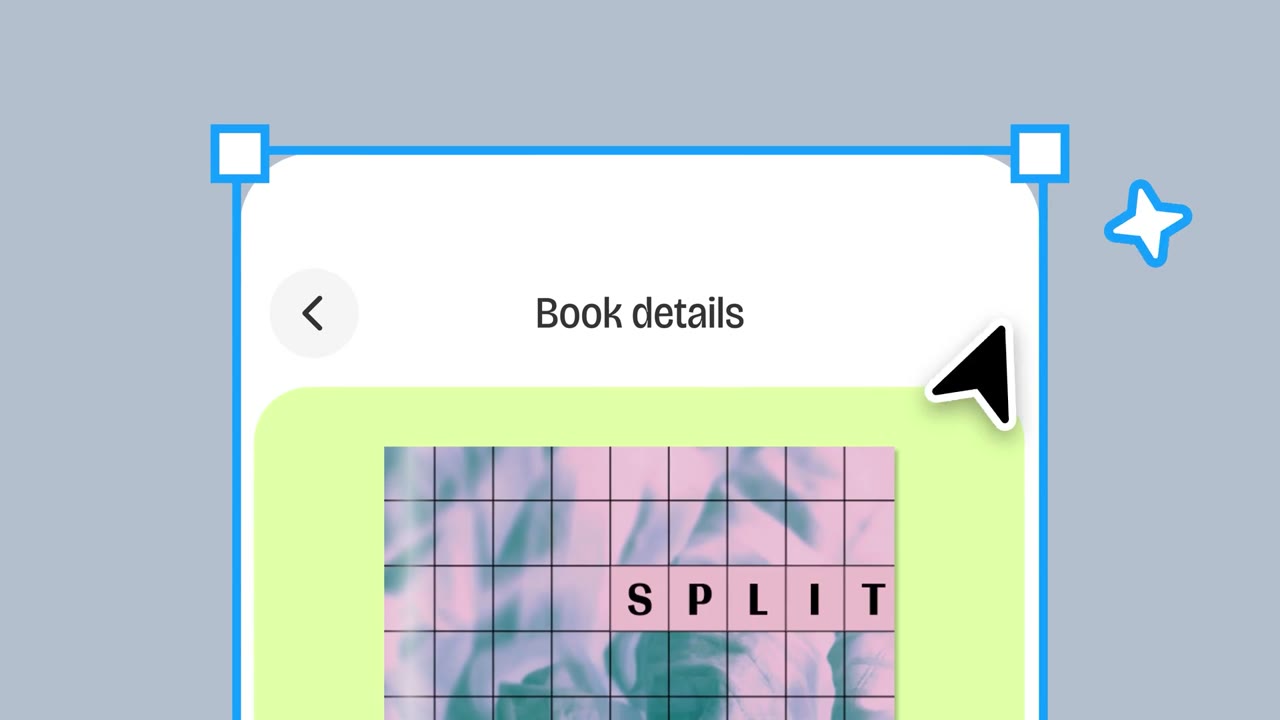
- 4For a track offset show the bars and the playhead together; for resizing keep the same title and main image in wide, tall and square boards.
- 5Show quantity last: pull back to the grid after one board has been explained.
The look
Black and white base under colourful works, compact bold titles, small tool tips, blue only for agent feedback and action entries.
To make it yours
Prepare a title, image and shape layers that can be separated, plus layout rules for each size; replace template, sizes and languages, and make the batch one content family.
Make a film like this
Make It Like This Film is a skill for Claude Code, Codex or Cursor. Give it this brief and your own material: it studies the reference, plans your film against its frames and checks the result side by side. It follows the structure, pacing and motion; the product, words, logo and pictures are yours.
Make a film for my product (product demo) like this reference: https://claude-motion.com/motion-references/jitter-each-typed-instruction-changes-the-canvas
The reference film itself, to study: https://media.claude-motion.com/gallery/ref-2075216972007010454.mp4 (14 MB, about 38 seconds). Download that file and work from it.
What happens in it: Huge title → Strip of templates → Remix prompt → Dots arranged → Tracks offset → Choose an effect → More sizes → Language versions → Batch grid → Export entry.
Rules it keeps:
- Put the instruction box close to the canvas, never as a separate chat screenshot.
- Keep the content structure the same before and after a remix.
- Let later actions act on the same group of objects, such as the dots that went from loose to a ring.
- For a track offset show the bars and the playhead together; for resizing keep the same title and main image in wide, tall and square boards.
- Show quantity last: pull back to the grid after one board has been explained.
Look: Black and white base under colourful works, compact bold titles, small tool tips, blue only for agent feedback and action entries.
Use my own product, words, logo and pictures. Here is my material: [your product, screens, logo, the lines that must appear].