Product demo · Higgsfield
Higgsfield: the editor stays visible as a fruit film plays
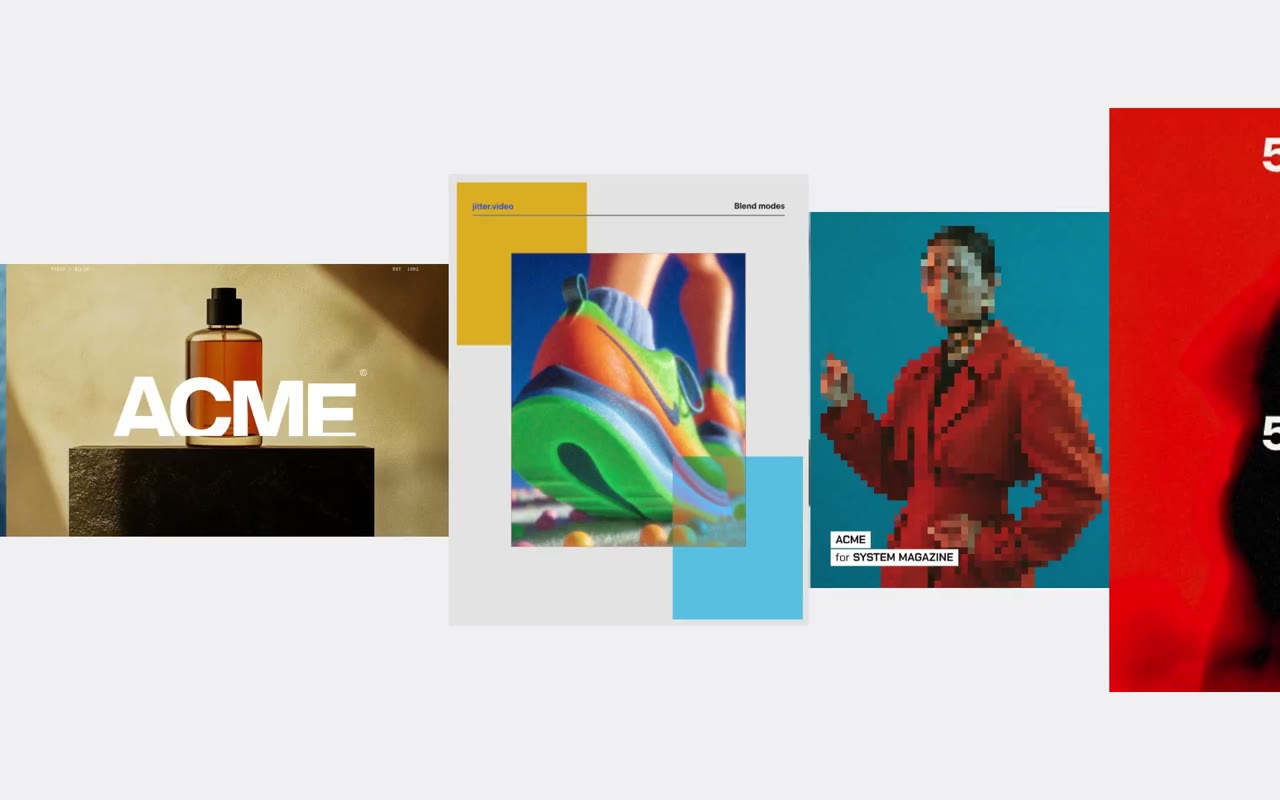
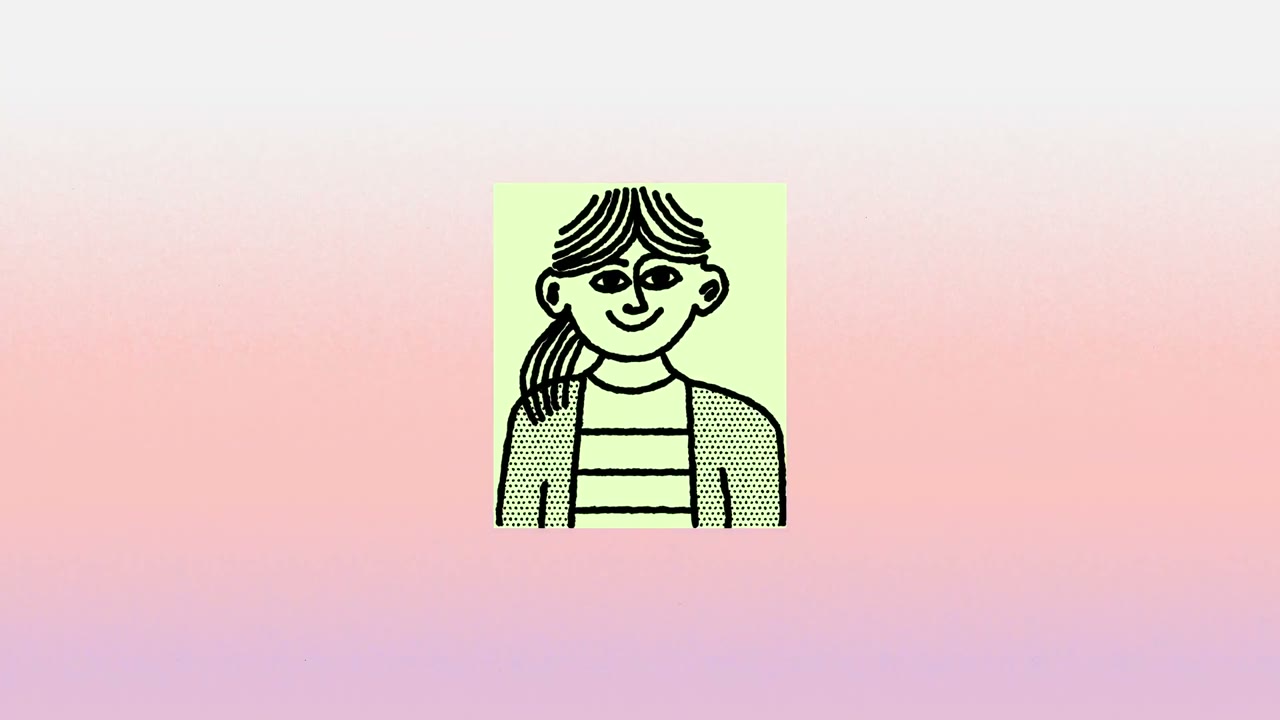
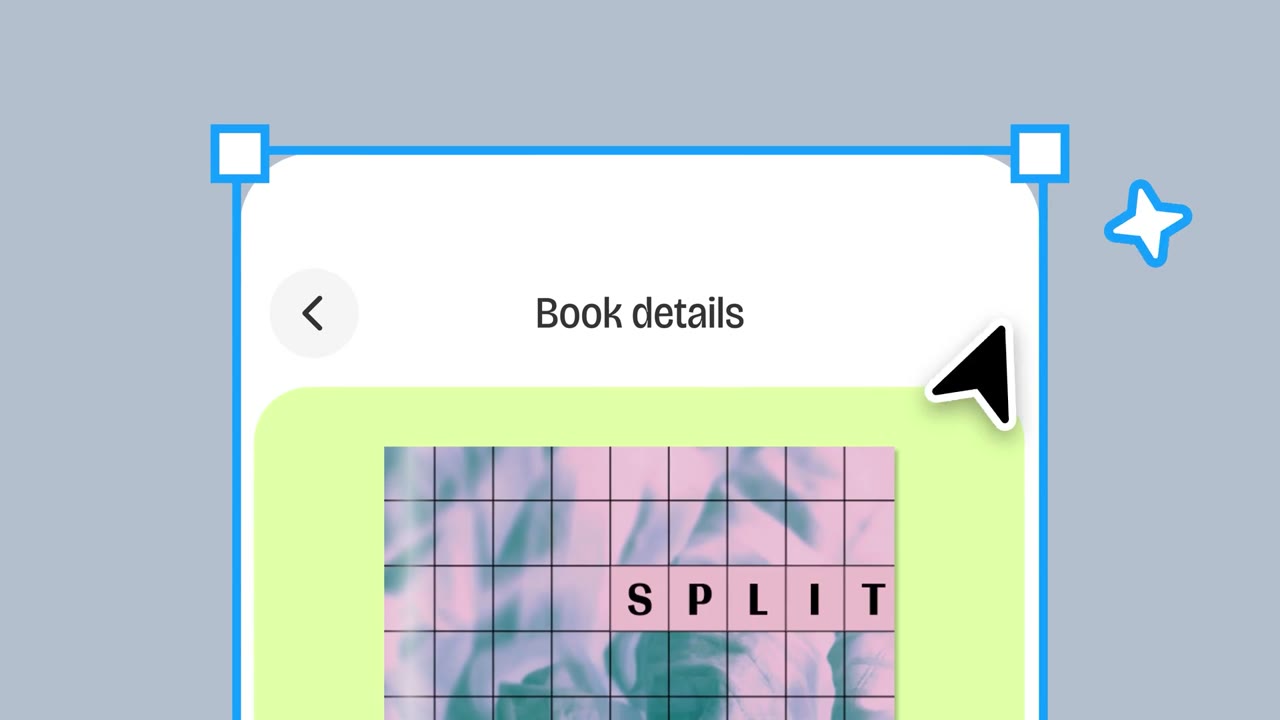
The canvas on top plays a fruit that goes from whole to cut to texture, while the timeline and the prompt panel stay below. The viewer sees the work and the fact that it can be edited at the same time.
- Kind
- Product demo
- Length
- 20 s
- Shape
- 1:1
- Posted
- 2026-09-12
- By
- Higgsfield AI 🧩 (@higgsfield_ai)
- Look
- Product UIBold colourKinetic type
- Colours
What happens
Times are estimates from watching the film.
| Time | On screen |
|---|---|
| 0:00–0:00 | Canvas and tracks |
| 0:00–0:02 | Fruits spread in a row |
| 0:02–0:03 | Narrow type |
| 0:03–0:04 | Fruit close-up |
| 0:04–0:06 | Texture slices |
| 0:06–0:08 | Type and fruit |
| 0:08–0:13 | Replay after an edit |
| 0:13–0:17 | A new replay |
| 0:17–0:20 | Texture and pixels |
The rules it keeps
- 1Keep the canvas, the timeline and the prompt area visible together; only the canvas content changes during playback.
- 2Go from the whole object to the cut section to the texture, and carry one colour or shape from each step into the next.
- 3Let the type leave the centre while the object grows, and bring the large narrow type back when the object becomes a background texture.
- 4Change the background colour by section but keep one display typeface as the fixed thread.
The look
Neon green, magenta and off-white backgrounds change by shot, with heavy narrow black display type and normal interface type in the editor.
To make it yours
Use another product that can be taken apart (whole, section, material) and write edit prompts that act on it; keep the canvas and the editing side by side.
Make a film like this
Make It Like This Film is a skill for Claude Code, Codex or Cursor. Give it this brief and your own material: it studies the reference, plans your film against its frames and checks the result side by side. It follows the structure, pacing and motion; the product, words, logo and pictures are yours.
Make a film for my product (product demo) like this reference: https://claude-motion.com/motion-references/higgsfield-the-editor-stays-visible-as-a-fruit-film-plays
The reference film itself, to study: https://media.claude-motion.com/gallery/ref-2098824969124004135.mp4 (6.6 MB, about 20 seconds). Download that file and work from it.
What happens in it: Canvas and tracks → Fruits spread in a row → Narrow type → Fruit close-up → Texture slices → Type and fruit → Replay after an edit → A new replay → Texture and pixels.
Rules it keeps:
- Keep the canvas, the timeline and the prompt area visible together; only the canvas content changes during playback.
- Go from the whole object to the cut section to the texture, and carry one colour or shape from each step into the next.
- Let the type leave the centre while the object grows, and bring the large narrow type back when the object becomes a background texture.
- Change the background colour by section but keep one display typeface as the fixed thread.
Look: Neon green, magenta and off-white backgrounds change by shot, with heavy narrow black display type and normal interface type in the editor.
Use my own product, words, logo and pictures. Here is my material: [your product, screens, logo, the lines that must appear].