Announcement · Higgsfield
Higgsfield API: one endpoint connects models to products
The film draws the API as a hub: lines run from one entry to many models, then to finished products. Price comparison and setup steps each get their own part, so the three ideas do not mix.
- Kind
- Announcement
- Length
- 48 s
- Shape
- 16:9
- Posted
- 2026-09-16
- By
- Higgsfield AI 🧩 (@higgsfield)
- Look
- Charts and numbersDarkProduct UI
- Colours
What happens
Times are estimates from watching the film.
| Time | On screen |
|---|---|
| 0:00–0:04 | API and lines |
| 0:04–0:09 | Models and results |
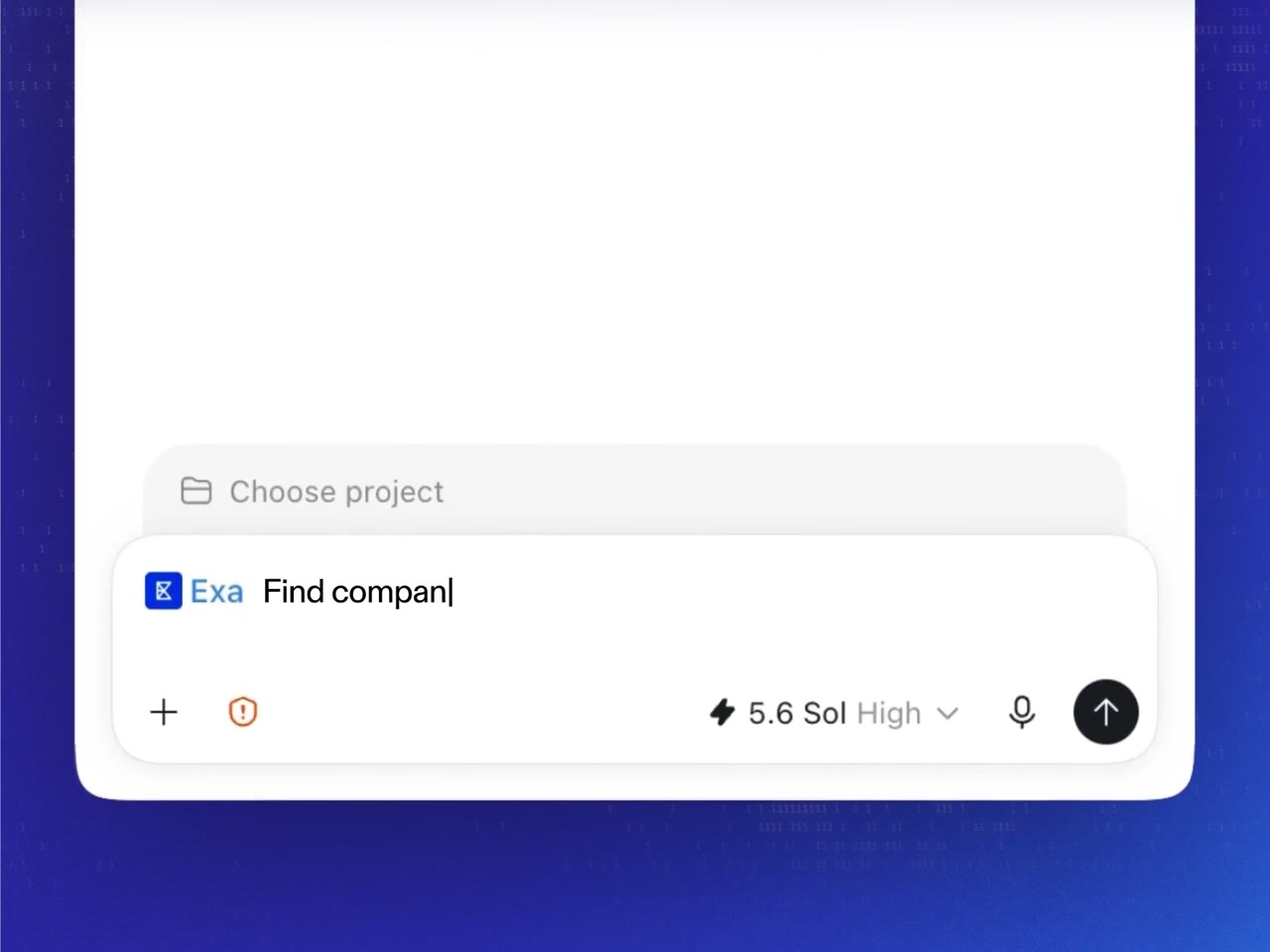
| 0:09–0:14 | Generate button |
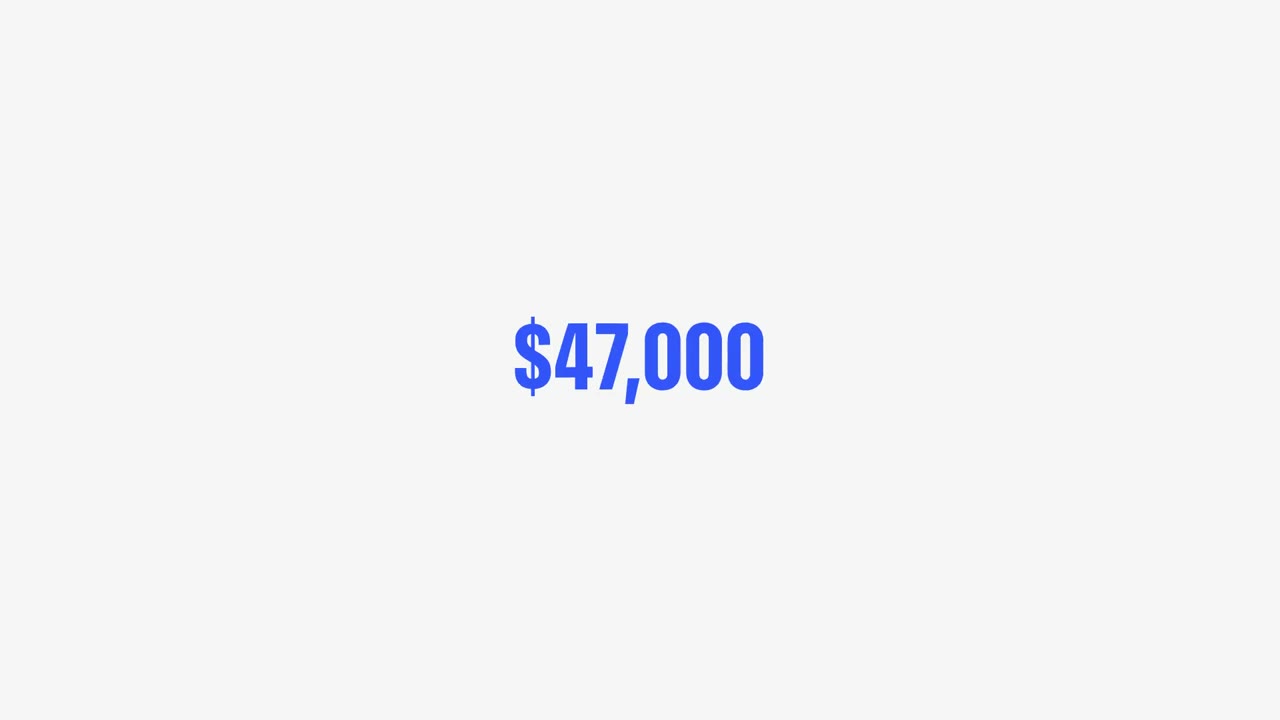
| 0:14–0:19 | Price comparison |
| 0:19–0:25 | Discount |
| 0:25–0:32 | Setup steps |
| 0:32–0:39 | App examples |
| 0:39–0:44 | App network |
| 0:44–0:48 | API close |
The rules it keeps
- 1Keep the API core in the centre, models on one side and results on another layer; connect a line only after both nodes appear.
- 2Draw lines only where a real dependency exists, and give each line a clear direction.
- 3Show prices as bars or numbers on one baseline, with currency, unit and discount condition in the same group.
- 4Light up setup steps one by one in the real product order.
The look
Dark background, neon green core, short white labels; monospace for endpoints and commands, bold sans-serif for headings.
To make it yours
Replace the models, app examples, endpoint, commands and prices with your own checked data; keep the structure entry, abilities, setup, apps.
Make a film like this
Make It Like This Film is a skill for Claude Code, Codex or Cursor. Give it this brief and your own material: it studies the reference, plans your film against its frames and checks the result side by side. It follows the structure, pacing and motion; the product, words, logo and pictures are yours.
Make a film for my product (announcement) like this reference: https://claude-motion.com/motion-references/higgsfield-api-one-endpoint-connects-models-to-products
The reference film itself, to study: https://media.claude-motion.com/gallery/ref-2100305266688610746.mp4 (26 MB, about 45 seconds). Download that file and work from it.
What happens in it: API and lines → Models and results → Generate button → Price comparison → Discount → Setup steps → App examples → App network → API close.
Rules it keeps:
- Keep the API core in the centre, models on one side and results on another layer; connect a line only after both nodes appear.
- Draw lines only where a real dependency exists, and give each line a clear direction.
- Show prices as bars or numbers on one baseline, with currency, unit and discount condition in the same group.
- Light up setup steps one by one in the real product order.
Look: Dark background, neon green core, short white labels; monospace for endpoints and commands, bold sans-serif for headings.
Use my own product, words, logo and pictures. Here is my material: [your product, screens, logo, the lines that must appear].