Announcement · Exa
Exa in Codex: a research question, a search call, a table
A specific question that needs outside sources is typed in full, the search tool is called, and the answer arrives as a three-column table. The integration claim comes only at the end.
- Kind
- Announcement
- Length
- 23 s
- Shape
- 1920×1440
- Posted
- 2026-08-20
- By
- Exa (@ExaAILabs)
- Look
- Product UILightMinimalCharts and numbers
- Colours
What happens
Times are estimates from watching the film.
| Time | On screen |
|---|---|
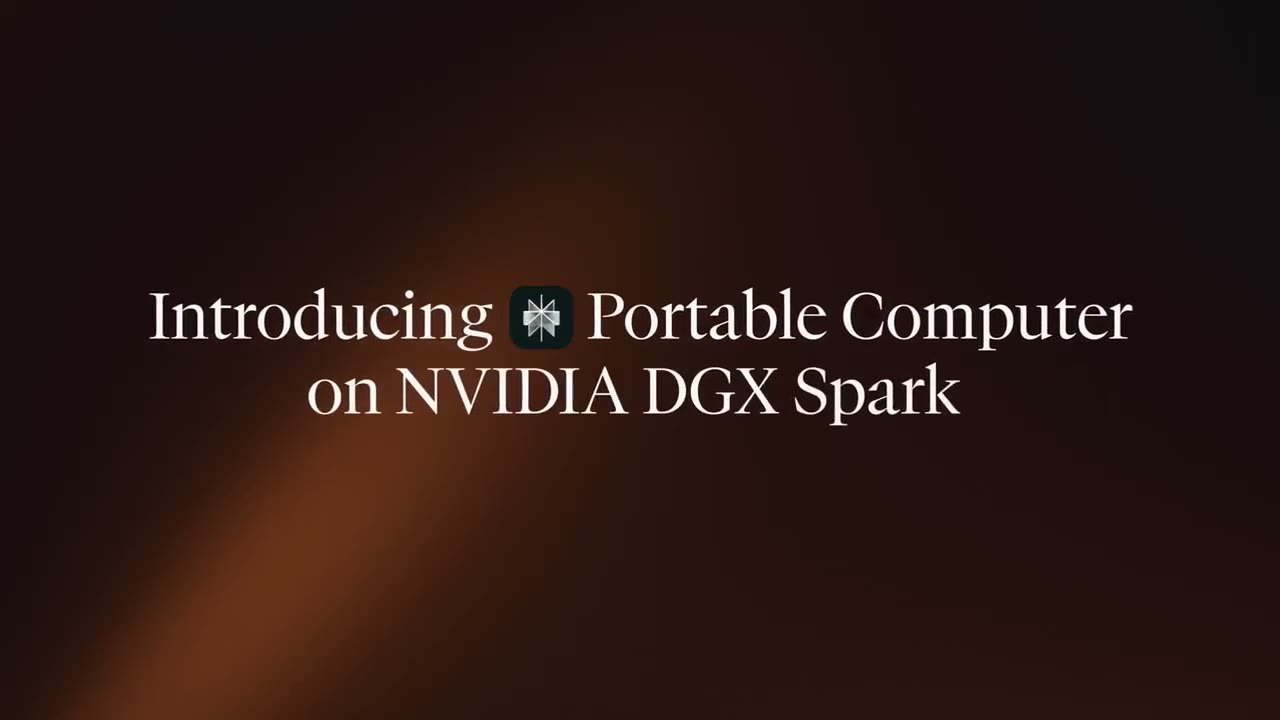
| 0:00–0:02 | Text intro |
| 0:02–0:08 | Task typed |
| 0:08–0:10 | Search called |
| 0:10–0:12 | Search output |
| 0:12–0:16 | Structured answer |
| 0:16–0:19 | Integration claim |
| 0:19–0:23 | Brand hold |
The rules it keeps
- 1Colour the tool name and the host name differently in the opening line.
- 2Type the whole question, and keep the tool tag near the input so it does not read as plain chat.
- 3Pass the search log quickly and spend the time on the answer table.
- 4Keep the header row fixed while the table moves up.
The look
Light UI with a blue outer frame, sans-serif body, monospace for tool calls and addresses, blue keywords in the intro line.
To make it yours
Replace the question, the tool names and the result table with your own, such as competitor, paper or customer research; give a real query and real column definitions, and keep input, call, answer.
Make a film like this
Make It Like This Film is a skill for Claude Code, Codex or Cursor. Give it this brief and your own material: it studies the reference, plans your film against its frames and checks the result side by side. It follows the structure, pacing and motion; the product, words, logo and pictures are yours.
Make a film for my product (announcement) like this reference: https://claude-motion.com/motion-references/exa-in-codex-a-research-question-a-search-call-a-table
The reference film itself, to study: https://media.claude-motion.com/gallery/ref-2090472683758841932.mp4 (17 MB, about 23 seconds). Download that file and work from it.
What happens in it: Text intro → Task typed → Search called → Search output → Structured answer → Integration claim → Brand hold.
Rules it keeps:
- Colour the tool name and the host name differently in the opening line.
- Type the whole question, and keep the tool tag near the input so it does not read as plain chat.
- Pass the search log quickly and spend the time on the answer table.
- Keep the header row fixed while the table moves up.
Look: Light UI with a blue outer frame, sans-serif body, monospace for tool calls and addresses, blue keywords in the intro line.
Use my own product, words, logo and pictures. Here is my material: [your product, screens, logo, the lines that must appear].