Announcement · Cursor
Cursor Projects: zoom into the sidebar, invite, one shared workspace
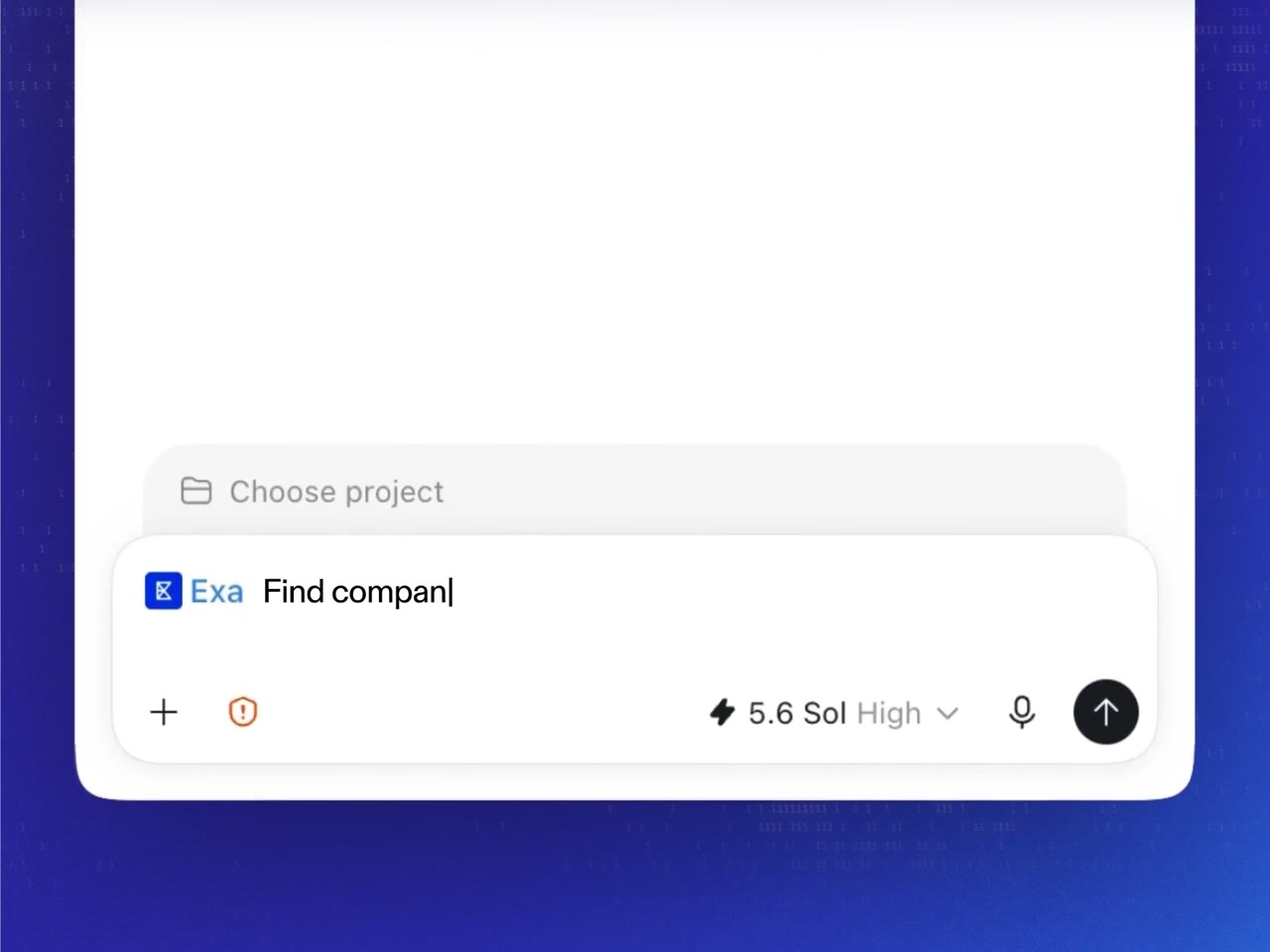
The app window gives way to a one-line announcement with an orange second half. The camera pushes into the projects in the sidebar, a project opens with its chat and a task list beside it, and an invite card on an orange glow adds a teammate. One line and the logo close the film.
- Kind
- Announcement
- Length
- 21 s
- Shape
- 16:9
- Posted
- 2026-11-10
- By
- Cursor (@cursor_ai)
- Look
- Product UILightMinimal
- Colours
What happens
Times are estimates from watching the film.
| Time | On screen |
|---|---|
| 0:00–0:01 | App window |
| 0:01–0:04 | Announcement line |
| 0:04–0:07 | Push into sidebar |
| 0:07–0:10 | Project chat and tasks |
| 0:10–0:14 | Invite a teammate |
| 0:14–0:18 | Closing line |
| 0:18–0:20 | Logo |
The rules it keeps
- 1Colour only the new part of the sentence; it turns black once read.
- 2Zoom the UI until the item you mean fills the frame, instead of pointing at it small.
- 3Bring in the orange glow when people enter the story (the invite).
- 4Keep it to one idea in 20 seconds: line, product, invite, line, logo.
The look
Light grey app UI, black sans-serif lines with an orange second half, an orange gradient rising from the bottom behind the cards.
To make it yours
Replace the sidebar items, chat and invite card with your own; keep the coloured half sentence, the push-in and the glow for people.
Make a film like this
Make It Like This Film is a skill for Claude Code, Codex or Cursor. Give it this brief and your own material: it studies the reference, plans your film against its frames and checks the result side by side. It follows the structure, pacing and motion; the product, words, logo and pictures are yours.
Make a film for my product (announcement) like this reference: https://claude-motion.com/motion-references/cursor-projects-zoom-into-the-sidebar-invite-one-shared-workspace
The reference film itself, to study: https://media.claude-motion.com/gallery/ref-2120295553309565139.mp4 (3.5 MB, about 21 seconds). Download that file and work from it.
What happens in it: App window → Announcement line → Push into sidebar → Project chat and tasks → Invite a teammate → Closing line → Logo.
Rules it keeps:
- Colour only the new part of the sentence; it turns black once read.
- Zoom the UI until the item you mean fills the frame, instead of pointing at it small.
- Bring in the orange glow when people enter the story (the invite).
- Keep it to one idea in 20 seconds: line, product, invite, line, logo.
Look: Light grey app UI, black sans-serif lines with an orange second half, an orange gradient rising from the bottom behind the cards.
Use my own product, words, logo and pictures. Here is my material: [your product, screens, logo, the lines that must appear].