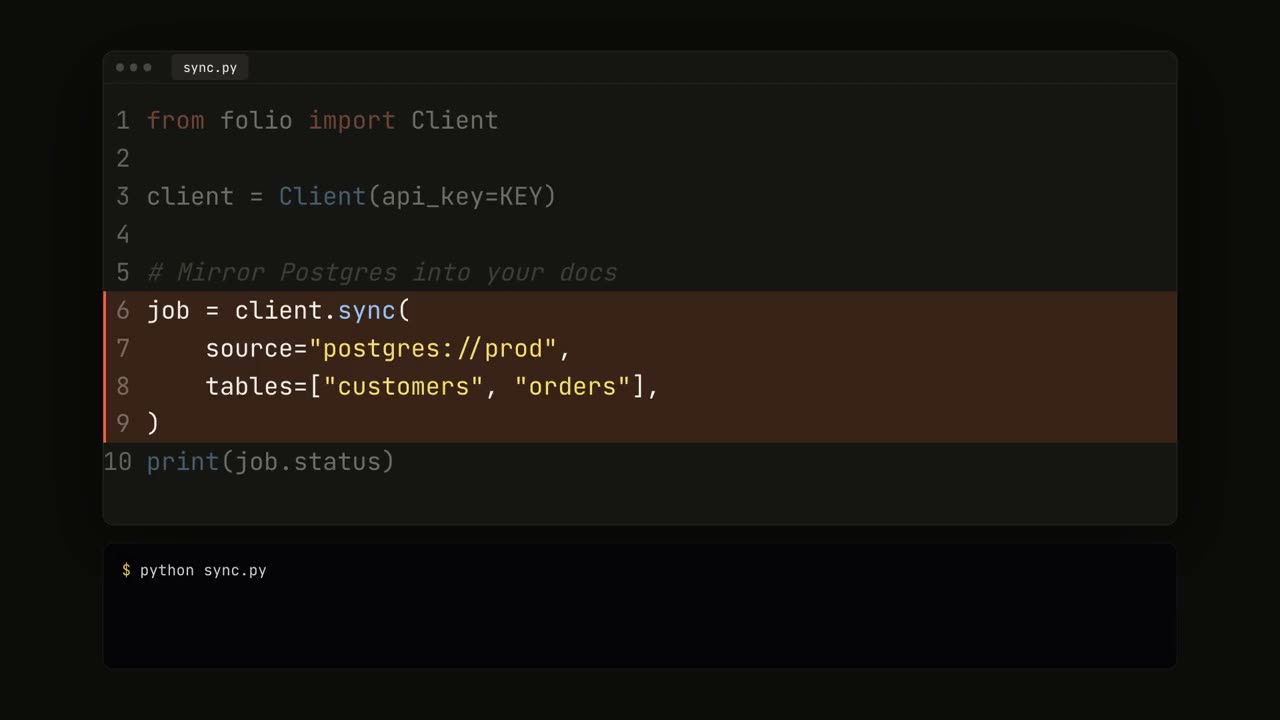
Código tecleado con colores de sintaxis, resaltados y una ejecución en terminal.
Pégalo en Claude Code, Codex, Cursor o cualquier agente compatible con skills.
Necesita: Node.js 22+, FFmpeg, Chrome. Sin claves de API.
Otros temas y formatos
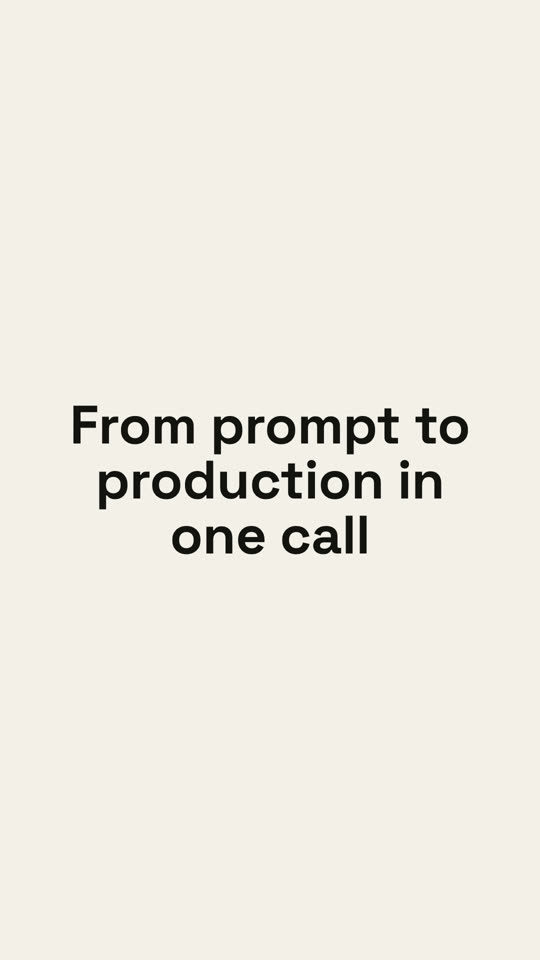
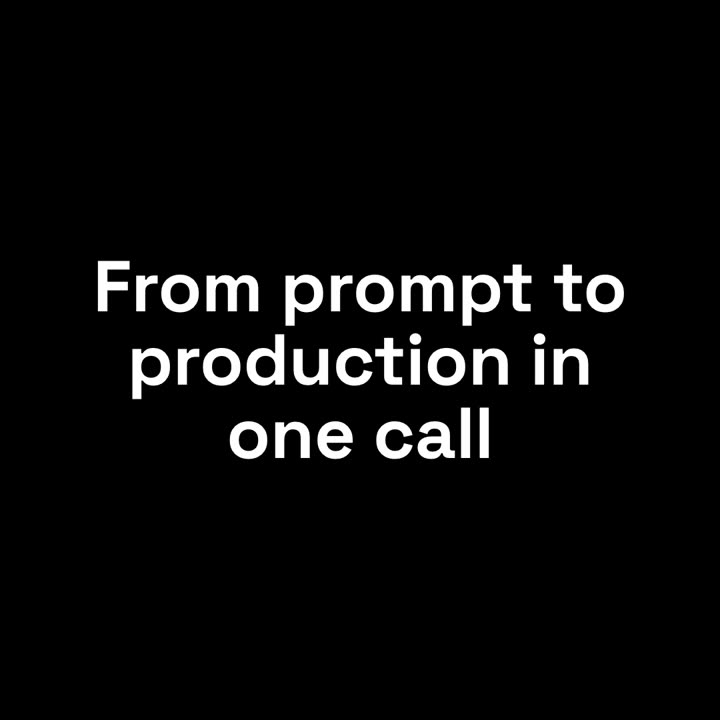
Tema: Papel · 9:16Tema: Noir · 1:1
Fotogramas finales de la misma plantilla, renderizados con otro tema y formato.
5 temas
Aa
Tinta
ink
Aa
Papel
paper
Aa
Eléctrico · predeterminado
electric
Aa
Noir
Aa
Arena
sand
Indica un tema en tu prompt o define tus propios colores de acento, fondo y texto.
Prompt de instalación
Lee https://claude-motion.com/skills/code-showcase/install.md, sigue sus pasos para instalar la skill "code-showcase" y luego haz un primer video con ella.
Pégalo en Claude Code, Codex, Cursor o cualquier agente compatible con skills.
Prompt de ejemplo
Use the code-showcase skill with this Python snippet from our README (paste it as `code`), filename "quickstart.py", highlight "3-6", command "python quickstart.py", output "✓ Connected | ✓ 1,204 rows synced", caption "Sync any database in 6 lines".
Prompt de estilo (Claude Motion u Opus 5.5)
Make a 14-second 16:9 code demo for [who will watch, e.g. developers], playing [where, e.g. our docs and X]. Use only the code, command and headline I give below; don't change a character. Dark navy background.

A rounded editor window with three dots and a file tab rises in. The code types out character by character with a violet block caret and syntax colors (violet keywords, teal strings, gray italic comments, orange numbers). The key lines then get a translucent violet highlight with a left border while the other lines dim. A terminal below types the command and prints green check lines. End frame: the editor fades and the headline appears.

File name and code: [your snippet, 8 to 12 lines] (e.g. deploy.ts)
Lines to highlight: [e.g. 4–8]
Command: [e.g. "$ npx northwind deploy"]
Headline: [e.g. "From prompt to production in one call"]
Sin instalar nada: pégalo en Claude Motion (Team o Enterprise) o dáselo a Opus 5.5 para un estilo parecido. El resultado cambia en cada ejecución; la skill da siempre el mismo.