Texto + pantalla
Titular y puntos a un lado, tu captura deslizándose al otro.
Pégalo en Claude Code, Codex, Cursor o cualquier agente compatible con skills.
Necesita: Node.js 22+, FFmpeg, Chrome. Sin claves de API.
Otros temas y formatos
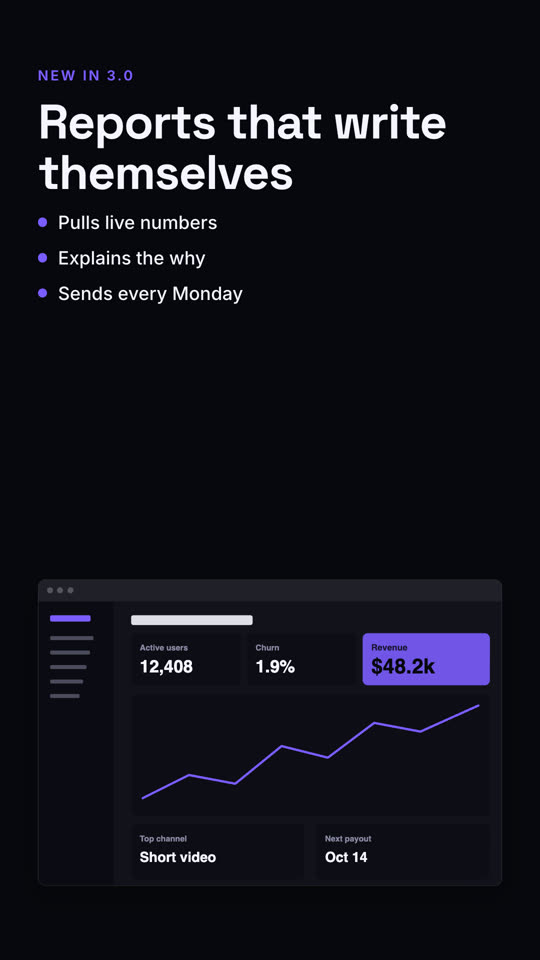
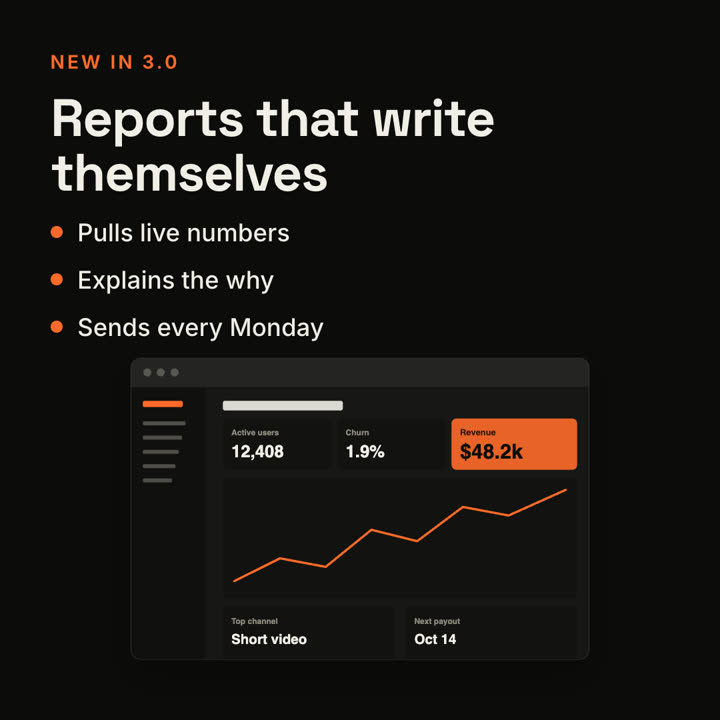
Fotogramas finales de la misma plantilla, renderizados con otro tema y formato.
5 temas
- Tinta
ink - Papel · predeterminado
paper - Eléctrico
electric - Noir
- Arena
sand
Indica un tema en tu prompt o define tus propios colores de acento, fondo y texto.
Lee https://claude-motion.com/skills/text-screen-split/install.md, sigue sus pasos para instalar la skill "text-screen-split" y luego haz un primer video con ella.
Pégalo en Claude Code, Codex, Cursor o cualquier agente compatible con skills.
Use the text-screen-split skill: kicker "Mobile", headline "Your inbox, in your pocket", points "Offline mode | Smart filters", image assets/inbox-phone.png, phone frame. Electric theme, 9:16.
Make a 7-second 16:9 product scene for [who will watch, e.g. existing customers], playing [where, e.g. the release email]. Use only the label, headline, bullets and screenshot I give. Off-white background.

On the left, a small orange uppercase label, then the bold headline rising word by word, then three bullet points with orange dots. On the right, a browser window with the screenshot glides in from the right. End frame: the window floats gently beside the text.

Label: [e.g. "NEW IN 3.0"]
Headline: [e.g. "Reports that write themselves"]
Three bullets: [e.g. "Pulls live numbers", "Explains the why", "Sends every Monday"]
Attach: [a screenshot of the feature]
Sin instalar nada: pégalo en Claude Motion (Team o Enterprise) o dáselo a Opus 5.5 para un estilo parecido. El resultado cambia en cada ejecución; la skill da siempre el mismo.
Más de esta serie
Dispositivos →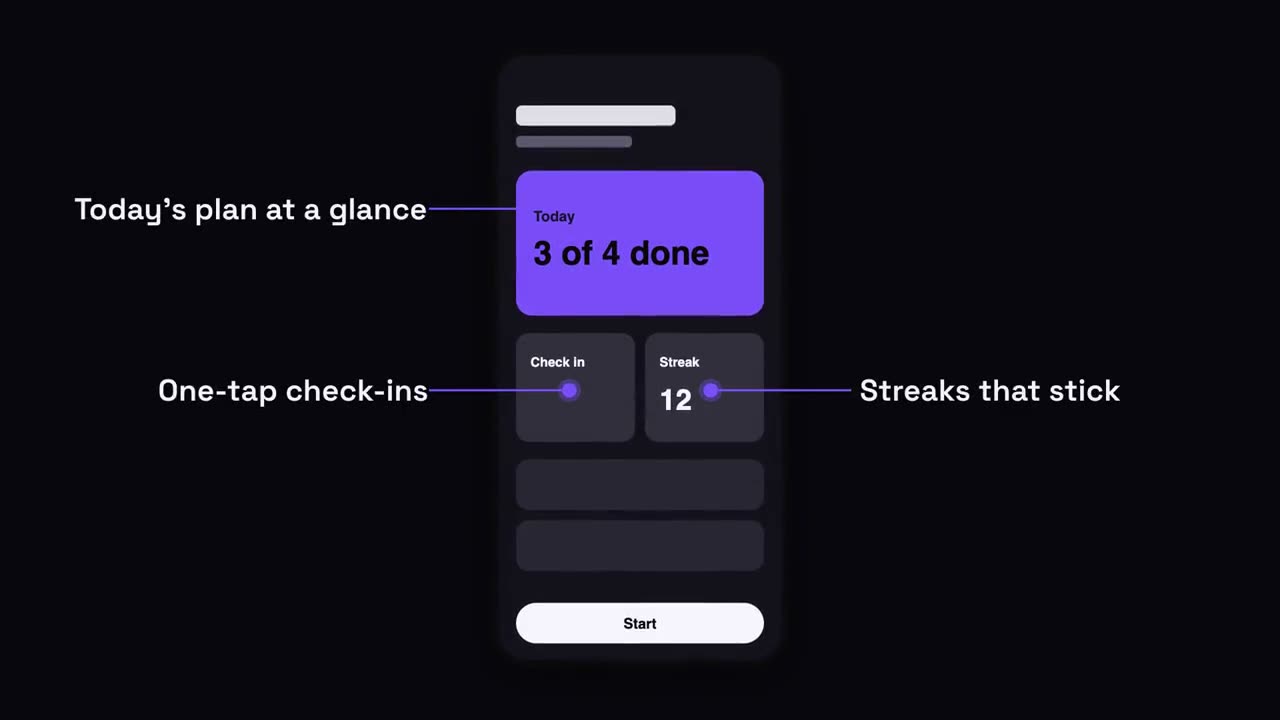
Llamadas sobre teléfono
Sube un teléfono y aparecen etiquetas con líneas guía hacia su pantalla.
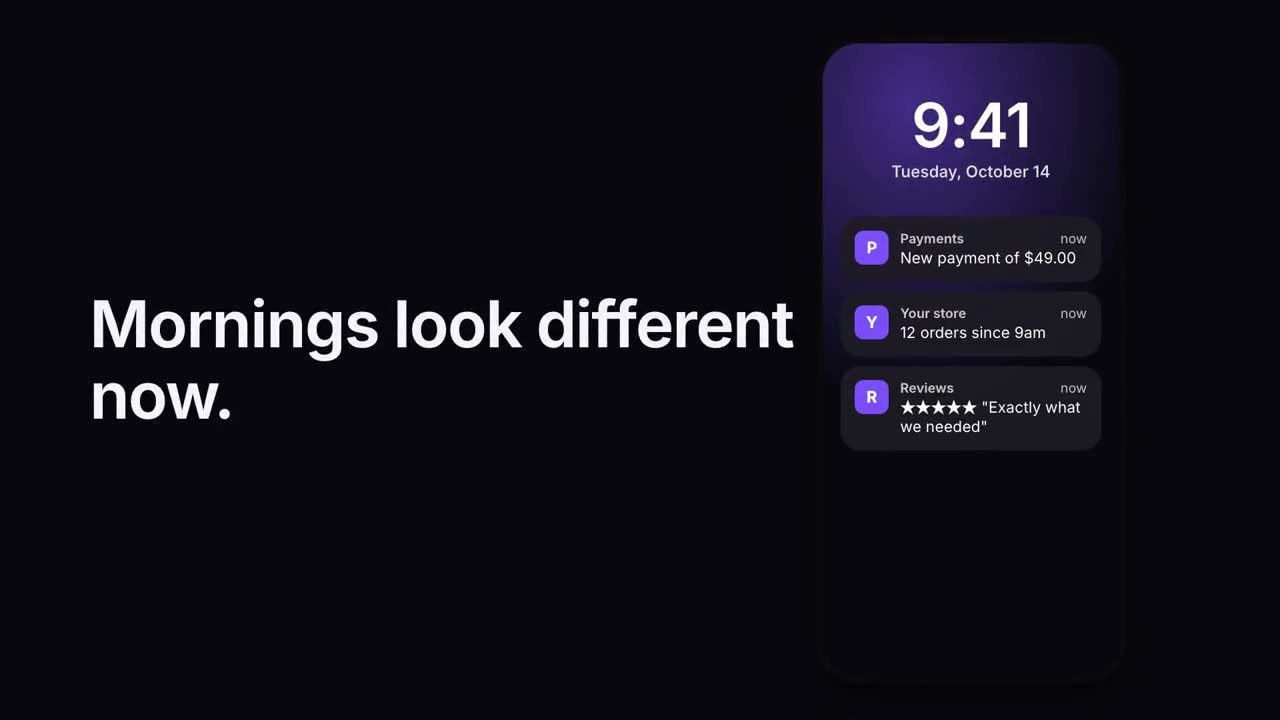
Pila de notificaciones
Las notificaciones llegan una tras otra a una pantalla de bloqueo.
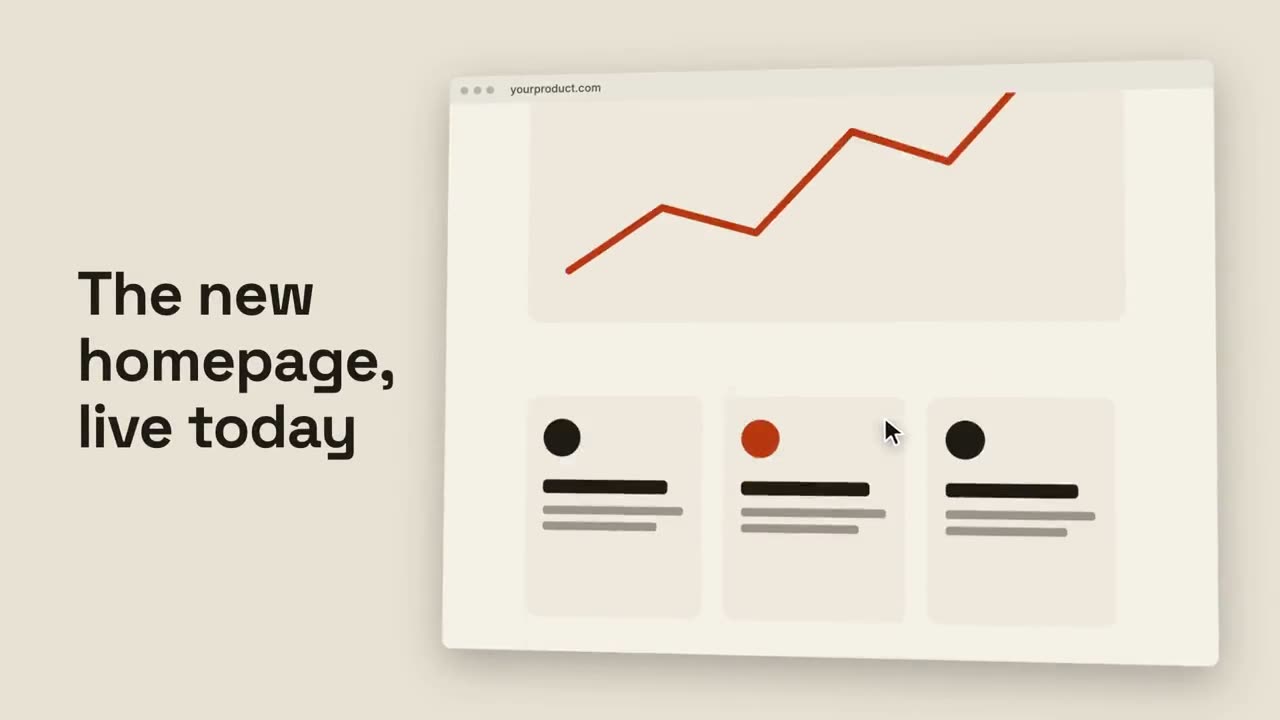
Scroll de navegador
Un navegador inclinado recorre suavemente una página completa.
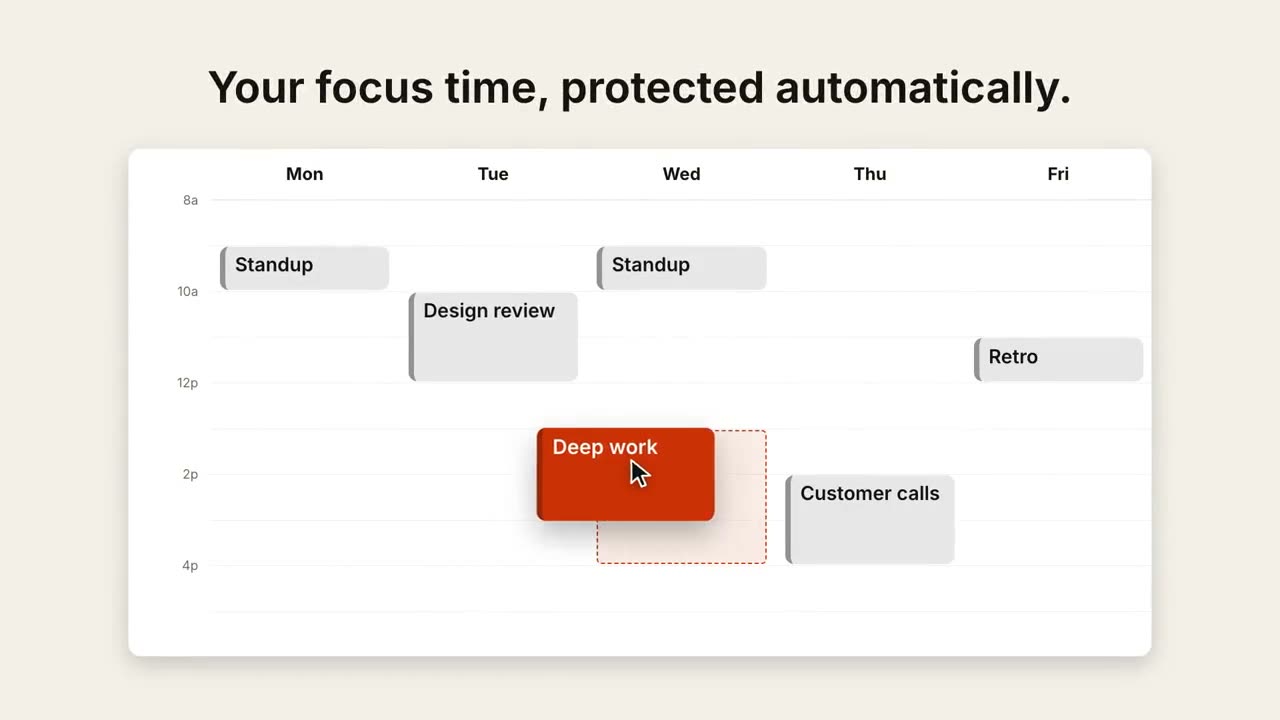
Reprogramar en el calendario
Una vista semanal se llena y un cursor arrastra un evento a un mejor horario.