Announcement · Supabase
Supabase × Gemini: switch on a connector, then ask your data
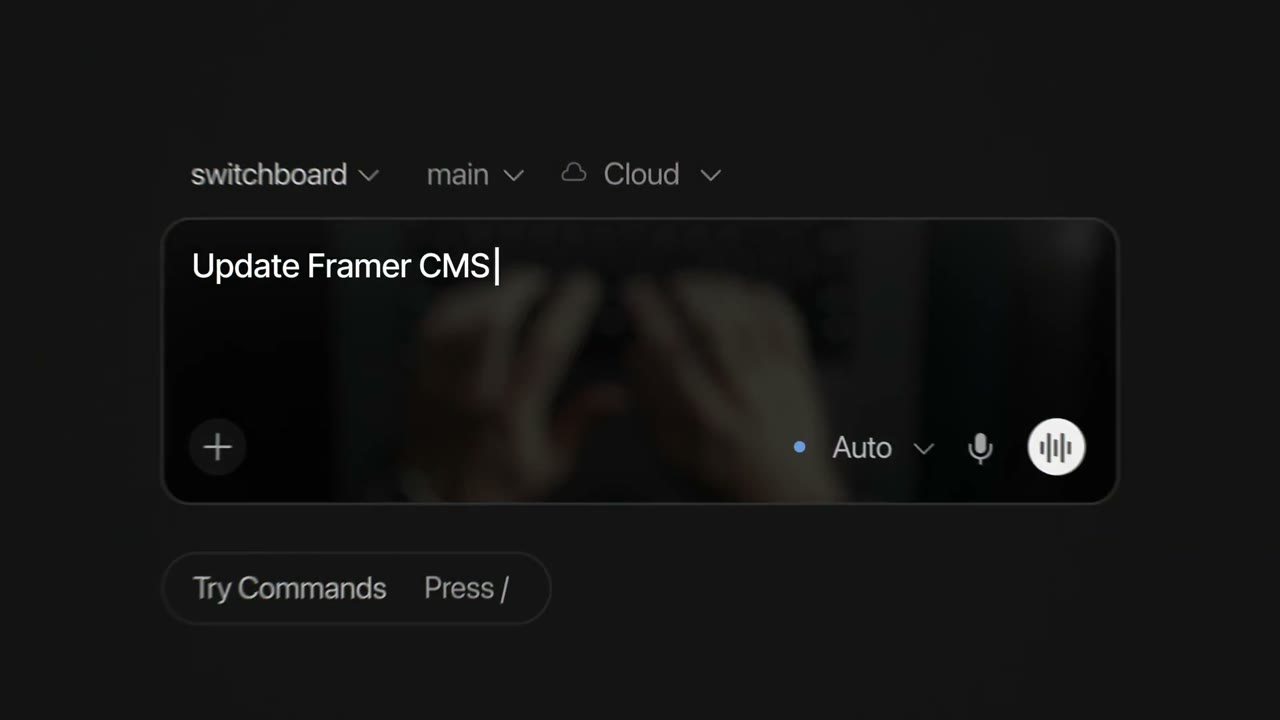
One enabling action links a data source to a chat: open the menu, turn the connector on, type a question that names a table, send. The film ends on the two brand marks side by side.
- Kind
- Announcement
- Length
- 16 s
- Shape
- 16:9
- Posted
- 2026-09-09
- By
- Supabase (@supabase)
- Look
- Product UILogoDarkMinimal
- Colours
What happens
Times are estimates from watching the film.
| Time | On screen |
|---|---|
| 0:00–0:00 | Black screen |
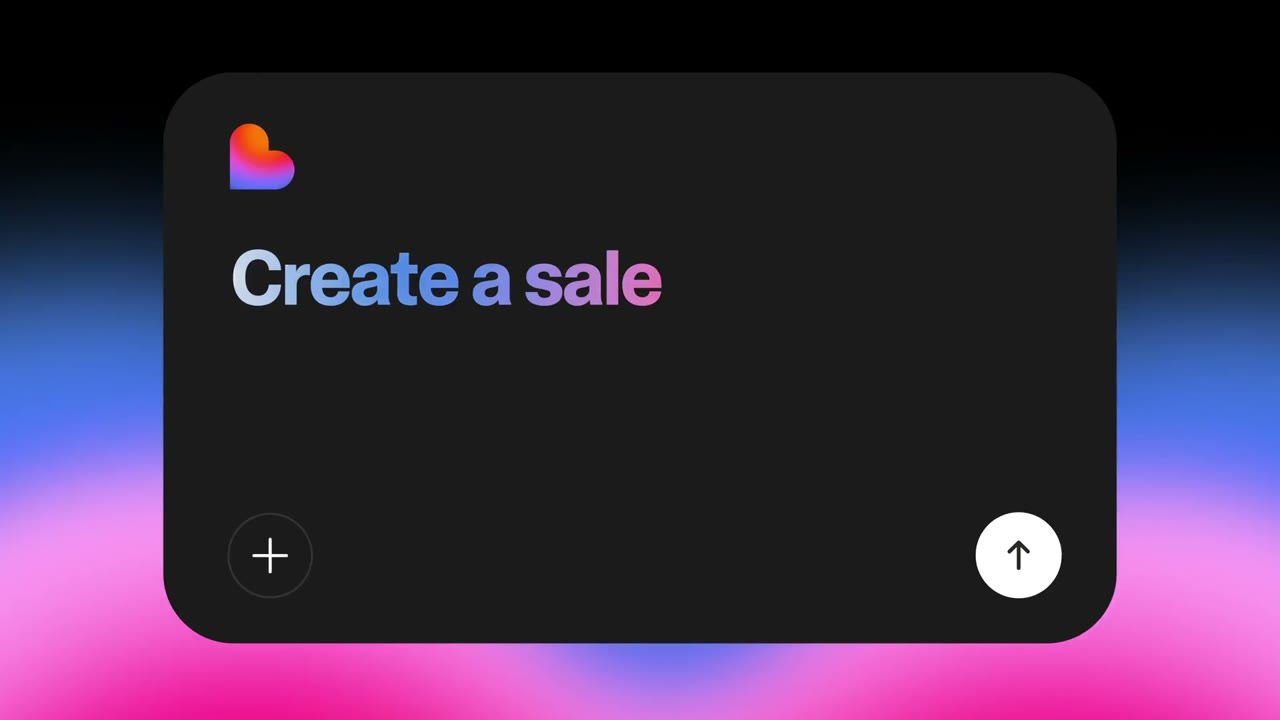
| 0:00–0:02 | Title opens |
| 0:02–0:04 | Input box |
| 0:04–0:05 | Plugin menu |
| 0:05–0:06 | Connector added |
| 0:06–0:08 | Switch turned on |
| 0:08–0:10 | Back to input |
| 0:10–0:12 | Question typed |
| 0:12–0:13 | Send |
| 0:13–0:16 | Two-brand lockup |
| 0:16–0:16 | Exit |
The rules it keeps
- 1Show the existing menu items first, then slide the new connector in from the bottom and align it.
- 2Turn the switch from grey to green, close the menu, then return to the full input box.
- 3Show the pointer only during an action so it does not cover names.
- 4Make the question name the connected data, such as a table, and send last.
- 5In the lockup, set the marks side by side with a small cross between and one glow colour on each side.
The look
Dark UI, low blue glow, green for the enabled state, sans-serif centre line and input text, two marks of similar size.
To make it yours
Replace the partner brand everywhere: menu name, icon, the data source named in the question and the end lockup, not the lockup alone.
Make a film like this
Make It Like This Film is a skill for Claude Code, Codex or Cursor. Give it this brief and your own material: it studies the reference, plans your film against its frames and checks the result side by side. It follows the structure, pacing and motion; the product, words, logo and pictures are yours.
Make a film for my product (announcement) like this reference: https://claude-motion.com/motion-references/supabase-gemini-switch-on-a-connector-then-ask-your-data
The reference film itself, to study: https://media.claude-motion.com/gallery/ref-2097701910463631605.mp4 (1.4 MB, about 16 seconds). Download that file and work from it.
What happens in it: Black screen → Title opens → Input box → Plugin menu → Connector added → Switch turned on → Back to input → Question typed → Send → Two-brand lockup → Exit.
Rules it keeps:
- Show the existing menu items first, then slide the new connector in from the bottom and align it.
- Turn the switch from grey to green, close the menu, then return to the full input box.
- Show the pointer only during an action so it does not cover names.
- Make the question name the connected data, such as a table, and send last.
- In the lockup, set the marks side by side with a small cross between and one glow colour on each side.
Look: Dark UI, low blue glow, green for the enabled state, sans-serif centre line and input text, two marks of similar size.
Use my own product, words, logo and pictures. Here is my material: [your product, screens, logo, the lines that must appear].