Announcement · Framer
Framer in Cursor: one prompt updates many CMS rows
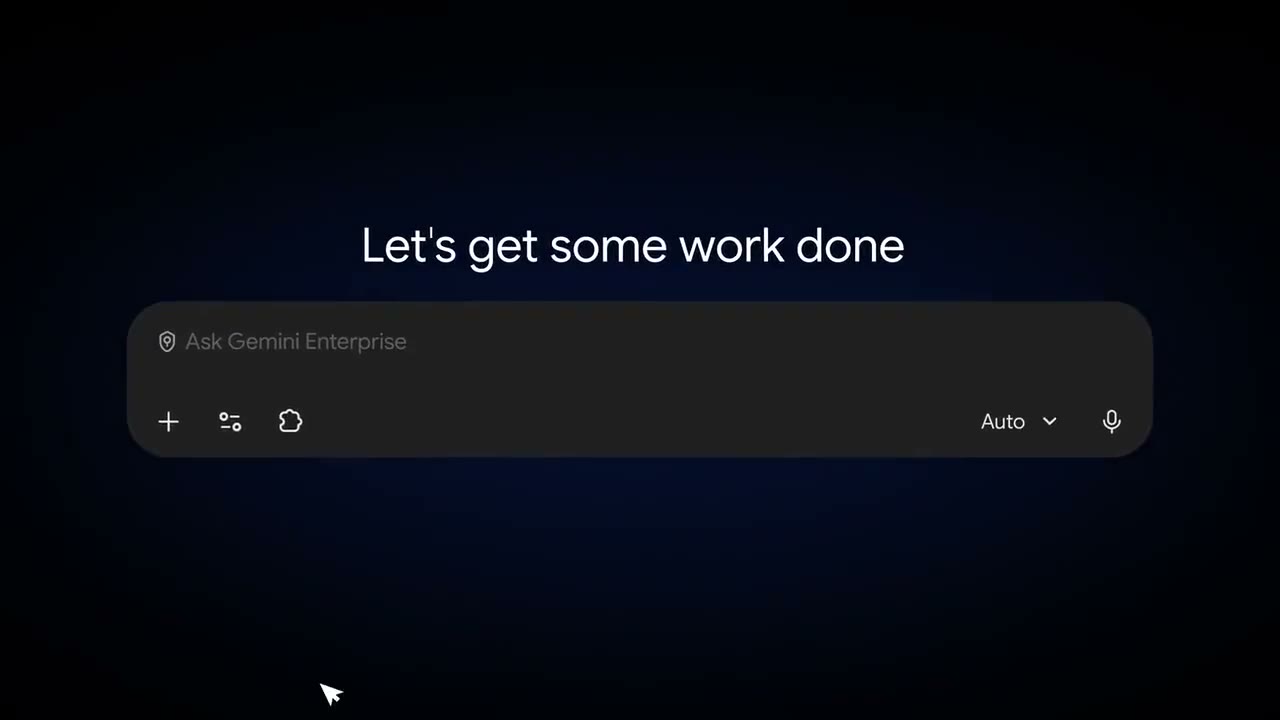
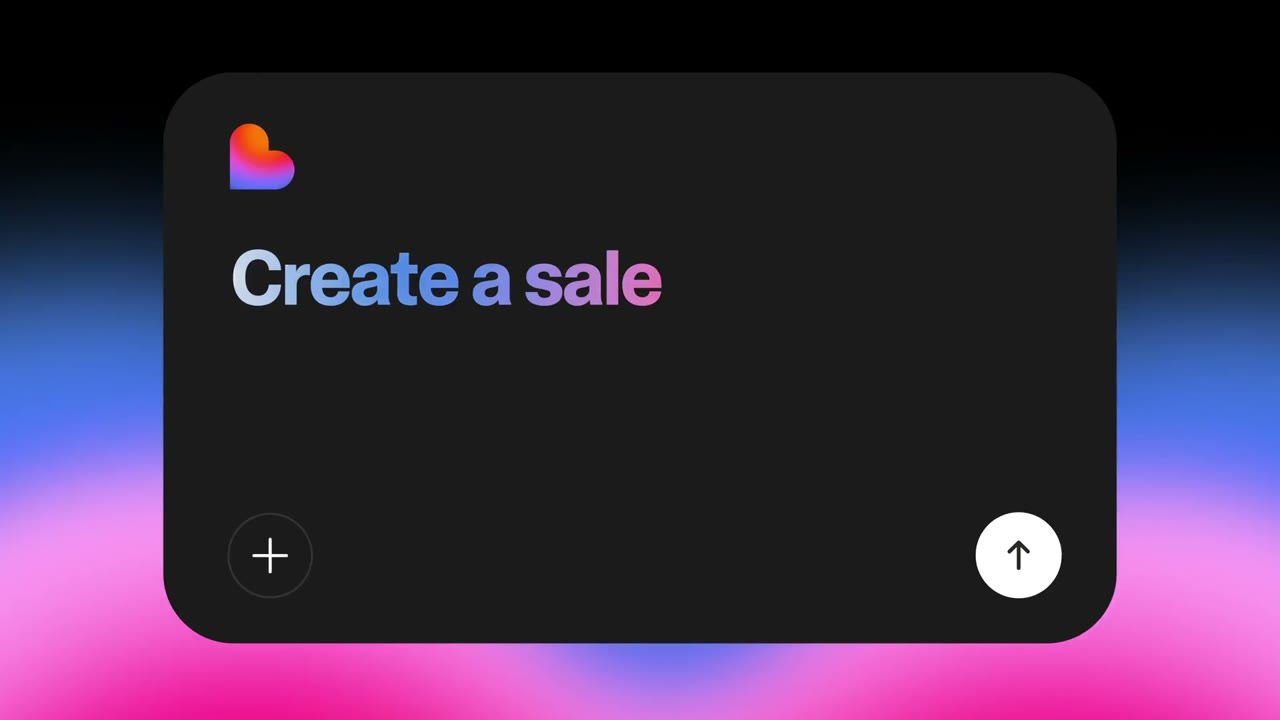
The film moves from a keyboard close-up to a dark input box, then to a CMS table where blue outlines run down the rows. This shows one request changing many items, and it ends on the two brand marks.
- Kind
- Announcement
- Length
- 16 s
- Shape
- 16:9
- Posted
- 2026-10-28
- By
- Framer (@framer)
- Look
- Product UIDarkMinimalLogo
- Colours
What happens
Times are estimates from watching the film.
| Time | On screen |
|---|---|
| 0:00–0:02 | Keyboard and input box |
| 0:02–0:05 | Task typed |
| 0:05–0:09 | Rows change in bulk |
| 0:09–0:13 | Headline scales down |
| 0:13–0:15 | Two brands close |
The rules it keeps
- 1Finish typing the request before you cut to the table, so input and result read as cause and effect.
- 2Let the blue outline travel down the rows to show one request touching many items.
- 3Use three scales joined by zoom: input close-up, full table, large headline.
- 4Write the conclusion as two short lines, hold it, then reduce to two marks of equal weight with a cross between them.
The look
Black background, white medium-weight sans-serif; blue appears only as the outline on rows being changed.
To make it yours
Replace the task, the data columns and the two brands; keep the chain input, bulk result, integration notice.
Make a film like this
Make It Like This Film is a skill for Claude Code, Codex or Cursor. Give it this brief and your own material: it studies the reference, plans your film against its frames and checks the result side by side. It follows the structure, pacing and motion; the product, words, logo and pictures are yours.
Make a film for my product (announcement) like this reference: https://claude-motion.com/motion-references/framer-in-cursor-one-prompt-updates-many-cms-rows
The reference film itself, to study: https://media.claude-motion.com/gallery/ref-2115464952857395698.mp4 (2.7 MB, about 16 seconds). Download that file and work from it.
What happens in it: Keyboard and input box → Task typed → Rows change in bulk → Headline scales down → Two brands close.
Rules it keeps:
- Finish typing the request before you cut to the table, so input and result read as cause and effect.
- Let the blue outline travel down the rows to show one request touching many items.
- Use three scales joined by zoom: input close-up, full table, large headline.
- Write the conclusion as two short lines, hold it, then reduce to two marks of equal weight with a cross between them.
Look: Black background, white medium-weight sans-serif; blue appears only as the outline on rows being changed.
Use my own product, words, logo and pictures. Here is my material: [your product, screens, logo, the lines that must appear].