Explainer · Notion
Notion: one skill travels from doc to repo to agents
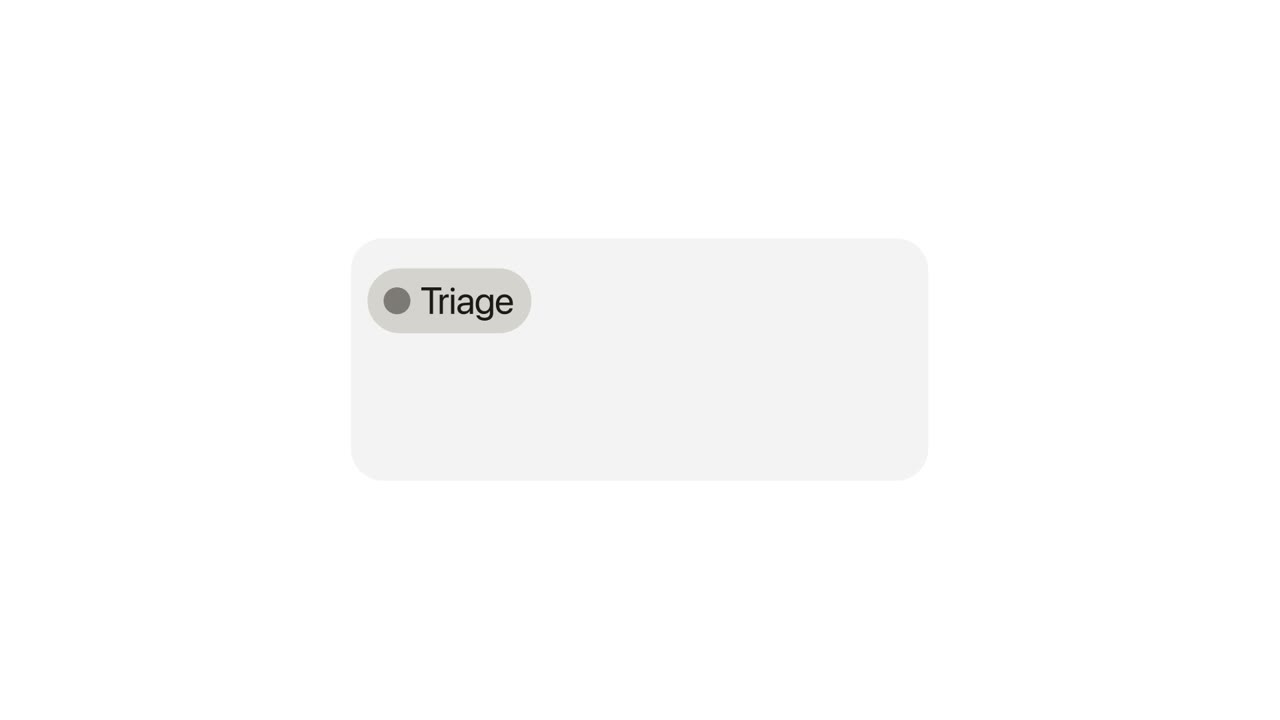
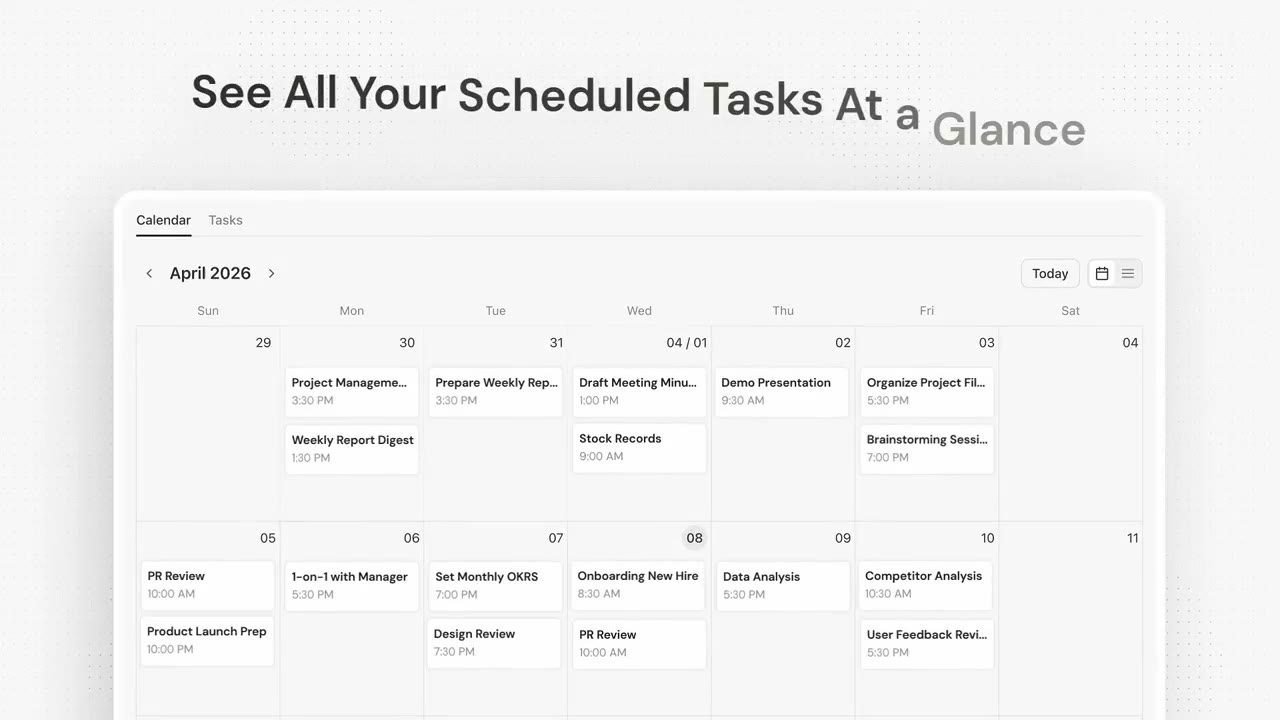
Three short claims are each followed by a matching screen: edit together in a doc, sync to a repository, use in different agents. The skill's name stays visible in all three places, so it reads as one piece of content.
- Kind
- Explainer
- Length
- 24 s
- Shape
- 16:9
- Posted
- 2026-09-17
- By
- Notion (@NotionHQ)
- Look
- Product UILightMinimal
- Colours
What happens
Times are estimates from watching the film.
| Time | On screen |
|---|---|
| 0:00–0:02 | Edit-together claim |
| 0:02–0:06 | Skill page |
| 0:06–0:08 | Sync claim |
| 0:08–0:12 | Repository folder |
| 0:12–0:14 | Any-agent claim |
| 0:14–0:18 | Agents use it |
| 0:18–0:21 | Summary |
| 0:21–0:23 | Brand |
The rules it keeps
- 1Put a short claim first and the matching interface right after it, three times, with similar hold lengths.
- 2Keep the skill's name visible in the editor, the repository and the agent window.
- 3Let the transition change the container but keep the key word, so no floating arrows are needed.
- 4Give each screen one point of focus and enough line spacing for the text.
The look
White background with thin borders and medium-weight sans-serif titles; light blue, apricot and purple only to mark sections and key choices.
To make it yours
Use a rule set, a design system or other shared knowledge; give it one name across editor, repository and agent call, and keep write → distribute → use.
Make a film like this
Make It Like This Film is a skill for Claude Code, Codex or Cursor. Give it this brief and your own material: it studies the reference, plans your film against its frames and checks the result side by side. It follows the structure, pacing and motion; the product, words, logo and pictures are yours.
Make a film for my product (explainer) like this reference: https://claude-motion.com/motion-references/notion-one-skill-travels-from-doc-to-repo-to-agents
The reference film itself, to study: https://media.claude-motion.com/gallery/ref-2100619682718118397.mp4 (2.2 MB, about 24 seconds). Download that file and work from it.
What happens in it: Edit-together claim → Skill page → Sync claim → Repository folder → Any-agent claim → Agents use it → Summary → Brand.
Rules it keeps:
- Put a short claim first and the matching interface right after it, three times, with similar hold lengths.
- Keep the skill's name visible in the editor, the repository and the agent window.
- Let the transition change the container but keep the key word, so no floating arrows are needed.
- Give each screen one point of focus and enough line spacing for the text.
Look: White background with thin borders and medium-weight sans-serif titles; light blue, apricot and purple only to mark sections and key choices.
Use my own product, words, logo and pictures. Here is my material: [your product, screens, logo, the lines that must appear].