Explainer · Manus
Manus Scheduled Tasks: a chat request lands on a calendar
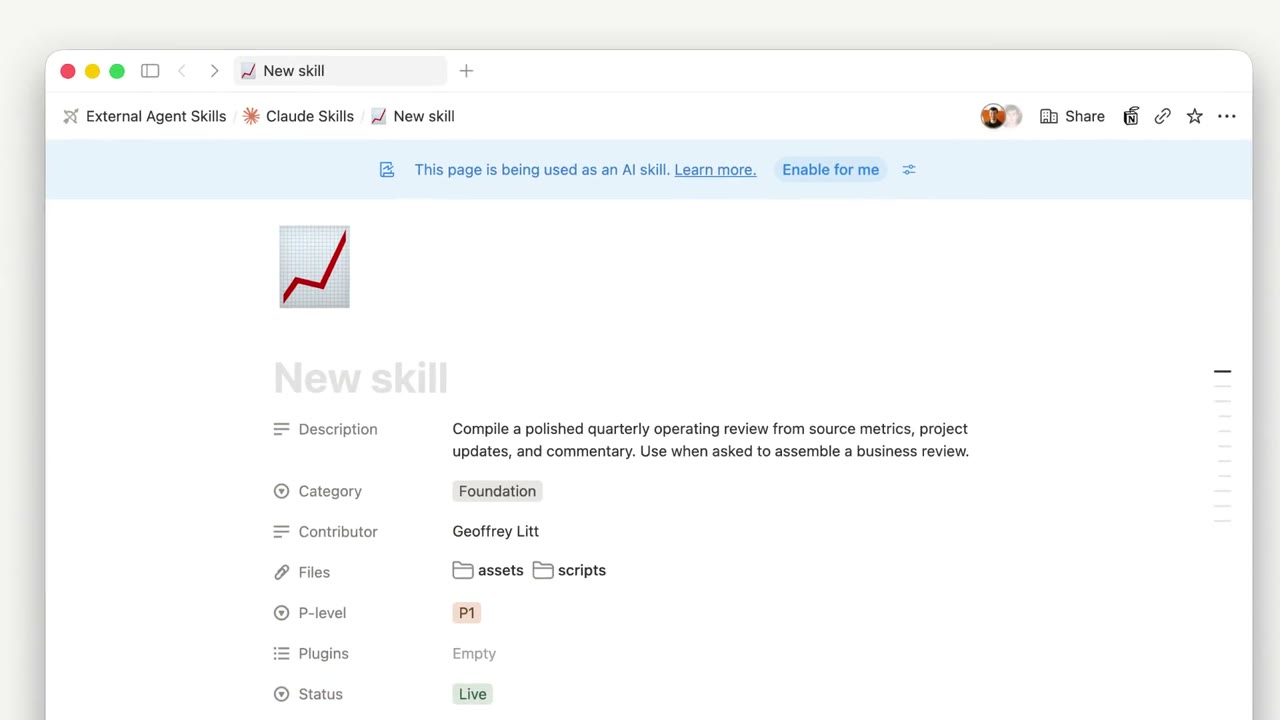
A calendar shows how tasks are spread, a chat request becomes a repeating task with frequency and time, and a run log shows it ran more than once. The calendar holds the schedule; lists and logs hold the results.
- Kind
- Explainer
- Length
- 42 s
- Shape
- 16:9
- Posted
- 2026-05-18
- By
- Manus (@ManusAI)
- Look
- Product UILightMinimal
- Colours
What happens
Times are estimates from watching the film.
| Time | On screen |
|---|---|
| 0:00–0:03 | Calendar intro |
| 0:03–0:08 | Schedule overview |
| 0:08–0:14 | Chat becomes a task |
| 0:14–0:18 | Schedule settings |
| 0:18–0:25 | App runs on schedule |
| 0:25–0:29 | Run log |
| 0:29–0:38 | List and card views |
| 0:38–0:41 | Brand |
The rules it keeps
- 1Open on the calendar to show the overall spread, then push in on one task for its settings.
- 2Give date number, short task name and time different levels; do not fill a cell with full sentences.
- 3After the request, show frequency, time and content, confirm, then place the event on the calendar with no other page in between.
- 4Write "how often" in the schedule and "did this run finish" in the log; never share one status label.
- 5Carry the same task name or colour across calendar, list and card views.
The look
Light background, low-contrast grid, accent colour on task blocks and current selection, one sans-serif UI font.
To make it yours
Replace the task with your own, such as a weekly report, design review or publishing plan; names and times can change, but keep calendar, settings, log and a repeat cycle that matches the results.
Make a film like this
Make It Like This Film is a skill for Claude Code, Codex or Cursor. Give it this brief and your own material: it studies the reference, plans your film against its frames and checks the result side by side. It follows the structure, pacing and motion; the product, words, logo and pictures are yours.
Make a film for my product (explainer) like this reference: https://claude-motion.com/motion-references/manus-scheduled-tasks-a-chat-request-lands-on-a-calendar
The reference film itself, to study: https://media.claude-motion.com/gallery/ref-2056392345050927447.mp4 (4.1 MB, about 42 seconds). Download that file and work from it.
What happens in it: Calendar intro → Schedule overview → Chat becomes a task → Schedule settings → App runs on schedule → Run log → List and card views → Brand.
Rules it keeps:
- Open on the calendar to show the overall spread, then push in on one task for its settings.
- Give date number, short task name and time different levels; do not fill a cell with full sentences.
- After the request, show frequency, time and content, confirm, then place the event on the calendar with no other page in between.
- Write "how often" in the schedule and "did this run finish" in the log; never share one status label.
- Carry the same task name or colour across calendar, list and card views.
Look: Light background, low-contrast grid, accent colour on task blocks and current selection, one sans-serif UI font.
Use my own product, words, logo and pictures. Here is my material: [your product, screens, logo, the lines that must appear].