Launch film · Notion
Notion: an agent finishes a task, then models and plans
The film first shows an agent doing a task from input to result, then how to switch models and connect an existing subscription. Ability and setup are separate sections, each answering a different question.
- Kind
- Launch film
- Length
- 51 s
- Shape
- 16:9
- Posted
- 2026-10-19
- By
- Notion (@NotionHQ)
- Look
- Product UILightCharts and numbers
- Colours
What happens
Times are estimates from watching the film.
| Time | On screen |
|---|---|
| 0:00–0:05 | Ecosystem title |
| 0:05–0:10 | Task input |
| 0:10–0:14 | Run checklist |
| 0:14–0:18 | Result |
| 0:18–0:24 | Second task |
| 0:24–0:31 | Switch model |
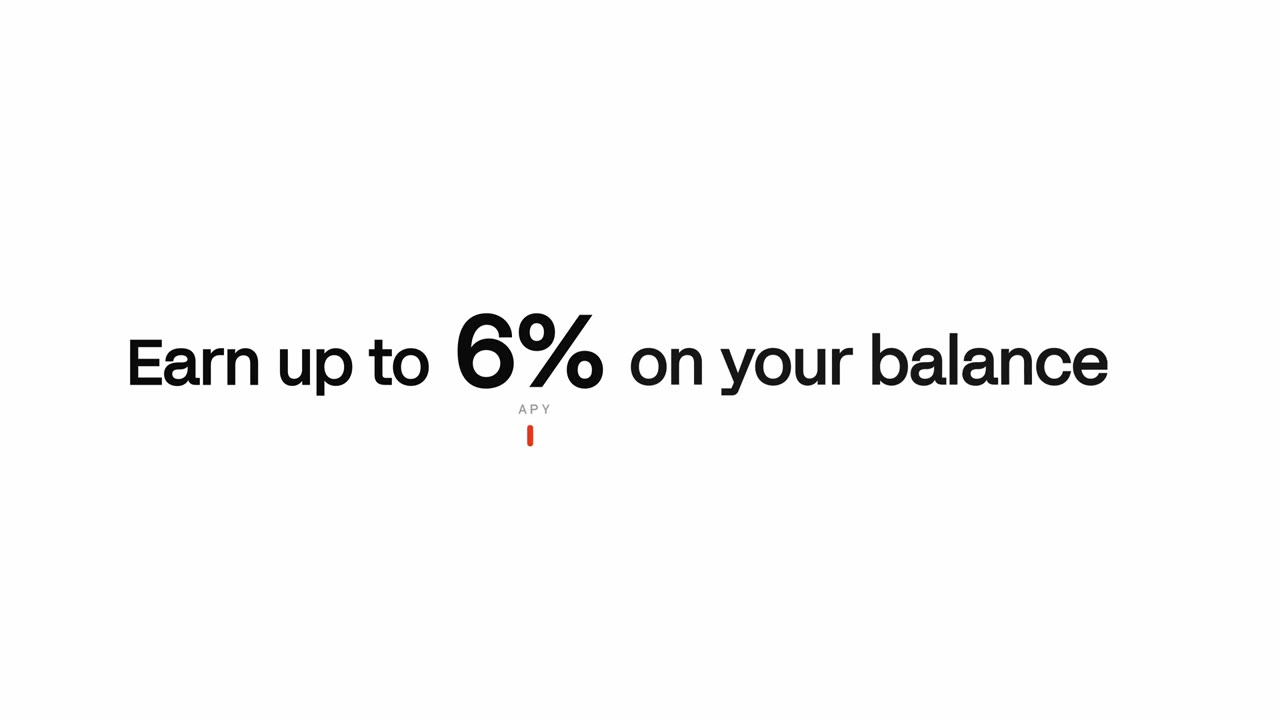
| 0:31–0:36 | Subscription claim |
| 0:36–0:40 | Connection confirmed |
| 0:40–0:48 | Usage chart |
| 0:48–0:51 | Brand |
The rules it keeps
- 1Open with one finished task (input, checklist, result) before any settings menu.
- 2Update the checklist rows one by one and let the finished output stay on screen for a moment.
- 3Give each setup step its own signal: a selected state for the model, a confirmation for the subscription, a summary chart for usage.
- 4Change the soft background colour to mark each section while the interface stays light.
The look
Bright interface with thin borders, medium-weight sans-serif titles, and soft blue, apricot and yellow backgrounds that change by section.
To make it yours
Replace the task and its result first, then the model options, the connected service and the usage numbers; if there is no subscription step, cut it and do not fill the time with more chat.
Make a film like this
Make It Like This Film is a skill for Claude Code, Codex or Cursor. Give it this brief and your own material: it studies the reference, plans your film against its frames and checks the result side by side. It follows the structure, pacing and motion; the product, words, logo and pictures are yours.
Make a film for my product (launch film) like this reference: https://claude-motion.com/motion-references/notion-an-agent-finishes-a-task-then-models-and-plans
The reference film itself, to study: https://media.claude-motion.com/gallery/ref-2112269722075242887.mp4 (2.2 MB, about 45 seconds). Download that file and work from it.
What happens in it: Ecosystem title → Task input → Run checklist → Result → Second task → Switch model → Subscription claim → Connection confirmed → Usage chart → Brand.
Rules it keeps:
- Open with one finished task (input, checklist, result) before any settings menu.
- Update the checklist rows one by one and let the finished output stay on screen for a moment.
- Give each setup step its own signal: a selected state for the model, a confirmation for the subscription, a summary chart for usage.
- Change the soft background colour to mark each section while the interface stays light.
Look: Bright interface with thin borders, medium-weight sans-serif titles, and soft blue, apricot and yellow backgrounds that change by section.
Use my own product, words, logo and pictures. Here is my material: [your product, screens, logo, the lines that must appear].