Product demo · Figma
Figma: one new vector is generated, edited and animated
The film proves three abilities in a row with the same scene: a new fruit or vegetable is generated into a market illustration, moved and recoloured by hand, then animated on a timeline.
- Kind
- Product demo
- Length
- 40 s
- Shape
- 16:9
- Posted
- 2026-11-05
- By
- Figma (@figma)
- Look
- Product UIIllustrationLight
- Colours
What happens
Times are estimates from watching the film.
| Time | On screen |
|---|---|
| 0:00–0:04 | Market illustration |
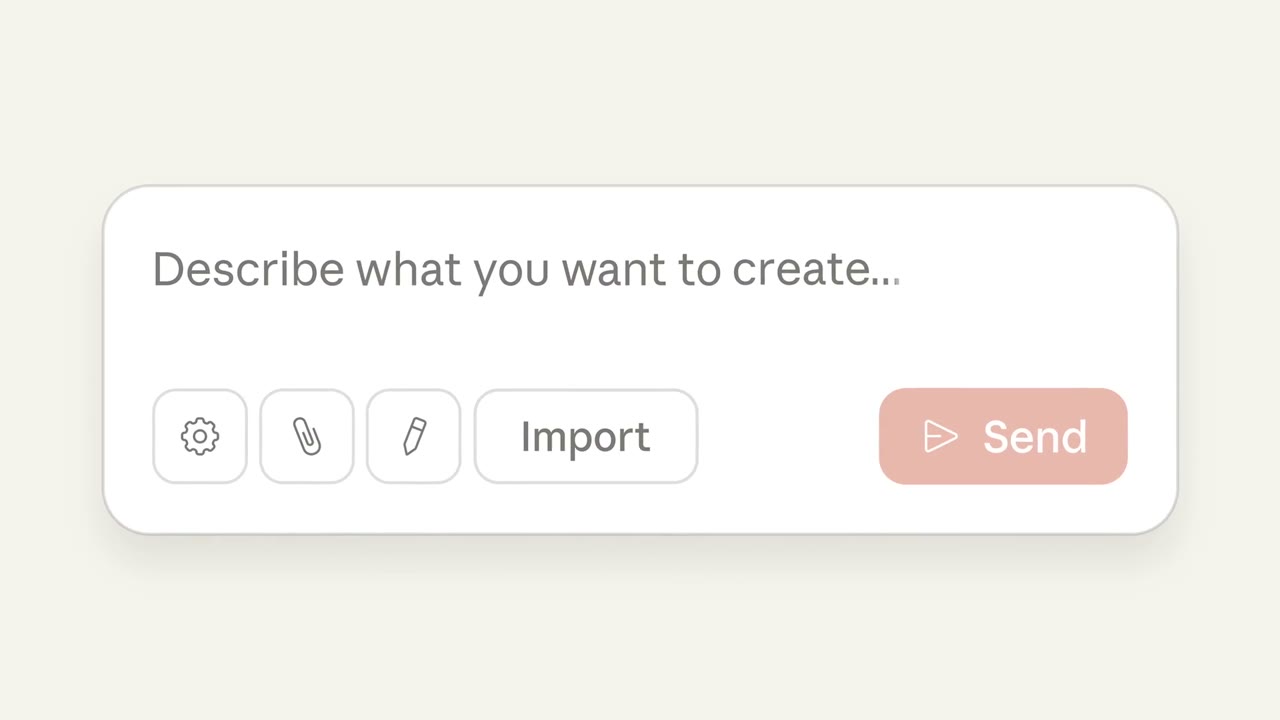
| 0:04–0:10 | Generate request |
| 0:10–0:14 | New item added |
| 0:14–0:18 | Placed by hand |
| 0:18–0:22 | Layer selected |
| 0:22–0:27 | Colour change |
| 0:27–0:31 | Animate request |
| 0:31–0:35 | Timeline playback |
| 0:35–0:38 | Summary |
| 0:38–0:39 | Brand |
The rules it keeps
- 1Set up the parent scene first, then add one new object that follows the scene's position and scale.
- 2Drag the new object by hand, then select it in the layer tree and change its colour, with outline, selection box and colour panel in agreement.
- 3Keep the rest of the scene still while one child object is edited.
- 4Give the main motion to the object that was just edited, and keep the motion inside the scene.
The look
Warm illustration in clay, light beige and grass green inside a light editing interface, with dark grey sans-serif text.
To make it yours
Use another scene such as a desk, a garden or a stand, with objects that can be edited one by one; replace the request text and the actions together, and keep generate → hand edit → animate.
Make a film like this
Make It Like This Film is a skill for Claude Code, Codex or Cursor. Give it this brief and your own material: it studies the reference, plans your film against its frames and checks the result side by side. It follows the structure, pacing and motion; the product, words, logo and pictures are yours.
Make a film for my product (product demo) like this reference: https://claude-motion.com/motion-references/figma-one-new-vector-is-generated-edited-and-animated
The reference film itself, to study: https://media.claude-motion.com/gallery/ref-2118374824250884595.mp4 (2.8 MB, about 40 seconds). Download that file and work from it.
What happens in it: Market illustration → Generate request → New item added → Placed by hand → Layer selected → Colour change → Animate request → Timeline playback → Summary → Brand.
Rules it keeps:
- Set up the parent scene first, then add one new object that follows the scene's position and scale.
- Drag the new object by hand, then select it in the layer tree and change its colour, with outline, selection box and colour panel in agreement.
- Keep the rest of the scene still while one child object is edited.
- Give the main motion to the object that was just edited, and keep the motion inside the scene.
Look: Warm illustration in clay, light beige and grass green inside a light editing interface, with dark grey sans-serif text.
Use my own product, words, logo and pictures. Here is my material: [your product, screens, logo, the lines that must appear].