Product demo · QuiverAI
QuiverAI Arrow 2.0: vector art as paths, sets and objects
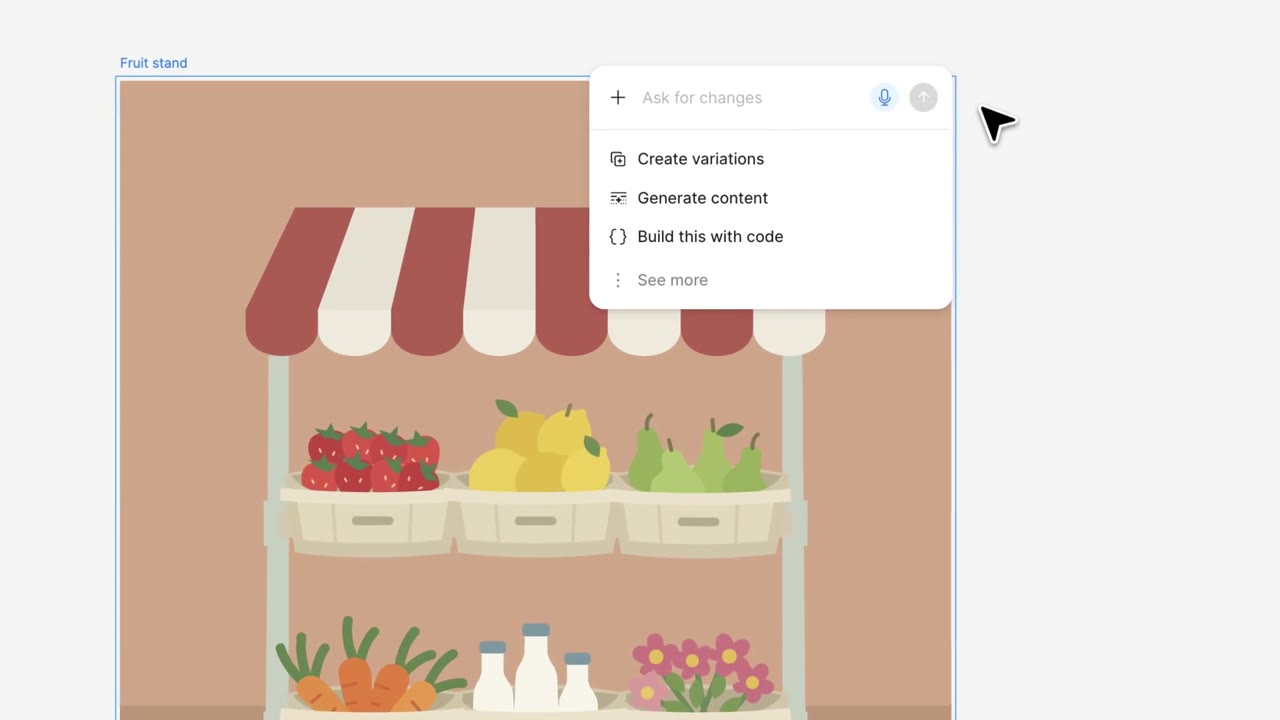
The film shows vector generation at three scales: editable paths with anchor points, categories of work, and the same design on real objects. It ends by making variants in the same style.
- Kind
- Product demo
- Length
- 44 s
- Shape
- 16:9
- Posted
- 2026-09-16
- By
- QuiverAI (@QuiverAI)
- Look
- IllustrationProduct UILight
- Colours
What happens
Times are estimates from watching the film.
| Time | On screen |
|---|---|
| 0:00–0:02 | Curve-controlled title |
| 0:02–0:04 | Launch text |
| 0:04–0:07 | Icons and apps |
| 0:07–0:08 | Manual page |
| 0:08–0:15 | Categories scroll |
| 0:15–0:21 | Code over the work |
| 0:21–0:23 | Outline paths |
| 0:23–0:26 | On real objects |
| 0:26–0:30 | All works |
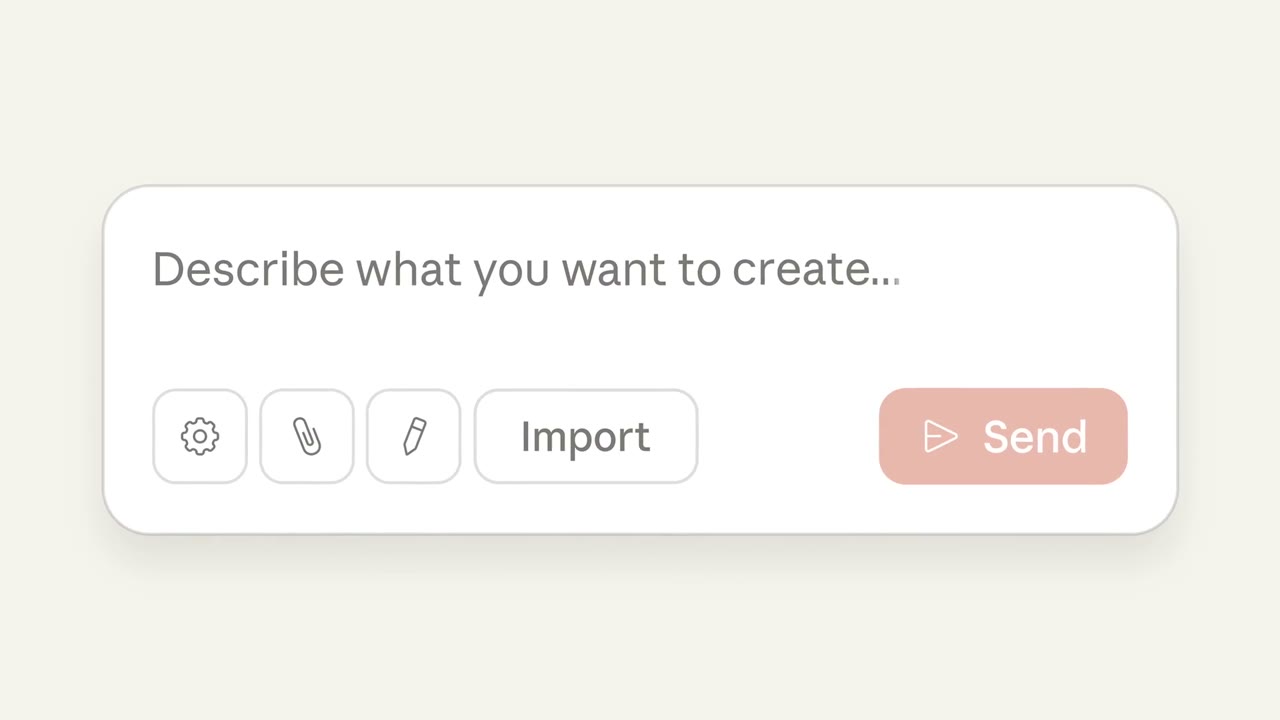
| 0:30–0:32 | Style-variant request |
| 0:32–0:34 | Variant results |
| 0:34–0:40 | Paths processed |
| 0:40–0:43 | Closing line |
| 0:43–0:43 | Brand |
The rules it keeps
- 1Hold the title with a Bézier curve and anchor points, then put selection boxes on the edges of the works.
- 2Keep path lines thin and light so they never cover the art.
- 3Scroll category words on a vertical axis with the current one centred and darker, and change the works at the same moment.
- 4Show one design's outline alone, then the same outline on several objects such as a shoe, paper and embroidery.
The look
White background, dark sans-serif category titles, small monospace edit labels, very thin teal path lines and control points.
To make it yours
Replace categories, works, the variant request and the object shots; let at least one design run through both the vector part and the real-object part, in the order path, work, object.
Make a film like this
Make It Like This Film is a skill for Claude Code, Codex or Cursor. Give it this brief and your own material: it studies the reference, plans your film against its frames and checks the result side by side. It follows the structure, pacing and motion; the product, words, logo and pictures are yours.
Make a film for my product (product demo) like this reference: https://claude-motion.com/motion-references/quiverai-arrow-2-0-vector-art-as-paths-sets-and-objects
The reference film itself, to study: https://media.claude-motion.com/gallery/ref-2100295136261349802.mp4 (5.3 MB, about 44 seconds). Download that file and work from it.
What happens in it: Curve-controlled title → Launch text → Icons and apps → Manual page → Categories scroll → Code over the work → Outline paths → On real objects → All works → Style-variant request → Variant results → Paths processed → Closing line → Brand.
Rules it keeps:
- Hold the title with a Bézier curve and anchor points, then put selection boxes on the edges of the works.
- Keep path lines thin and light so they never cover the art.
- Scroll category words on a vertical axis with the current one centred and darker, and change the works at the same moment.
- Show one design's outline alone, then the same outline on several objects such as a shoe, paper and embroidery.
Look: White background, dark sans-serif category titles, small monospace edit labels, very thin teal path lines and control points.
Use my own product, words, logo and pictures. Here is my material: [your product, screens, logo, the lines that must appear].