Product demo · Bolt
Bolt Forge: two prompts, two sites, then a wall of work
Two rounds prove the range: a prompt for a shop is typed in full and becomes a scrolling page that is published, then the same happens for a portfolio. At the end many pages shrink into one space.
- Kind
- Product demo
- Length
- 37 s
- Shape
- 16:9
- Posted
- 2026-09-14
- By
- bolt.new (@boltdotnew)
- Look
- Product UILightBold colour
- Colours
What happens
Times are estimates from watching the film.
| Time | On screen |
|---|---|
| 0:00–0:03 | Title on soft blue |
| 0:03–0:06 | Product name and capacity |
| 0:06–0:08 | Mode chosen |
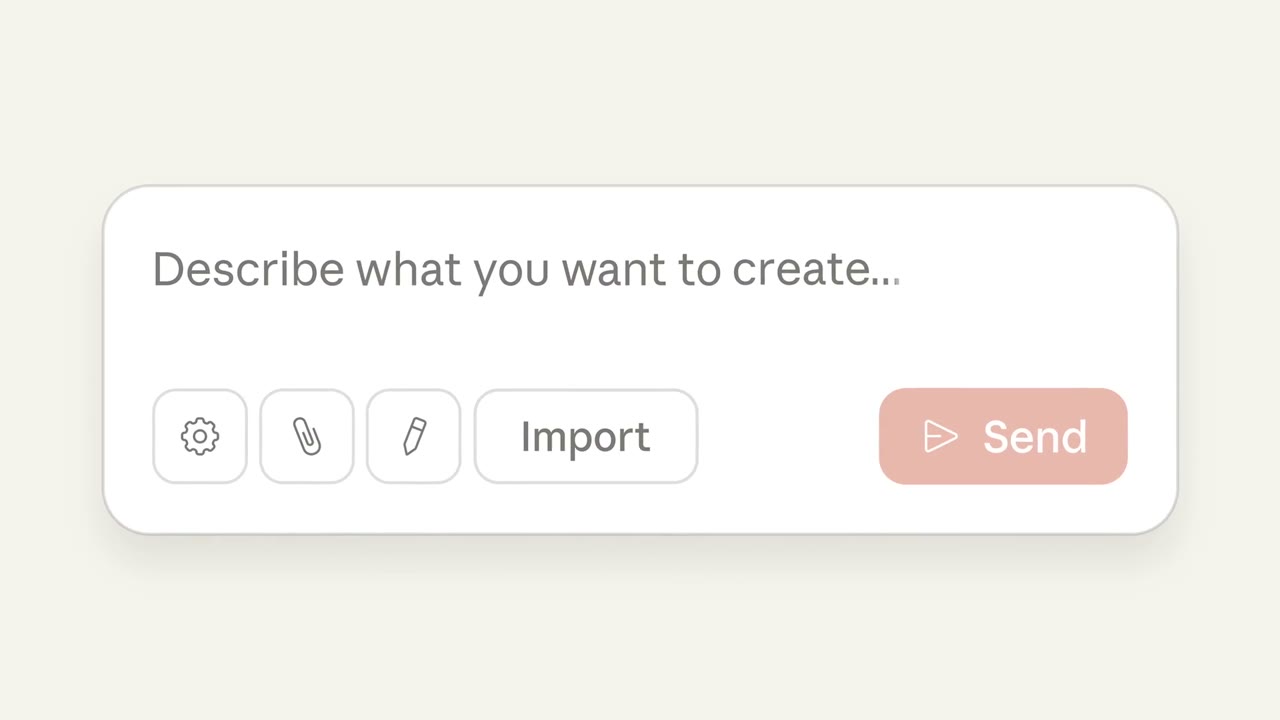
| 0:08–0:11 | Shop request typed |
| 0:11–0:15 | Shop generated |
| 0:15–0:17 | Publish |
| 0:17–0:21 | Portfolio request |
| 0:21–0:26 | Portfolio result |
| 0:26–0:30 | Open-ended request |
| 0:30–0:35 | Space of works |
| 0:35–0:36 | Brand |
The rules it keeps
- 1In each round, pick the mode, type the full request, then push in on the submit button.
- 2Bring the result in as a whole page, then scroll down it.
- 3End each round on the publish button as the done signal.
- 4Reuse the same rhythm in the second round with a different kind of site.
- 5Open out to many works only after both cases, then clear the frame for the product name.
The look
Pale blue glow drifting slowly behind a white input box and browser, plain sans-serif UI; result sites keep their own colours.
To make it yours
Replace the two tasks and their result pages with two clearly different cases; request text, result title and content must match each other, and keep type, generate, browse, publish.
Make a film like this
Make It Like This Film is a skill for Claude Code, Codex or Cursor. Give it this brief and your own material: it studies the reference, plans your film against its frames and checks the result side by side. It follows the structure, pacing and motion; the product, words, logo and pictures are yours.
Make a film for my product (product demo) like this reference: https://claude-motion.com/motion-references/bolt-forge-two-prompts-two-sites-then-a-wall-of-work
The reference film itself, to study: https://media.claude-motion.com/gallery/ref-2099529089430229059.mp4 (14 MB, about 37 seconds). Download that file and work from it.
What happens in it: Title on soft blue → Product name and capacity → Mode chosen → Shop request typed → Shop generated → Publish → Portfolio request → Portfolio result → Open-ended request → Space of works → Brand.
Rules it keeps:
- In each round, pick the mode, type the full request, then push in on the submit button.
- Bring the result in as a whole page, then scroll down it.
- End each round on the publish button as the done signal.
- Reuse the same rhythm in the second round with a different kind of site.
- Open out to many works only after both cases, then clear the frame for the product name.
Look: Pale blue glow drifting slowly behind a white input box and browser, plain sans-serif UI; result sites keep their own colours.
Use my own product, words, logo and pictures. Here is my material: [your product, screens, logo, the lines that must appear].