Product demo · Kimi
Kimi Work: a phone sends the task, the desktop does it
A phone on the left sends one full task; the computer on the right searches, finds a local file, updates slides and sends the email. A thin line links the two, and each device keeps its role.
- Kind
- Product demo
- Length
- 38 s
- Shape
- 16:9
- Posted
- 2026-09-09
- By
- Kimi.ai (@Kimi_Moonshot)
- Look
- Product UIBold colourLight
- Colours
What happens
Times are estimates from watching the film.
| Time | On screen |
|---|---|
| 0:00–0:04 | Remote control title |
| 0:04–0:08 | Connect the device |
| 0:08–0:10 | Work request arrives |
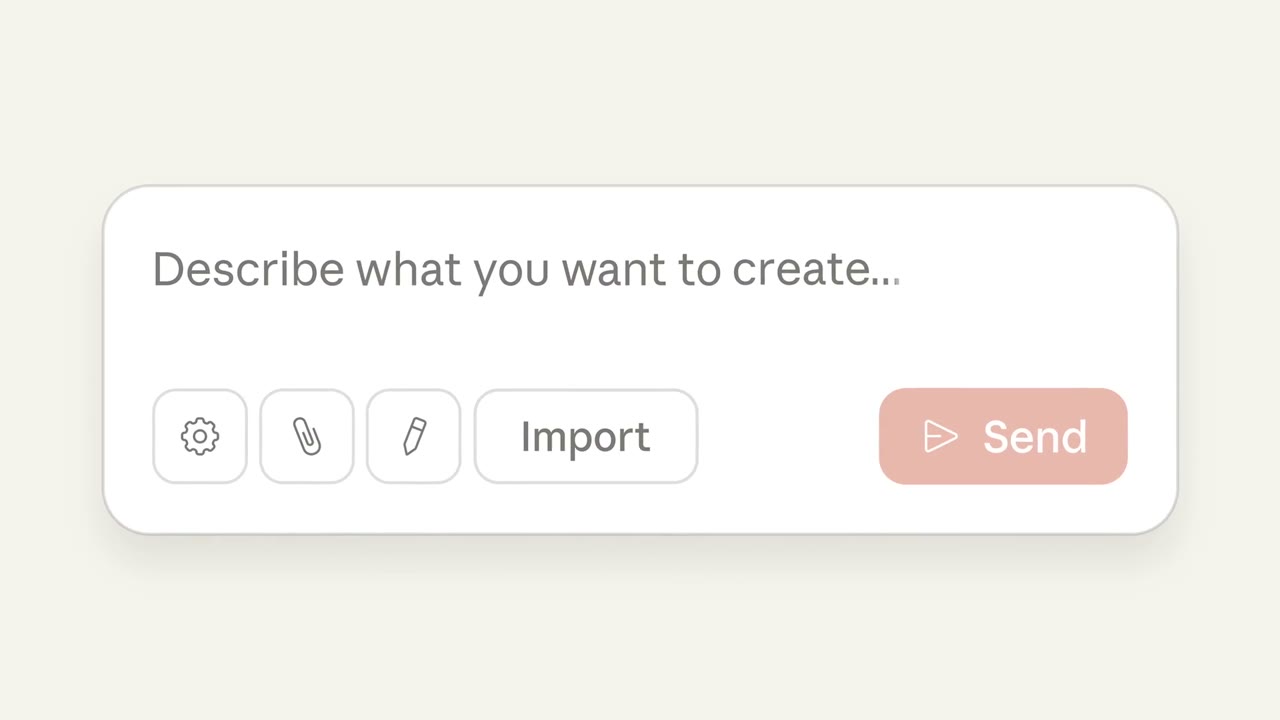
| 0:10–0:13 | Task typed |
| 0:13–0:20 | Desktop searches, extracts |
| 0:20–0:24 | Find local file |
| 0:24–0:28 | Update slides |
| 0:28–0:35 | Send email |
| 0:35–0:37 | Brand |
The rules it keeps
- 1Keep the phone on the left as controller and the computer on the right as worker, joined by a line.
- 2Show device selection and connection before the task is typed.
- 3Write a full request that names the file, the change and the receiver, so later steps can be checked against it.
- 4Put a short label above each desktop step, and show one action per screen.
- 5Attach the updated file in the email and use the receiver from the first request.
The look
Sky-blue dot-grid background, phone on the left, larger desktop window on the right, thin connecting line, short sans-serif labels.
To make it yours
Replace the source, the editing app and the delivery channel; keep the order controller, worker, delivery, and never draw the two devices as unrelated pages.
Make a film like this
Make It Like This Film is a skill for Claude Code, Codex or Cursor. Give it this brief and your own material: it studies the reference, plans your film against its frames and checks the result side by side. It follows the structure, pacing and motion; the product, words, logo and pictures are yours.
Make a film for my product (product demo) like this reference: https://claude-motion.com/motion-references/kimi-work-a-phone-sends-the-task-the-desktop-does-it
The reference film itself, to study: https://media.claude-motion.com/gallery/ref-2097636366544937067.mp4 (6.7 MB, about 38 seconds). Download that file and work from it.
What happens in it: Remote control title → Connect the device → Work request arrives → Task typed → Desktop searches, extracts → Find local file → Update slides → Send email → Brand.
Rules it keeps:
- Keep the phone on the left as controller and the computer on the right as worker, joined by a line.
- Show device selection and connection before the task is typed.
- Write a full request that names the file, the change and the receiver, so later steps can be checked against it.
- Put a short label above each desktop step, and show one action per screen.
- Attach the updated file in the email and use the receiver from the first request.
Look: Sky-blue dot-grid background, phone on the left, larger desktop window on the right, thin connecting line, short sans-serif labels.
Use my own product, words, logo and pictures. Here is my material: [your product, screens, logo, the lines that must appear].