Motion Skills

如何用 Claude Fable 5.2 製作影片

Fable 5.2 不直接生成影片。它撰寫繪製每一格畫面的程式碼,程式碼再變成影片檔。本文介紹三種做法、同樣四則提示詞在 Fable 5.2 與 Opus 5.5 上的結果,以及可直接複製的提示詞。

三種方法

從提示詞到影片檔

我們的測試

同樣四則提示詞,Fable 5.2 與 Opus 5.5 各跑一次

各一次嘗試,不給回饋,不重試:2026 年 11 月 10 日,兩個模型在相同環境下為每則提示詞各寫一個 HTML 檔。全部檔案用我們的 HTML 轉影片工具以 1080p 算圖,未經剪輯。四則提示詞樣本很小,可當作初步觀察,而非基準測試。

發表預告片,15 秒

提示詞

Make a 15-second launch teaser for Tidewell, a fictional app that turns voice memos into tidy meeting notes. Show the name, what it does in one line, three features (records in the background; summary in seconds; action items sent to your team), and end on 'Tidewell 1.0 · out now'. Modern motion design, confident pacing.

Fable 5.2寫出檔案用時 120 秒
Opus 5.5寫出檔案用時 87 秒

兩者都可直接使用。Fable 的更大膽:大字級,結尾卡片反轉配色。Opus 的更工整,更接近標準的產品預告片。

解說動畫,20 秒

提示詞

Make a 20-second animated explainer of how a TLS handshake sets up an encrypted connection between a browser and a server, for a non-technical audience. Diagram style with labels; each step appears in order; end with a one-line takeaway.

Fable 5.2寫出檔案用時 149 秒
Opus 5.5寫出檔案用時 93 秒

Fable 讓一張圖始終留在畫面上,分四個編號步驟,每步配一句大字說明。Opus 拆成五步,加了標題卡,標籤較小,在影片尺寸下較難看清。

動態文字,9:16,10 秒

提示詞

Make a 10-second vertical (9:16) kinetic typography clip for social media with the line: 'Ship the small thing first. Then ship the next one.' Bold type, strong rhythm, ends on the full sentence.

Fable 5.2寫出檔案用時 89 秒
Opus 5.5寫出檔案用時 43 秒

Fable 的從第一個詞到完整句子播放順暢。Opus 的中間一段文字互相重疊(檔案裡的版面錯誤),結尾正常。

three.js 3D 場景,12 秒

提示詞

Make a 12-second 3D scene with three.js: a paper plane flying over low-poly hills at sunrise, the camera following it, ending as the plane passes the sun and the title 'Morning Flight' fades in.

Fable 5.2寫出檔案用時 141 秒
Opus 5.5寫出檔案用時 75 秒

兩者都做出了場景、飛行和標題。Fable 的鏡頭緊跟紙飛機後方,結束在太陽前;Opus 的山丘上有樹,視野更寬,紙飛機在畫面中較小。

每則提示詞的結尾都是:“Make it one self-contained HTML file (CSS and JavaScript inside; a library from a CDN is fine), filling the browser window at any size, with no user input. It must start by itself, run for the stated length and hold its last frame.”
我們觀察到的

提示詞

如何要到一個可以匯出的動畫

看看別人做了什麼

100 支用 Fable 5.2 製作並分享到 X 的影片,每支都連結到原貼文。

瀏覽 Fable 5.2 影片 →

這個工具之外

一則提示詞換來一段動畫,一個 Skill 換來一部影片

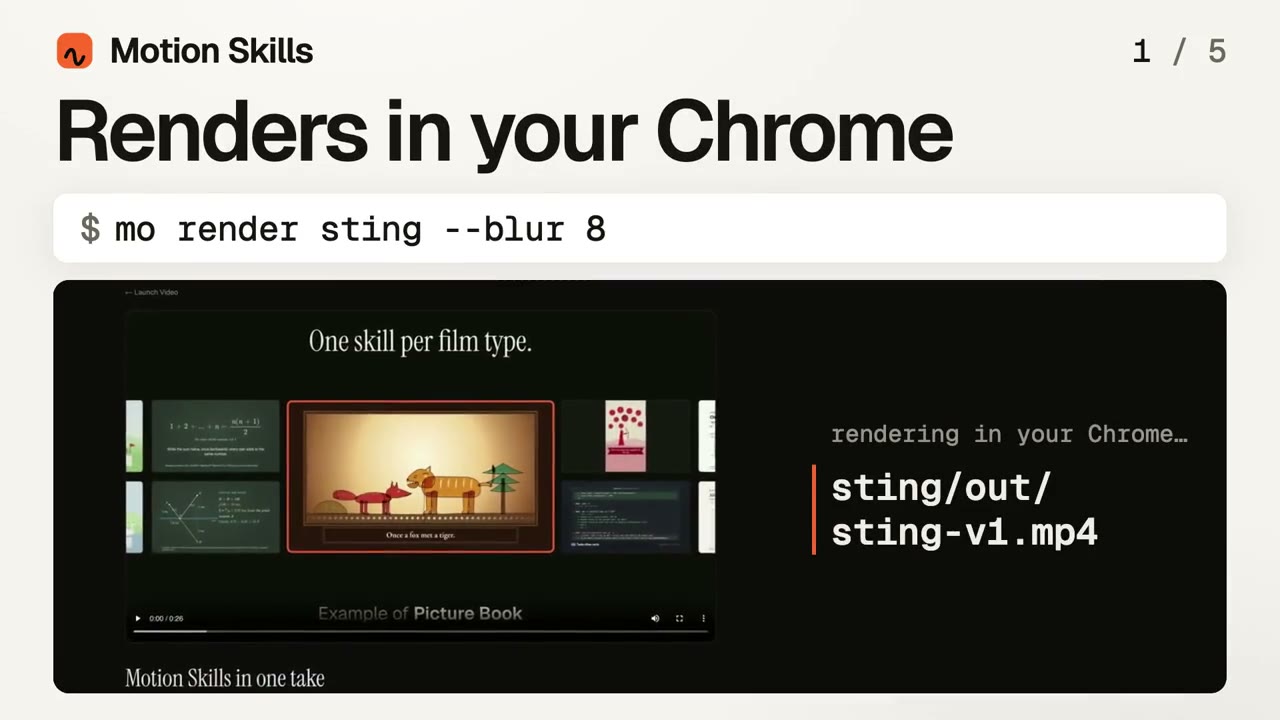
給 Fable 5.2 一則提示詞,得到的是一段動畫,而且每次都不一樣。Motion Skill 給模型的是一套方法:怎樣讀素材、怎樣安排鏡頭、怎樣確保文字清楚易讀、怎樣配樂,以及算繪前怎樣逐格檢查。

  • ✓可搭配 Fable 5.2、Opus 5.5 或正在使用的模型
  • ✓每一類影片都有一套驗證過的結構
  • ✓檢查和聲音都已內建,不靠運氣
用 Motion Director 做的範例影片

每個 Skill 做的影片類型都不同,第一個與本頁最接近。

查看全部 →

要做的影片不只一種?

可以先免費使用 Motion Director。單個 Skill $4.90;訂閱方案解鎖全部 Skill,新上線的也包含在內。

月付

$9.90/ 月

  • ✓全部完整版 Skill,風格內建
  • ✓新 Skill 上線即可用
  • ✓現有 Skill 的更新
  • ✓算繪成果可商用

付款方式

選擇信用卡或 PayPal 付款。

年付

省 34%

$79/ 年

  • ✓全部完整版 Skill,風格內建
  • ✓新 Skill 上線即可用
  • ✓現有 Skill 的更新
  • ✓算繪成果可商用

付款方式

選擇信用卡或 PayPal 付款。

創始終身版

創始會員優惠

$169一次性

  • ✓全部完整版 Skill,風格內建
  • ✓新 Skill 上線即可用
  • ✓現有 Skill 的更新
  • ✓算繪成果可商用
  • ✓一次付費,無需續費

付款方式

選擇信用卡或 PayPal 付款。

取得 Motion Director(免費) →單個 Skill $4.90 · 挑一個 Skill →

常見問題

Claude Fable 5.2 能生成影片嗎?

不像影片模型那樣生成。它撰寫程式碼(HTML、JavaScript、three.js,或用於 Blender 的 Python)來繪製每一格畫面,再由算圖器轉成 MP4。結果是清晰的文字和精確的時間控制,風格限於程式碼能畫出的範圍。

怎樣把 Fable 5.2 的動畫匯出為 MP4?

要一個獨立的 HTML 檔,貼到我們的 HTML 轉影片工具,按下算圖。動畫在瀏覽器中逐格繪製,最高 4K、60 fps,免費。

做動態設計用 Fable 5.2 還是 Opus 5.5?

在我們的四則提示詞測試中,Fable 的首次結果更常是對的,用時為 1.4 到 2.1 倍。一次性的短片兩者都行;較長的作品重試成本高,Fable 的首次品質更重要。

Motion Skills 能搭配 Fable 5.2 使用嗎?

可以。Skill 在 Claude Code、Codex 或 Cursor 中執行,使用在那裡選擇的模型,包括 Fable 5.2。

本頁面與 Anthropic 有關聯嗎?

沒有。Motion Skills 是獨立專案。Claude 和 Fable 是 Anthropic 的產品。