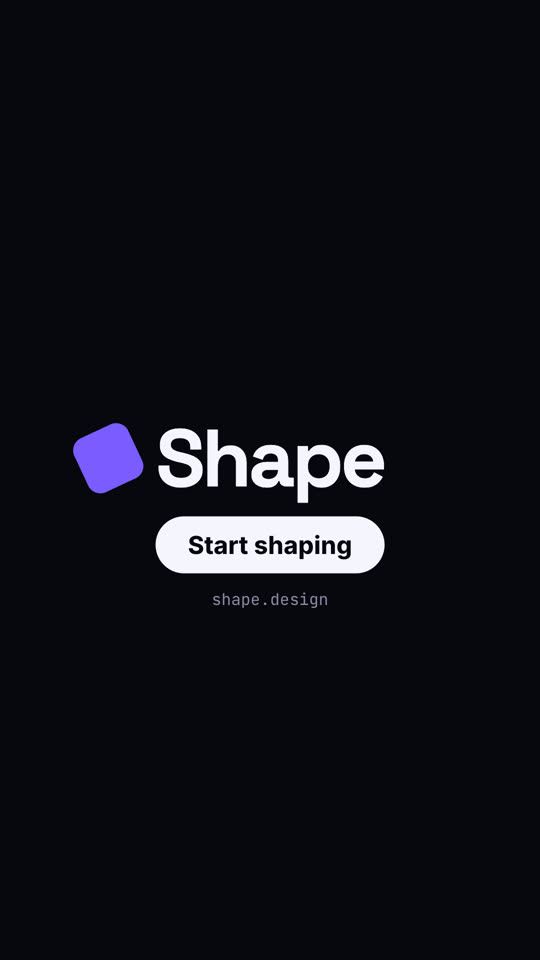
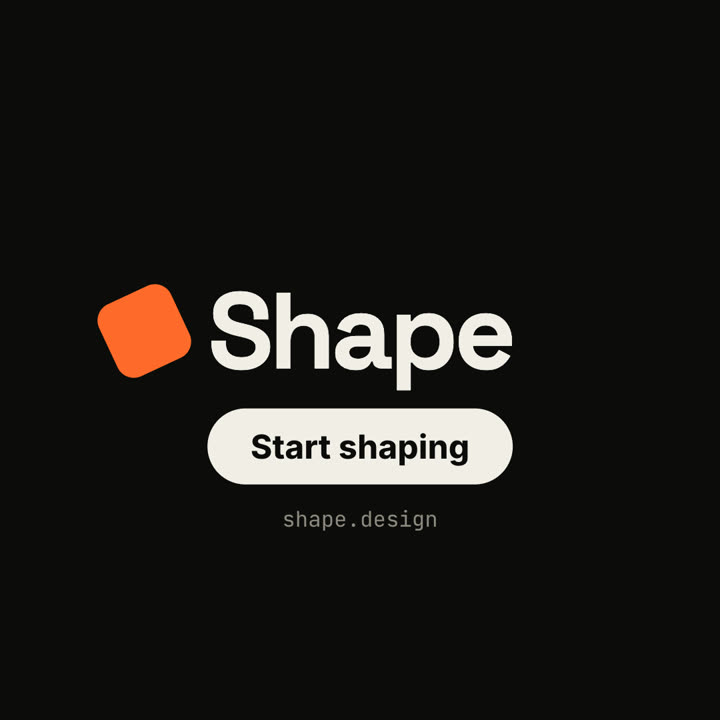
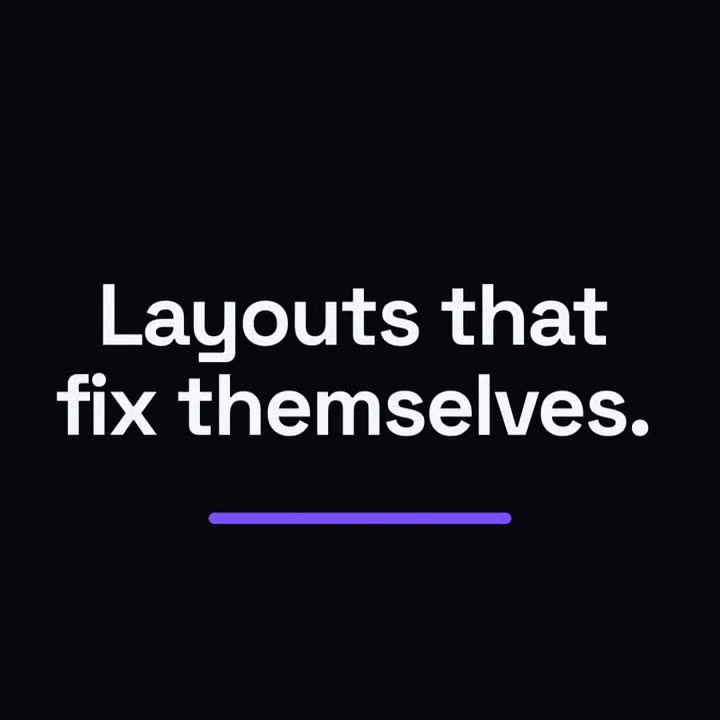
Um quadrado de destaque se transforma a cada momento: ponto, cartão, celular, logo.
Cole no Claude Code, no Codex, no Cursor ou em qualquer agente que suporte skills.
Requer: Node.js 22+, FFmpeg, Chrome. Sem chaves de API.
Outros temas e formatos
Tema: Elétrico · 9:16Tema: Tinta · 1:1
Quadros finais do mesmo template, renderizados com outro tema e formato.
5 temas
Aa
Tinta
ink
Aa
Papel · padrão
paper
Aa
Elétrico
electric
Aa
Noir
Aa
Areia
sand
Cite um tema no seu prompt ou defina suas próprias cores de destaque, fundo e texto.
Prompt de instalação
Leia https://claude-motion.com/skills/square-morph-launch/install.md, siga os passos para instalar a skill "square-morph-launch" e depois faça um primeiro vídeo com ela.
Cole no Claude Code, no Codex, no Cursor ou em qualquer agente que suporte skills.
Prompt de exemplo
Use the square-morph-launch skill for Grid, a layout tool: hook "Layouts that fix themselves.", three features, CTA "Try Grid". Electric theme, 1:1.
Prompt de estilo (Claude Motion ou Opus 5.5)
Make an 18-second 16:9 minimal launch for [who will watch, e.g. design system teams], playing [where, e.g. the homepage hero]. Use only the name, lines and features below; don't change a word. Off-white background, one orange shape.

Scene 1: a small orange square pops in at the center, rotates as it grows, then stretches into a thin underline as the headline rises above it. Scene 2: the shape morphs into a large orange circle with "1" beside the first feature, then into a wide card with "2", then into a tall phone shape with "3". End frame: it shrinks into a small rotated square logo mark beside the name, with a black call-to-action button and the URL below.

Headline: [e.g. "Design systems, without the meetings."]
Three features: [e.g. "Tokens — One source for every color", "Components", "Handoff"]
Product, call to action and URL: [e.g. Shape, "Start shaping", shape.design]
Nada para instalar: cole no Claude Motion (Team ou Enterprise) ou dê ao Opus 5.5 para um visual parecido. O resultado muda a cada execução; a skill dá sempre o mesmo.