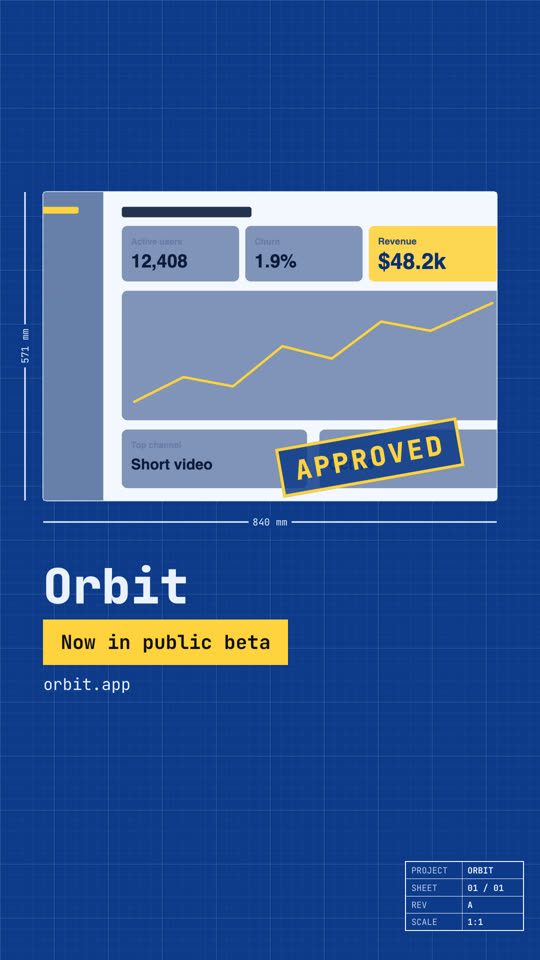
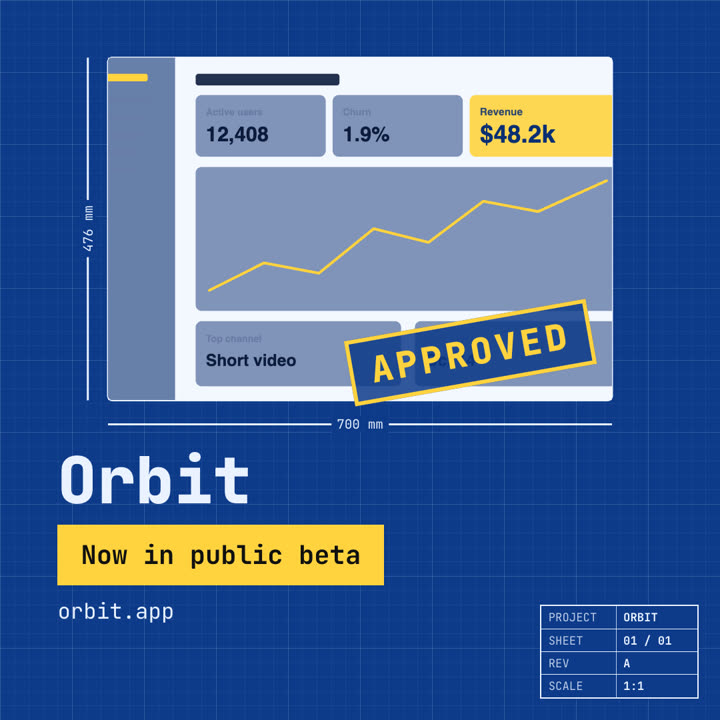
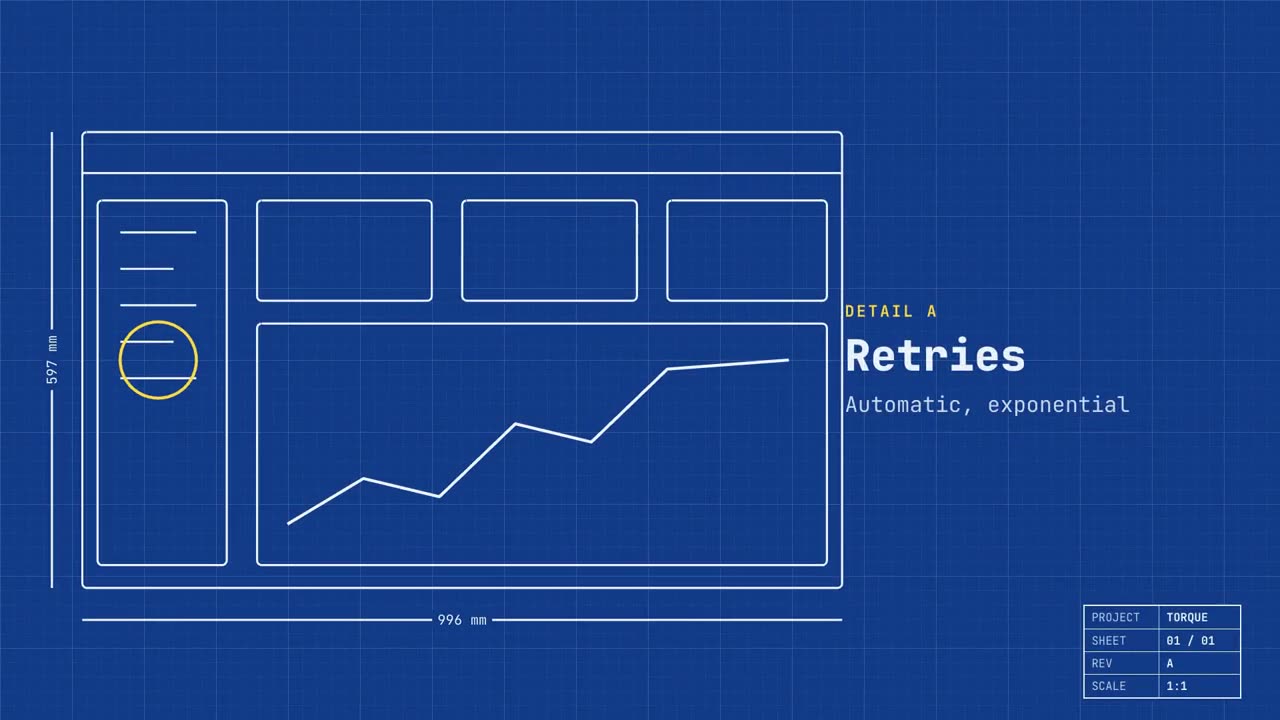
Seu produto como um desenho técnico que se desenha sozinho e depois se preenche.
Cole no Claude Code, no Codex, no Cursor ou em qualquer agente que suporte skills.
Requer: Node.js 22+, FFmpeg, Chrome. Sem chaves de API.
Outros temas e formatos
Tema: Papel · 9:16Tema: Noir · 1:1
Quadros finais do mesmo template, renderizados com outro tema e formato.
5 temas
Aa
Tinta
ink
Aa
Papel
paper
Aa
Elétrico · padrão
electric
Aa
Noir
Aa
Areia
sand
Cite um tema no seu prompt ou defina suas próprias cores de destaque, fundo e texto.
Prompt de instalação
Leia https://claude-motion.com/skills/blueprint-launch/install.md, siga os passos para instalar a skill "blueprint-launch" e depois faça um primeiro vídeo com ela.
Cole no Claude Code, no Codex, no Cursor ou em qualquer agente que suporte skills.
Prompt de exemplo
Use the blueprint-launch skill for Torque, a dev tool: hook "Built like infrastructure.", features "Retries: Automatic, exponential | Tracing: Every hop, recorded | Scale: Millions of jobs a day", image assets/dashboard.png.
Prompt de estilo (Claude Motion ou Opus 5.5)
Make a 20-second 16:9 launch video for [who will watch, e.g. engineers and product teams], playing [where, e.g. Product Hunt and X]. Use only the name, lines and screenshot I give; don't change a word. Deep blueprint-blue background with a fine white grid.

Scene 1: a wireframe of an app window draws itself in thin white lines (header, sidebar, three cards, a chart) with dashed dimension lines labeled in millimeters and a drawing title block in the corner with the project name. Scene 2: the product name scrambles in, monospace, with the tagline in yellow. Scene 3: three yellow rings circle details labeled DETAIL A, B, C with feature names. Scene 4: the wireframe fills in with the screenshot from left to right and a yellow "APPROVED" stamp slams on. End frame: the name, a yellow status tag and the URL.

Product and tagline: [e.g. Orbit, "Engineered for focus."]
Three features: [names]
Status tag and URL: [e.g. "Now in public beta", orbit.app]
Attach: [a screenshot of your product]
Nada para instalar: cole no Claude Motion (Team ou Enterprise) ou dê ao Opus 5.5 para um visual parecido. O resultado muda a cada execução; a skill dá sempre o mesmo.