Launch film · Zaro
Zaro: one prompt makes an app that grows into a system
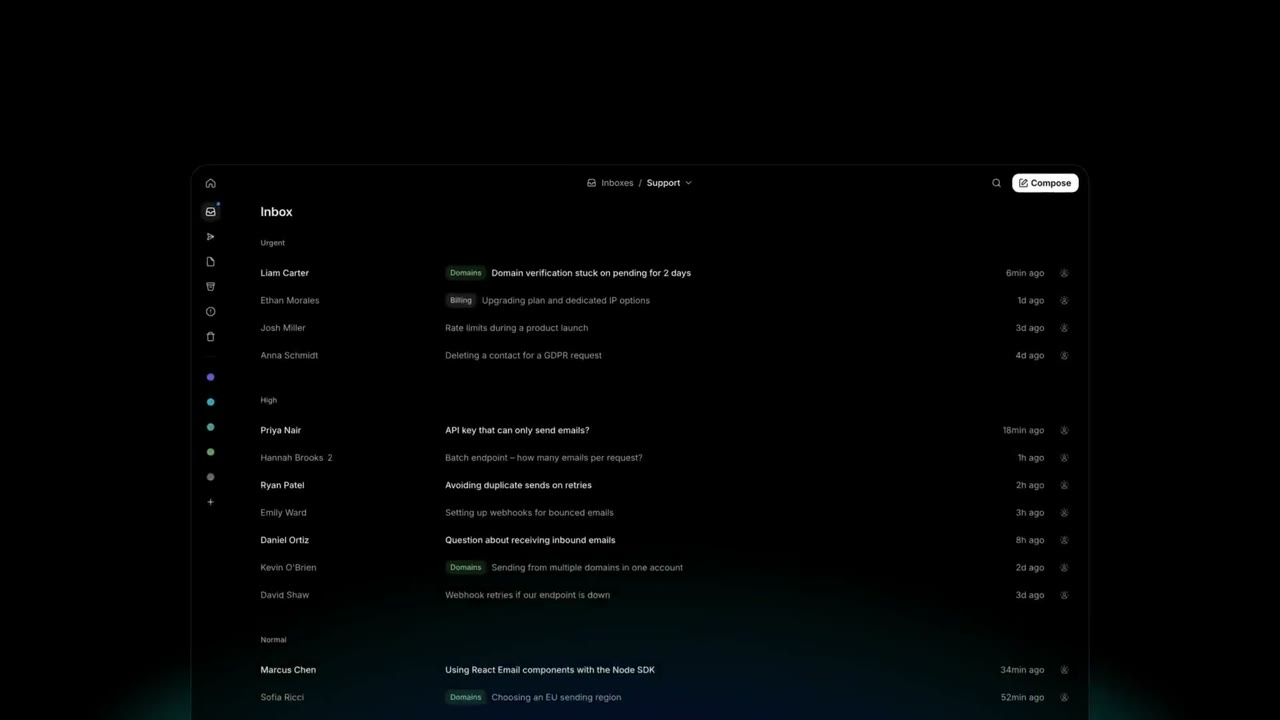
One typed line creates a customer board, then agents, outside tools and file questions are added. Each new ability comes back to the same board, and the end pulls back to show a network of apps.
- Kind
- Launch film
- Length
- 69 s
- Shape
- 16:9
- Posted
- 2026-06-25
- By
- Zaro.ai (@ZaroAI_)
- Look
- Product UIMinimalKinetic type
- Colours
What happens
Times are estimates from watching the film.
| Time | On screen |
|---|---|
| 0:00–0:10 | Cursor and opening lines |
| 0:10–0:15 | Type to create app |
| 0:15–0:20 | The app appears |
| 0:20–0:28 | Add agents |
| 0:28–0:34 | Simple to scale |
| 0:34–0:41 | Connect tools |
| 0:41–0:58 | Files and questions |
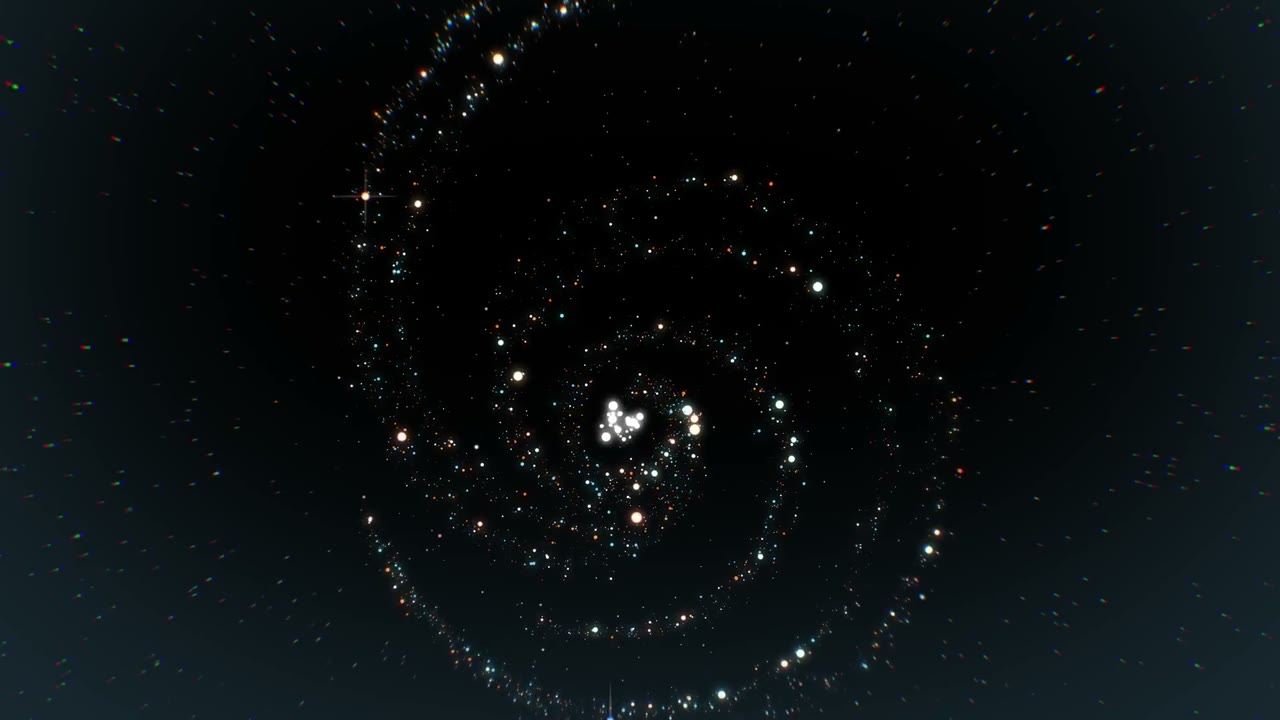
| 0:58–1:06 | App becomes a system |
| 1:06–1:08 | Brand |
The rules it keeps
- 1Return to the same working object after every new ability, so the features do not look like unrelated screenshots.
- 2Put short statements on the dark grey-brown pages, and the input and real interface on the off-white pages.
- 3Use pale purple only for the cursor and the key words; keep other tag colours small.
- 4Pull the camera back as objects are added, and keep the first app recognisable inside the network.
The look
Large off-white and grey-brown colour fields alternate, with medium sans-serif type, a pale purple cursor and small coloured tags.
To make it yours
Replace the business app, the agents' jobs and the connected tools; keep the steps create → run by itself → connect knowledge → grow into a system.
Make a film like this
Make It Like This Film is a skill for Claude Code, Codex or Cursor. Give it this brief and your own material: it studies the reference, plans your film against its frames and checks the result side by side. It follows the structure, pacing and motion; the product, words, logo and pictures are yours.
Make a film for my product (launch film) like this reference: https://claude-motion.com/motion-references/zaro-one-prompt-makes-an-app-that-grows-into-a-system
The reference film itself, to study: https://media.claude-motion.com/gallery/ref-2070084796378747316.mp4 (7.1 MB, about 45 seconds). Download that file and work from it.
What happens in it: Cursor and opening lines → Type to create app → The app appears → Add agents → Simple to scale → Connect tools → Files and questions → App becomes a system → Brand.
Rules it keeps:
- Return to the same working object after every new ability, so the features do not look like unrelated screenshots.
- Put short statements on the dark grey-brown pages, and the input and real interface on the off-white pages.
- Use pale purple only for the cursor and the key words; keep other tag colours small.
- Pull the camera back as objects are added, and keep the first app recognisable inside the network.
Look: Large off-white and grey-brown colour fields alternate, with medium sans-serif type, a pale purple cursor and small coloured tags.
Use my own product, words, logo and pictures. Here is my material: [your product, screens, logo, the lines that must appear].