Explainer · Vercel
Vercel AI Gateway: one stable name, models change behind it
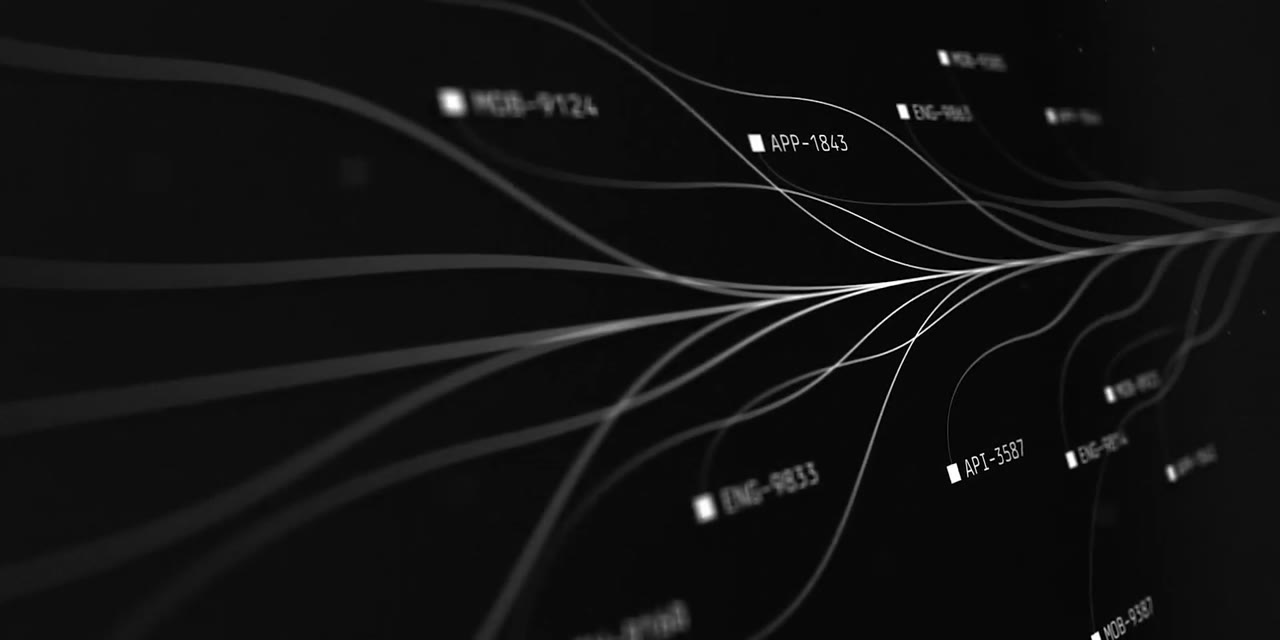
Short sentences alternate with things you can run: a table that maps tasks to models, a command, a config form. An update shows as one field changing in the table while the name on the left stays the same.
- Kind
- Explainer
- Length
- 41 s
- Shape
- 16:9
- Posted
- 2026-10-28
- By
- Vercel (@vercel)
- Look
- Kinetic typeProduct UIDarkMinimal
- Colours
What happens
Times are estimates from watching the film.
| Time | On screen |
|---|---|
| 0:00–0:04 | Launch line |
| 0:04–0:08 | Task-to-model map |
| 0:08–0:11 | Call command |
| 0:11–0:14 | Update note |
| 0:14–0:18 | Edit-model command |
| 0:18–0:24 | Change reaches apps |
| 0:24–0:28 | Cost information |
| 0:28–0:32 | Scope of abilities |
| 0:32–0:39 | Creation flow |
| 0:39–0:41 | Brand |
The rules it keeps
- 1Follow every claim sentence with one concrete use; never stack several claim sentences in a row.
- 2Set the main sentence in bright white, the explanation in grey, and paths, commands and numbers in monospace.
- 3In a list, share column widths, raise the brightness of the row that is changing and dim the rest.
- 4Finish typing the command, then show the mapping update; keep the name on the left fixed.
The look
Black and white, minimal; sans-serif for explanations, monospace for model routes, commands and numbers.
To make it yours
Replace commands and fields with real ones from your product, such as routes, aliases or config; keep the story one name, one local update, every call follows.
Make a film like this
Make It Like This Film is a skill for Claude Code, Codex or Cursor. Give it this brief and your own material: it studies the reference, plans your film against its frames and checks the result side by side. It follows the structure, pacing and motion; the product, words, logo and pictures are yours.
Make a film for my product (explainer) like this reference: https://claude-motion.com/motion-references/vercel-ai-gateway-one-stable-name-models-change-behind-it
The reference film itself, to study: https://media.claude-motion.com/gallery/ref-2115571121622073355.mp4 (1.3 MB, about 41 seconds). Download that file and work from it.
What happens in it: Launch line → Task-to-model map → Call command → Update note → Edit-model command → Change reaches apps → Cost information → Scope of abilities → Creation flow → Brand.
Rules it keeps:
- Follow every claim sentence with one concrete use; never stack several claim sentences in a row.
- Set the main sentence in bright white, the explanation in grey, and paths, commands and numbers in monospace.
- In a list, share column widths, raise the brightness of the row that is changing and dim the rest.
- Finish typing the command, then show the mapping update; keep the name on the left fixed.
Look: Black and white, minimal; sans-serif for explanations, monospace for model routes, commands and numbers.
Use my own product, words, logo and pictures. Here is my material: [your product, screens, logo, the lines that must appear].