Product demo · Stripe
Stripe Treasury: money moves through floating panels
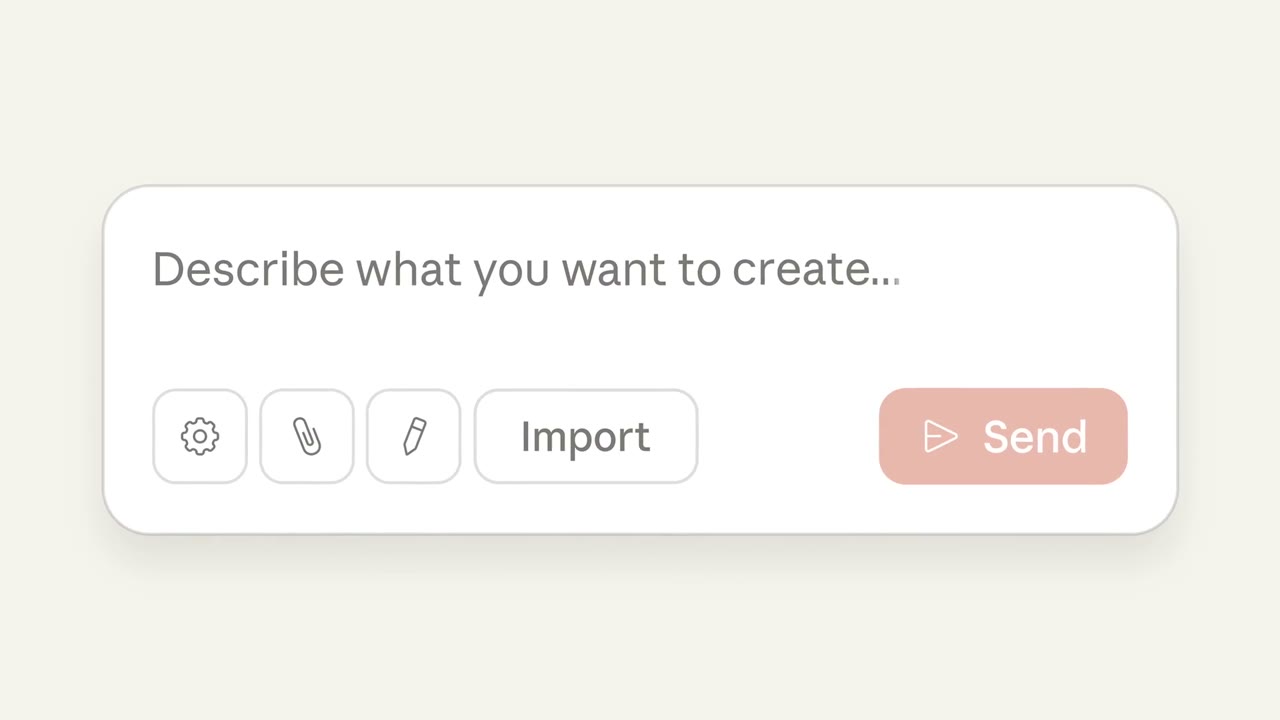
The film follows the money: a payment notice, the balance, a transfer, a new card, a payment by chat, then the overview. Only one action panel sits in the centre at a time, and it hands over after the confirm.
- Kind
- Product demo
- Length
- 41 s
- Shape
- 16:9
- Posted
- 2026-04-29
- By
- Stripe (@stripe)
- Look
- Product UILight3D
- Colours
What happens
Times are estimates from watching the film.
| Time | On screen |
|---|---|
| 0:00–0:03 | Payment notice |
| 0:03–0:05 | Balance |
| 0:05–0:09 | Send entry |
| 0:09–0:15 | Choose the receiver |
| 0:15–0:21 | Transfer result |
| 0:21–0:25 | Create a card |
| 0:25–0:28 | Card rewards |
| 0:28–0:34 | Pay by chat |
| 0:34–0:39 | Accounts overview |
| 0:39–0:40 | Brand |
The rules it keeps
- 1Order the features by the flow of money, from the notice to the overview.
- 2Put one action panel in the centre at a time and move on only after the confirm.
- 3Use close shots for fields and clicks, and wide shots to place the phone and the dashboard.
- 4Right after the create action, show the card itself, with the reward number taking the other half of the frame.
- 5Turn the card only a little and keep the number still.
The look
White panels floating on a low-contrast blue-purple gradient, bright purple buttons and focus outlines, numbers larger than the labels.
To make it yours
Replace the notice, the balance, the receiver, the card and the report as one chain; keep each button linked to its result, and use figures to explain the relation.
Make a film like this
Make It Like This Film is a skill for Claude Code, Codex or Cursor. Give it this brief and your own material: it studies the reference, plans your film against its frames and checks the result side by side. It follows the structure, pacing and motion; the product, words, logo and pictures are yours.
Make a film for my product (product demo) like this reference: https://claude-motion.com/motion-references/stripe-treasury-money-moves-through-floating-panels
The reference film itself, to study: https://media.claude-motion.com/gallery/ref-2049621560743608481.mp4 (2.3 MB, about 41 seconds). Download that file and work from it.
What happens in it: Payment notice → Balance → Send entry → Choose the receiver → Transfer result → Create a card → Card rewards → Pay by chat → Accounts overview → Brand.
Rules it keeps:
- Order the features by the flow of money, from the notice to the overview.
- Put one action panel in the centre at a time and move on only after the confirm.
- Use close shots for fields and clicks, and wide shots to place the phone and the dashboard.
- Right after the create action, show the card itself, with the reward number taking the other half of the frame.
- Turn the card only a little and keep the number still.
Look: White panels floating on a low-contrast blue-purple gradient, bright purple buttons and focus outlines, numbers larger than the labels.
Use my own product, words, logo and pictures. Here is my material: [your product, screens, logo, the lines that must appear].