Product demo · Runway
Runway Agent: one speaker appears in every launch asset
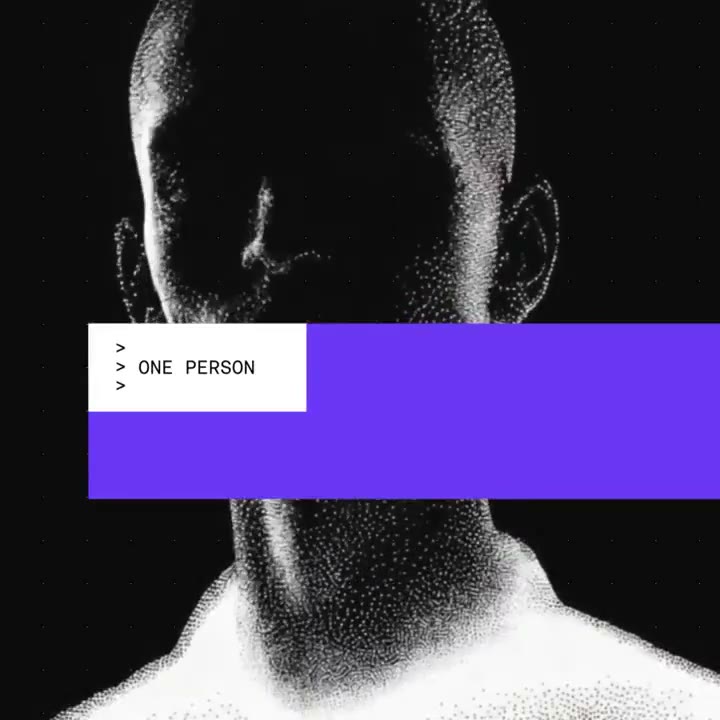
The film shows the finished product page first, then goes back to the request: colours and product are extracted, scenes and sizes are generated, and motion comes last. The same speaker appears in every output, which proves it is one job.
- Kind
- Product demo
- Length
- 64 s
- Shape
- 16:9
- Posted
- 2026-10-30
- By
- Runway (@runwayml)
- Look
- Product UIPhotoDark
- Colours
What happens
Times are estimates from watching the film.
| Time | On screen |
|---|---|
| 0:00–0:04 | Result preview |
| 0:04–0:07 | Agent icon |
| 0:07–0:15 | Ability claim |
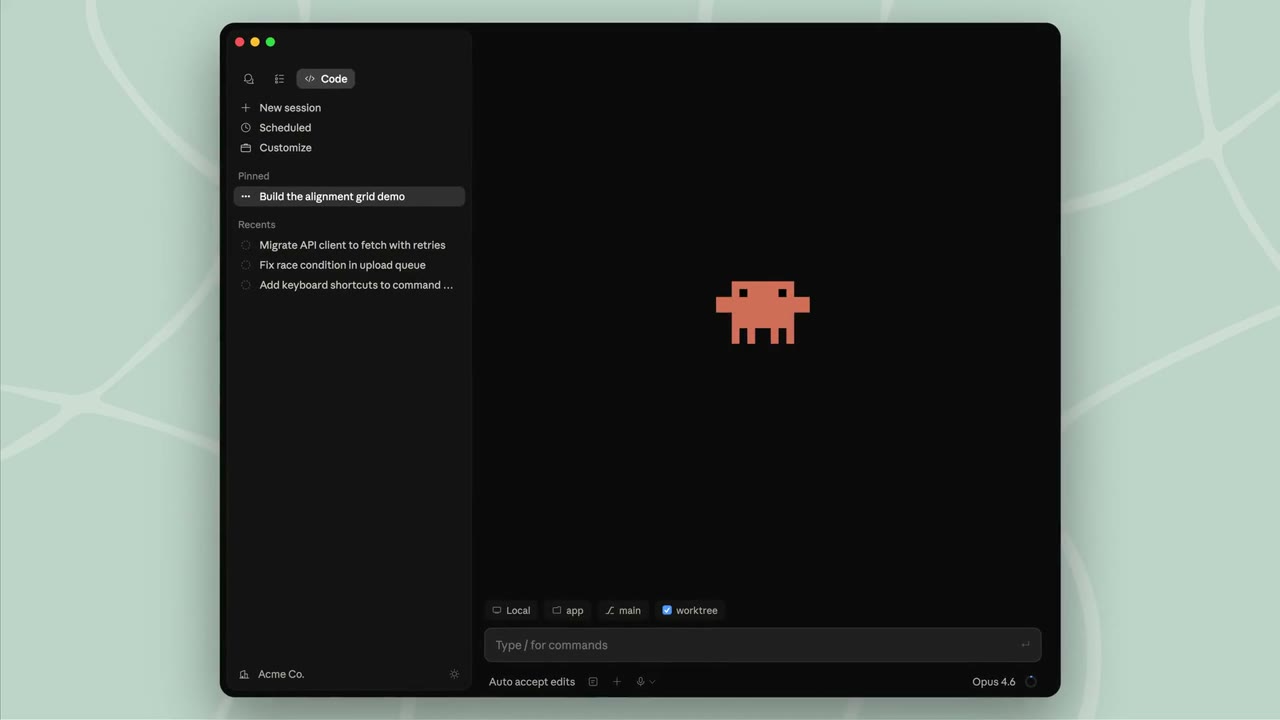
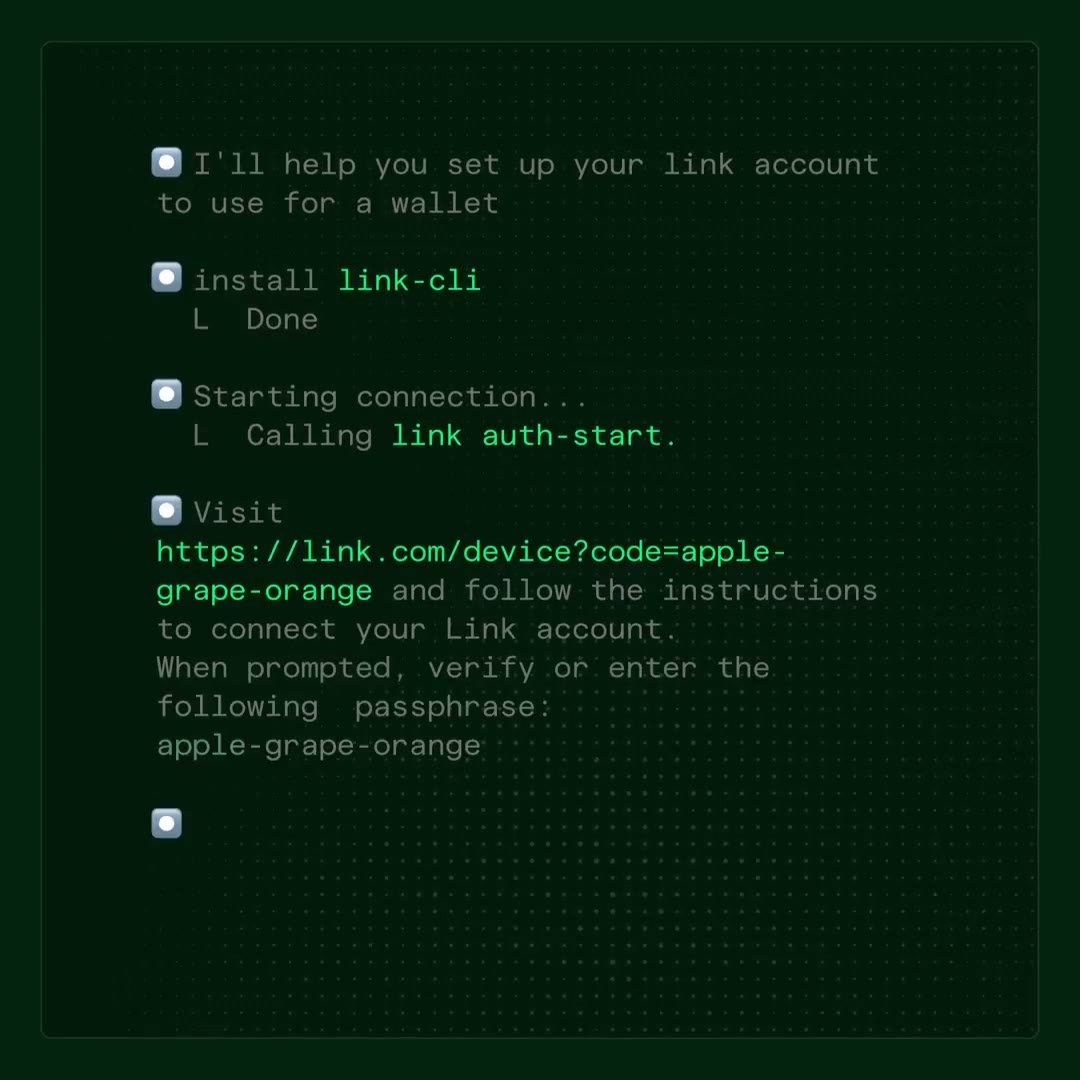
| 0:15–0:21 | Browse and operate |
| 0:21–0:27 | Brand request |
| 0:27–0:34 | Palette and product extracted |
| 0:34–0:43 | Grid of results |
| 0:43–0:50 | Fonts and sizes |
| 0:50–0:56 | Motion reference |
| 0:56–1:04 | Ability strip and close |
The rules it keeps
- 1Show the finished result first, then go back to the request and the steps.
- 2Repeat one product through page, images, sizes and motion.
- 3Pair one short claim with one kind of result, text on one side and image on the other.
- 4Start with four images that can be told apart, then pull back fast to a dense grid of variants.
The look
Black open layout, short white lines on one side, content or product results on the other.
To make it yours
Replace the product together with brand font, palette and sized outputs as a set; keep the path from request to deliverables with the same object in every piece.
Make a film like this
Make It Like This Film is a skill for Claude Code, Codex or Cursor. Give it this brief and your own material: it studies the reference, plans your film against its frames and checks the result side by side. It follows the structure, pacing and motion; the product, words, logo and pictures are yours.
Make a film for my product (product demo) like this reference: https://claude-motion.com/motion-references/runway-agent-one-speaker-appears-in-every-launch-asset
The reference film itself, to study: https://media.claude-motion.com/gallery/ref-2116227954518978729.mp4 (7.4 MB, about 45 seconds). Download that file and work from it.
What happens in it: Result preview → Agent icon → Ability claim → Browse and operate → Brand request → Palette and product extracted → Grid of results → Fonts and sizes → Motion reference → Ability strip and close.
Rules it keeps:
- Show the finished result first, then go back to the request and the steps.
- Repeat one product through page, images, sizes and motion.
- Pair one short claim with one kind of result, text on one side and image on the other.
- Start with four images that can be told apart, then pull back fast to a dense grid of variants.
Look: Black open layout, short white lines on one side, content or product results on the other.
Use my own product, words, logo and pictures. Here is my material: [your product, screens, logo, the lines that must appear].