Launch film · Notion
Notion Custom Agents: chores pile up, then agents sort them
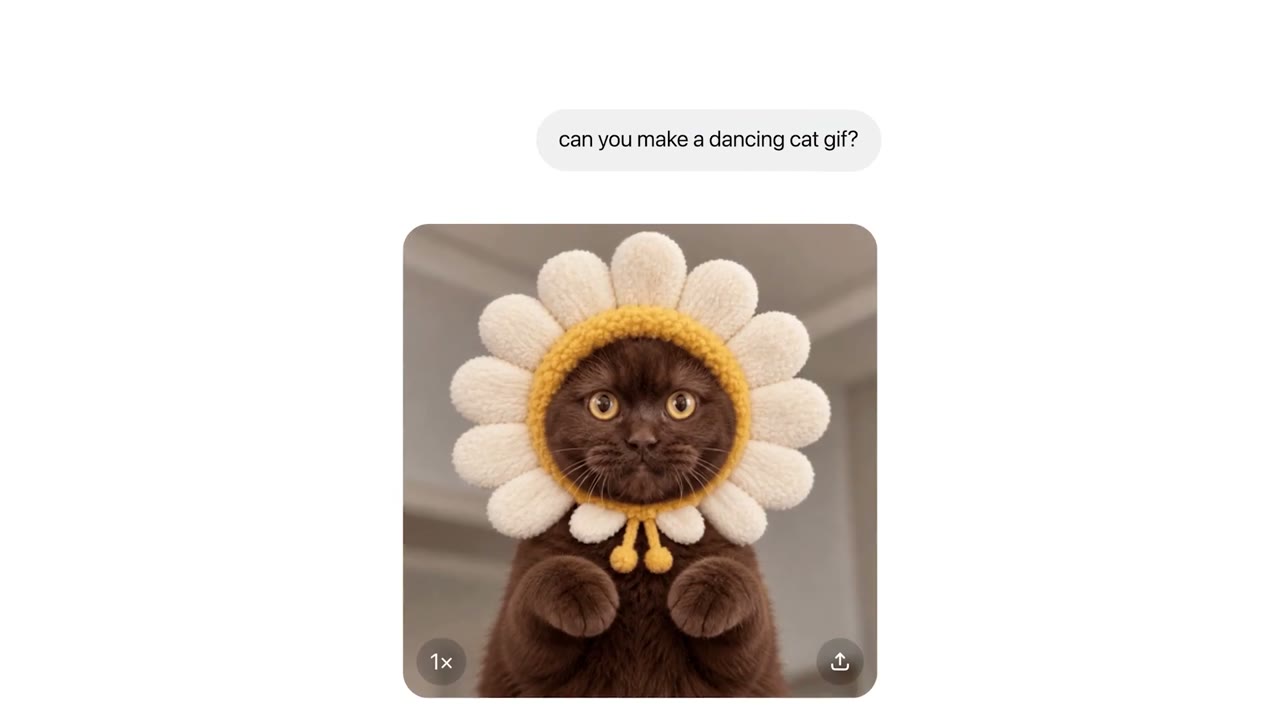
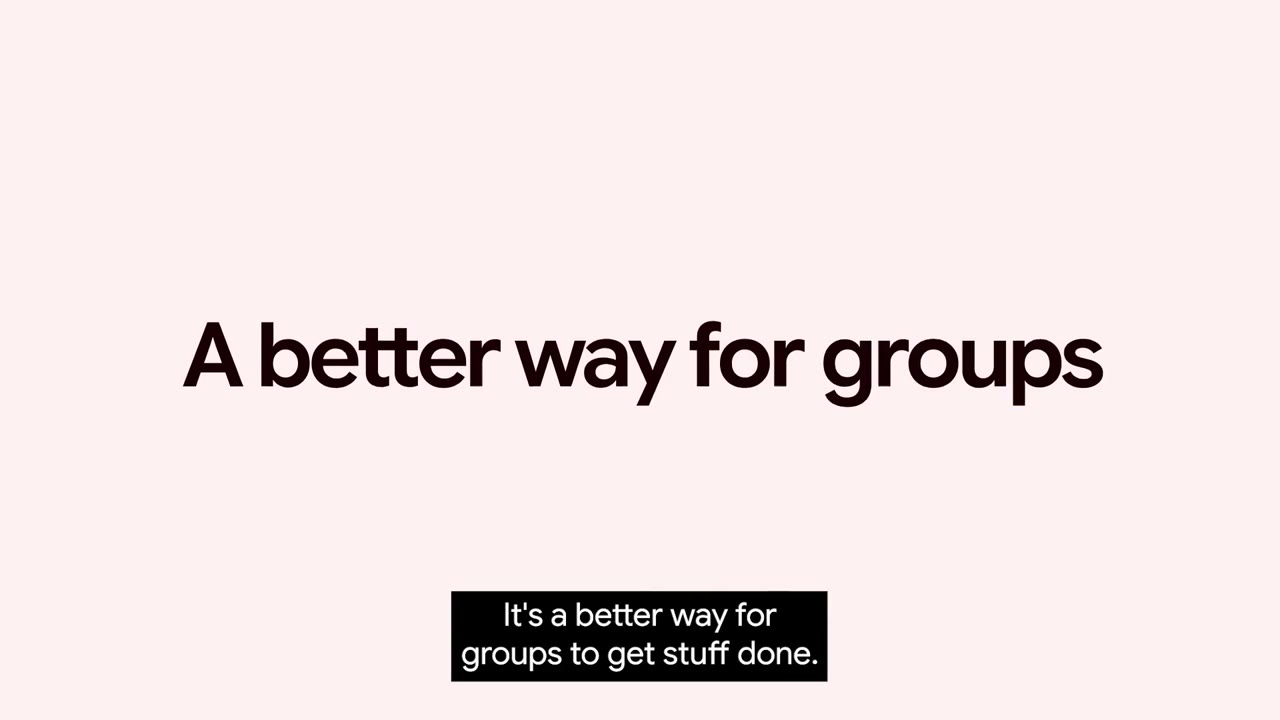
Task slips ride a conveyor belt and slowly crowd it, then coloured agent characters take the tasks apart and finish them as board updates, replies and reports. The contrast between the crowded start and the ordered second half carries the film.
- Kind
- Launch film
- Length
- 71 s
- Shape
- 16:9
- Posted
- 2026-02-24
- By
- Notion (@NotionHQ)
- Look
- CharactersIllustrationProduct UI
- Colours
What happens
Times are estimates from watching the film.
| Time | On screen |
|---|---|
| 0:00–0:07 | Task conveyor belt |
| 0:07–0:13 | Tasks pile up |
| 0:13–0:19 | Goodbye to chores |
| 0:19–0:25 | Agents enter |
| 0:25–0:31 | Tasks handed out |
| 0:31–0:37 | Board moves forward |
| 0:37–0:43 | Message replies |
| 0:43–0:50 | Report written |
| 0:50–0:55 | Schedule input |
| 0:55–1:07 | Dark task network |
| 1:07–1:10 | Brand |
The rules it keeps
- 1Send the slips in one direction and shorten the gaps step by step, with the belt as a fixed reference.
- 2When the characters enter, each takes a different kind of task and the pile becomes a spaced queue.
- 3Tie each character to its tasks with one lasting colour or shape.
- 4Show three different ways of finishing (board, reply, report), each after a hint of its character or task.
- 5When the background turns dark, raise the contrast of text and lines but keep the character colours.
The look
White background, dark sans-serif titles and pale task slips in the first half, bright blue, apricot and purple characters, then a dark background for the task network.
To make it yours
Use another kind of workload such as support, operations or design chores: list three kinds of repeat work and give each a visible output; keep pile-up → takeover → divided work.
Make a film like this
Make It Like This Film is a skill for Claude Code, Codex or Cursor. Give it this brief and your own material: it studies the reference, plans your film against its frames and checks the result side by side. It follows the structure, pacing and motion; the product, words, logo and pictures are yours.
Make a film for my product (launch film) like this reference: https://claude-motion.com/motion-references/notion-custom-agents-chores-pile-up-then-agents-sort-them
The reference film itself, to study: https://media.claude-motion.com/gallery/ref-2026338860557545901.mp4 (5.7 MB, about 45 seconds). Download that file and work from it.
What happens in it: Task conveyor belt → Tasks pile up → Goodbye to chores → Agents enter → Tasks handed out → Board moves forward → Message replies → Report written → Schedule input → Dark task network → Brand.
Rules it keeps:
- Send the slips in one direction and shorten the gaps step by step, with the belt as a fixed reference.
- When the characters enter, each takes a different kind of task and the pile becomes a spaced queue.
- Tie each character to its tasks with one lasting colour or shape.
- Show three different ways of finishing (board, reply, report), each after a hint of its character or task.
- When the background turns dark, raise the contrast of text and lines but keep the character colours.
Look: White background, dark sans-serif titles and pale task slips in the first half, bright blue, apricot and purple characters, then a dark background for the task network.
Use my own product, words, logo and pictures. Here is my material: [your product, screens, logo, the lines that must appear].