Product demo · Mintlify
Mintlify: one button opens a chat with answer and sources
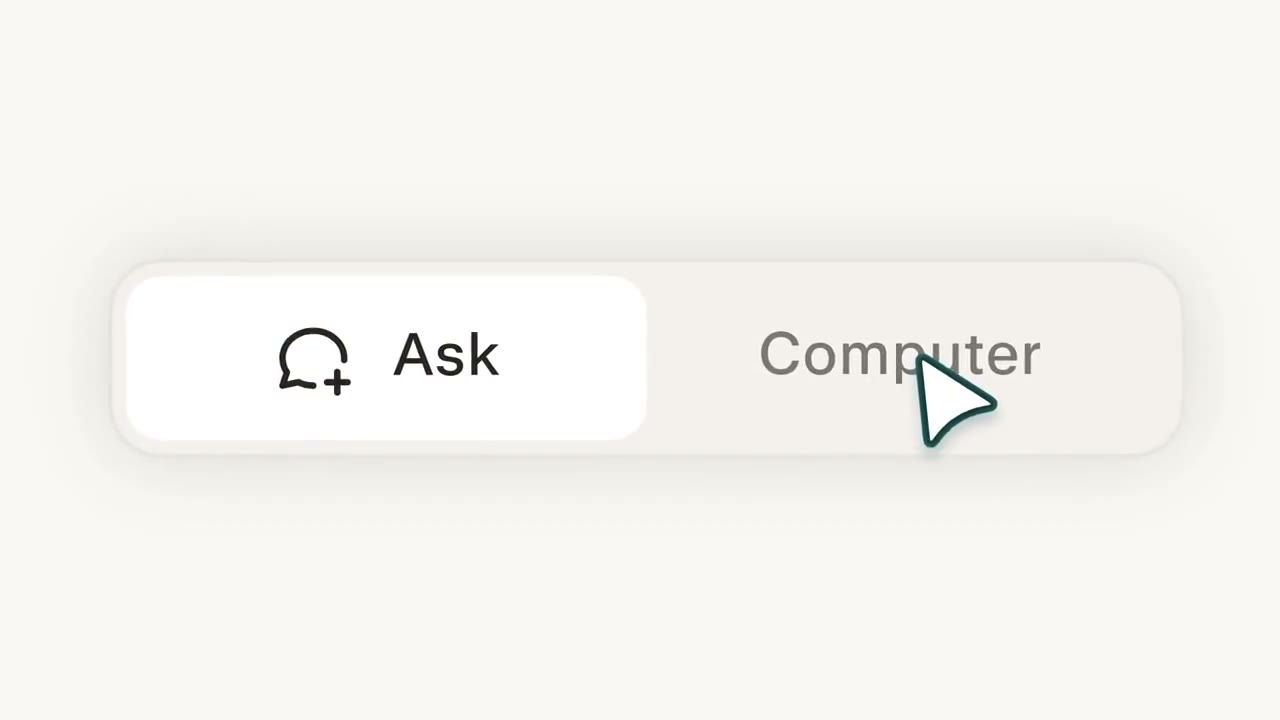
A small assistant mark and two short lines introduce the widget, a code card shows how it is added, and a button opens into a chat. A question gets an answer, then the sources open row by row.
- Kind
- Product demo
- Length
- 23 s
- Shape
- 16:9
- Posted
- 2026-07-31
- By
- Mintlify (@mintlify)
- Look
- Product UILightMinimal
- Colours
What happens
Times are estimates from watching the film.
| Time | On screen |
|---|---|
| 0:00–0:01 | Assistant mark |
| 0:01–0:05 | Two lines on embedding |
| 0:05–0:08 | Code snippet |
| 0:08–0:10 | Button opens the chat |
| 0:10–0:14 | Answer is written |
| 0:14–0:18 | Sources open |
| 0:18–0:21 | Claim and button |
| 0:21–0:22 | Brand close |
The rules it keeps
- 1Start with the small mark and let the two lines of copy continue from both sides of it.
- 2Keep the code card short; it only says that install is possible.
- 3Open the container first, then show the suggested questions and the input, and leave space for the answer.
- 4Highlight only the source row under the cursor.
- 5Use green only for the point of interaction, and tilt the camera only to stress the current action.
The look
Pale beige-green background, white rounded panels, a thin green input border and clear sans-serif text.
To make it yours
Replace the assistant brand, the question, the answer and the sources so they match; show one short question, an answer of 4–6 lines and about three sources.
Make a film like this
Make It Like This Film is a skill for Claude Code, Codex or Cursor. Give it this brief and your own material: it studies the reference, plans your film against its frames and checks the result side by side. It follows the structure, pacing and motion; the product, words, logo and pictures are yours.
Make a film for my product (product demo) like this reference: https://claude-motion.com/motion-references/mintlify-one-button-opens-a-chat-with-answer-and-sources
The reference film itself, to study: https://media.claude-motion.com/gallery/ref-2083287787135185192.mp4 (1.8 MB, about 23 seconds). Download that file and work from it.
What happens in it: Assistant mark → Two lines on embedding → Code snippet → Button opens the chat → Answer is written → Sources open → Claim and button → Brand close.
Rules it keeps:
- Start with the small mark and let the two lines of copy continue from both sides of it.
- Keep the code card short; it only says that install is possible.
- Open the container first, then show the suggested questions and the input, and leave space for the answer.
- Highlight only the source row under the cursor.
- Use green only for the point of interaction, and tilt the camera only to stress the current action.
Look: Pale beige-green background, white rounded panels, a thin green input border and clear sans-serif text.
Use my own product, words, logo and pictures. Here is my material: [your product, screens, logo, the lines that must appear].