Product demo · Linear
Linear Loops: a dot runs the loop from trigger to action
Trigger labels switch quickly at the start, then a light dot travels around a ring through each action: find related items, send a message, notify. Triggers and results each get their own part.
- Kind
- Product demo
- Length
- 28 s
- Shape
- 16:9
- Posted
- 2026-09-14
- By
- Linear (@linear)
- Look
- Product UIDarkMinimal
- Colours
What happens
Times are estimates from watching the film.
| Time | On screen |
|---|---|
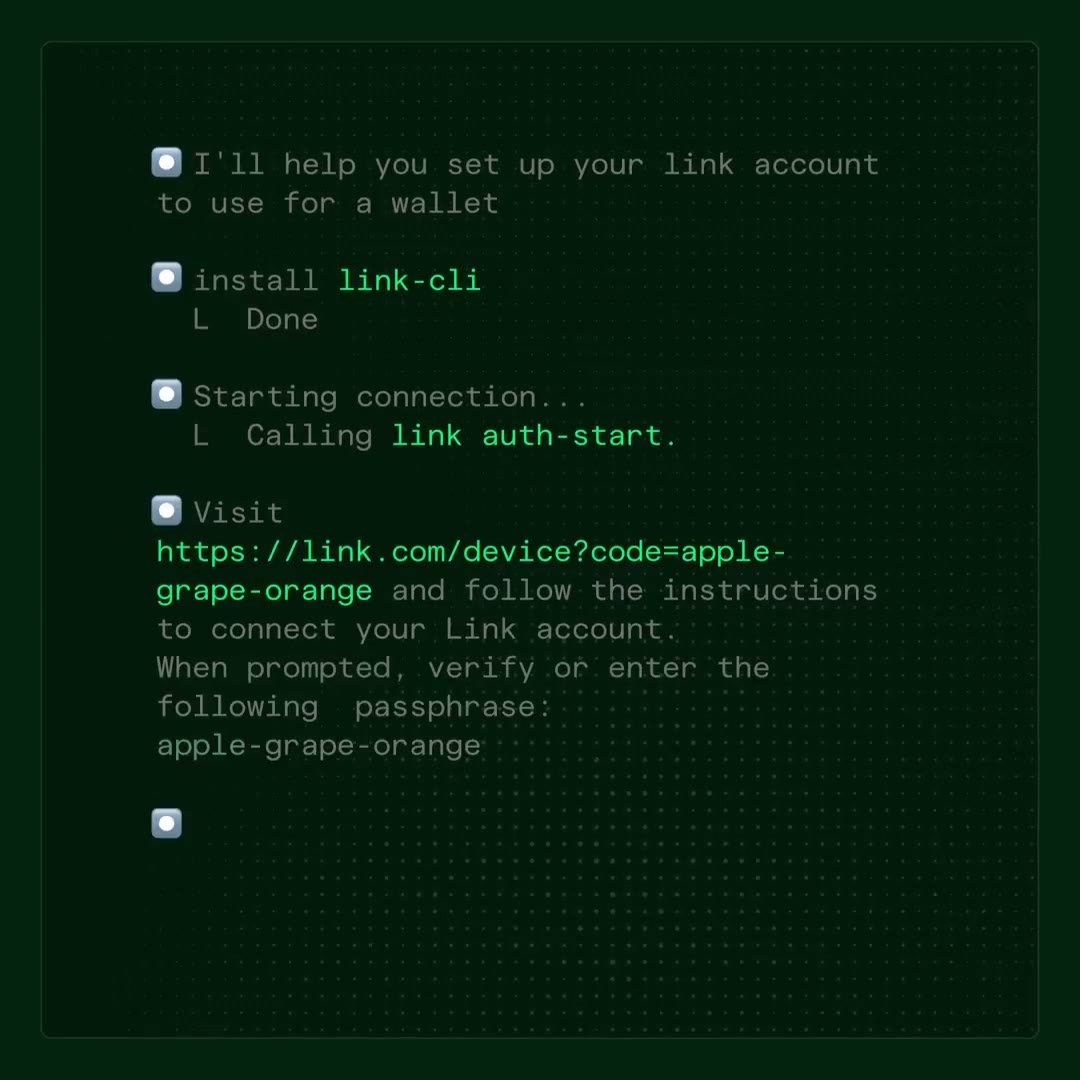
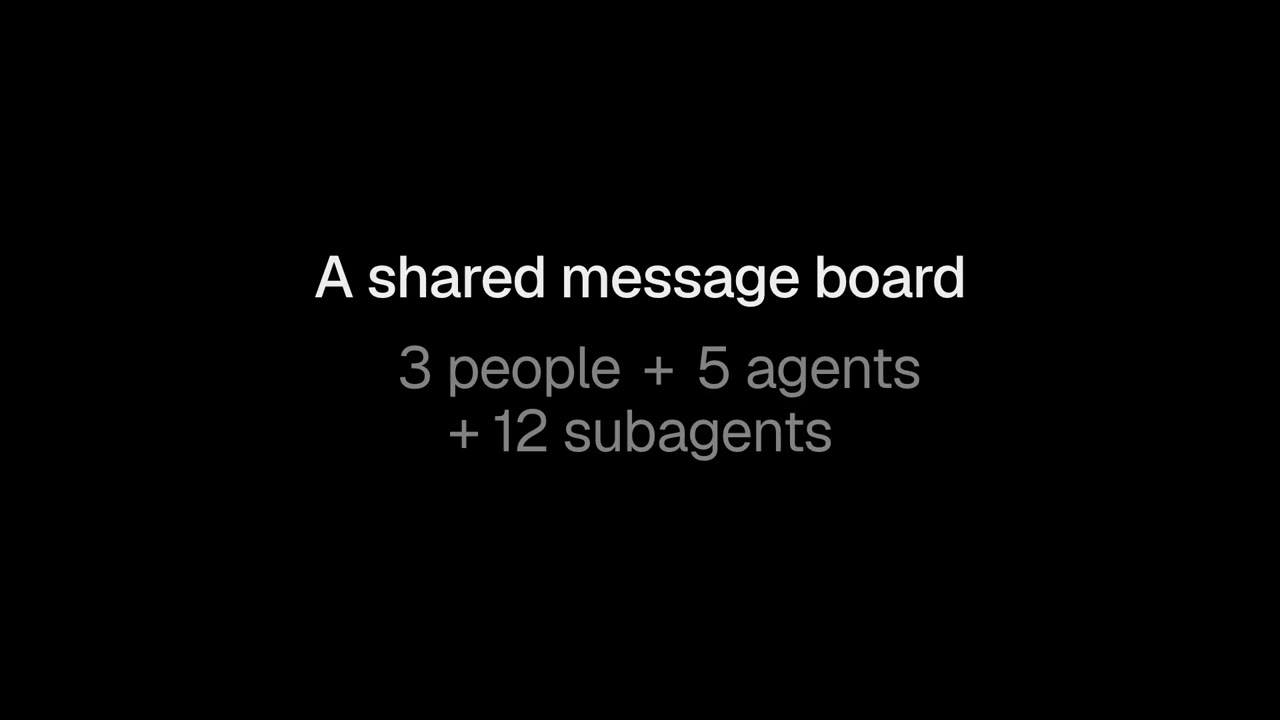
| 0:00–0:06 | Many triggers |
| 0:06–0:10 | Loop runs |
| 0:10–0:13 | Find related items |
| 0:13–0:16 | Direct message |
| 0:16–0:19 | Notification |
| 0:19–0:22 | Product name |
| 0:22–0:26 | Short claim |
| 0:26–0:28 | Brand |
The rules it keeps
- 1Cut quickly through the triggers, then follow the actions in order along the track.
- 2Follow the dot in close-up and highlight each label only when the dot arrives.
- 3Keep three brightness levels: dot over label, label over background marks.
- 4When the product name appears, remove the surrounding detail to leave room for the line.
The look
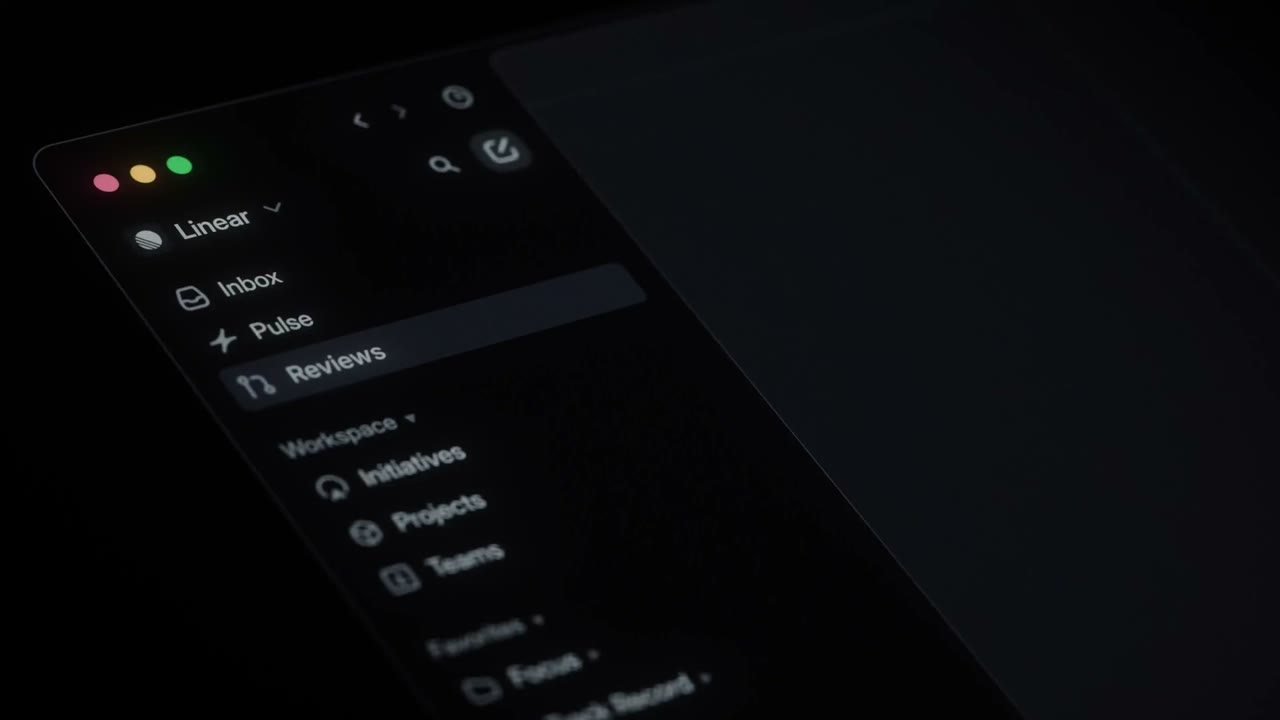
Black background, thin grey track, cool purple as support colour, clear sans-serif node labels.
To make it yours
Replace the labels after listing your own triggers and the result of each; keep the two ends, trigger and action, and add no new node on the brand page.
Make a film like this
Make It Like This Film is a skill for Claude Code, Codex or Cursor. Give it this brief and your own material: it studies the reference, plans your film against its frames and checks the result side by side. It follows the structure, pacing and motion; the product, words, logo and pictures are yours.
Make a film for my product (product demo) like this reference: https://claude-motion.com/motion-references/linear-loops-a-dot-runs-the-loop-from-trigger-to-action
The reference film itself, to study: https://media.claude-motion.com/gallery/ref-2099541754051530805.mp4 (2.5 MB, about 28 seconds). Download that file and work from it.
What happens in it: Many triggers → Loop runs → Find related items → Direct message → Notification → Product name → Short claim → Brand.
Rules it keeps:
- Cut quickly through the triggers, then follow the actions in order along the track.
- Follow the dot in close-up and highlight each label only when the dot arrives.
- Keep three brightness levels: dot over label, label over background marks.
- When the product name appears, remove the surrounding detail to leave room for the line.
Look: Black background, thin grey track, cool purple as support colour, clear sans-serif node labels.
Use my own product, words, logo and pictures. Here is my material: [your product, screens, logo, the lines that must appear].