Product demo · Krea
Krea Ad Studio: a brand URL becomes a family of ads
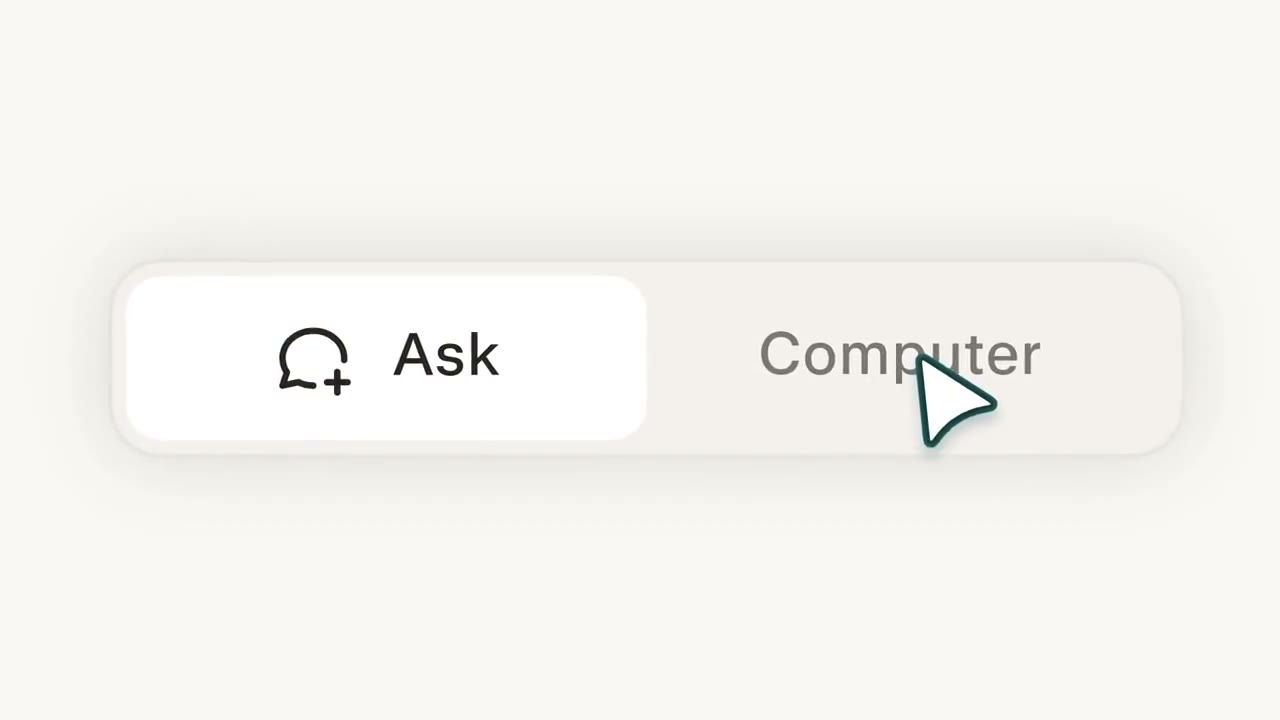
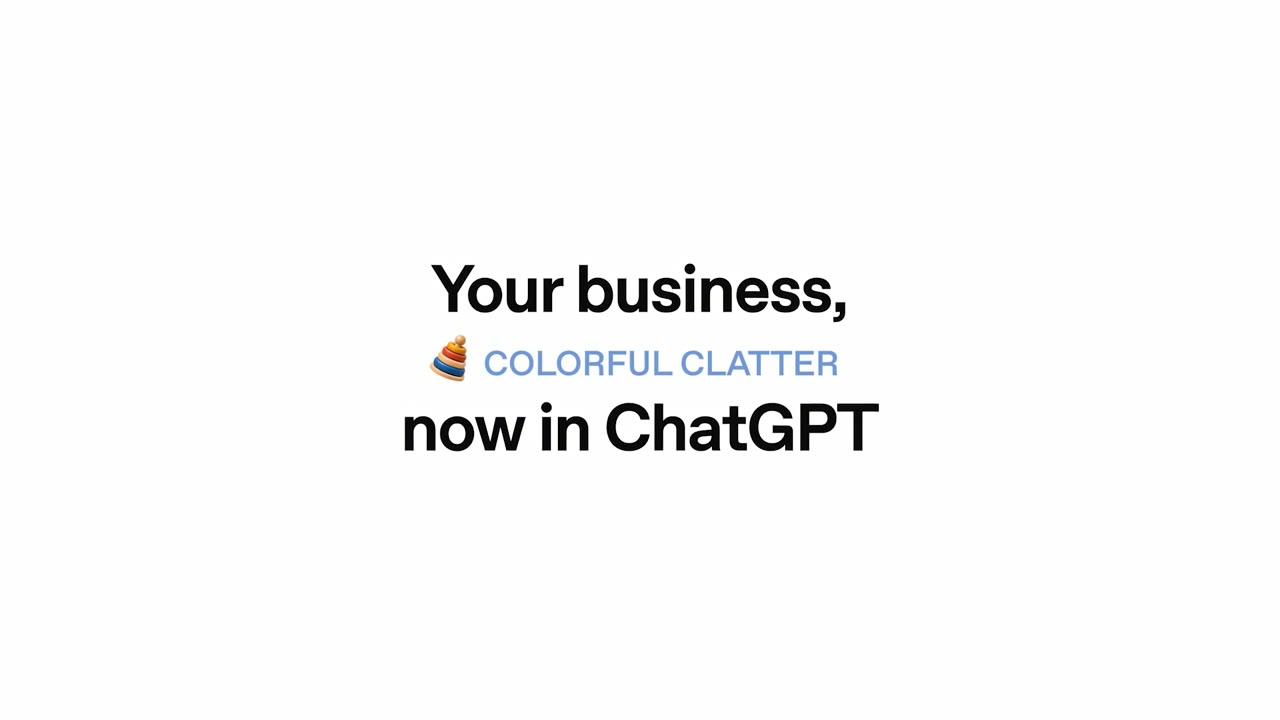
After a URL is typed, posters around it collect into a brand kit: logo, colours, fonts and product photos. The product multiplies around a ring while a counter grows, the ring opens into an ad gallery, and one ad is edited.
- Kind
- Product demo
- Length
- 35 s
- Shape
- 16:9
- Posted
- 2026-10-29
- By
- Krea (@krea_ai)
- Look
- Product UILightMinimalCollage
- Colours
What happens
Times are estimates from watching the film.
| Time | On screen |
|---|---|
| 0:00–0:03 | Type the brand URL |
| 0:03–0:05 | Brand material gathers |
| 0:05–0:08 | Brand kit |
| 0:08–0:11 | Product photos |
| 0:11–0:15 | Ring with counter |
| 0:15–0:19 | Ad gallery |
| 0:19–0:27 | Edit one ad |
| 0:27–0:33 | Channel preview |
| 0:33–0:34 | Brand |
The rules it keeps
- 1Build the brand kit first, and open the ad gallery only after the counter has grown.
- 2Give every number an object: copy the product around a ring and raise the centre number with each copy.
- 3Pull one ad out of the gallery and change the clothes colour, the background and the title one after another.
- 4Let a coloured cursor carry the edit frame while the other material leaves focus.
The look
Plain white background, colour only from the material, black titles and small edit frames.
To make it yours
Replace the brand kit, the products and the ad titles as one set; keep the flow of batch generation followed by editing one piece.
Make a film like this
Make It Like This Film is a skill for Claude Code, Codex or Cursor. Give it this brief and your own material: it studies the reference, plans your film against its frames and checks the result side by side. It follows the structure, pacing and motion; the product, words, logo and pictures are yours.
Make a film for my product (product demo) like this reference: https://claude-motion.com/motion-references/krea-ad-studio-a-brand-url-becomes-a-family-of-ads
The reference film itself, to study: https://media.claude-motion.com/gallery/ref-2115881363413008611.mp4 (3.2 MB, about 35 seconds). Download that file and work from it.
What happens in it: Type the brand URL → Brand material gathers → Brand kit → Product photos → Ring with counter → Ad gallery → Edit one ad → Channel preview → Brand.
Rules it keeps:
- Build the brand kit first, and open the ad gallery only after the counter has grown.
- Give every number an object: copy the product around a ring and raise the centre number with each copy.
- Pull one ad out of the gallery and change the clothes colour, the background and the title one after another.
- Let a coloured cursor carry the edit frame while the other material leaves focus.
Look: Plain white background, colour only from the material, black titles and small edit frames.
Use my own product, words, logo and pictures. Here is my material: [your product, screens, logo, the lines that must appear].