Product demo · Framer
Framer Skills: typed rules become one reusable command
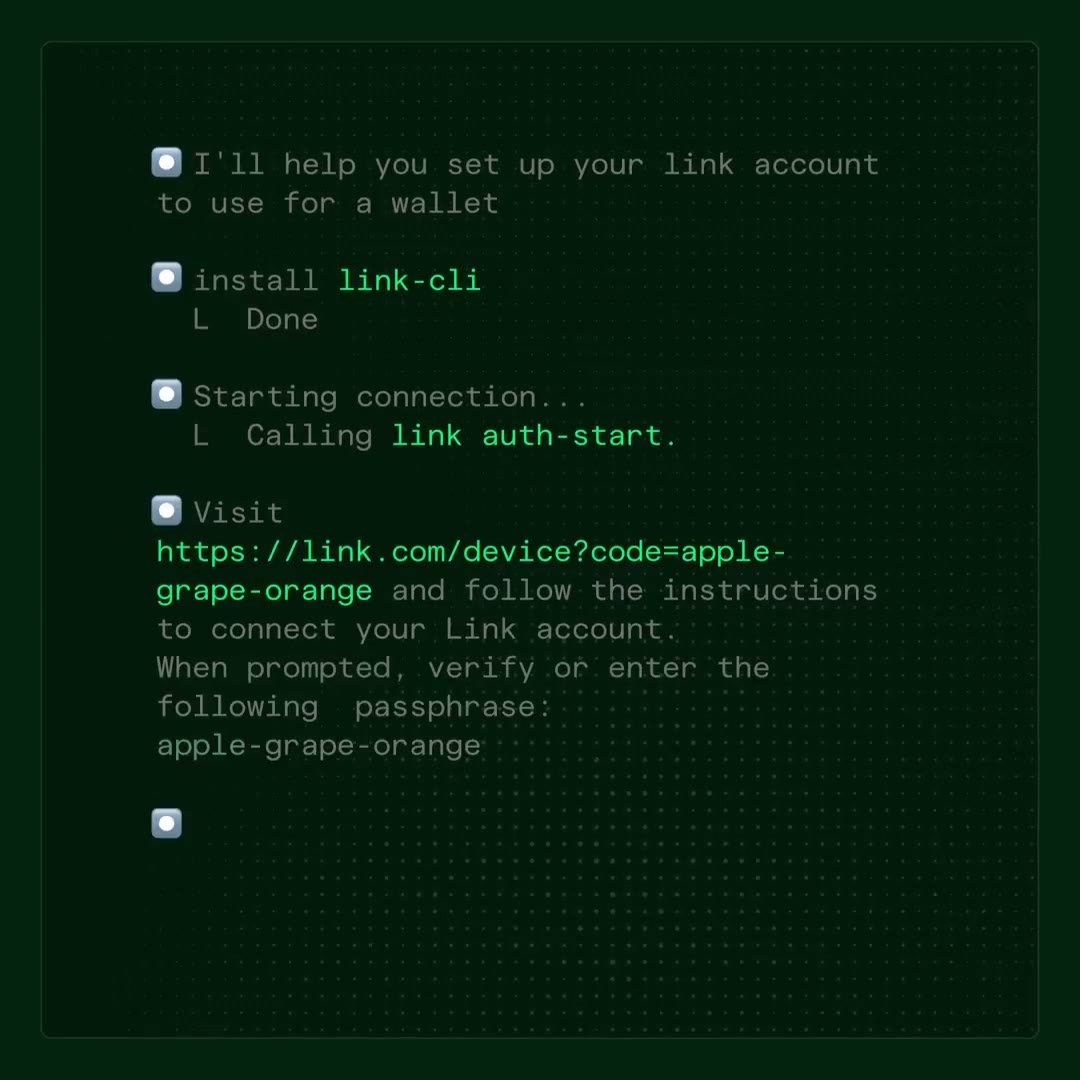
The film opens with font and quote-mark rules typed again and again, then shows finished pages that follow them. A design skill is called and a new page appears in the same style, and the end shrinks it all to one command tag.
- Kind
- Product demo
- Length
- 30 s
- Shape
- 16:9
- Posted
- 2026-09-22
- By
- Framer (@framer)
- Look
- Product UIDarkMinimal
- Colours
What happens
Times are estimates from watching the film.
| Time | On screen |
|---|---|
| 0:00–0:05 | Rules typed repeatedly |
| 0:05–0:12 | Tour of page details |
| 0:12–0:17 | Call the design skill |
| 0:17–0:25 | New page, same style |
| 0:25–0:29 | Command tag |
| 0:29–0:30 | Logo |
The rules it keeps
- 1Show the repeated work first: type the same kind of rule several times before any shortcut appears.
- 2Line up several pages in a row with the centre one larger and outlined in thin blue.
- 3Give the new page the same border and text levels as the old ones, so the link is visible.
- 4End by enlarging the command tag with a rounded blue outline and a short glow, with no complex interface.
The look
Dark editor with white sans-serif text, command snippets on bright blue or with a blue glow, thin blue border on the selected page.
To make it yours
Replace the reused brand rules, the command name and the page content; keep the before and after: repeated rules → call the skill → consistent result.
Make a film like this
Make It Like This Film is a skill for Claude Code, Codex or Cursor. Give it this brief and your own material: it studies the reference, plans your film against its frames and checks the result side by side. It follows the structure, pacing and motion; the product, words, logo and pictures are yours.
Make a film for my product (product demo) like this reference: https://claude-motion.com/motion-references/framer-skills-typed-rules-become-one-reusable-command
The reference film itself, to study: https://media.claude-motion.com/gallery/ref-2102408056856609042.mp4 (3.1 MB, about 30 seconds). Download that file and work from it.
What happens in it: Rules typed repeatedly → Tour of page details → Call the design skill → New page, same style → Command tag → Logo.
Rules it keeps:
- Show the repeated work first: type the same kind of rule several times before any shortcut appears.
- Line up several pages in a row with the centre one larger and outlined in thin blue.
- Give the new page the same border and text levels as the old ones, so the link is visible.
- End by enlarging the command tag with a rounded blue outline and a short glow, with no complex interface.
Look: Dark editor with white sans-serif text, command snippets on bright blue or with a blue glow, thin blue border on the selected page.
Use my own product, words, logo and pictures. Here is my material: [your product, screens, logo, the lines that must appear].